


Complete Illumination, Maximum Comfort
ScreenBar Halo 2

By Series
Immersive Gaming Series Home Cinema Series Projectors TV Projector Series Portable Series Golf Simulator ProjectorsBy Scenario
Home Entertainment Projectors Best 4K Projectors Best Projector for World Football Video Streaming GV Series Portable Ceiling ProjectorsBy Trending Word
4K UHD (3840×2160) Short Throw 2D, Vertical/Horizontal Keystone LED Laser With Android TV With Low Input LagExplore Commercial Projector
Professional Installation Exhibition & Simulation Small Business & Corporation Education Golf SimulatorRemote Work & Learning


Projector

Monitor
Lighting
Interactive Display | Signage
Remote Work & Learning
ScreenBar Halo 2


Which Lamp is right for you?
Compare all lamps
Recommended
With Backlight
From {{currency}}{{ formatPrice(n[1]) }} -
Learn more3rd Gen ASYM-Light™
Optical Design
Operation
Wireless Controller with Display Panel/Wireless controller
Operation
Monitor Type & Thickness(cm)
Curved Monitor /Flat Monitor
Monitor Compatibility
Center Illuminance
Lighting Coverage ( ≧ 500 lux )
2700K - 6500K Stepless
Color Temperature
Real-time Auto-Dimming
Auto Dimming Mode
Ultrasonic Sensor/None
Auto On/Off
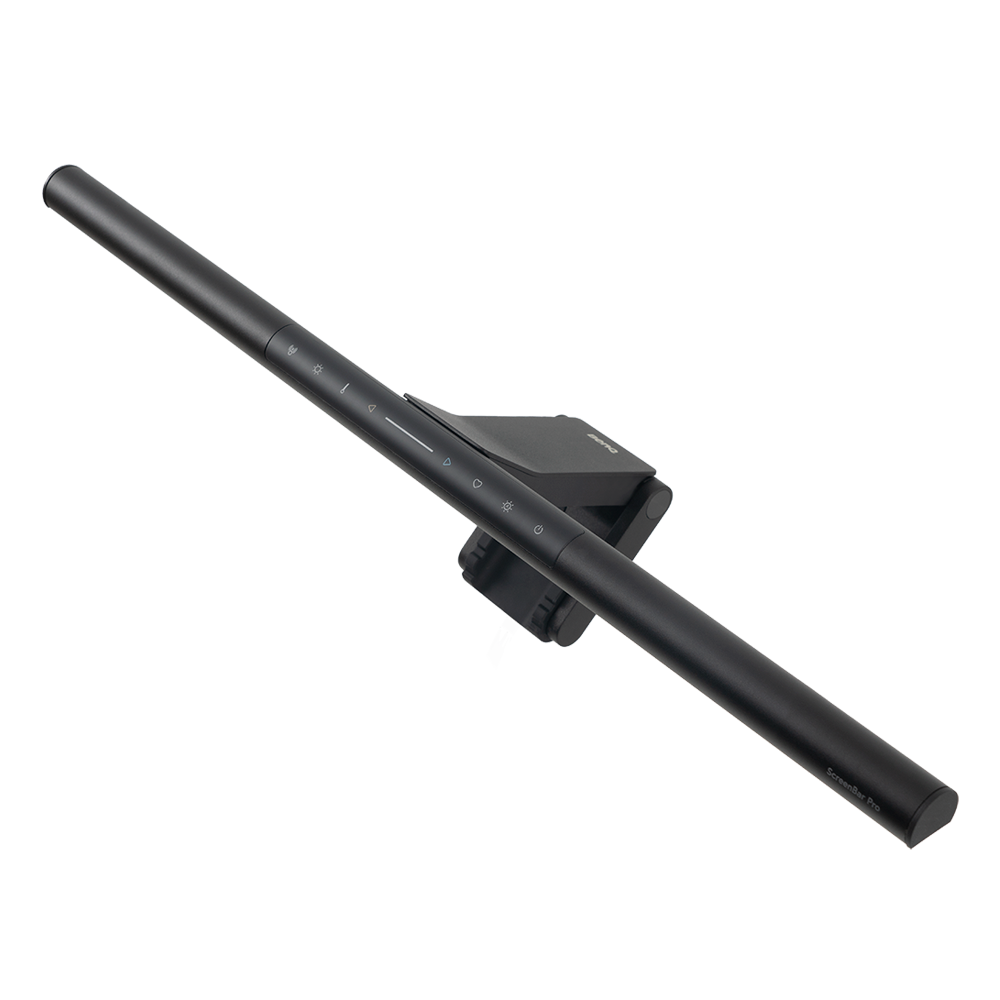
Without Backlight
From {{currency}}{{ formatPrice(n[1]) }} -
Learn more3rd Gen ASYM-Light™
Optical Design
Operation
Integrated Touch Console/Built-in Touch Interface
Operation
Monitor Type & Thickness(cm)
Curved Monitor /Flat Monitor
Monitor Compatibility
Center Illuminance
Lighting Coverage ( ≧ 500 lux )
2700K - 6500K 8 Levels
Color Temperature
Real-time Auto-Dimming
Auto Dimming Mode
Ultrasonic Sensor/None
Auto On/Off
Details
ScreenBar Halo 2: 3rd Gen ASYM-Light™
ScreenBar Halo: 2nd Gen ASYM-Light™
Details
ScreenBar Halo 2
[Flat Monitor] Monitor Thickness: 0.17''- 2.36'' (0.43-6 cm)
[Curved Monitor] Monitor Thickness: 0.17''- 2.36'' (0.43-6 cm) / Curvature: 1000R-1800R
ScreenBar Halo
[Flat Monitor] Monitor Thickness: 0.28''- 2.36'' (0.7-6 cm)
[Curved Monitor] Monitor Thickness: 0.28''- 1.65'' (0.7-4.2 cm) / Curvature: 1000R-1800R
Details
ScreenBar Halo 2
Height 19.7" (50cm)
ScreenBar Halo
Height 17.7" (45cm)
Details
ScreenBar Halo 2
33.5" - 19.7" (85 x 50cm)
ScreenBar Halo
24.8" - 15.7" (63cm x 40cm)
Height 17.7" (45 cm)
Details
The lamp changes the lighting according to the ambient brightness.
Details
Equipped with an ultrasonic sensor, the light is automatically controlled based on motion detection. When the sensor is positioned 50 cm above the desk, it covers a conical detection area approximately 60 ± 10 cm in front of the screen. The light will automatically turn on when motion is detected and turn off after 5 minutes of inactivity when the user leaves the seat.
Details
ScreenBar Pro: 3rd Gen ASYM-Light™
ScreenBar: 1st Gen ASYM-Light™
Details
ScreenBar Pro
[Flat Monitor] Monitor Thickness: 0.17''- 2.55'' (0.43cm - 6.5cm)
[Curved Monitor] Monitor Thickness: 0.17''- 2.55'' (0.43cm - 6.5cm) / Curvature: 1000R-1800R
ScreenBar
Monitor Thickness: 0.4''- 1.2'' (1-3 cm) / Curvature: 1800R
Details
ScreenBar Pro
Height 19.7" (50cm)
ScreenBar
Height 17.7" (45cm)
Details
ScreenBar Pro
33.5" - 19.7" (85 x 50cm)
ScreenBar
23.6" - 11.8" (60 x 30cm)
Details
The lamp changes the lighting according to the ambient brightness.
Details
Equipped with an ultrasonic sensor, the light is automatically controlled based on motion detection. When the sensor is positioned 50 cm above the desk, it covers a conical detection area approximately 60 ± 10 cm in front of the screen. The light will automatically turn on when motion is detected and turn off after 5 minutes of inactivity when the user leaves the seat.
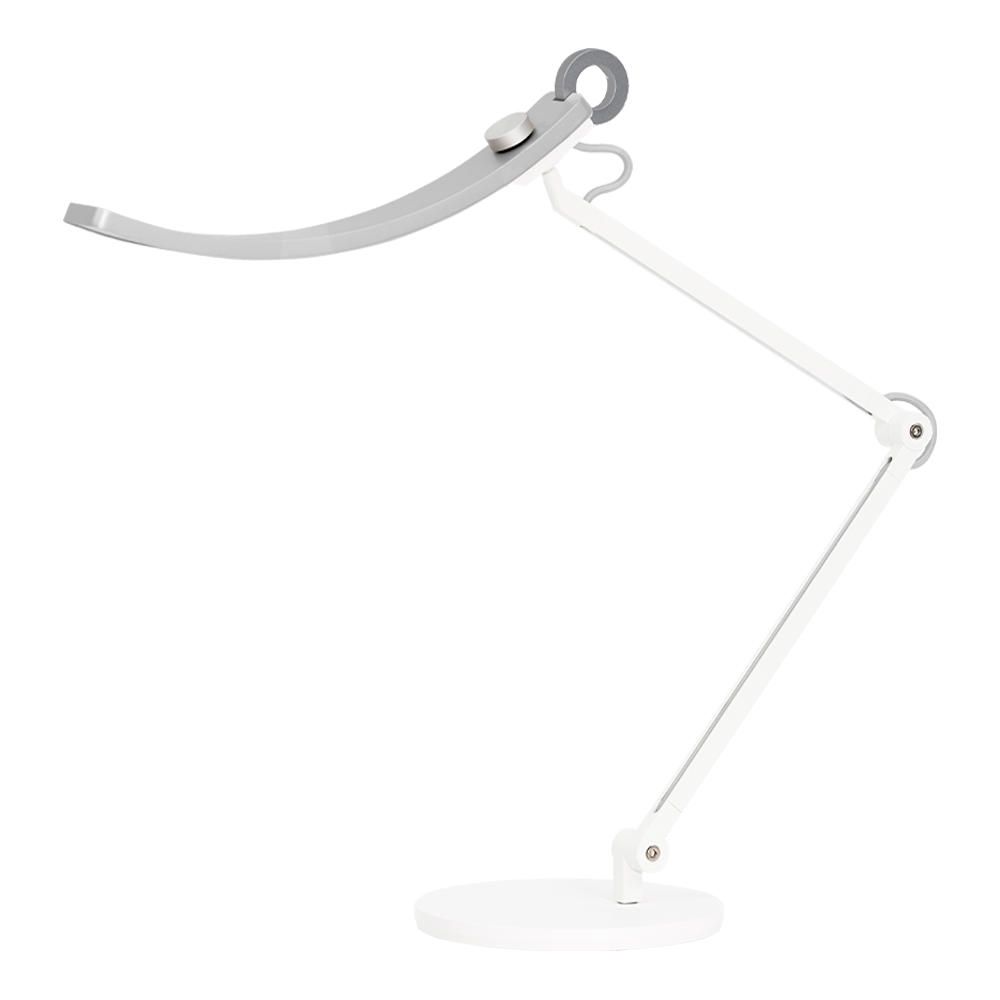
e-Reading Desk Lamp
From {{currency}}{{ formatPrice(n[1]) }} -
Learn moreOptical Design
OVAL-Light™/ZONA-Light™
Optical Design
Operation
Dimming Knob
Operation
1600 lux
Center Illuminance
Width 90cm
Lighting Coverage ( ≧ 500 lux )
2700K - 5700K 13 Levels
Color Temperature
Paper Mode/Screen Mode
Auto Dimming Mode
Details
Height 17.7" (45cm)
Details
Width 90cm
Height 17.7" (45cm)
Details
Paper Mode: E-Reading Desk Lamp provides 1000 lx of illumination directly below—with no glare—at a color temperature of 5700k.
Screen Mode: In order to avoid high lighting contrast between the brightness of the lamp and the screen, the lamp stays at an illumination level of 500 lx at a color temperature of 4000k. The unique 'brighter at the sides, darker at the middle’ optical design can reduce screen glare to protect your eyes.

New
PianoLight
PianoLight Series
From {{currency}}{{ formatPrice(n[1]) }} -
Learn moreOptical Design
2nd Gen STEREO-Light™ /3rd Gen STEREO-Light™
Optical Design
Operation
Top-Mounted Touch Panel
Operation
Upright Piano/Grand Piano
Monitor Compatibility
Up to
Keyboard 1070lux
Center Illuminance
sheet music 42 cm x 29.7 cm
Lighting Coverage ( ≧ 500 lux )
2700K~5000K
Color Temperature
Real-time Auto-Dimming
Auto Dimming Mode
Auto On/Off
Details
PianoLight is designed for upright pianos.
PianoLight Grand is suitable for grand pianos and digital pianos.
Details
PianoLight
center of keyboard: 1110 lx; center of sheet music: 980 lx; 4 corners of sheet music: above 650 lx
** when the head is 27.6" (70cm) above center of keyboard
PianoLight Grand
center of keyboard: 750 lx; center of sheet music: 800 lx; 4 corners of sheet music: above 650 lx
** when the head is 31.5" (80cm) above center of keyboard
Details
sheet music: 16.6" x 11.7" 4(42.2 x 29.8cm) corners of sheet music reach above 500 lx
** when the head is 27.5” (69.9cm) above center of keyboard
Details
PianoLight: 2700K~5000K 6 Levels
PianoLight Grand: 2700K~5300K 7 Levels
Details
The lamp adjusts its lighting according to the ambient brightness.
Details
PianoLight:
The piano lamp automatically turns on when it
detects the user and switches off 10 minutes after
the user leaves, minimizing power waste.
PianoLight Grand:
Equipped with an ultrasonic sensor, the PianoLight Grand can automatically turn on when the pianist takes their seat and turn off 3 minutes after they leave.
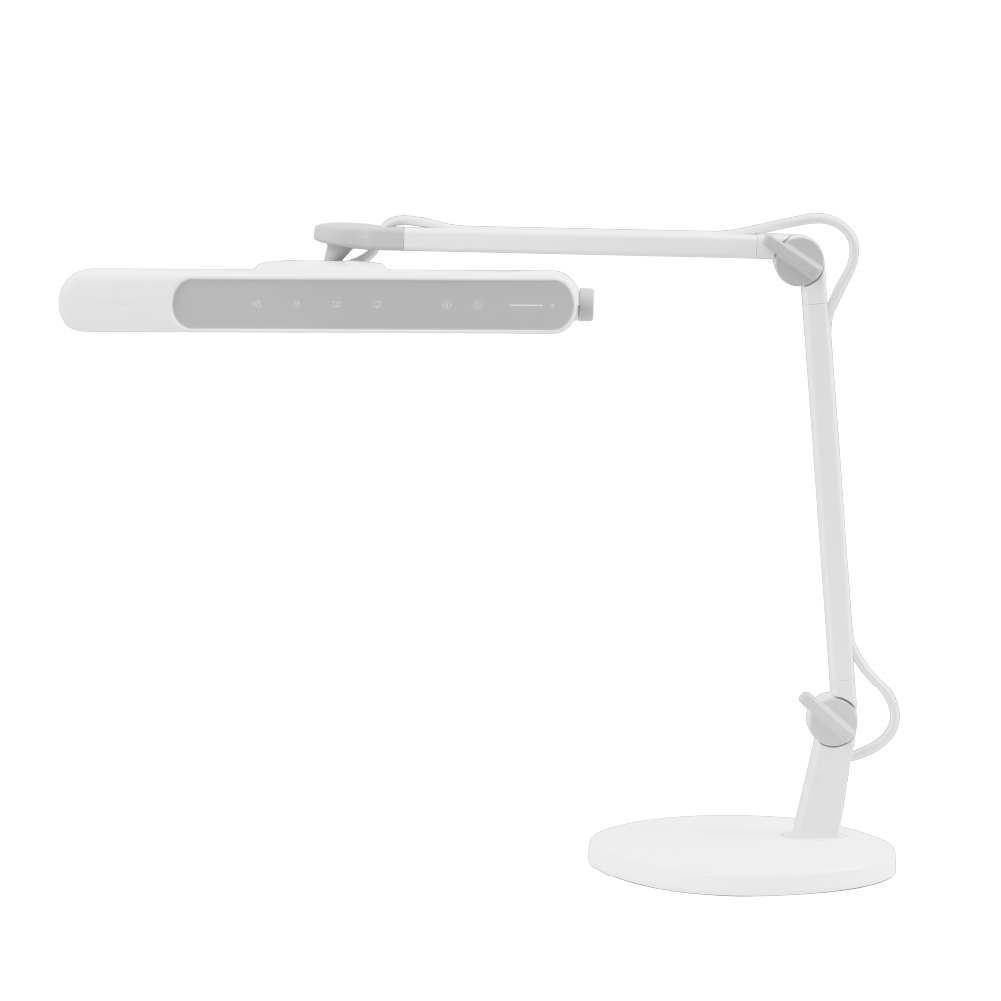
Recommended
Parenting Reading Lamp
MindDuo 2
{{currency}}{{ formatPrice(n[1]) }} -
Learn moreOptical Design
OVAL-Light™/Glare CUT ™
Optical Design
Operation
Visualized Touch UI
Operation
1600 lux
Center Illuminance
Width 95cm
Lighting Coverage ( ≧ 500 lux )
2700K~5700K 7 Color Adjustment
Color Temperature
Paper Mode/Screen Mode
Auto Dimming Mode
Infrared Senseor
Auto On/Off
Details
Height 17.72" (45cm)
Details
Width 95cm Height 15.7" (40cm)
Details
Paper Mode: E-Reading Desk Lamp provides 1000 lx of illumination directly below—with no glare—at a color temperature of 5700k. Screen Mode: In order to avoid high lighting contrast between the brightness of the lamp and the screen, the lamp stays at an illumination level of 500 lx at a color temperature of 4000k. The unique 'brighter at the sides, darker at the middle’ optical design can reduce screen glare to protect your eyes.
Details
With the help on the passive infrared sensor, MindDuo 2 can automatically switch on/off when it detects the presence/absence of the user, reducing power wastage. The lights are automatically switched on within 3 seconds of the user taking the seat and switched off 3 minutes after the user leaving the seat.
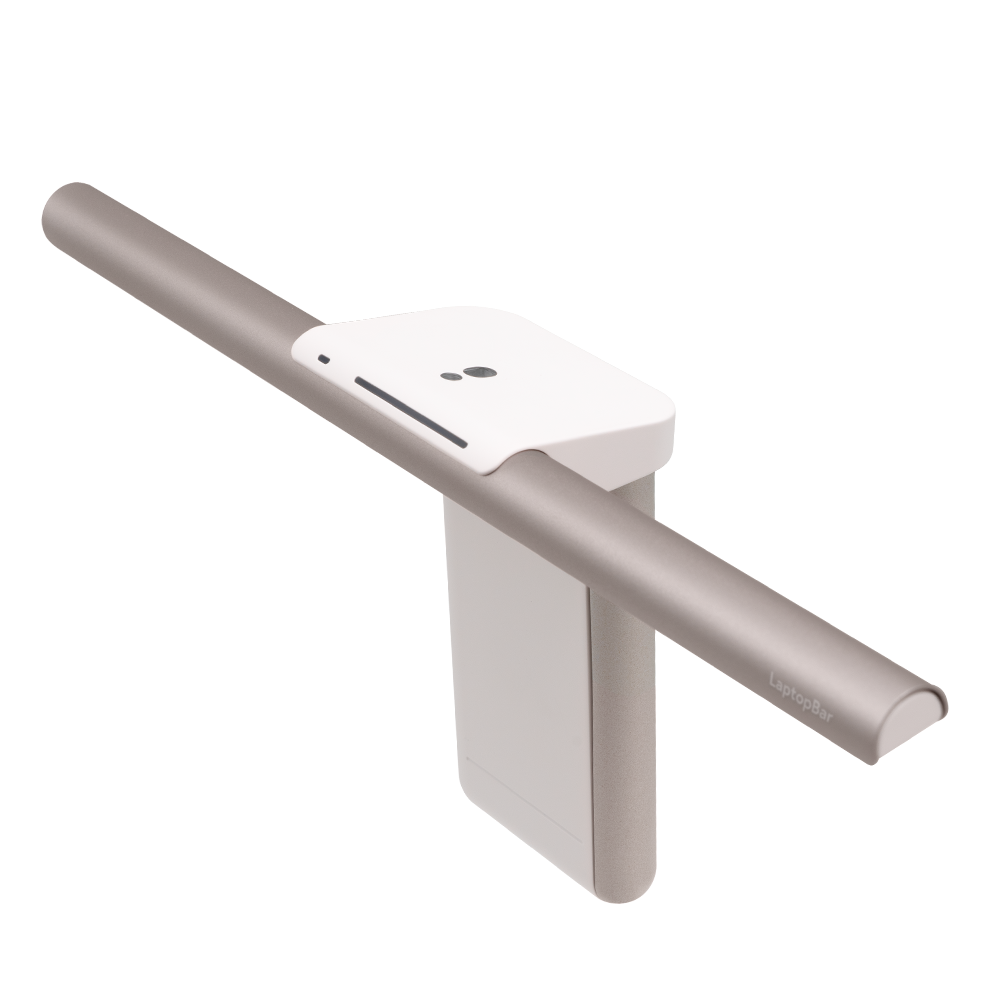
Laptop Light Bar
{{currency}}{{ formatPrice(n[1]) }} -
Learn moreOptical Design
CIRCUM-Light™
Optical Design
Operation
Integrated Touch Strip
Operation
Laptop
Monitor Compatibility
700 lx
Center Illuminance
34cm x 25cm
Lighting Coverage ( ≧ 500 lux )
2700K - 5700K Stepless
Color Temperature
Personalized Auto-dimming
Auto Dimming Mode
Details
Compatible with most laptops, but please refer to the
product page for a few exceptions with special designs.
Details
Height 11.8" (30cm)
Details
Width 34x25cm
Details
LaptopBar's personalized auto-dimming feature
remembers your brightness preferences and intelligently adjusts based on both ambient light and your personal settings.
Support Center
Contact Us


