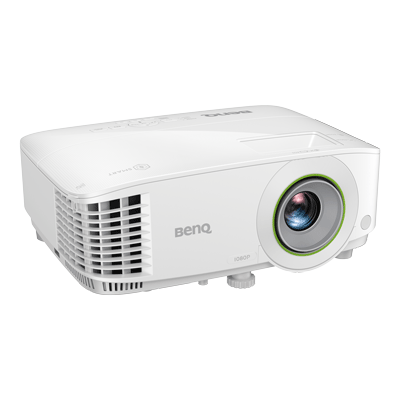
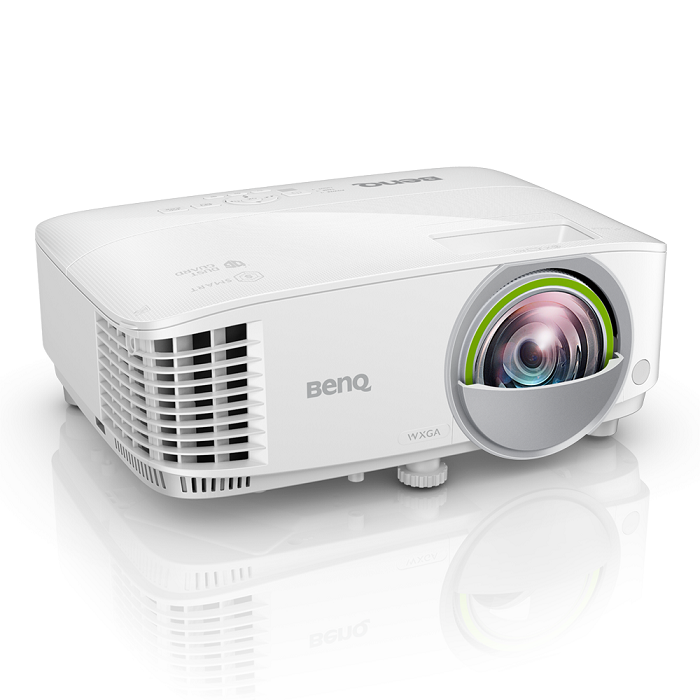
Before wireless presentations, one of the biggest hurdles to productive idea sharing were the nightmarish logistics involved with the numerous cables a meeting involves. But now, we’re all accustomed to streaming entertainment to TVs in our living rooms. To do that, we either use an external dongle like Apple TV and Chromecast to pair the TV to a smart device, or simply purchase a smart TV with everything built-in. So why not do the same with projectors in the meeting room? From a hardware point of view, smart projectors make a lot of sense in office environments. No wires running all over the place and gathering dust, and just a power cable to keep the show going. In terms of the functionality we mentioned, a smart projector that’s also smart obviously supports the apps your teams need to accomplish their goals. The BenQ EH600 arrives with Google Cast protocol. That means it supports Google Cast natively, as part of the ever-popular Chrome browser. With Google Cast, the EH600 receives any type of content from Chrome running on your laptop browser.
If your company presentation is sensitive due to security concerns, please read more here: what are the three best practices to secure wireless HDMI screen mirroring?
Google Cast is especially handy because it uses a tab-based system. While other casting protocols like Miracast mirror entire devices, with Google Cast you can choose to cast specific Chrome tabs. By doing so, Google Cast and the EH600 do more than just remove the need for HDMI and Ethernet cables. Tab-based mirroring lets you only share the tab itself and not system-wide elements like notifications and apps running alongside Chrome.
So how to best go about using Google Cast with a wireless smart projector? Let’s take a look.