WDC10 InstaShow Easy-to-use Wireless Presentation Device
Instant Wireless Screen Mirroring and Collaboration for the Modern Enterprise
- USB/HDMI ports and HDMI input on display device
- No software installation and execution
- WPA2 and AES 128-bit security protection
- CVSS 3.0 standards
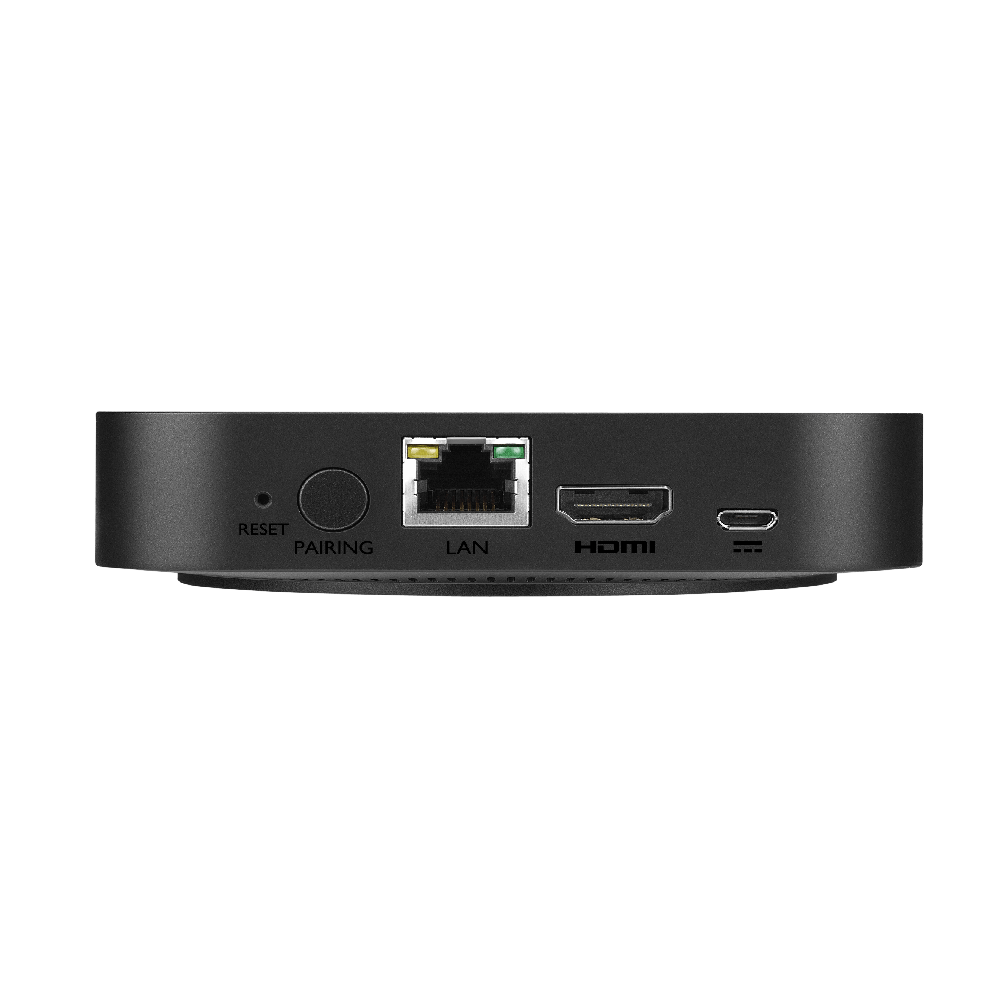
WDC10 InstaShow Easy-to-use Wireless Presentation Device
Instant Wireless Screen Mirroring and Collaboration for the Modern Enterprise
- USB/HDMI ports and HDMI input on display device
- No software installation and execution
- WPA2 and AES 128-bit security protection

The requested qty is not available
The requested qty exceeds the maximum qty allowed in shopping cart
Product that you are trying to add is not available.
• No Software, Zero Driver
• No Messy Cables
• One Simple Button to Start Presenting
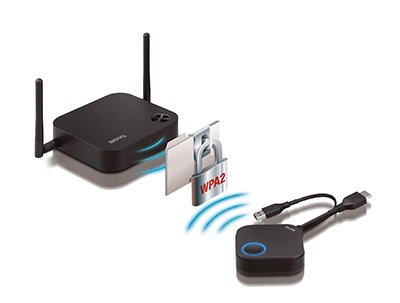
• Enterprise Class Security with AES 128-Bit Encryption

From the beginning, the design of the InstaShow was built around two key principles - Security and Simplicity.
The goal: to enable a visitor to securely connect to a conference, meeting, or huddle room in less than 20 seconds without having to expose their device to any third party applications that could render it vulnerable.

Have you Experienced These Hassles in the Meeting Room?
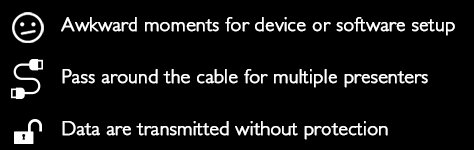

How InstaShow™
Can Solve

One Button to Wireless Presentation
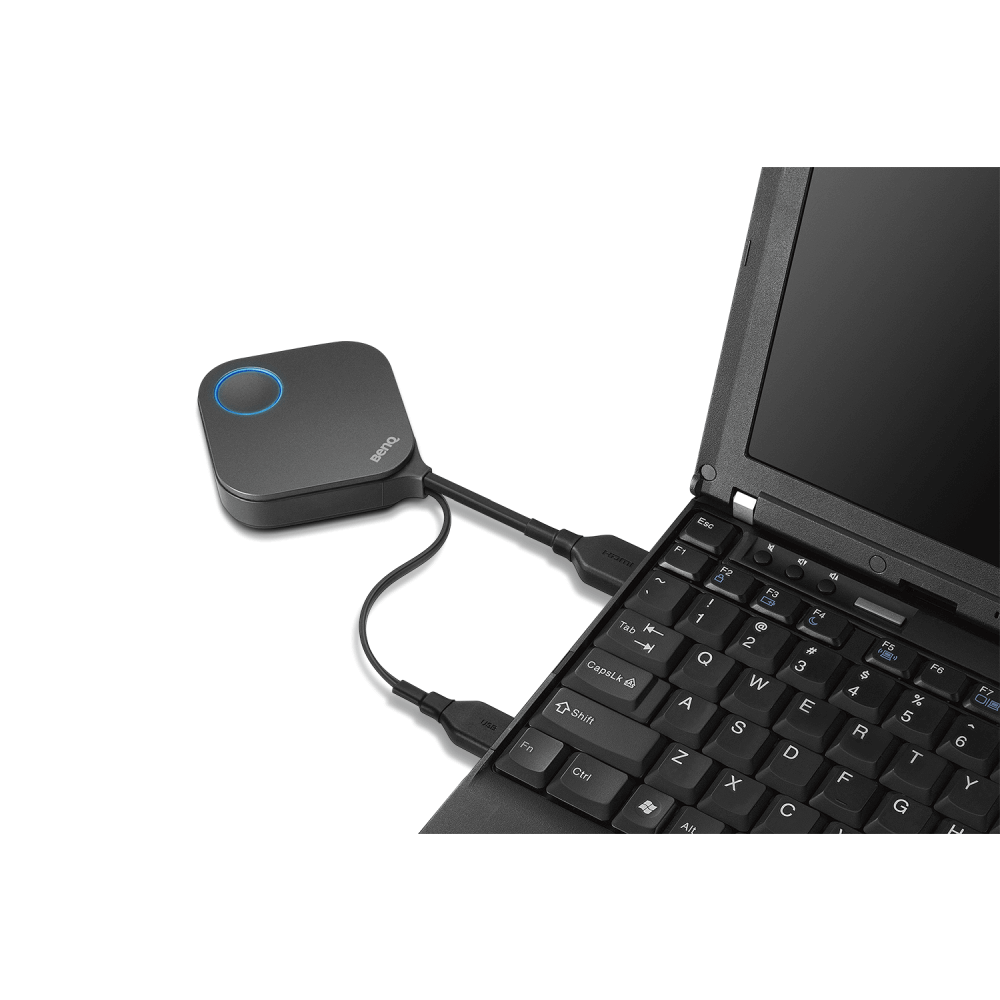
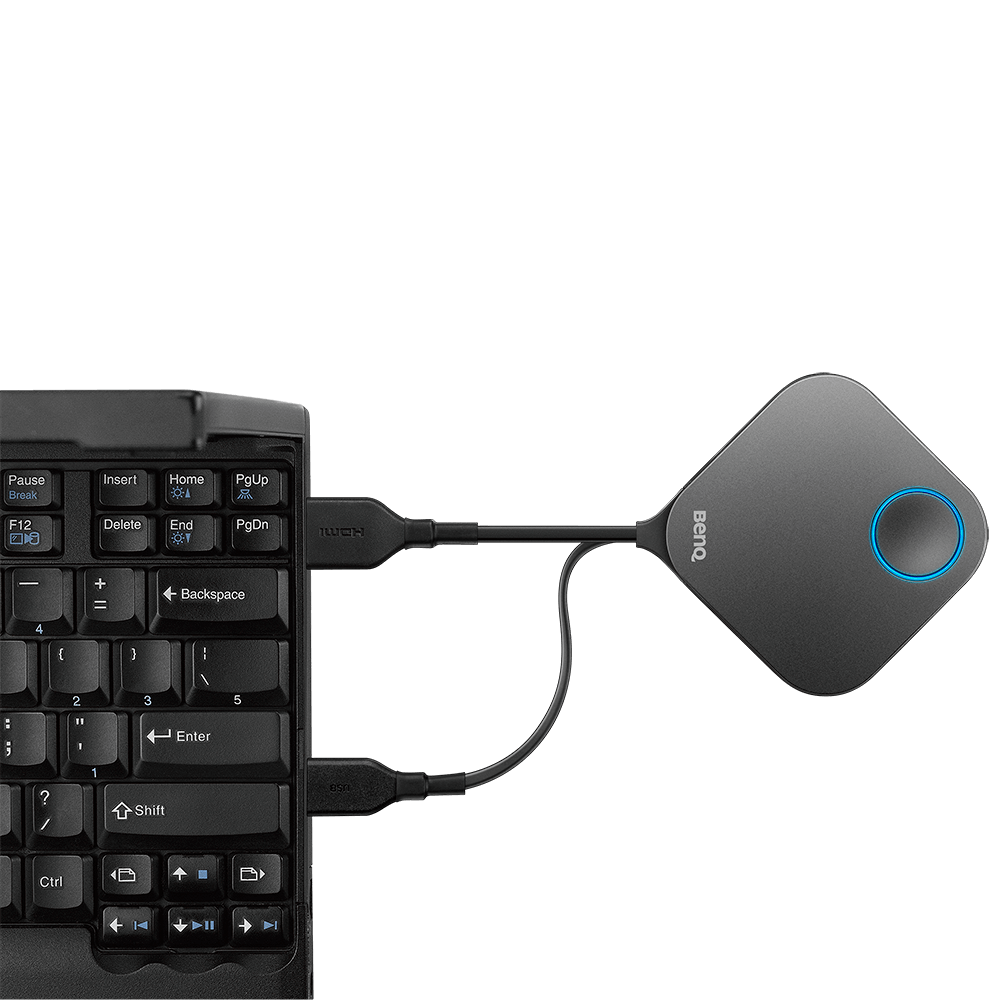
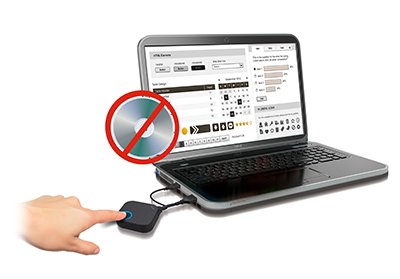
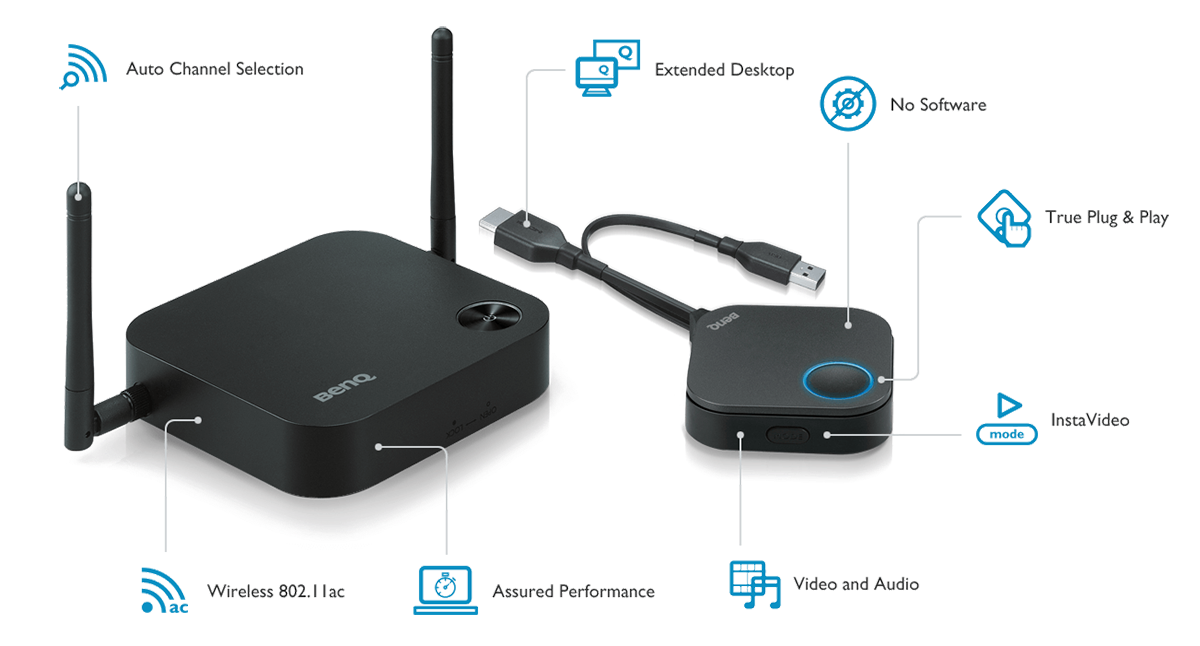
With just a single button, InstaShow™ is an all-hardware solution that requires zero learning curve. Simply plug into your device to start wireless presentation instantly. There is no software to install, configure, or execute. Simply intuitive, anyone that tries InstaShow™ immediately knows how to use it for collaborative presentations.
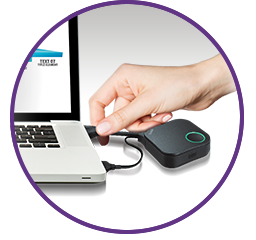
Plug
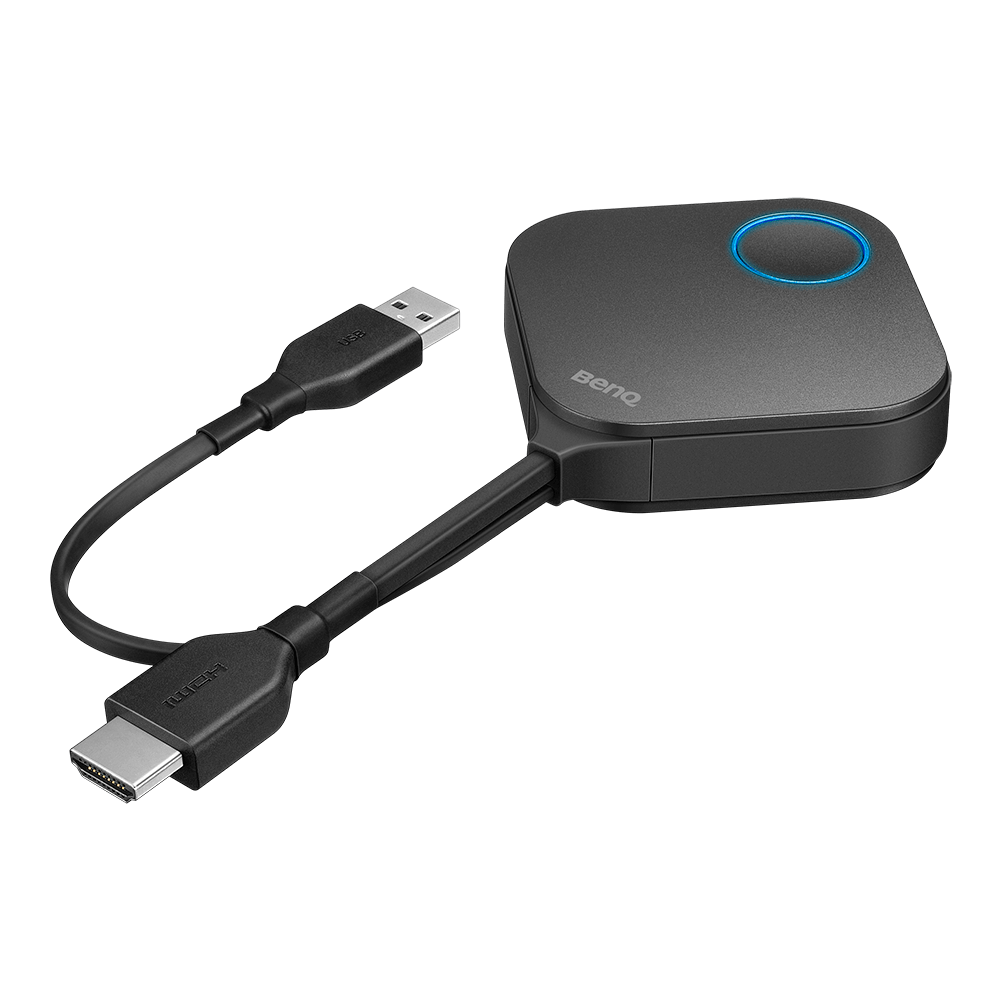
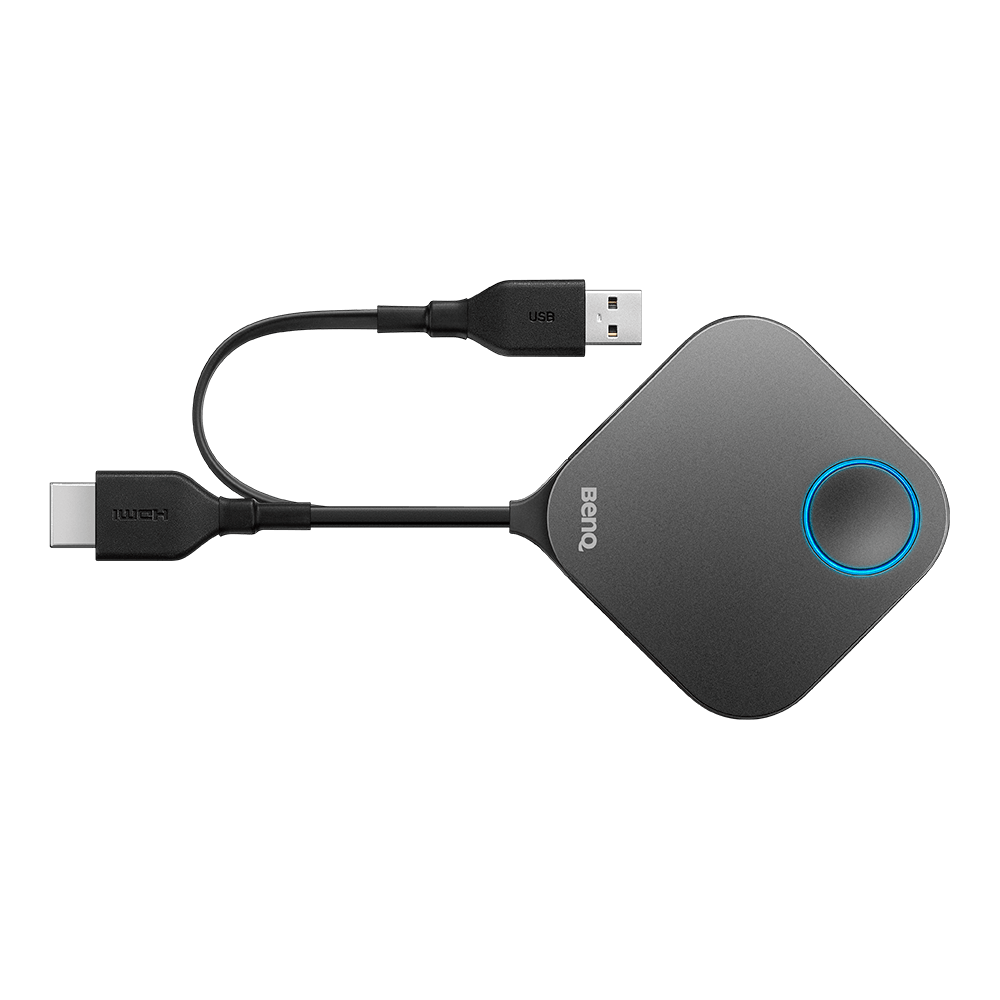
Plug the button kit to the HDMI/USB ports of your device.
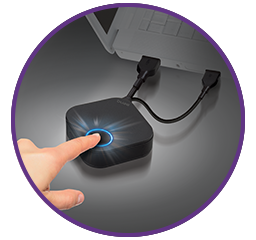
Play
Click on the button to share your screen
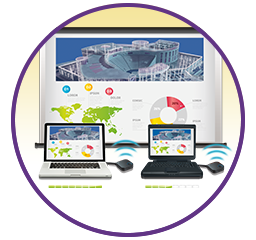
Start to Present
Start full HD wireless presentation
3 Common Mistakes About Wireless Presentation
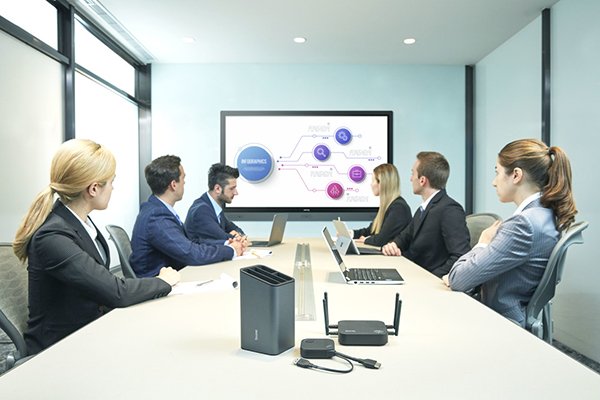
• Believe that wireless presentation systems are more expensive than cables.
• Trust that all wireless HDMI systems are secure.
• Assume that software is required to use a wireless presentation system.
Wireless presentation systems are rapidly replacing traditional wired conference room systems. They are easier to use, require little installation, don't require messy cables on the table, and are less expensive than a traditional control panel / AV Switcher.
InstaShow™ Innovates Your Meeting
InstaShow is a wireless solution that ushers opportunities in network collaboration without additional facility investment or training. Everyone can enjoy simple and quick wireless presentations without awkward moments setting up, enabling instant teamwork for inspirational results.
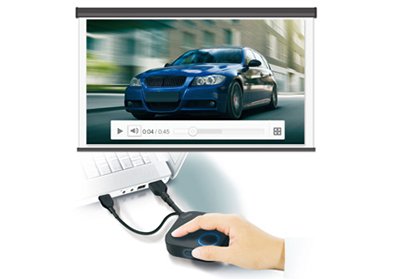
True Plug & Play
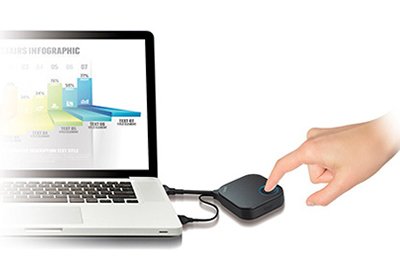
No Software
Full HD InstaVideo Mode
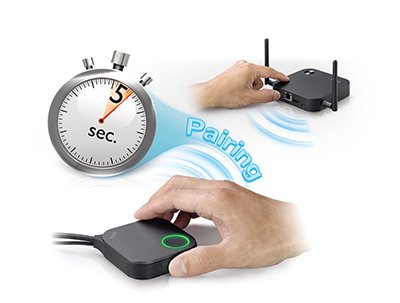
Simple Pairing for up to 16 Presenters
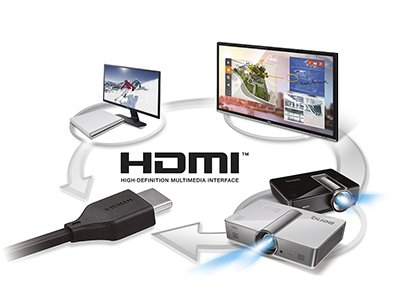
Compatibility on Any Platform
Trustworthy Security Protection
See What Our Customers Say
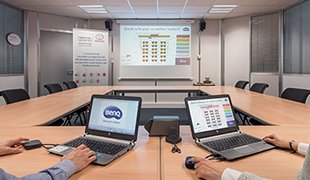
Toyota France
Toyota France accelerates and facilitates presentations with InstaShow for smoother and more efficient meetings.
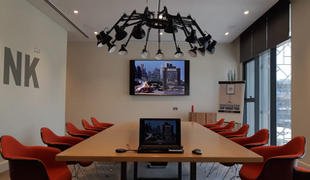
Rove Hotel, UAE
Rove Hotels wow their business guests and corporates by bringing wireless technology into the stylish meeting rooms.
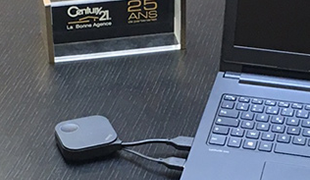
Century 21 France
Century 21 France joins the new technology millennium and increases sales opportunities with InstaShow.
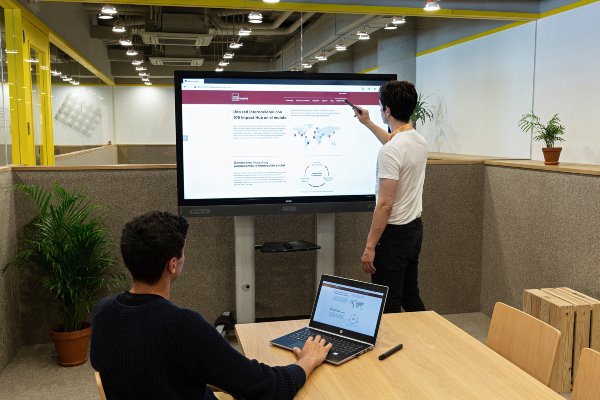
Impact Hub, Spain
Impact Hub boosts coworking synergy with BenQ wireless presentation system and interactive displays.
Knowledge Articles

How Wireless Presentation Systems Help Your Meeting Efficiency?

3 Critical Reasons InstaShow Lets you Present Instantly While Keeping Your Data Safe.

8 Things to Consider Before Purchasing a Wireless Presentation System.
?$ResponsivePreset$&wid=1068)
The Difference Between Barcode Clickshare CS-100 and InstaShow WDC10?
InstaShow™ Plug & Play - WDC10

Fast, Easy, Secure
BenQ InstaShow™
Wireless Presentation System with Enterprise Grade Encryption
Find the Best InstaShow for You
| Model | WDC10 / WDC10C |
WDC20 / WDC20C | WDC30 |
|---|---|---|---|
Model Meeting Type | WDC10 / WDC10C Huddle Room Meeting | WDC20 / WDC20C Middle-Size Room for B.Y.O.D meeting | WDC30 Large-Size Room for confidentiality-sensitive meeting |
Model WiFi Standard | WDC10 / WDC10C WiFi 5 | WDC20 / WDC20C WiFi 5 | WDC30 WiFi 6 |
Model Distance | WDC10 / WDC10C 8m | WDC20 / WDC20C 15m | WDC30 30m |
Model Output Resolution | WDC10 / WDC10C 1080p@60fps | WDC20 / WDC20C 4K@30fps | WDC30 4K@60fps |
Model B.Y.O.D | WDC10 / WDC10C N/A | WDC20 / WDC20C Airplay/ Google Cast/ BenQ InstaShare App | WDC30 Airplay/ Google Cast/ BenQ InstaShare App |
Model Max Connection | WDC10 / WDC10C 16 | WDC20 / WDC20C 32 | WDC30 64 |
Model Button Interface | WDC10 / WDC10C HDMI+USB Power or USB Type C | WDC20 / WDC20C HDMI+USB Power or USB Type C | WDC30 HDMI+USB Power |
Model WiFi Encryption | WDC10 / WDC10C WPA2 | WDC20 / WDC20C WPA2 | WDC30 WPA3 |
Model WiFi Security Certificate | WDC10 / WDC10C N/A | WDC20 / WDC20C N/A | WDC30 · CC EAL6+ (ISO/IEC 15408) · FIPS 140-4 |
Model Others | WDC10 / WDC10C N/A | WDC20 / WDC20C HID Touchback Support | WDC30 · HID Touchback Support · Certified Germ Resistance |
Optional Accessories for InstaShow™
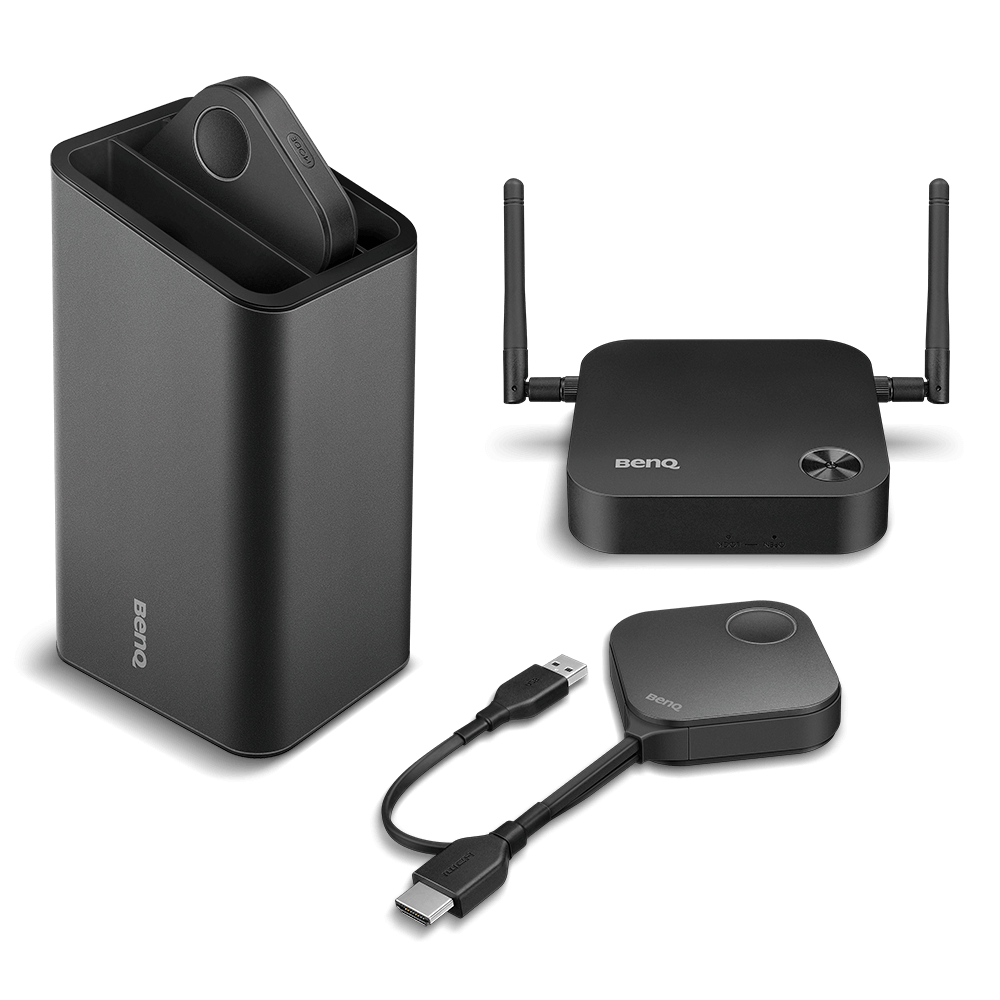
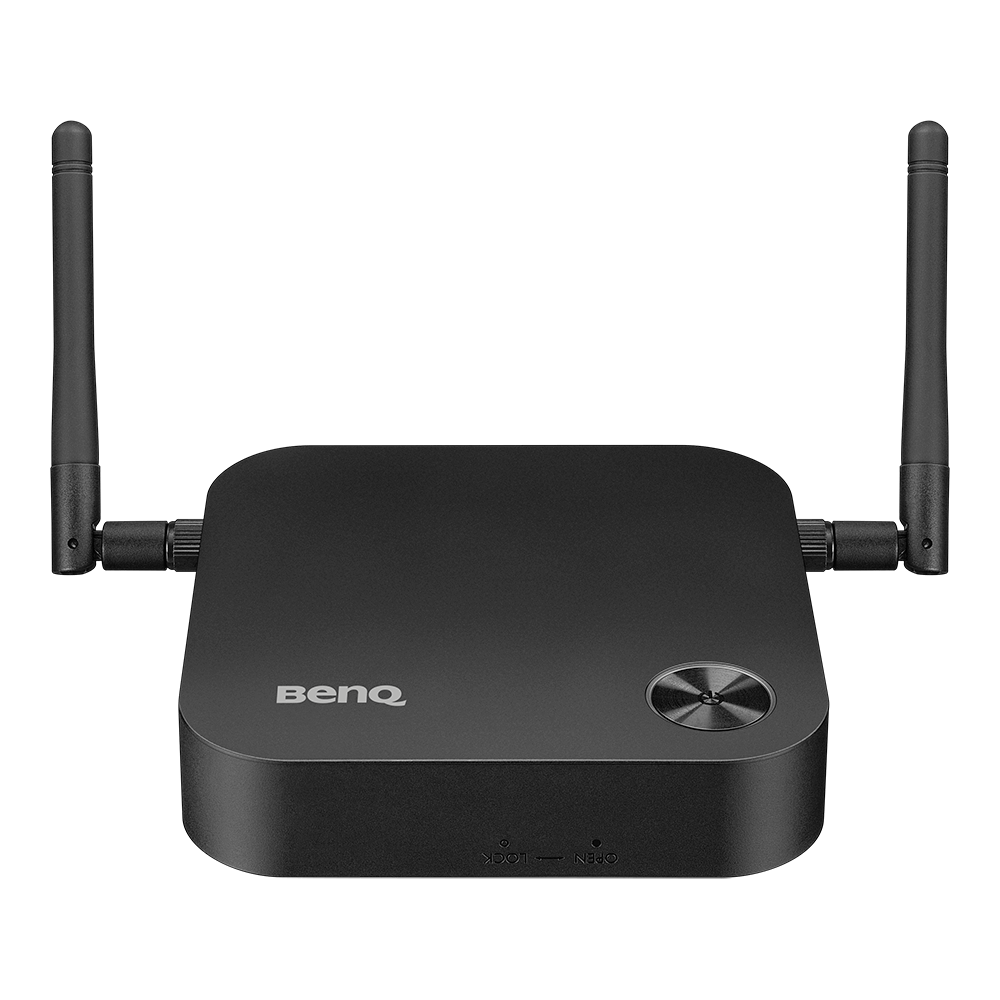
BenQ InstaShow™ host can be paired with up to 16 button kits simultaneously, so participants can take turns presenting at one touch of the button. Whether your device has a USB Type A & HDMI cable, or is designed with USB Type C with DP Alt Mode, InstaShow™ provides flexible accessories to suit your business need for better collaboration and efficiency.
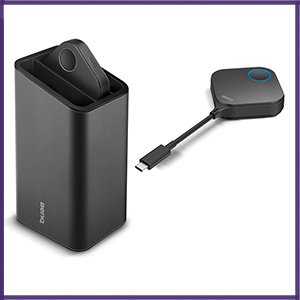
InstaShow™ USB-C Button Kit Set
● USB Type C DP Alt Mode button x2
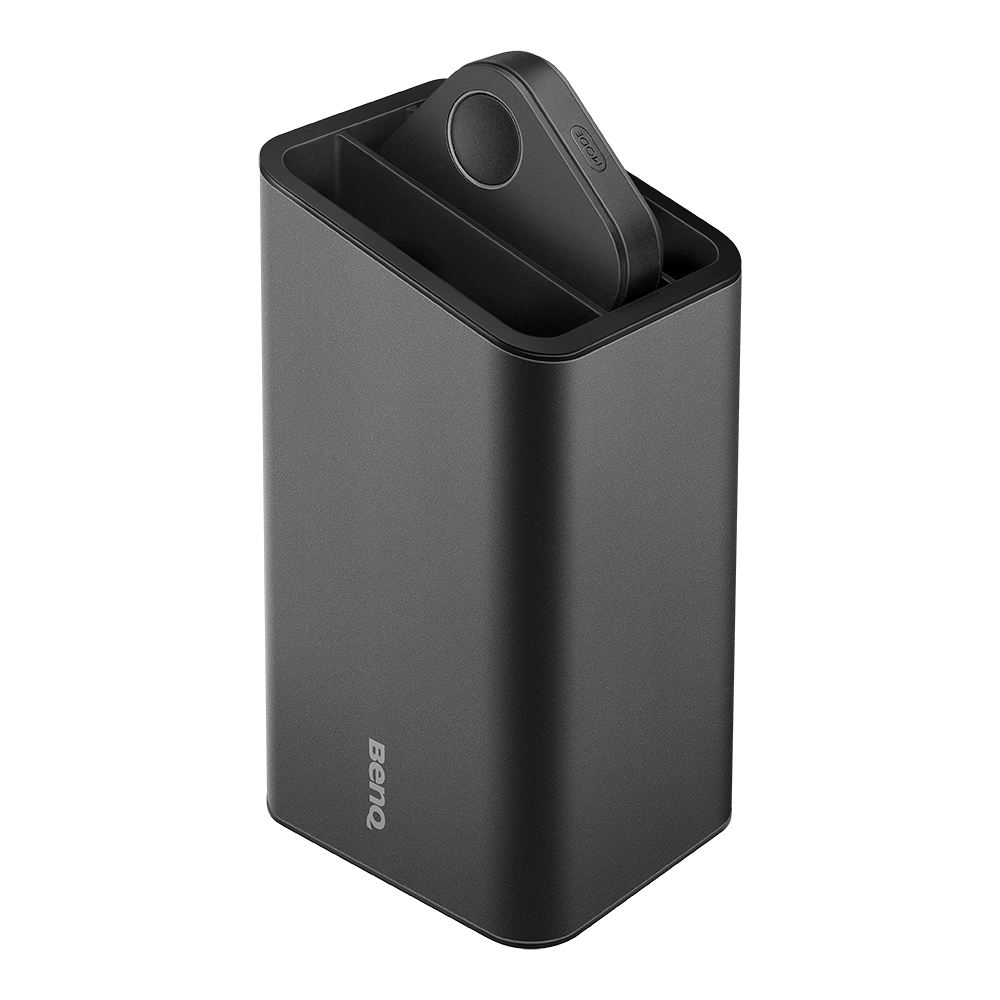
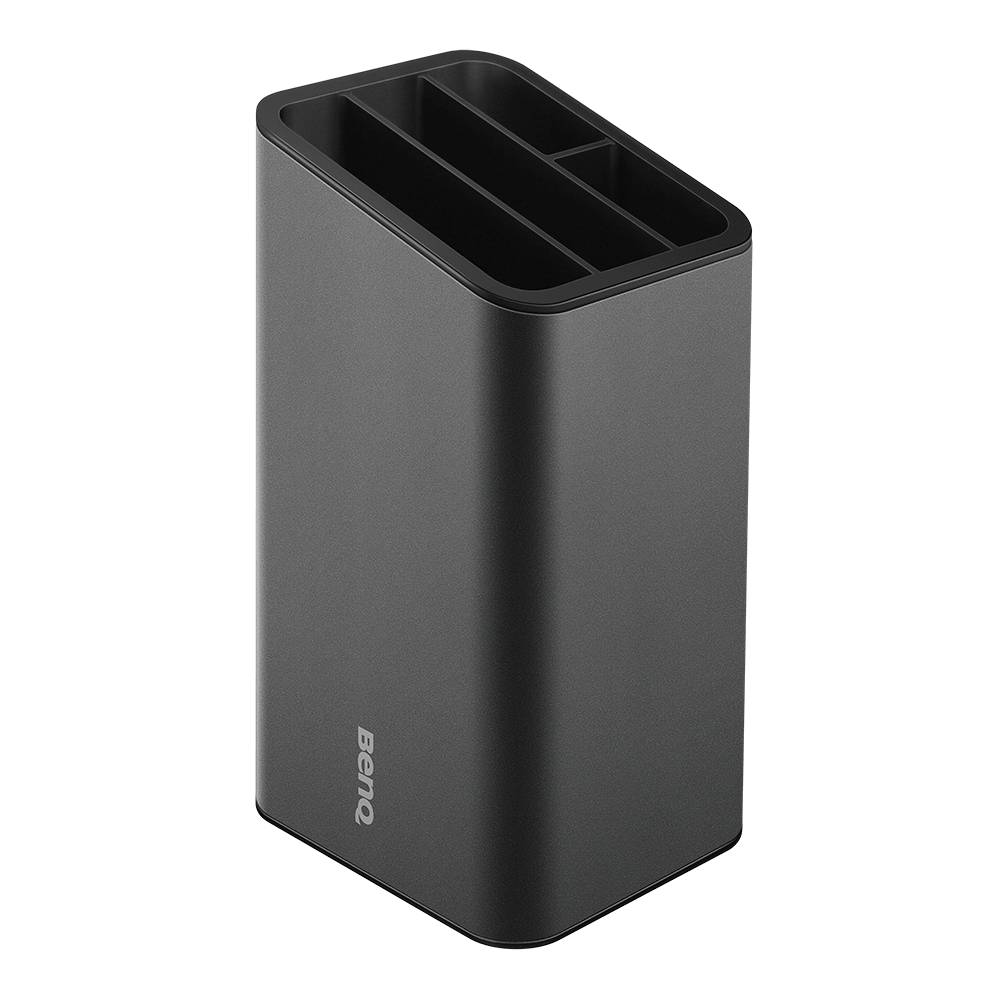
● Cradle x1
● Compatible with InstaShow™ WDC10 Receiver
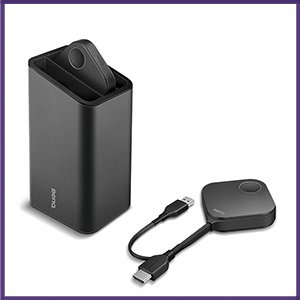
InstaShow™ HDMI Button Kit Set
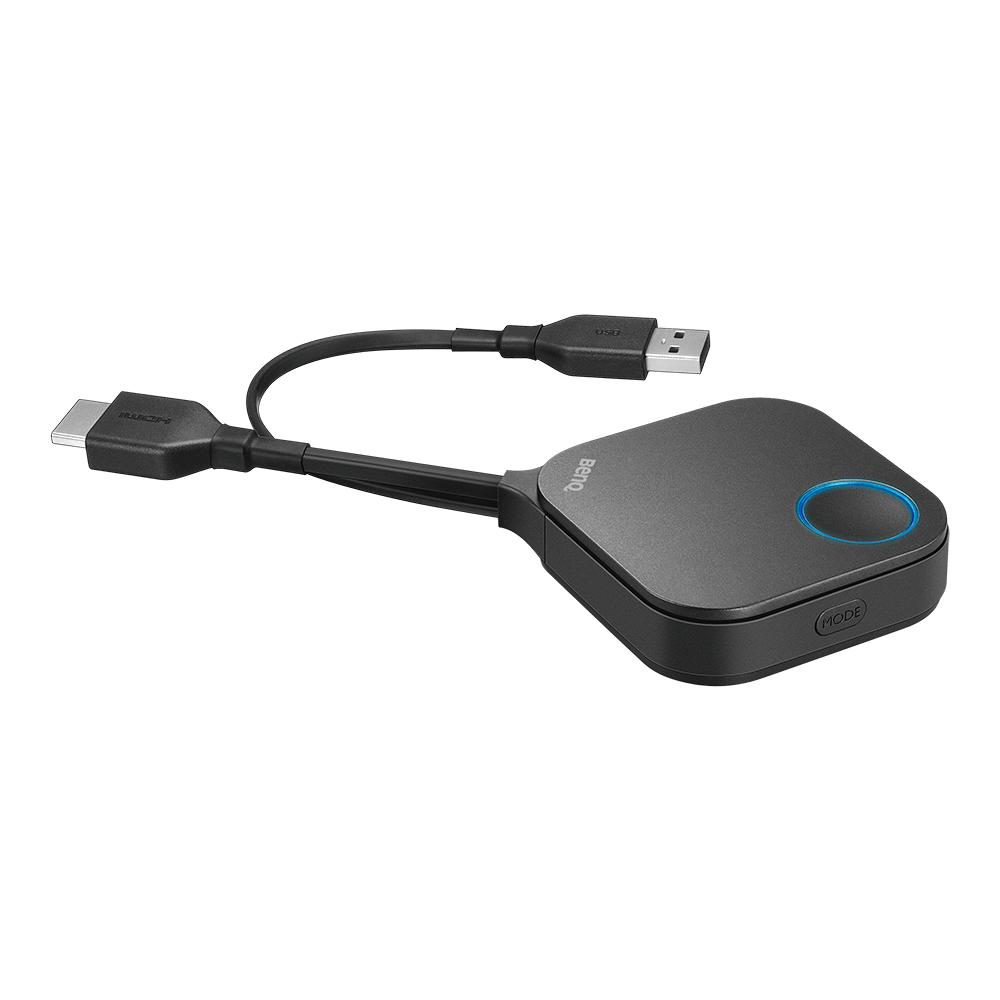
● WDC10 button x 2 (USB Type A & HDMI Cable)
● Cradle x1
● Compatible with InstaShow™ WDC10 Receiver