Enabling Interactive Learning
PointWrite™ Interactivity
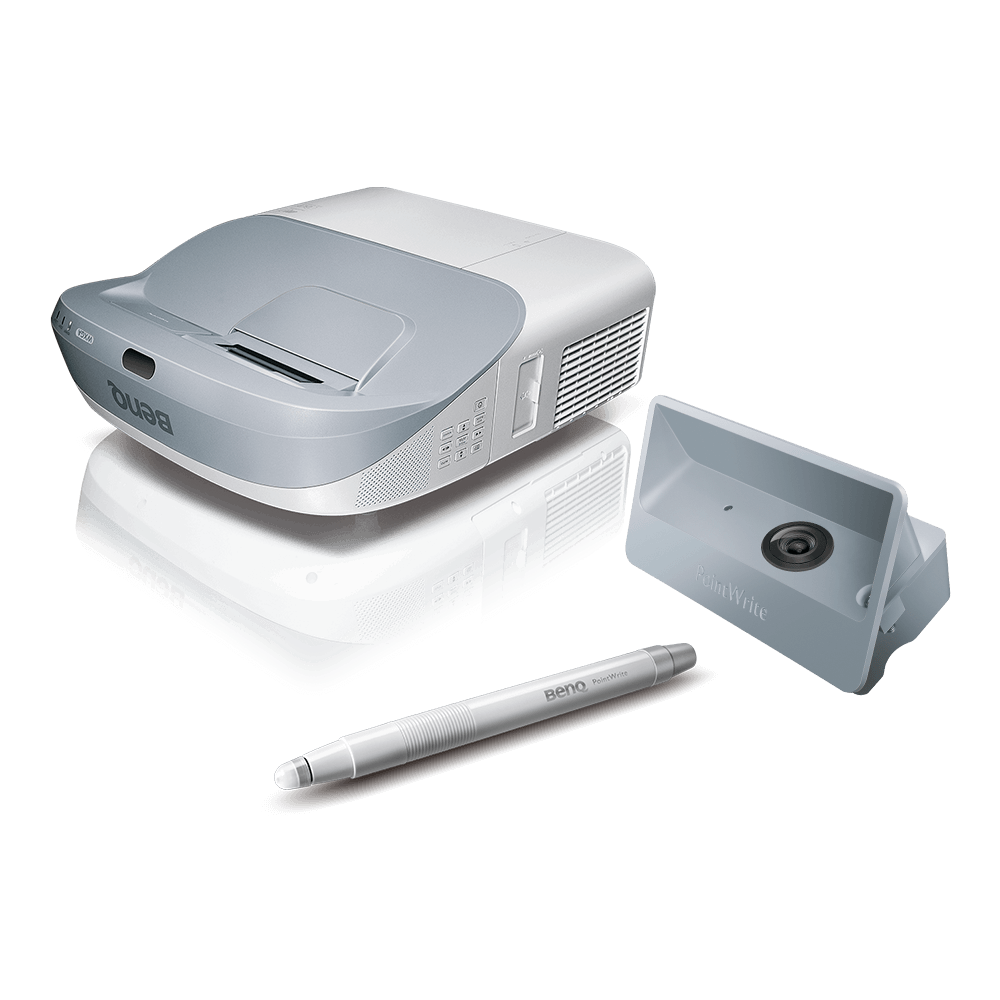
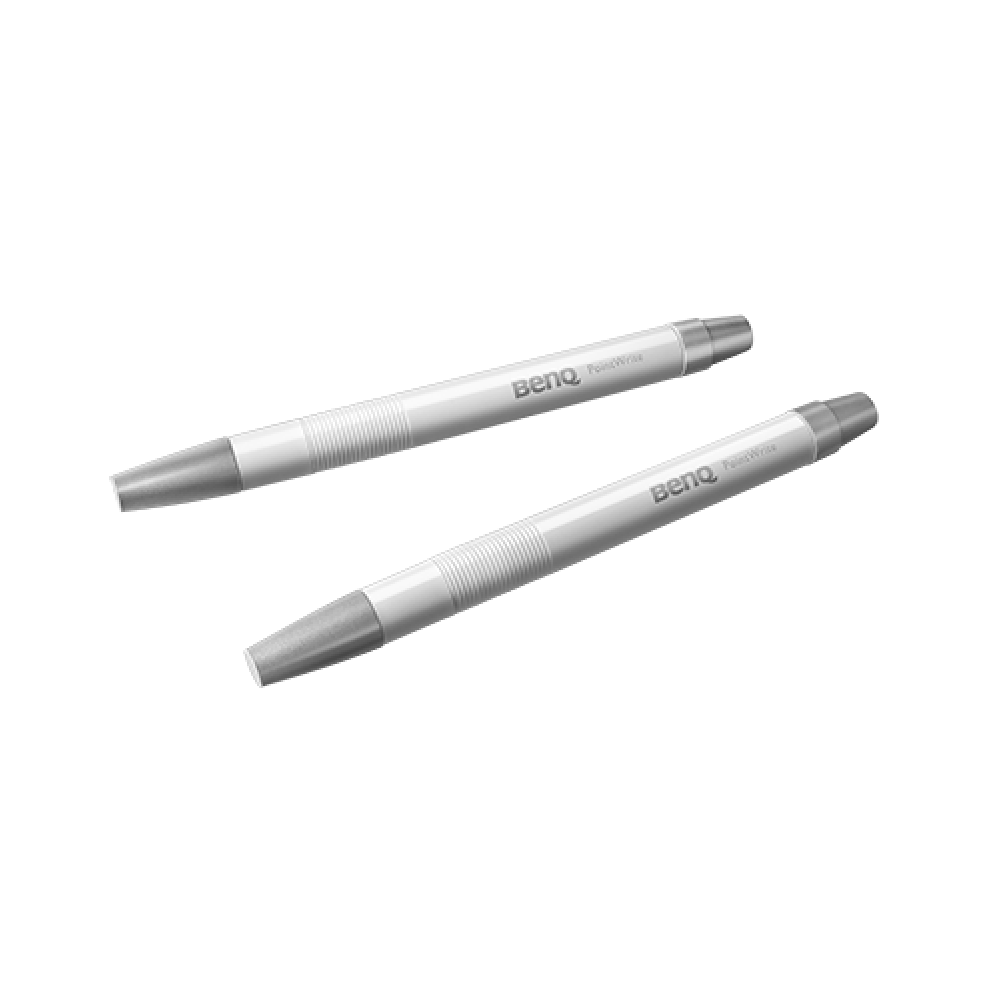
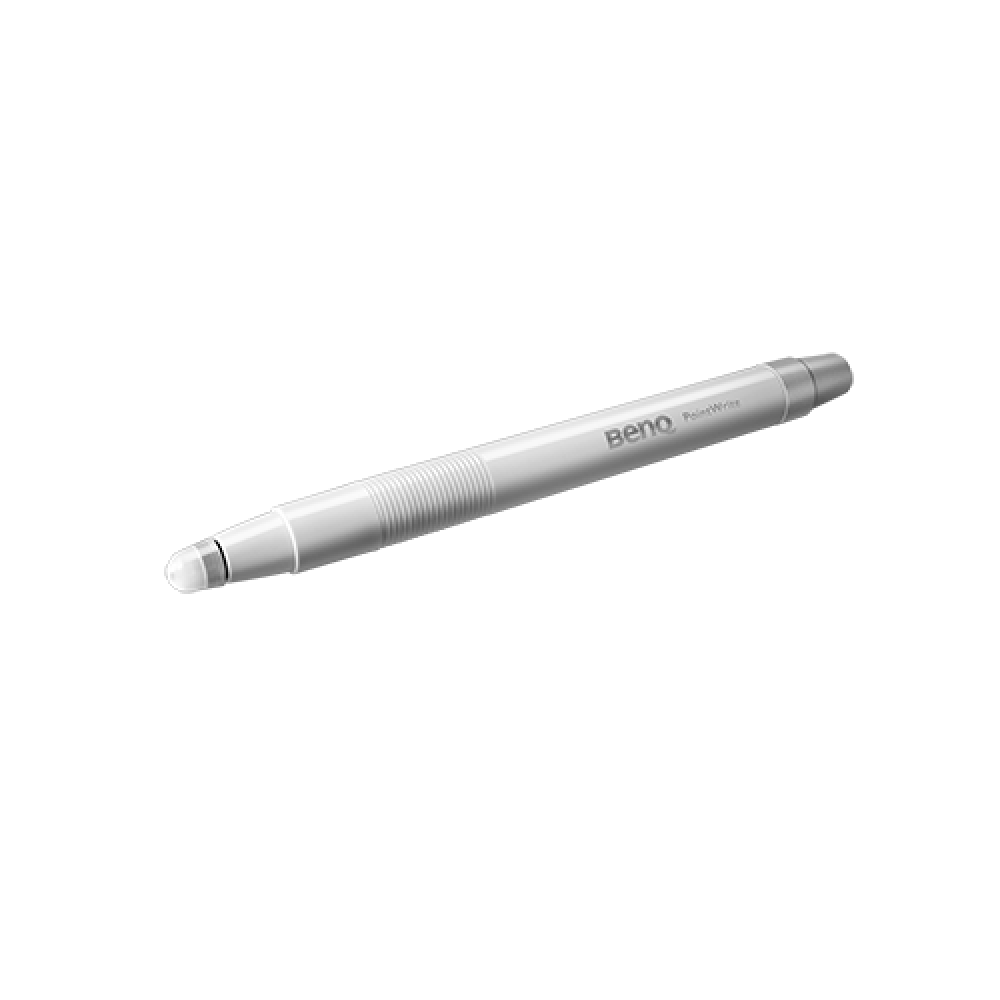
- PointWrite™ technology can transform BenQ’s education projectors into collaborative platforms that turn any surface into an interactive whiteboard. Seamless integration of PointWrite Kit PW21U and QWrite software with BenQ projectors encourage a truly collaborative learning environment. Students and teachers are can now working together using intuitive templates along with annotation tools to spark creativity and encourage fun.
Enabling Interactive Learning
PointWrite™ Interactivity
- PointWrite™ technology can transform BenQ’s education projectors into collaborative platforms that turn any surface into an interactive whiteboard. Seamless integration of PointWrite Kit PW21U and QWrite software with BenQ projectors encourage a truly collaborative learning environment. Students and teachers are can now working together using intuitive templates along with annotation tools to spark creativity and encourage fun.

The requested qty is not available
The requested qty exceeds the maximum qty allowed in shopping cart
Product that you are trying to add is not available.
Create Interaction on Any Surface
The PointWrite Kit PW21U works on any flat surface, so no expensive digital whiteboard or additional equipment is necessary. With the PW21U module, images can be projected onto a desk or table for multiple students to easily share and write on the same screen, creating vast new opportunities for classroom interactivity and enabling possibilities for modern, digital classroom.

Dual Screen with Multiple Touch Capabilities
BenQ’s Dual Screen feature allows teachers to create an immersive learning experience by seamlessly connecting two screens. What’s more, you can use the PointWrite infrared pen accessory or pair the system with the PointWrite Touch* to have a fully scalable and forward-thinking classroom. The multi-touch capabilities, which can support Windows 8 or above and future applications, are enabled by the QWrite software to encourage students to collaborate and generate ideas together using one big screen. Students will now be able to watch a video and take notes simultaneously using easy and intuitive technology.
*Optional PointWrite Touch Module: PT12

The BenQ Optional Lens - Semi Long Lens
User-Friendly Auto-Calibration and Configuration
The first time PointWrite™ is plugged into a computer’s USB port, it instantly auto calibrates and the interactive teaching session is ready to begin. Connectivity settings are saved automatically, and PointWrite™ is always ready with no need for manual configuration or complicated training for teachers.
Effective Auto Calibration
Effective Auto Calibration The PointWrite Kit PW21U is compatible with MW864UST/ MX863UST and the interactive sensor guarantees reliable auto-calibration in any ambient lighting for hassle-free setup, regardless of the situation.
Easy 1-2-3 PointWrite™ Set Up
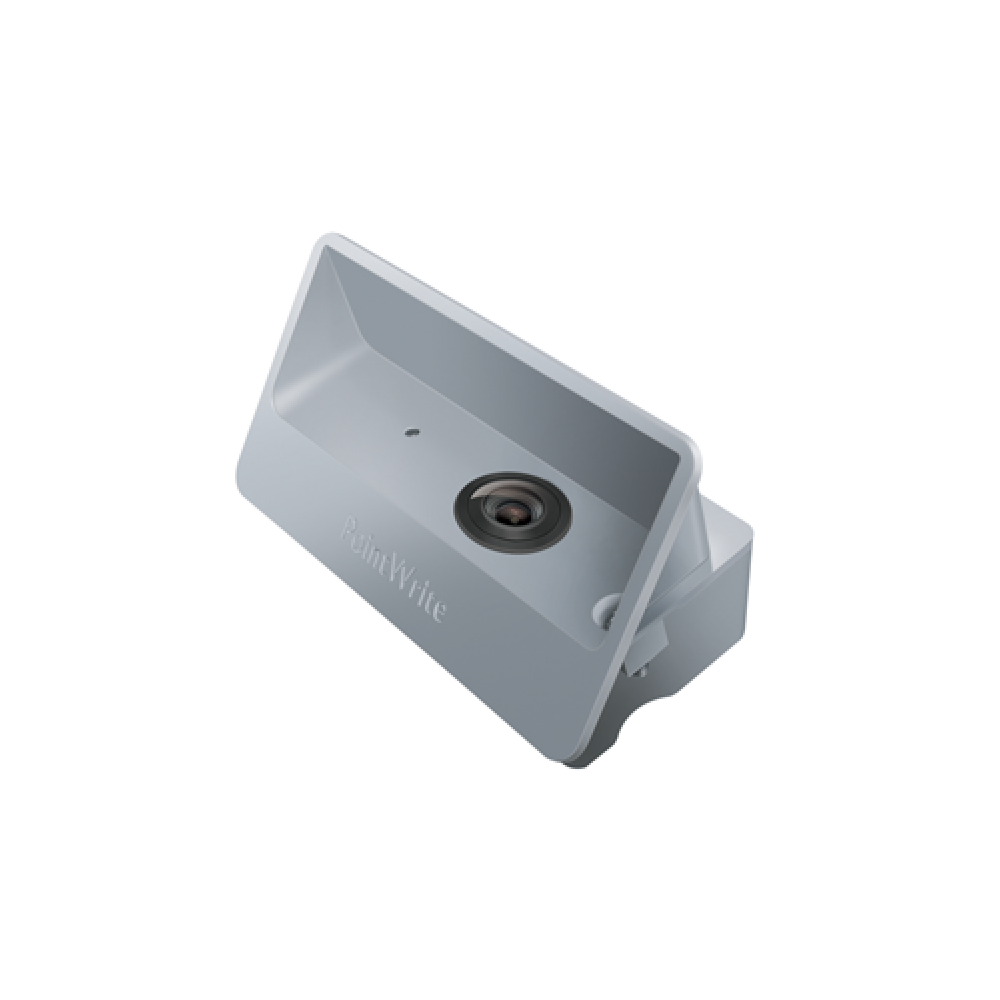
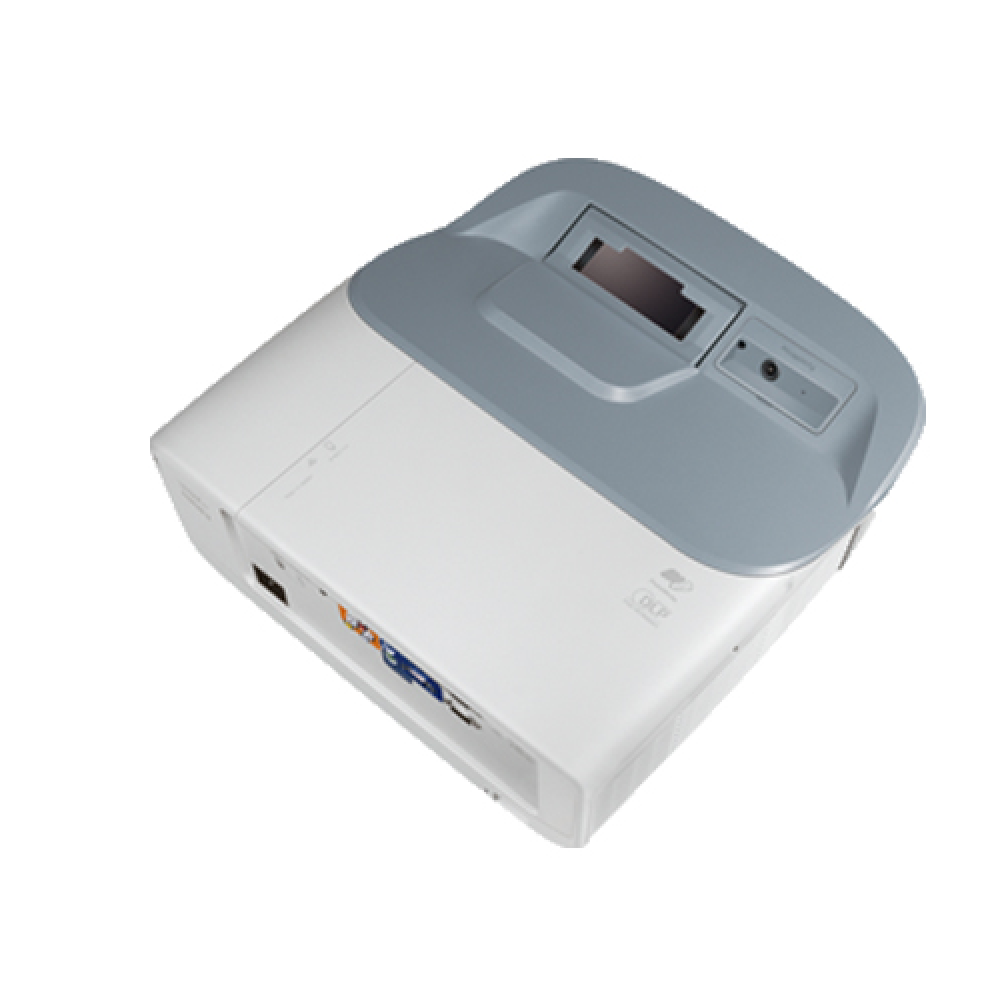
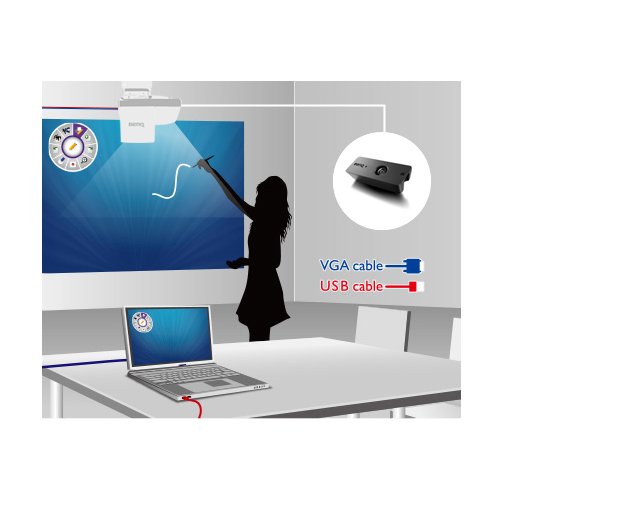
1. Insert the camera with 60fps infrared sensor into the projector.
2. Setup and calibration executes automatically, immediately allowing a smooth writing experience with ultra-fast 16ms response time.
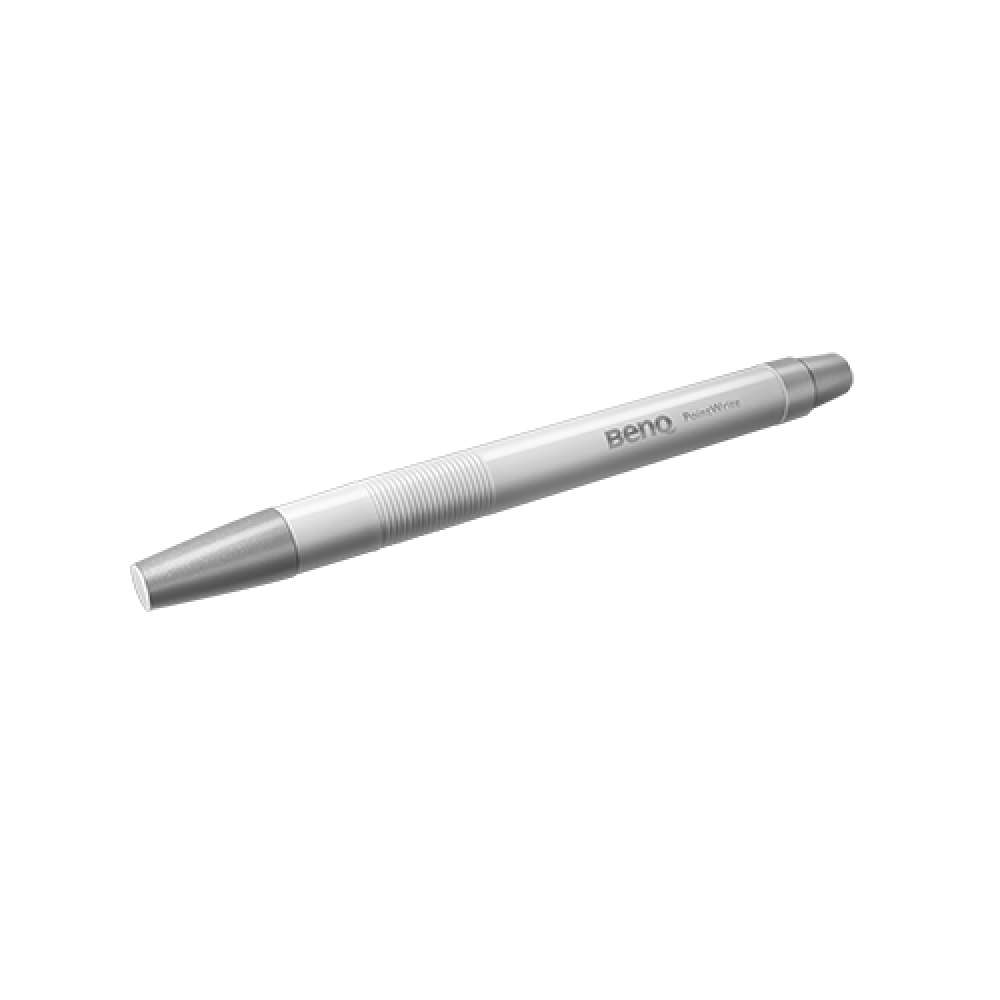
3. Turn any surface into an interactive whiteboard with an infrared PointWrite™ Pen or PointWrite™ Touch Module.
Windows Gesture Support
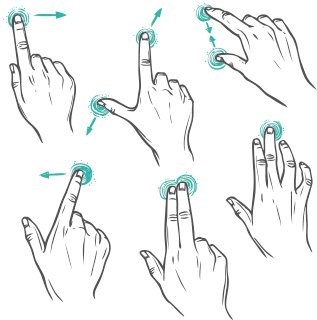
PointWrite™ projectors support intuitive Windows gestures such as zooming in and out or scrolling while browsing webpages, pictures or Google Maps. All multi-touch commands and gestures are supported for Windows 8 or above and future applications.