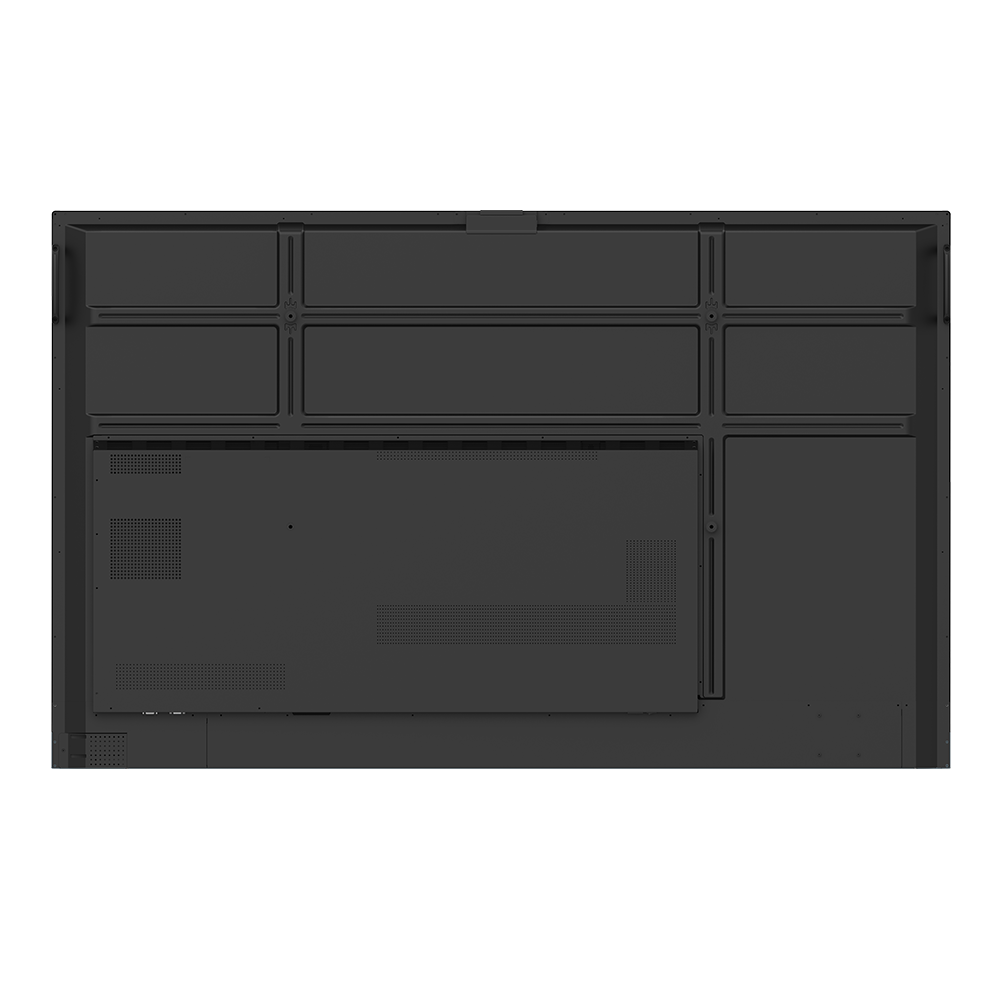
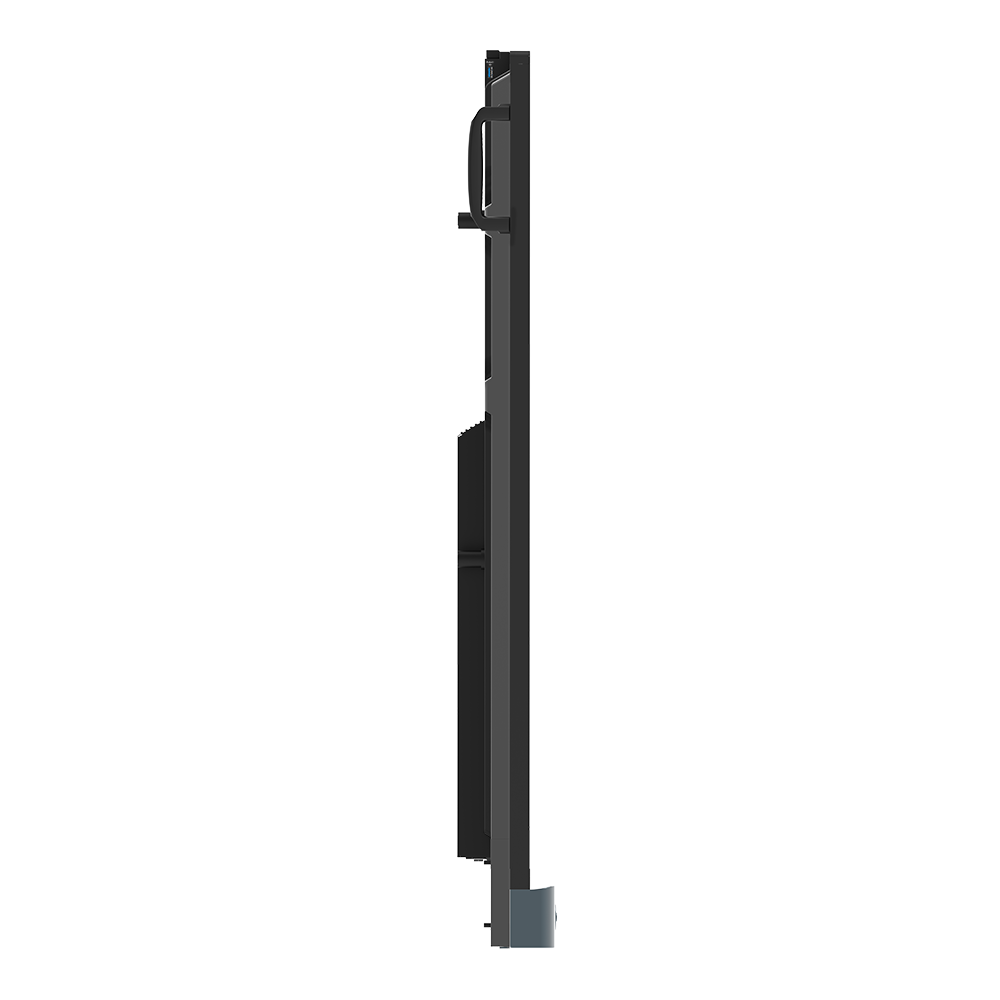
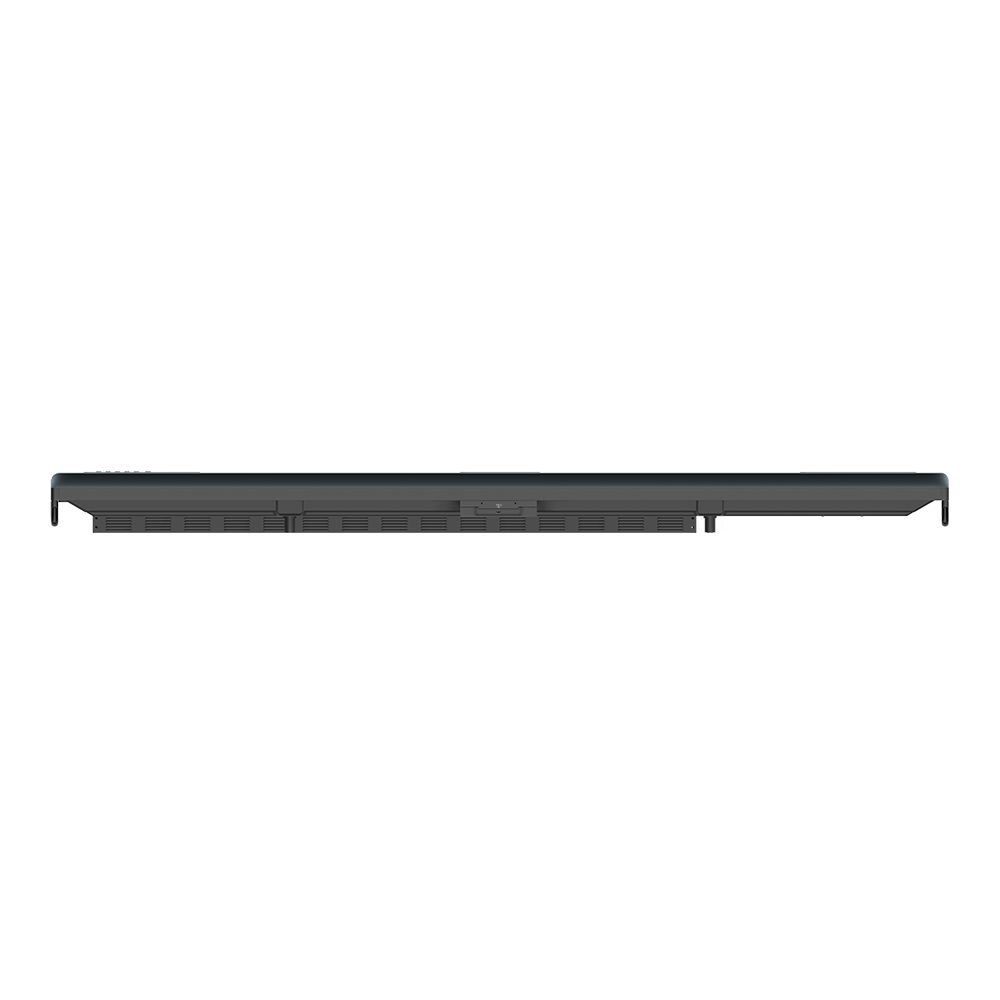
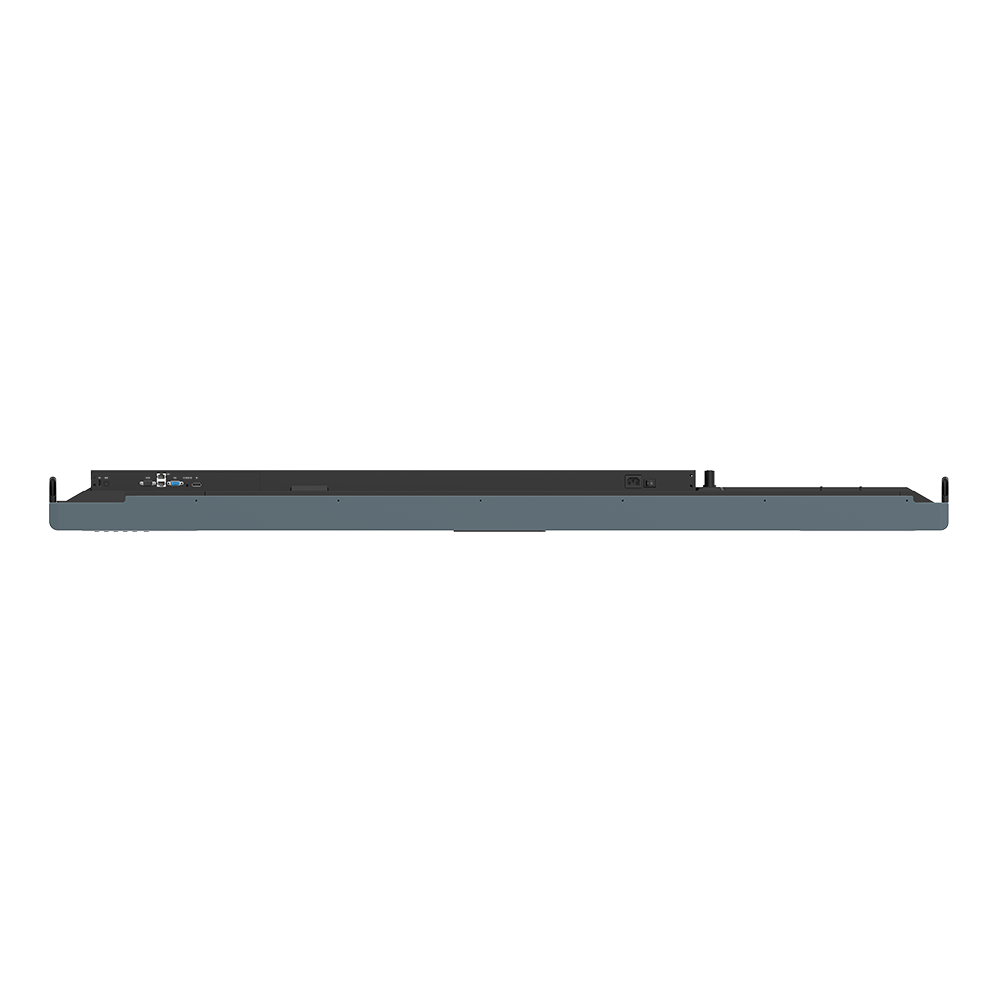
BenQ Board Pro for Enterprise RP04 | 65" 75” 86"
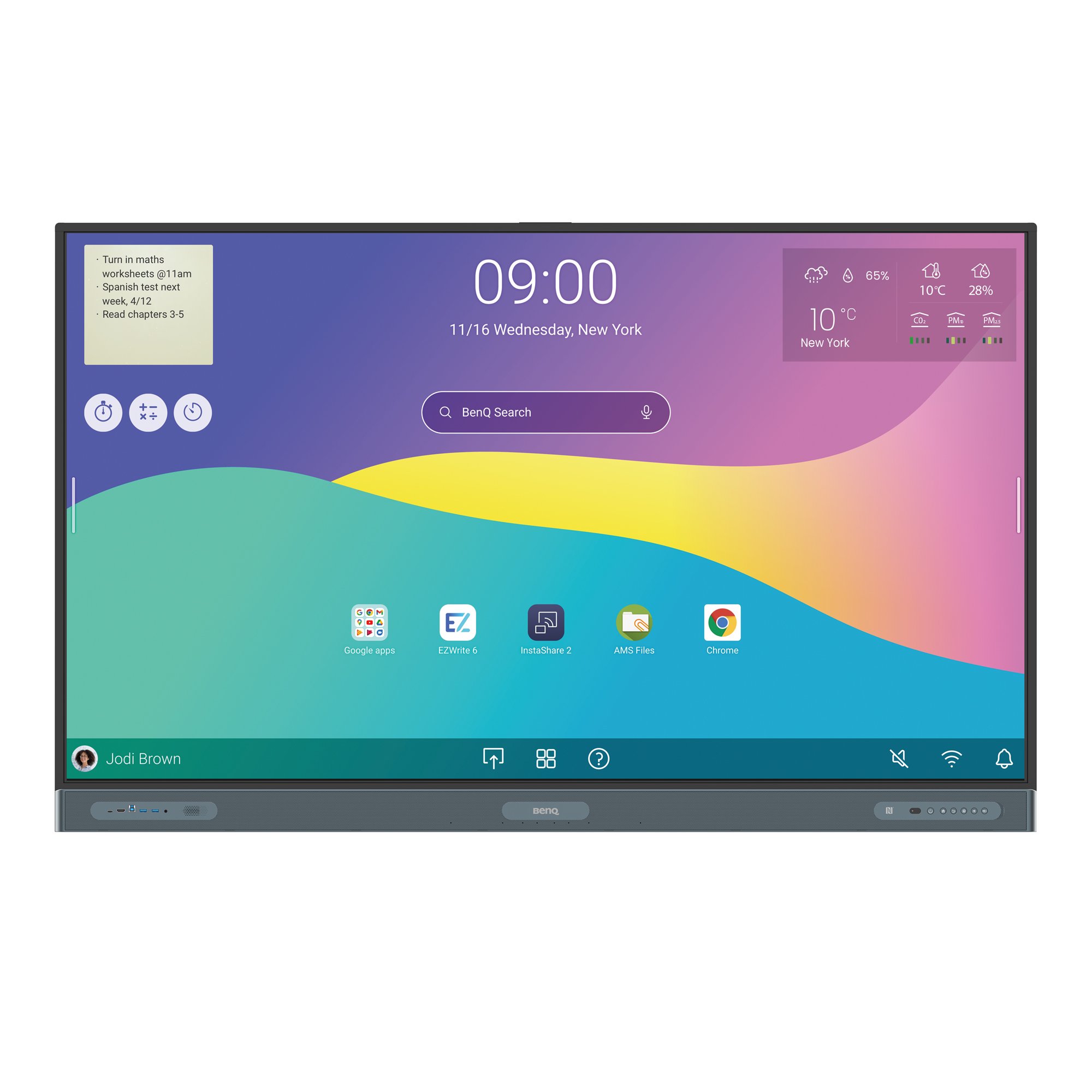
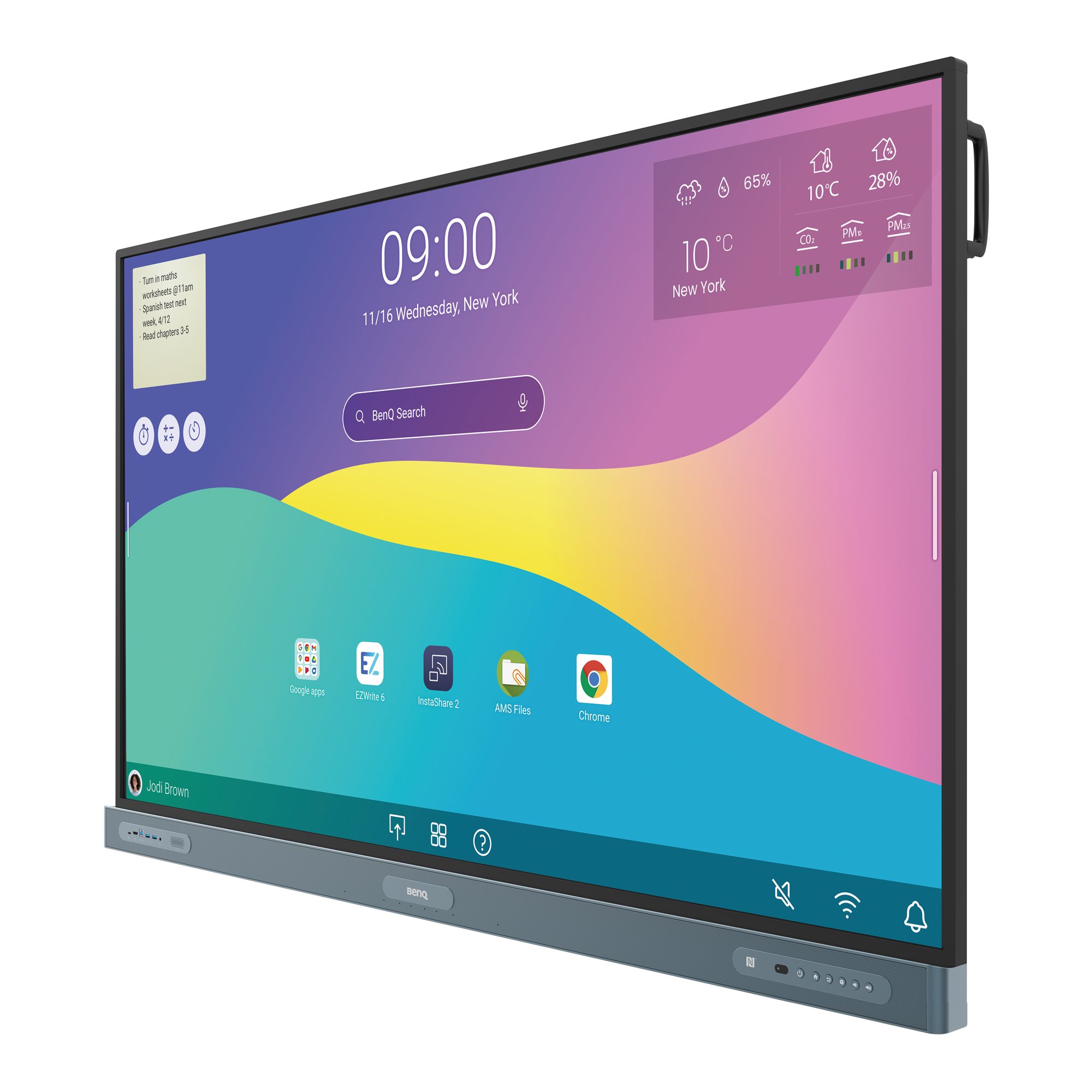
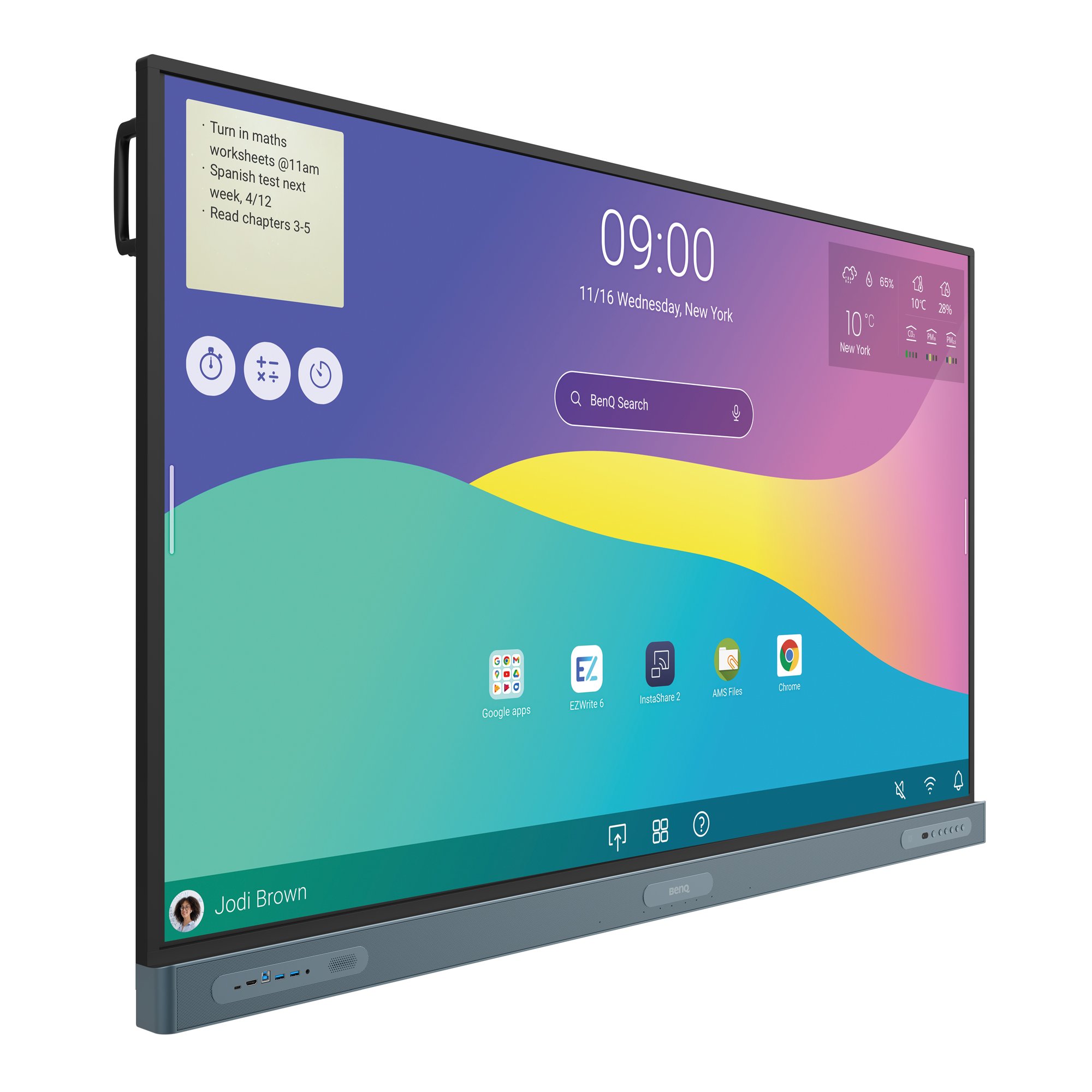
Discover the ultimate health-centric workspace with BenQ interactive display, offering a seamlessly integrated Google experience tailored for well-being
- Access essential work apps directly from the Google Play Store
- Featuring familiar tools from Google Meet, Drive, Docs, and Sheets.
- Empowered with top-tier eyecare and healthcare solutions.
- Protect your business with enterprise-grade security


BenQ Board Pro for Enterprise RP04 | 65" 75” 86"
Discover the ultimate health-centric workspace with BenQ interactive display, offering a seamlessly integrated Google experience tailored for well-being
- Access essential work apps directly from the Google Play Store
- Featuring familiar tools from Google Meet, Drive, Docs, and Sheets.
- Empowered with top-tier eyecare and healthcare solutions.

The requested qty is not available
The requested qty exceeds the maximum qty allowed in shopping cart
Product that you are trying to add is not available.

BenQ Board Pro RP04
A very Google experience,
with Health-Centric Space Designs

Google Enterprise Partner
The new EDLA-certified BenQ Board Pro offers the best possible meeting room experience by combining the power of BenQ software and hardware with official Google service
What is EDLA?
EDLA stands for Enterprise Devices Licensing Agreement, a new program introduced by Google at the end of 2022. It’s designed to help solution providers offer supported devices with built-in Google Mobile Services.
Enterprise-Grade Security
to help Defend Hybrid Workplaces
The Google Play Protect service checks apps for suspicious behaviour. It also prevents you from downloading potentially harmful apps to your devices and even scans and removes previously installed apps that exhibit malicious behaviour.
Google Play
Preinstalled Google's Core Services
Use any of the Google Docs Editors to open files directly from your board.
Download essential work apps directly from the Google Play Store

Access Files From Google Drive

Personalise Your Screen with Handy Widgets

Get Help in an Instant from Google Assistant
Centralised BenQ Management Systems
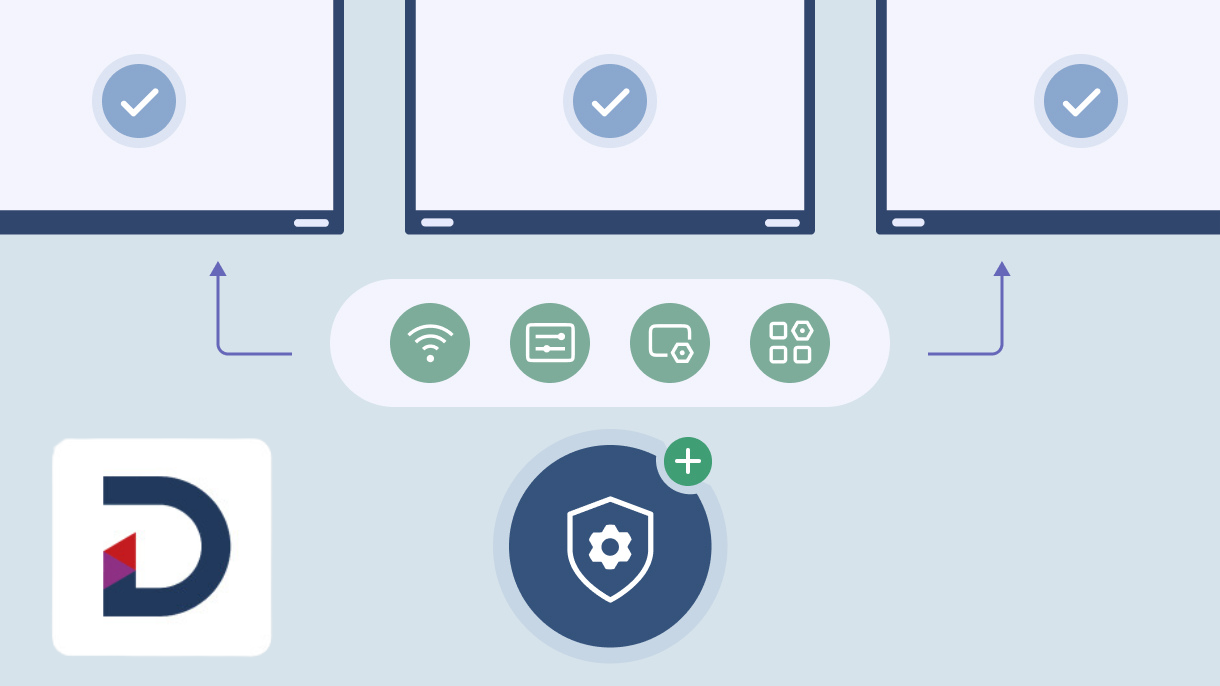
Centrally management from BenQ DMS
Create and manage policies to be pushed onto all BenQ Boards, specific groups, or individual devices. Remotely manage display settings, Wi-Fi connections, app installation and settings, and so much more.
Analytics at a glance
Monitor all BenQ devices in detail right on the DMS homepage. Analyse daily usage and easily identify where action should be taken.

Integrated with Employee-Focused Features.
Eyesafe® Certified 2.0
TÜV Certified

Air
ionizer

Air quality sensor

The RP04 is the first Eyesafe® Certified 2.0 Smart board with an RPF® 50 rating. The display prevents eye strain by greatly reducing high-energy blue light while maintaining the screen's vivid colors.
An unlimited canvas
BenQ EZWrite is a powerful whiteboard with a collection of tools designed for more engaging meetings and discussions
Import. Edit. Share.
With EZWrite 6, you can expand the size of your canvas, split it into sections, pull up templates and measuring tools, and even share your live camera feed.
Extensive file support
EZWrite supports Office files such as slideshows, documents, sheets, and PDFs. Add notes during the meeting, and save your session as an editable IWB file or export it as meeting minutes.

AI tools for accessibility and inclusivity
Text-to-speech
With EZWrite, the RP04 can have written text read aloud for everyone in the discussion
Made for collaboration
The interactive display RP04 has up to 50 touch points, allowing multiple users to interact simultaneously.

Multilingual translation
Native Google translation system, translate resources to different languages and access content.
Like writing on paper
Having no gap in between the glass and the interactive display ensures a more natural writing experience.
OCR
BenQ Board RP04 with OCR function to convert text from images and documents to an editable format.
Truly responsive touch
BenQ Board Pro built with Fine IR+, provide more accurate writing and interaction with the screen.

Built For Interactive Collaboration
The RP04 interactive display comes out of the box with everything you need to deliver effective and engaging discussions.
Split-screen mode to double your efficiency
Use two apps side by side. You can whiteboard on the left while browsing other resources on the right.


Log in your way
Access your cloud storage and load personal settings on any BenQ Board Pro with a tap of NFC card or by scanning the QR code

Sidebar Shortcuts
The sidebar gives you quick access to the home screen, input sources, EZWrite, and all your most-used apps.
Convenient connectivity
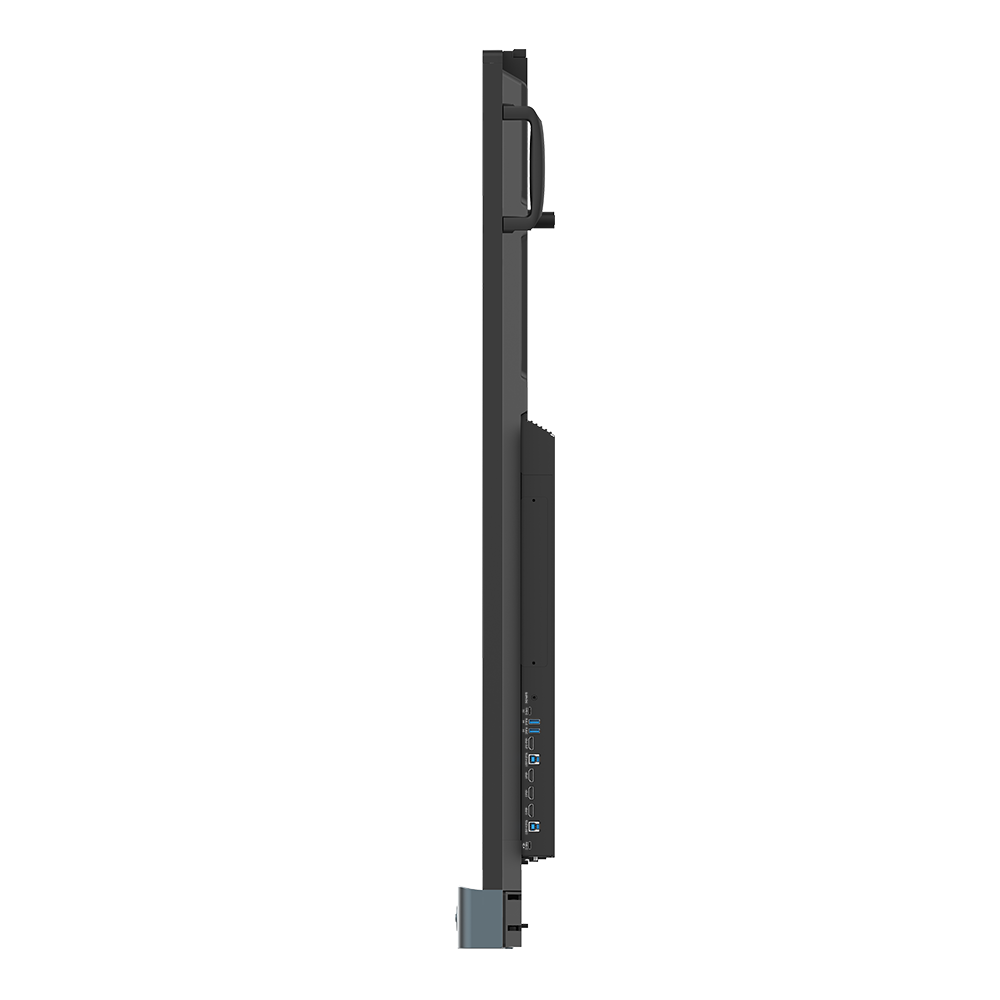
The interactive display RP04 features a 100W USB-C port that lets you display content, charge devices, and enable touch back.

AI powered video conferencing
Capture high-quality video with BenQ Board AI camera, ensuring a clear and dynamic video feed that is ideal for streaming and recording.
DV01K BenQ Board camera
Zoom™ Certified Smart 4K Camera
Bridge the distance and enable remote and hybrid learning on your BenQ Board with the DV01K camera.

Capture high-quality videos
the DV01K comes with a high-performance Sony image sensor that enhances image quality and lets you capture videos in 4K UHD clarity.
Zoom™ Certified
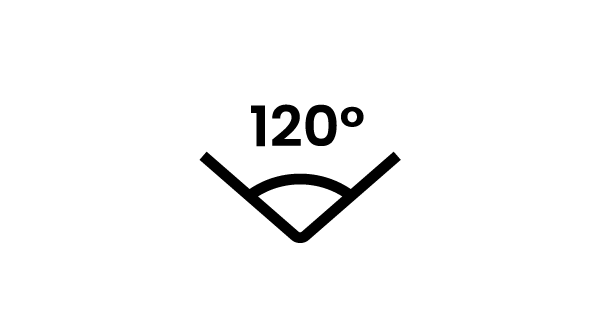
120° field of view
Sony image sensor

Low-light performance
DV01K BenQ Board camera
An AI camera optimised for meeting apps
AI-powered auto framing
AI-powered voice tracking
Active noise cancellation

Immersive sound &
Clear audio pickup
Built for hybrid workplaces, the BenQ Board RP04 comes with two powerful 20-Watt front-facing speakers, 16-Watt subwoofer., and 8-microphone array with echo cancellation and noise reduction

Wirelessly share different types of content
Make presentations and discussions more engaging for everyone. Team members can share photos, videos, or even their camera feed from laptop, tablet, or mobile phone, simultaneously.

Streamlined Management with the BenQ Ecosystem
The BenQ ecosystem makes managing devices, apps, and user accounts easy, reducing the workload for IT and admin staff.
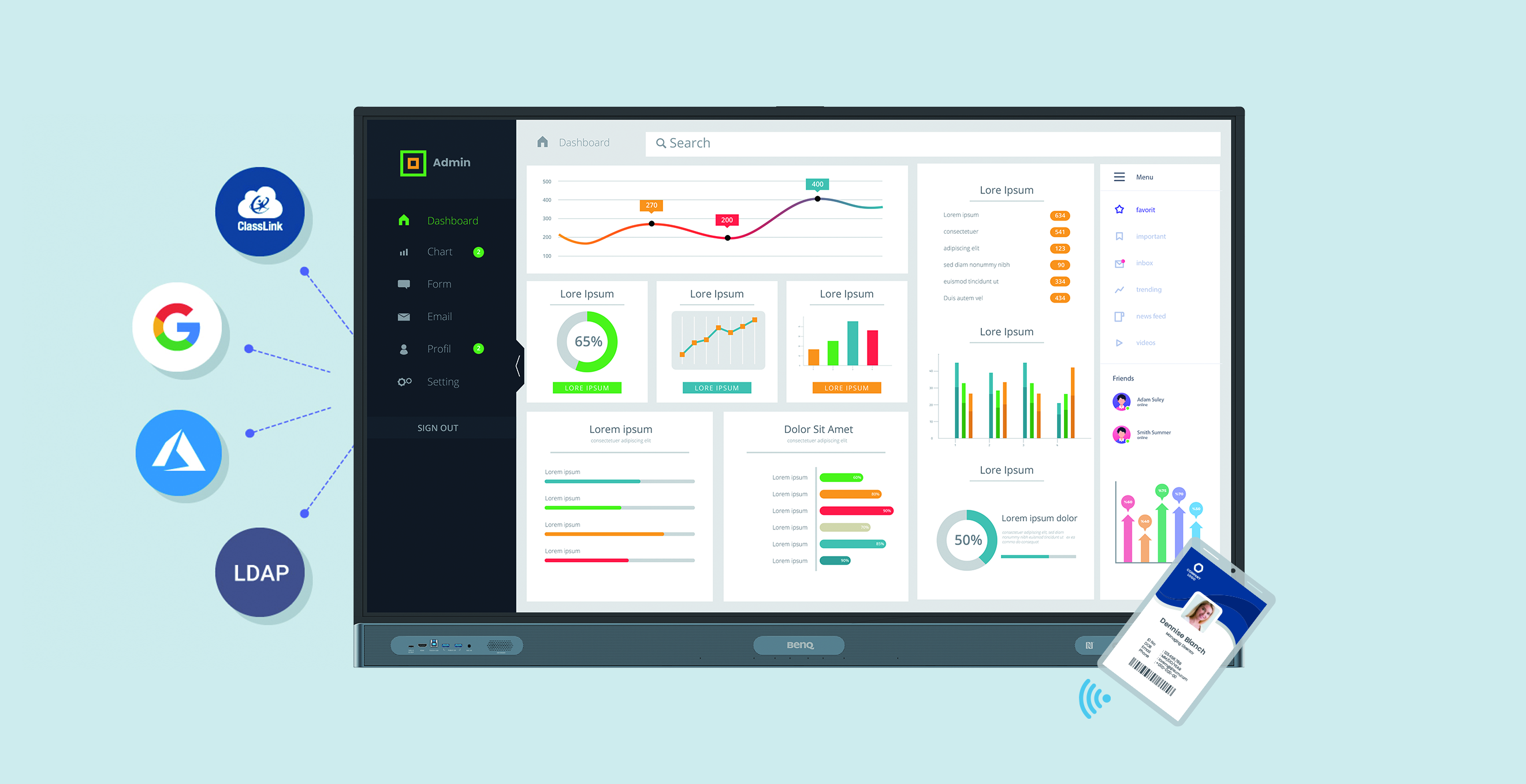
Streamline account management by importing users directly from existing systems
Streamline account management by importing users directly from Google Workspace, Microsoft Entra ID (formerly Azure Active Directory), ClassLink, LDAP servers, or other SAML-based identity providers.

Manage everything remotely
Since BenQ’s management platforms are all cloud-based, admins can easily push firmware updates, install apps, and set policies for multiple BenQ Boards wherever they may be.
Receive detailed analytics
Get advanced analytics for BenQ Board operation and app usage. Generate more informative reports by selecting specific devices and data points.

