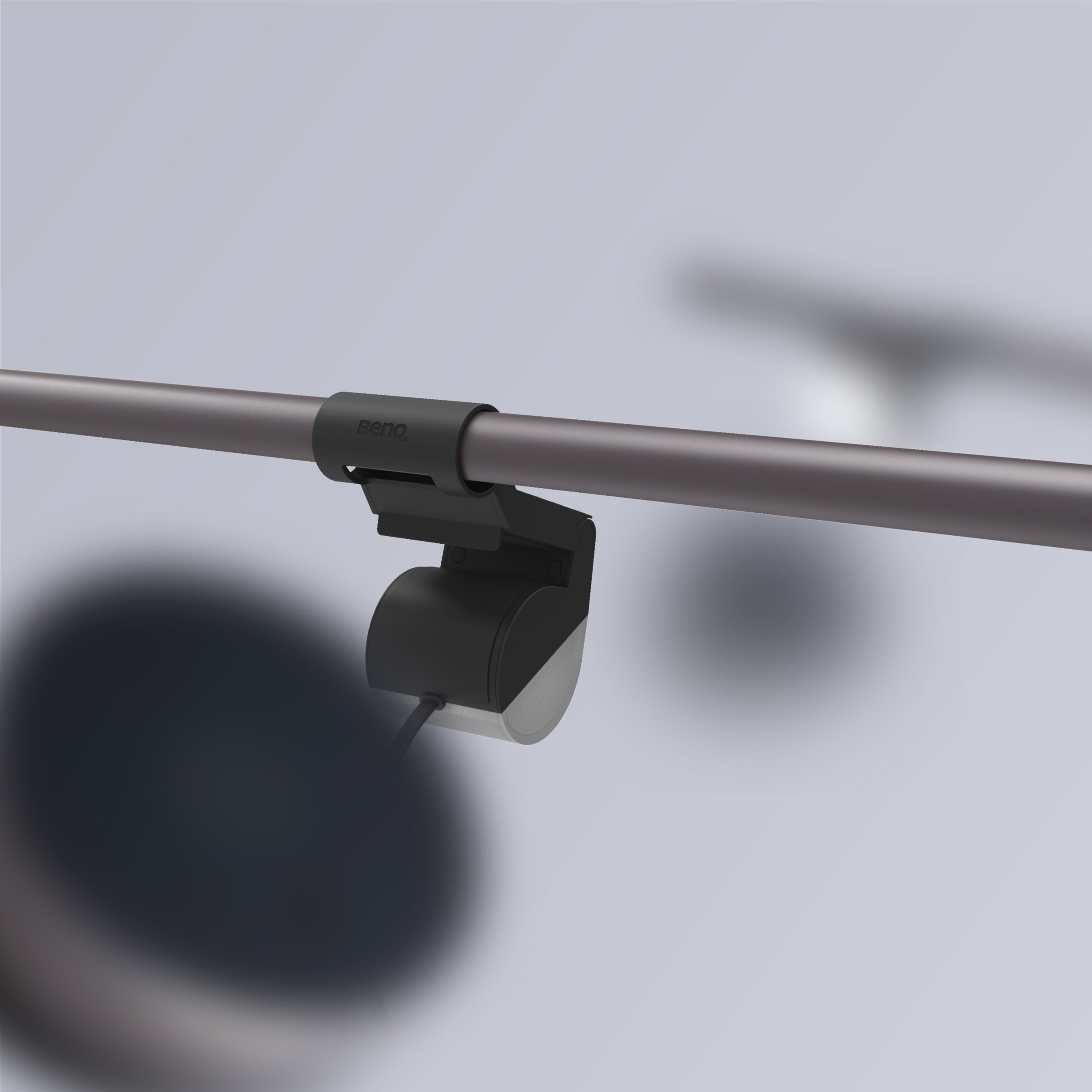
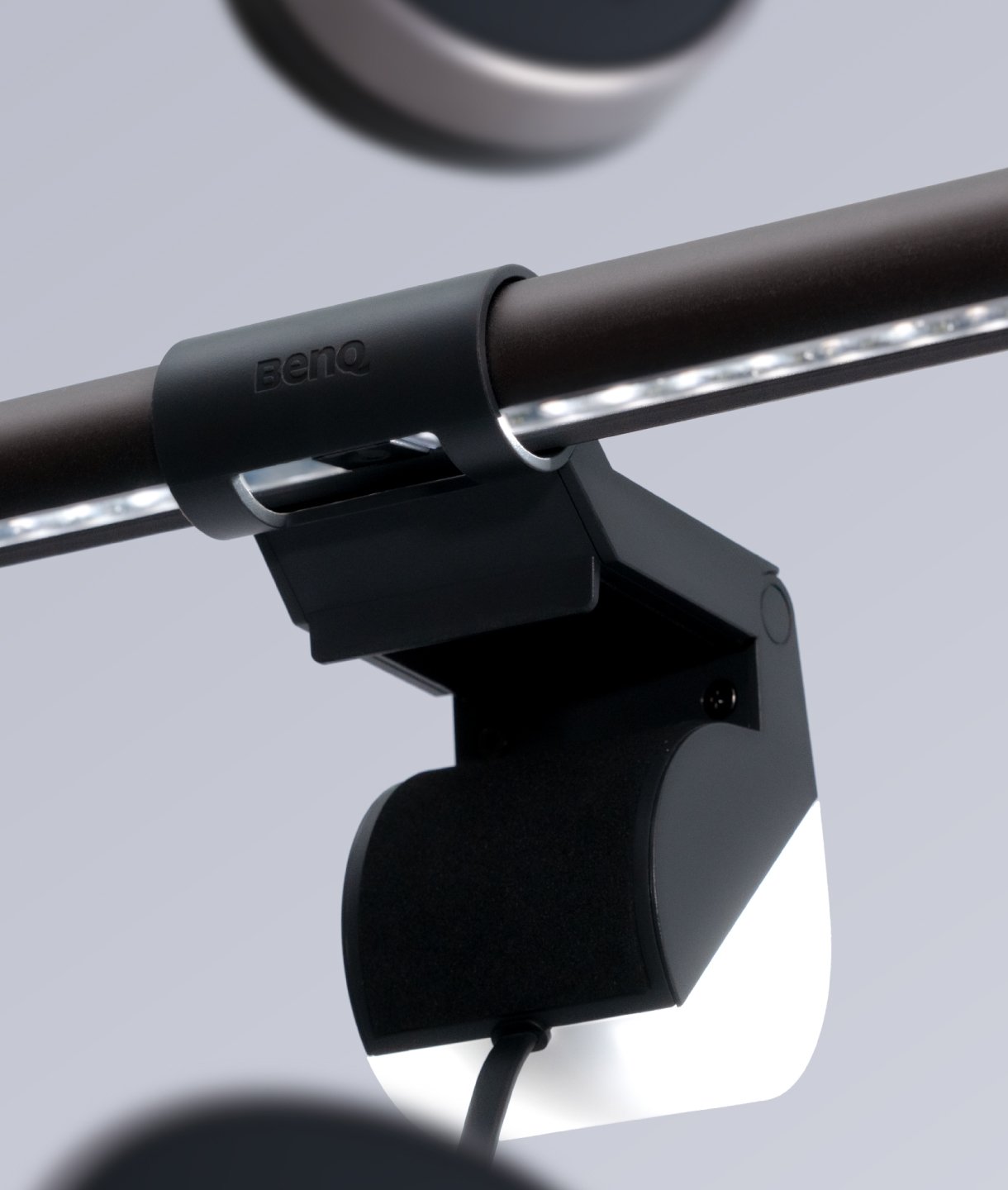
ScreenBar Halo
อุปกรณ์เสริมแท่นวาง Webcam
เข้าชมร้านค้า BenQ Official Store
เชิญคลิกBy Scenario
Home Entertainment Best 4K Projectors Sports Watching Video Streaming Ceiling ProjectorsBy Trending Word
4K UHD (3840×2160) Short Throw 2D, Vertical/Horizontal Keystone LED Laser With Android TV With Low Input LagExplore Commercial Projector
Professional Installation Exhibition & Simulation Small Business & Corporation Education Golf Simulatorโปรเจคเตอร์
By Scenario
Home Entertainment Best 4K Projectors Sports Watching Video Streaming Ceiling ProjectorsBy Trending Word
4K UHD (3840×2160) Short Throw 2D, Vertical/Horizontal Keystone LED Laser With Android TV With Low Input LagExplore Commercial Projector
Professional Installation Exhibition & Simulation Small Business & Corporation Education Golf Simulatorจอมอนิเตอร์
โคมไฟ
กระดานอัจฉริยะ | ป้ายดิจิตอล
MA Series: จอภาพที่ดีที่สุด สำหรับ Mac และ MacBook Pro
ดูทั้งหมดMA Series: จอภาพที่ดีที่สุด สำหรับ Mac และ MacBook Pro
ดูทั้งหมด
BenQ ScreenBar Halo สุดยอดนวัตกรรมแห่งแสงสว่าง เพิ่มประสิทธิภาพให้คนยุคใหม่บนโต๊ะทำงาน
ดูทั้งหมดBenQ ScreenBar Halo สุดยอดนวัตกรรมแห่งแสงสว่าง เพิ่มประสิทธิภาพให้คนยุคใหม่บนโต๊ะทำงาน
ดูทั้งหมด
localNavigation.type = g6-product-overview-page
Webcam Accessory
{{currency}}{{finalPrice.final | numberThousandsCommas | numberDecimalPoint}}
{{currency}}{{regularPrice.final | numberThousandsCommas | numberDecimalPoint}}
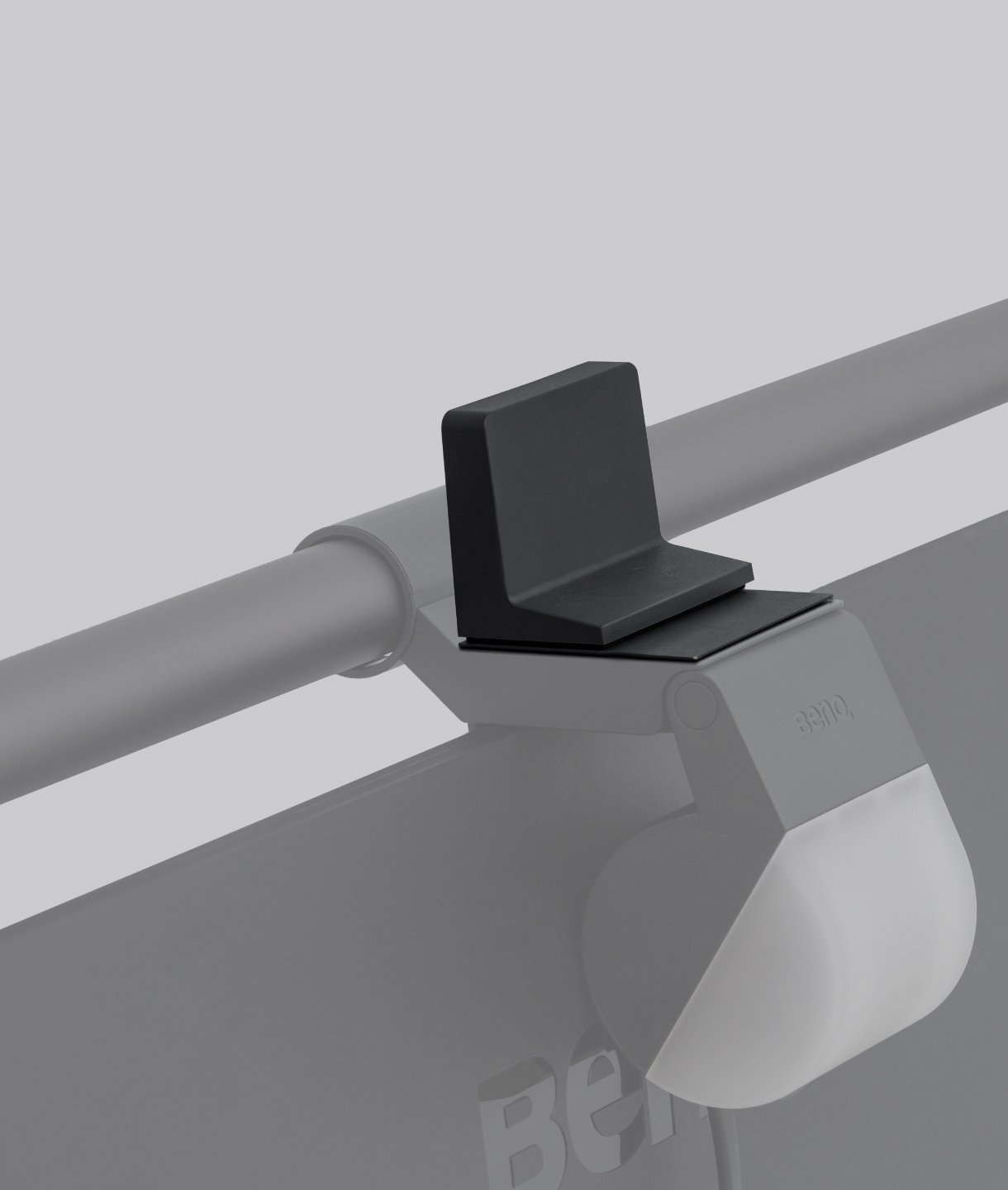
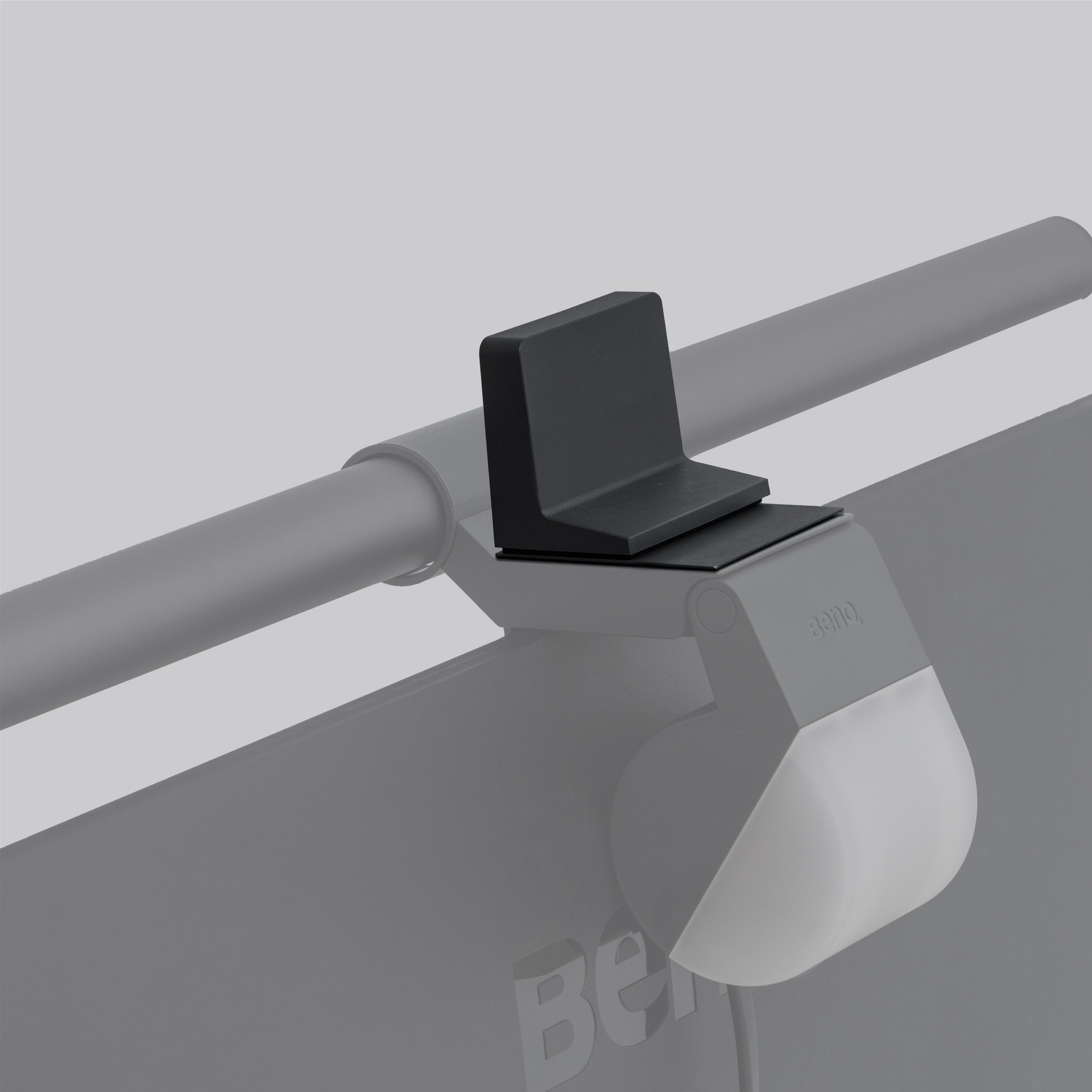
อุปกรณ์เสริมแท่นวาง Webcam
ออกแบบเฉพาะสำหรับ ScreenBar Halo
1. ทำความสะอาดพื้นผิว ScreenBar ก่อนแปะสติกเกอร์ 2. ลอกสติกเกอร์ออก 3. วางตัวติดแม่เหล็กบน ScreenBar ในตำแหน่งที่ถูกต้อง 4. วางอแด็ปเตอร์บนตัวติดโลหะ 5. ติดตั้งกล้อง webcam ของคุณให้ถูกต้องอยู่ในตำแหน่งที่ต้องการ
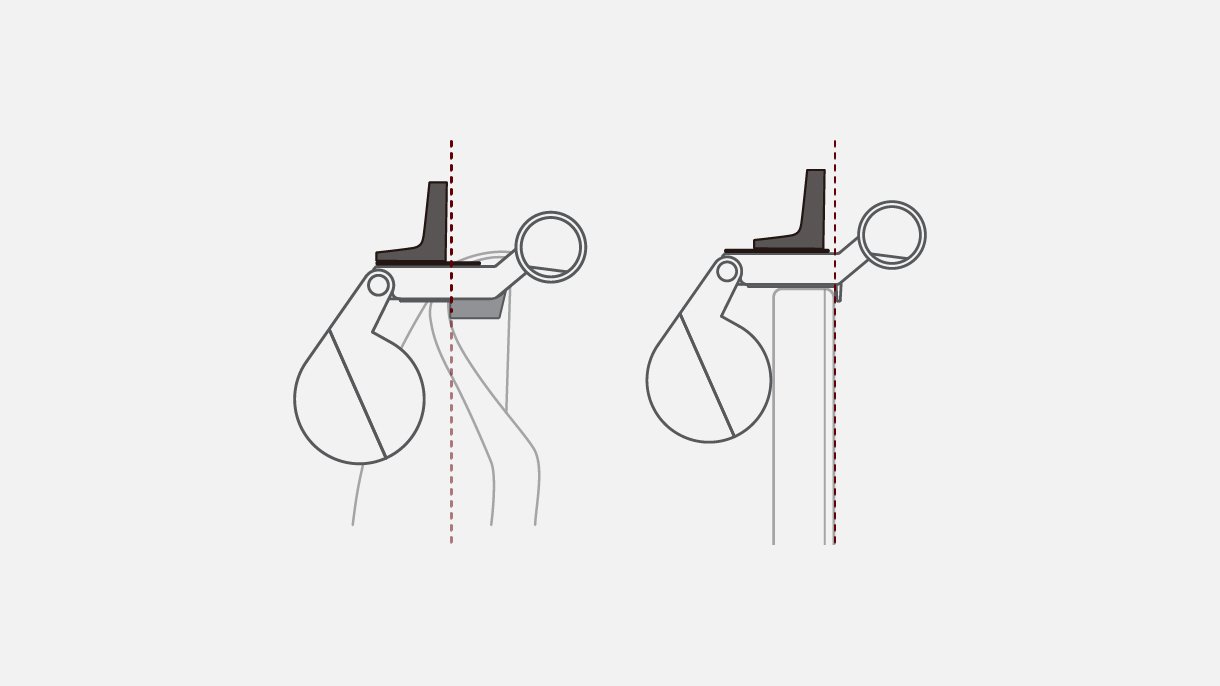
เมื่อใช้จอมอนิเตอร์แบบโค้ง โปรดอย่าวางอแด็ปเตอร์ไว้เหนือขอบหน้าจอ
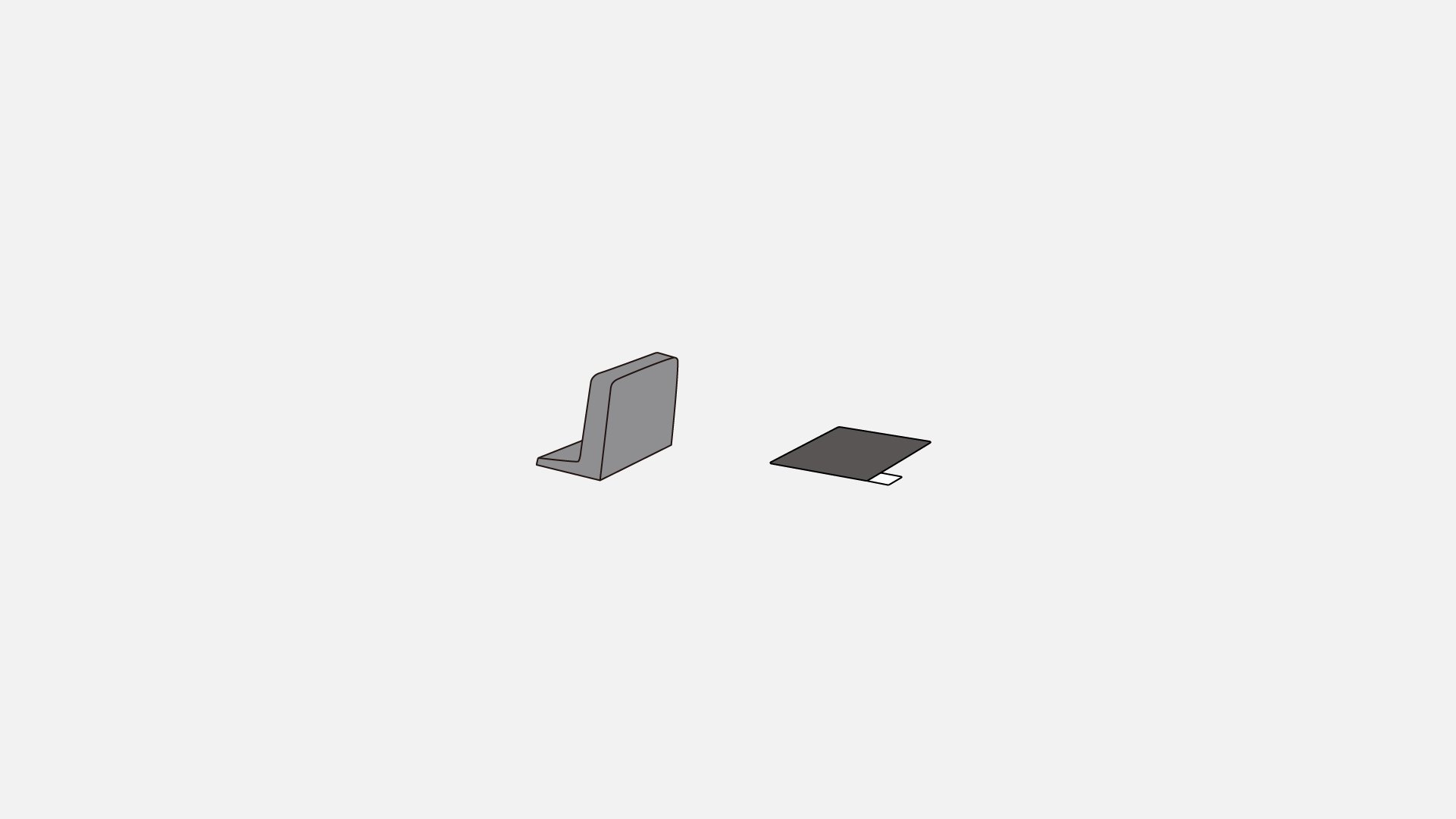
Magnetic Adaptor, Metallic Sticker
อุปกรณ์เสริม Accessories