EH620 3400lms 1080p Smart Windows Projector for Meeting Room
Commence Meetings of the Future
- A hybrid meeting solution with Windows 11 IoT Enterprise OS built-in
- Enterprise-grade WPA2 certified and AES-128 encryption security
- Preloaded with Google Meet, Skype and TeamViewer Meeting meeting apps
- Support Miracast, Airplay, Google Cast and BenQ InstaShare screen casting
- Auto F/W scan & upgrade via OTA
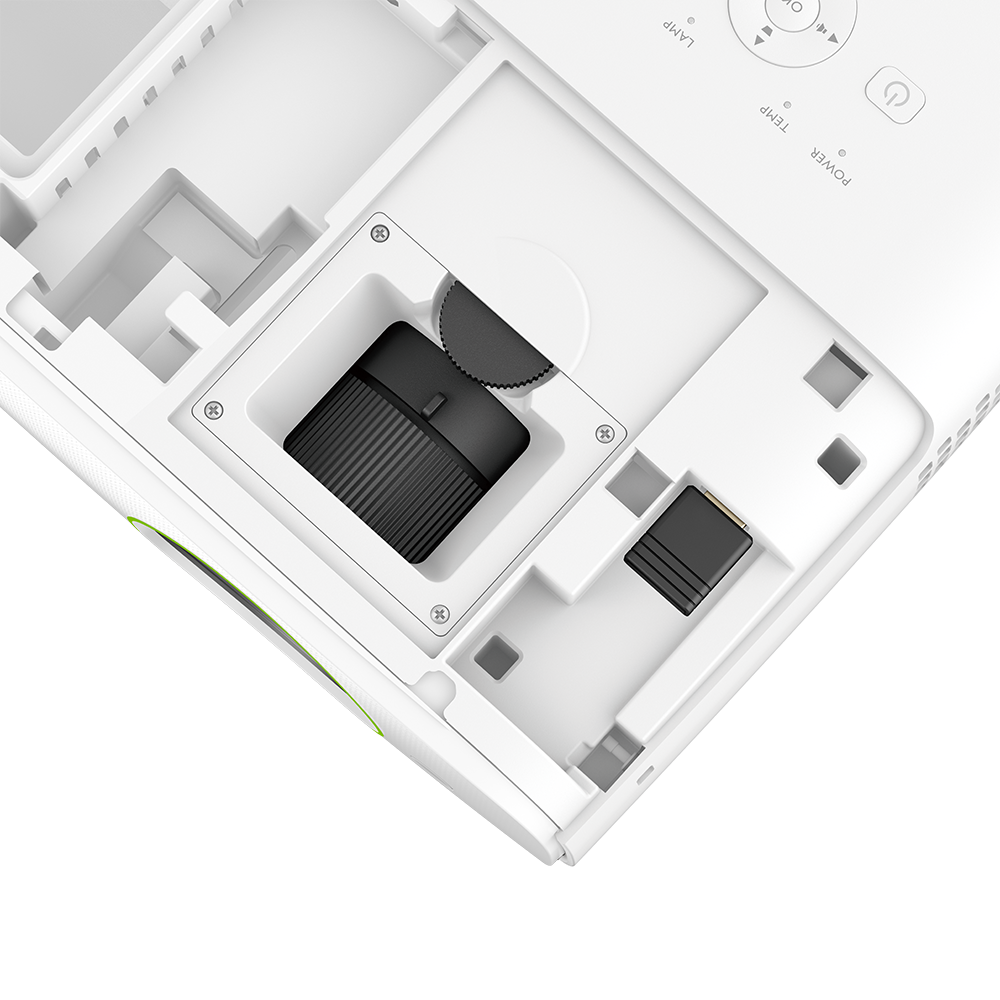
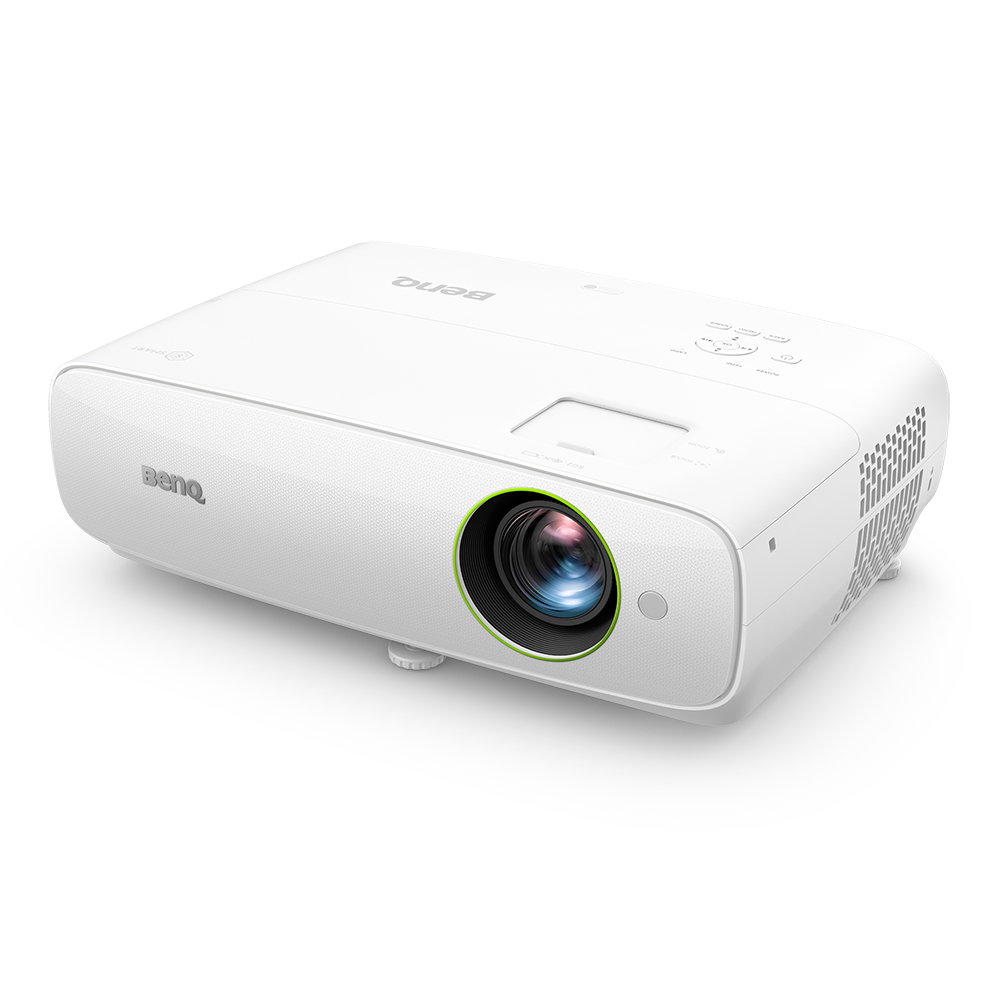
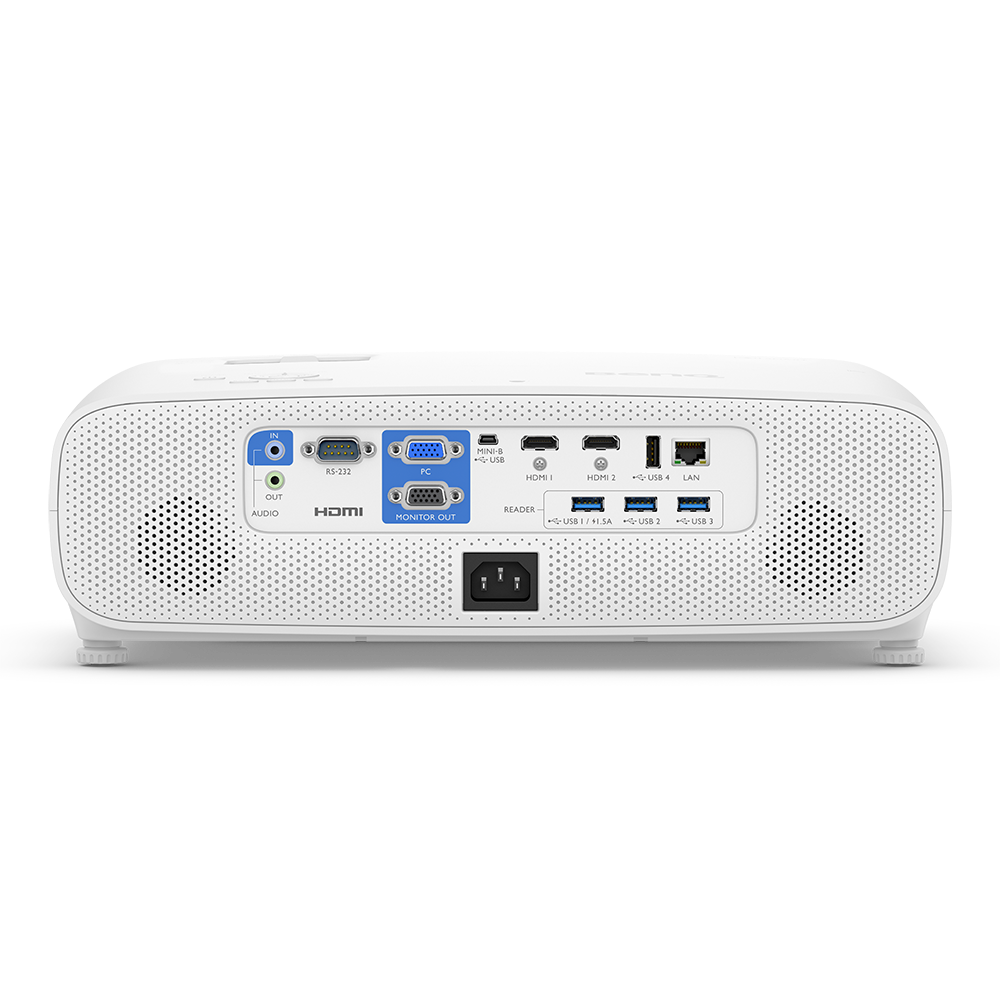
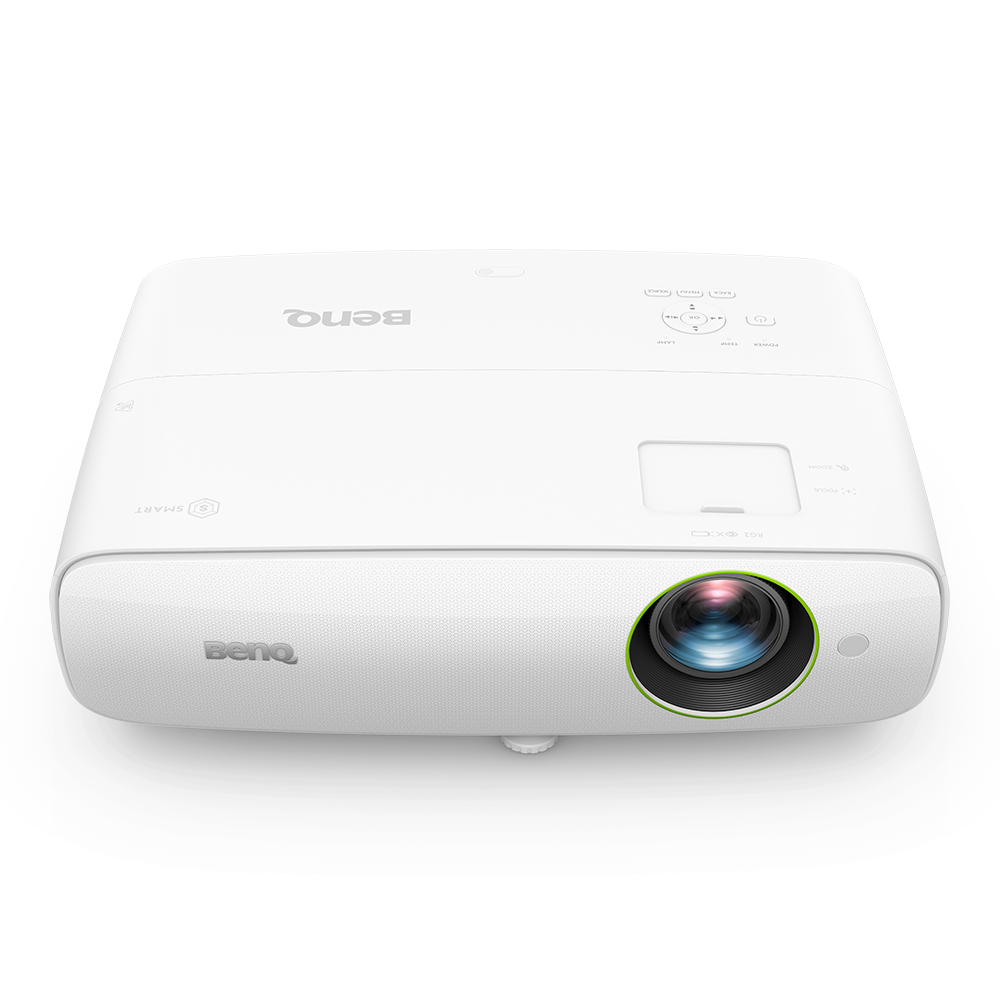
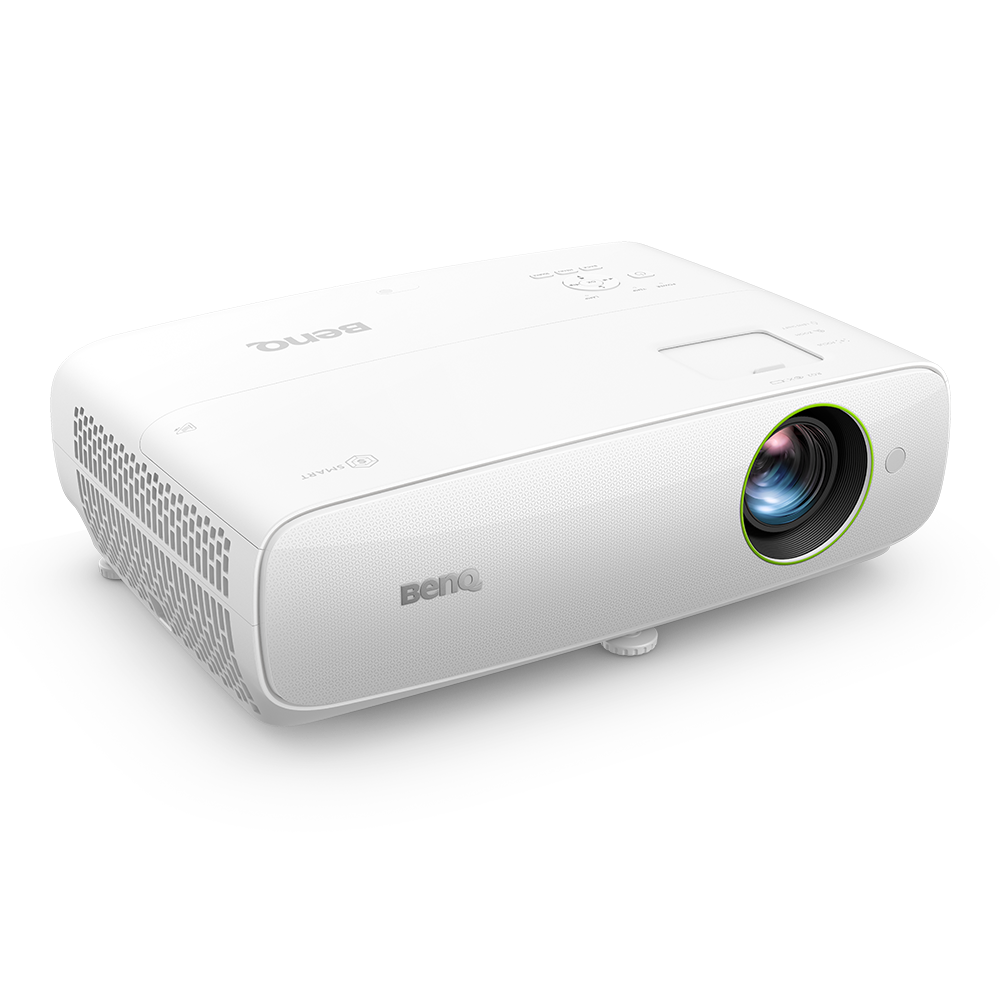
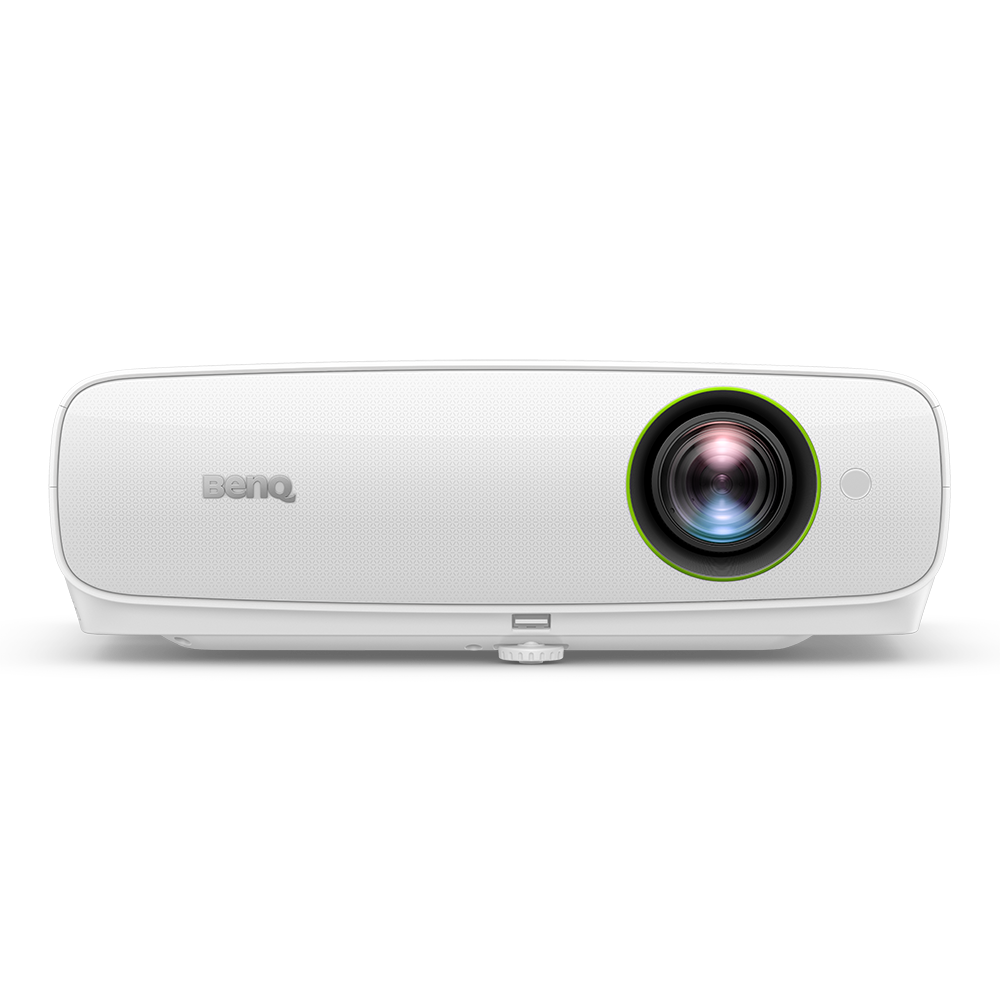

EH620 3400lms 1080p Smart Windows Projector for Meeting Room
Commence Meetings of the Future
- A hybrid meeting solution with Windows 11 IoT Enterprise OS built-in
- Enterprise-grade WPA2 certified and AES-128 encryption security
- Preloaded with Google Meet, Skype and TeamViewer Meeting meeting apps

The requested qty is not available
The requested qty exceeds the maximum qty allowed in shopping cart
Product that you are trying to add is not available.

All-in-One Windows Projector for Enterprise
Commence Meetings of the Future

X


Built-in Windows 11 IoT Enterprise OS

WPA2 certification and AES-128 encryption

Preloaded with common business apps

Driver-free screen casting from any device

Auto visual and audio setup features

Two-channel 5W x2 speakers

Auto firmware scan & upgrade

3rd-party control system compatibility
Effective PC-Free Cloud Meetings
Integrated Hub to Convenience
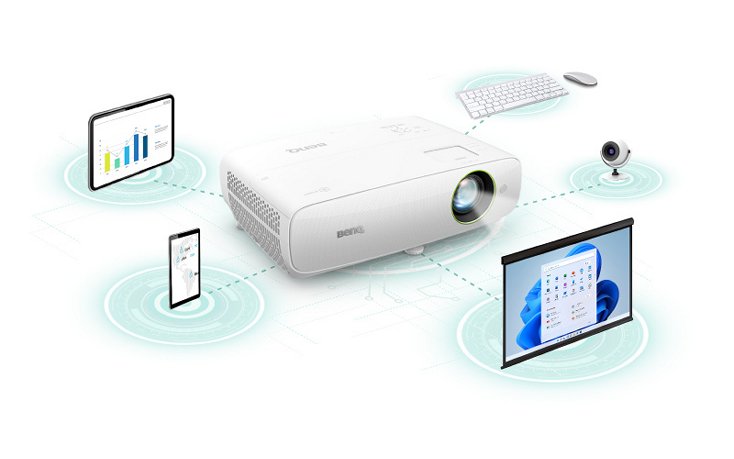
Transform a conventional meeting room into a modern cloud collaboration space. BenQ EH620 smart projector eliminates laptops and speakers, reducing device clutter but increasing capabilities when connected to a wireless keyboard-mouse set and webcam. Cloud workers can start smooth online meetings instantly.
Directly Project Cloud Presentations
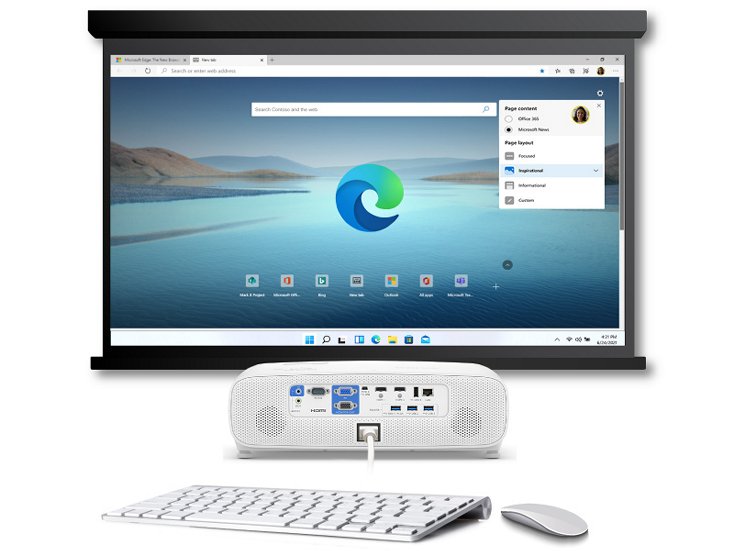
Turn on EH620 Windows projector, launch built-in Edge and Chrome browsers, and access presentation files in OneDrive and Microsoft Teams without using laptops. This effectively reduces meeting preparation time, getting everything done on one projector to present seamlessly.

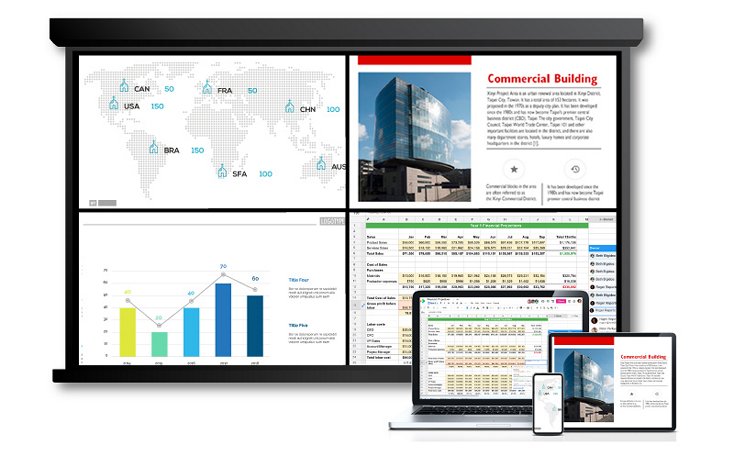
Cast Multiple Presentations Simultaneously
Share content or collaborate from 4-way split windows on a big screen via Miracast, Airplay, Google Cast, and BenQ InstaShare wireless casting technologies without extra apps or Wi-Fi dongles. It’s easy for team members to cast their presentations, up to 4 devices at the same time, for a thorough discussion.


Spark Hybrid Collaboration
Sorted Shortcuts to Launch Meetings Instantly
BenQ-exclusive Launcher interface organizes apps into three groups, saving users’ time from downloading, searching, or logging into apps. Just click the apps and start the meeting.


Join Video Conferences with Built-in Apps
Use preloaded meeting apps like Google Meet, Skype for Business, and TeamViewer Meeting directly on the projector to free up personal devices from public use. Run the whole meeting smoothly without any embarrassing interruptions.
*More apps can be downloaded from Microsoft Store.
Simultaneously Share Content from Multiple Sources
With only one person signing into the meeting, participants in the same room can cast individually and share content via the projector to remote attendees. This ensures every participant is on the same page without switching from image to image.


Amplified Sound with Vocal Clarity
Specially designed for video conferences, EH620 offers two 5W speakers and a voice-enhanced Vocal Mode to let every remote or in-person attendee hear meeting details clearly for effective collaboration.
Smart Installations. Secure Management.
Auto-Adjustments for Optimal Settings
From boot to presentation, BenQ EH620 auto-detects the meeting content to provide the most suitable visual and audio settings. Instantly see and hear clearly without prior adjustments.
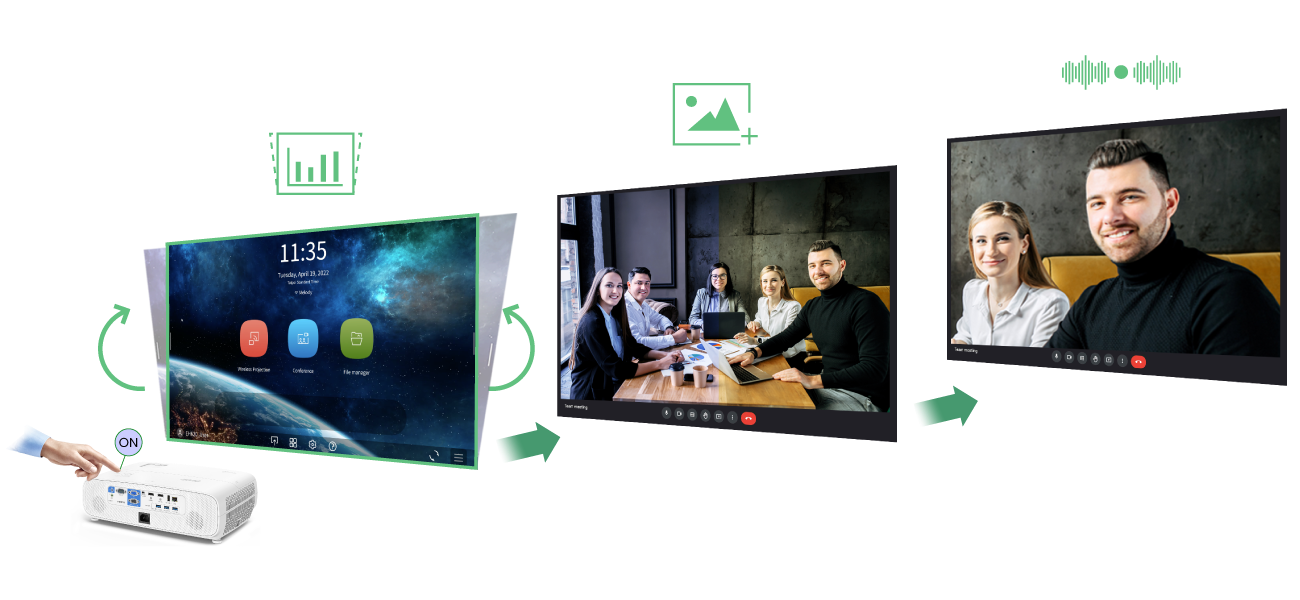
Step 1
Turn projector on and set projection angle. Auto Keystone will automatically correct the image.
Step 2
Launch presentation file and let Auto Picture Mode detect and optimize the projection according to content.
Step 3
Auto Sound Mode detects sources to optimize the effects of voices and sounds.
Reduced Cost and Time-Saving Management
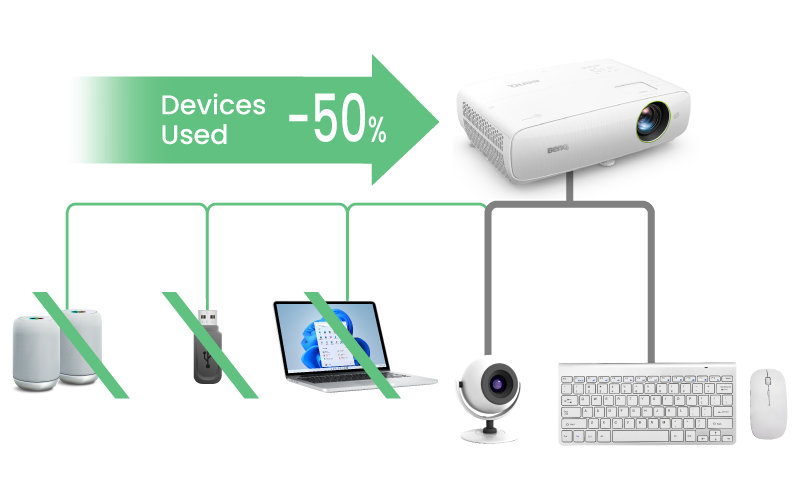
Reduce 50% of Devices Used
The all-in-one projector is simpler to use, reducing management and maintenance of multiple meetings and devices.
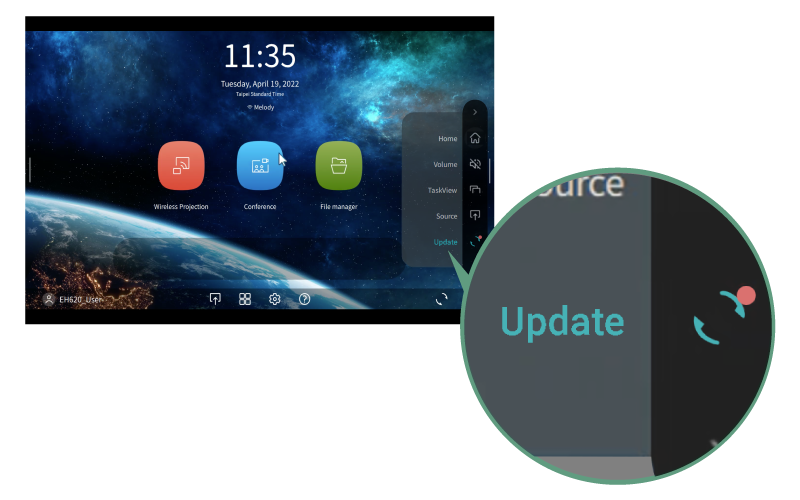
Auto Firmware Scan and Upgrade
Auto Firmware Update notifications for download and install, all completed on the projector.
NOTE: This function supports BenQ app and Windows driver/security update. For TI, Windows firmware and BIOS update, please contact via service channel.

3rd-Party Central Control
Highly compatible with control systems such as PJ-Link, Creston, and AMX for easier integration into existing systems.

Wintel OS Offers Upgraded Info Security
Embedded Intel® Celeron® CPU enables comprehensive enterprise-grade security upgrades to provide complete protection over hardware, chips, apps, and wireless casting.

Intel® Celeron® Processor
Intel® Celeron® Processor 4205U boosts Windows application productivity up to 40% with faster connection and security of Intel Runtime BIOS Resilience.

Platform Trust Technology
Intel® PTT supports BitLocker for hard drive encryption and supports all Microsoft requirements for firmware Trusted Platform Module (fTPM) 2.0.

AES 128 & WPA2 Wi-Fi Security
AES 128-bit security encryption and WPA2 authentication protocol ensure that any intellectual property remains private and safe from tampering or unintended disclosure.
| Strengths | Features | BenQ EH620 | BenQ EH600 | Other Wireless Projectors |
Strengths Video Conference via Cloud | Features Direct Login to the Cloud | BenQ EH620 With built-in Win11 OS and Chrome/Edge browsers | BenQ EH600 With built-in Android OS and AMS Cloud app | Other Wireless Projectors N/A |
Strengths | Features Downloads and App Updates | BenQ EH620 Download at Microsoft Store | BenQ EH600 Download via Firefox browser | Other Wireless Projectors N/A |
Strengths | Features Built-in Speakers | BenQ EH620 Built-in 5W * 2 speakers | BenQ EH600 Built-in 2W * 1 speakers | Other Wireless Projectors Built-in 2W * 2 speakers |
Strengths | Features Extra Peripherals | BenQ EH620 Webcam, keyboard, mouse | BenQ EH600 Webcam, keyboard, mouse | Other Wireless Projectors Laptop or iPad, webcam, speakers |
Strengths Wireless Projection Technology | Features Extra Apps Required? | BenQ EH620 No, connect to the projector's Wi-Fi | BenQ EH600 Dongle/driver/app-free wireless projection | Other Wireless Projectors Additional Wi-Fi dongle or software required |
Strengths | Features Wireless Projection Device System Support | BenQ EH620 Miracast/ Airplay/ Google Cast / BenQ InstaShare | BenQ EH600 Airplay/ Google Cast / BenQ InstaShare | Other Wireless Projectors iOS/ Mac OS |
Strengths | Features Multiple Device Casting | BenQ EH620 Yes, 4 -way split screen, simultaneous casting | BenQ EH600 Yes, one at a time | Other Wireless Projectors Yes, 4 -way split screen, simultaneous casting |
Strengths IT Management | Features Auto Update via OTA (Over-the-Air) | BenQ EH620 Yes (Auto F/W scan and self-update) | BenQ EH600 Yes | Other Wireless Projectors N/A |
Strengths | Features Centralised Management Software | BenQ EH620 Creston, AMX, PJ-Link compatibility | BenQ EH600 Creston, AMX, PJ-Link compatibility and BenQ DMS Cloud management | Other Wireless Projectors Creston, AMX, PJ-Link compatibility |
Need Help Setting Up your Meeting Room?