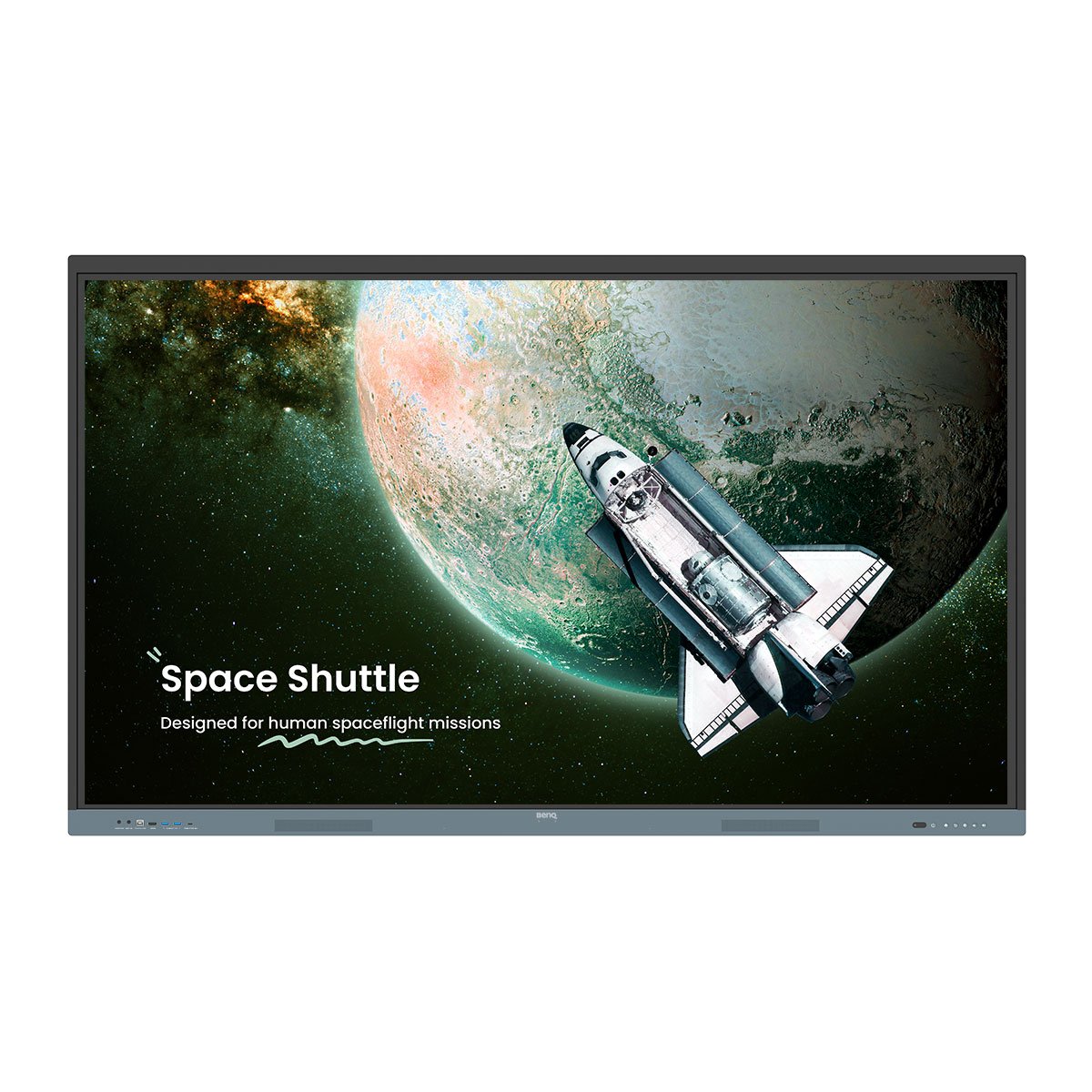
اختبر الفرق مع لوحة بينكيو التفاعلية

Skip to Main Content
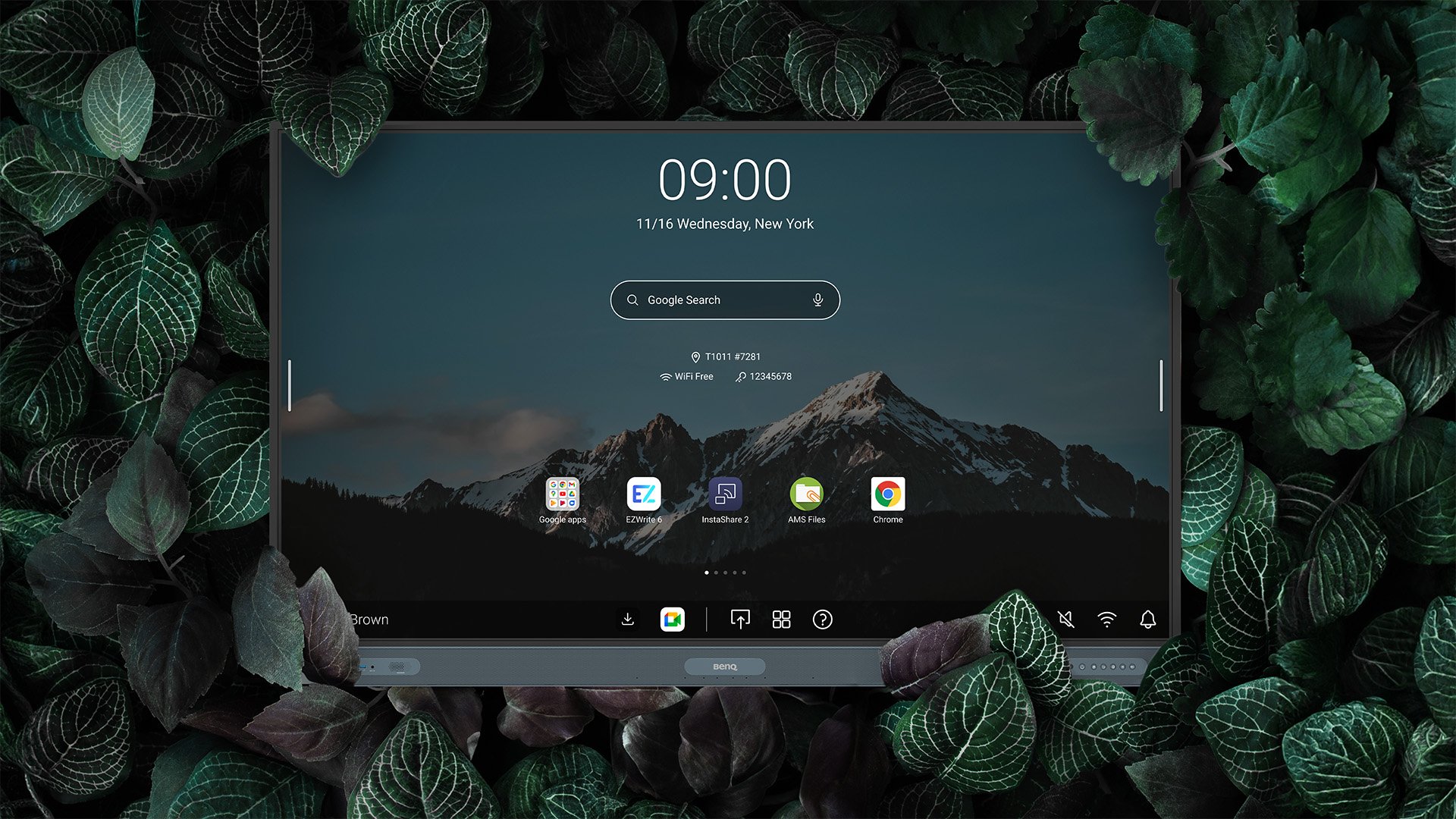
EDLA-certified BenQ Board Pro RP04 Master RM04 Experience the Difference

شاشات بينكيو التفاعلية للتعليم

اختبر الفرق مع لوحة بينكيو التفاعلية

تتفوق شاشات بينكيو التفاعلية ببساطة. صُممت لتعزيز تجربة التعليم في الفصول الدراسية، وتوفر أحدث شاشاتنا التفاعلية الحاصلة على اعتماد Google EDLA مستويات استثنائية من حيث البرمجيات والمواصفات والدعم والأمان، لتتجاوز بذلك جميع شاشات العرض التفاعلية الأخرى المخصصة للتعليم.

شاشات بينكيو التفاعلية للتعليم

اختبر الفرق مع لوحة بينكيو التفاعلية

تتفوق شاشات بينكيو التفاعلية ببساطة. صُممت لتعزيز تجربة التعليم في الفصول الدراسية، وتوفر أحدث شاشاتنا التفاعلية الحاصلة على اعتماد Google EDLA مستويات استثنائية من حيث البرمجيات والمواصفات والدعم والأمان، لتتجاوز بذلك جميع شاشات العرض التفاعلية الأخرى المخصصة للتعليم.

The icon of teaching on the BenQ Baord

درّس بطريقتك

تُمكّنك شاشات BenQ التفاعلية الحاصلة على اعتماد Google EDLA من التدريس بطريقتك. استخدم السبورة البيضاء، وشارك شاشتك، وحمّل الدروس من الويب. أنجز كل ذلك باستخدام أدواتنا القوية والبديهية، المصممة لتناسب أسلوبك في التدريس.

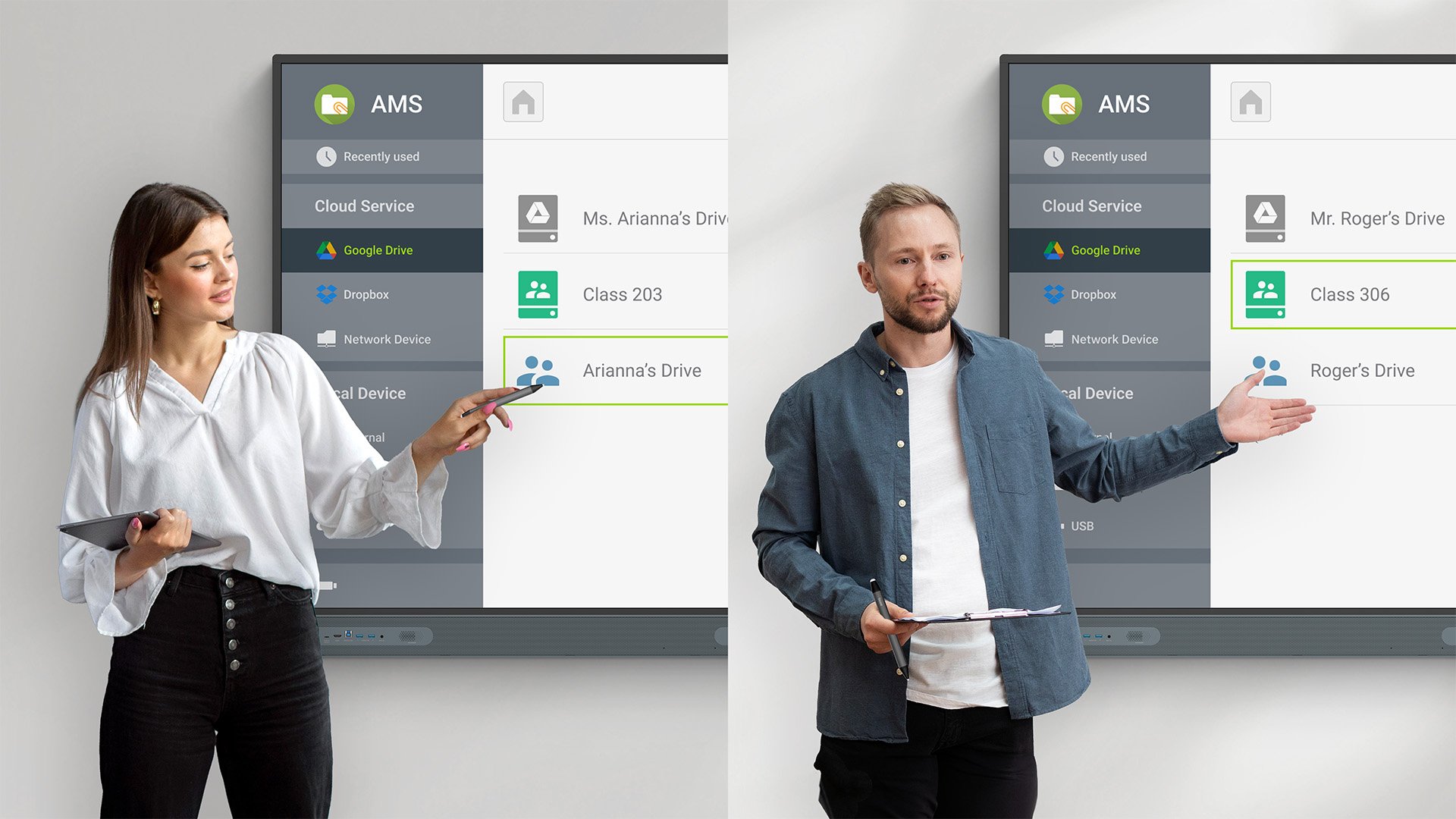
مساحتك الخاصة تمامًا

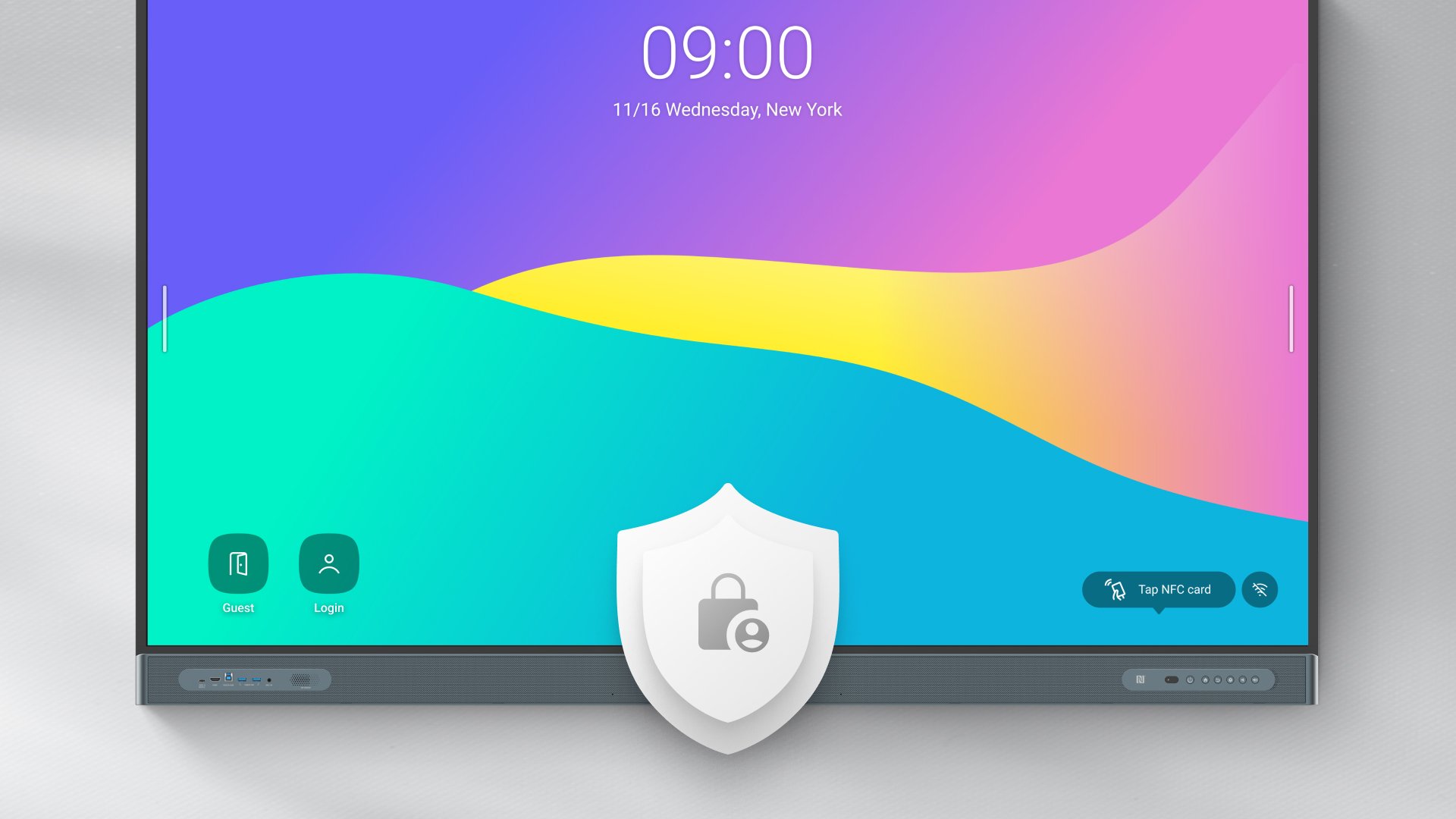
يحصل كل معلّم على حسابه الشخصي المخصص، ويمكنه الوصول إليه على أي شاشة BenQ تفاعلية. وهذا يعني أنه يمكنك تحميل جميع إعداداتك وإشاراتك المرجعية ومجلداتك بمجرد تسجيل الدخول.

بياناتك، لك وحدك

جميع حسابات المستخدمين منفصلة، لذلك لا يمكن للآخرين الاطلاع على بياناتك. أنت وحدك من يمكنه الوصول إلى ملفاتك ومجلداتك، وحتى حساباتك وتطبيقاتك التي سجّلت الدخول إليها.

BenQ Board cloud storage access and syncing

Tap and teach

Everything you need is just a tap away. Tap your NFC card to log in and load your account, files, and folders. Tap your pen to pull up the whiteboard. And tap your Android phone for easy screen sharing.

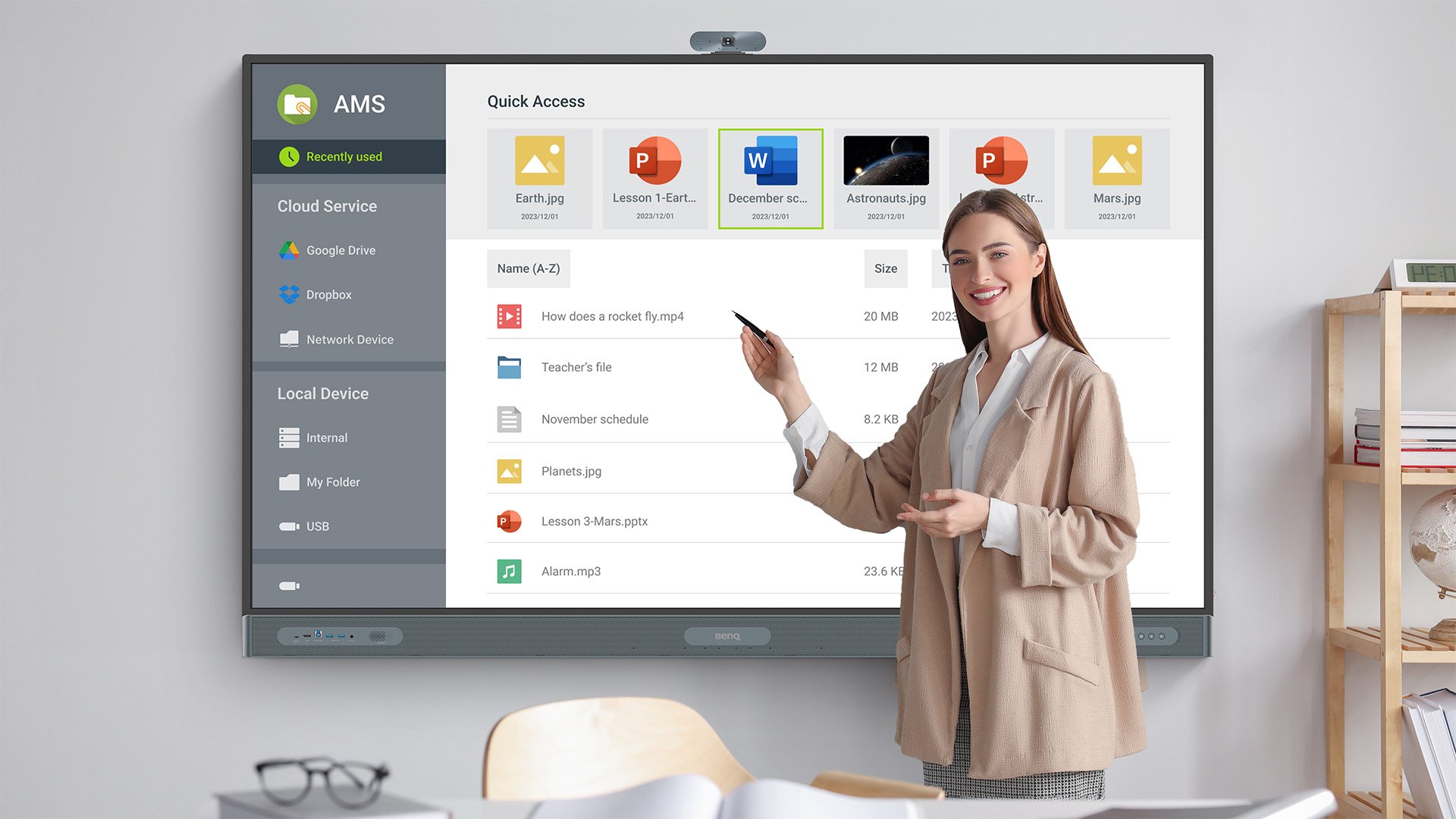
قدّم بطريقتك

يمكنك الوصول إلى محتوى الدروس من الويب، أو تحميله مباشرةً من حسابك السحابي، أو إذا كنت تفضّل استخدام جهاز الكمبيوتر المحمول، فما عليك سوى توصيله للاستفادة من ميزة التحكم باللمس وتشغيل شاشتك مباشرةً من اللوحة.

Present your way with BenQ Board

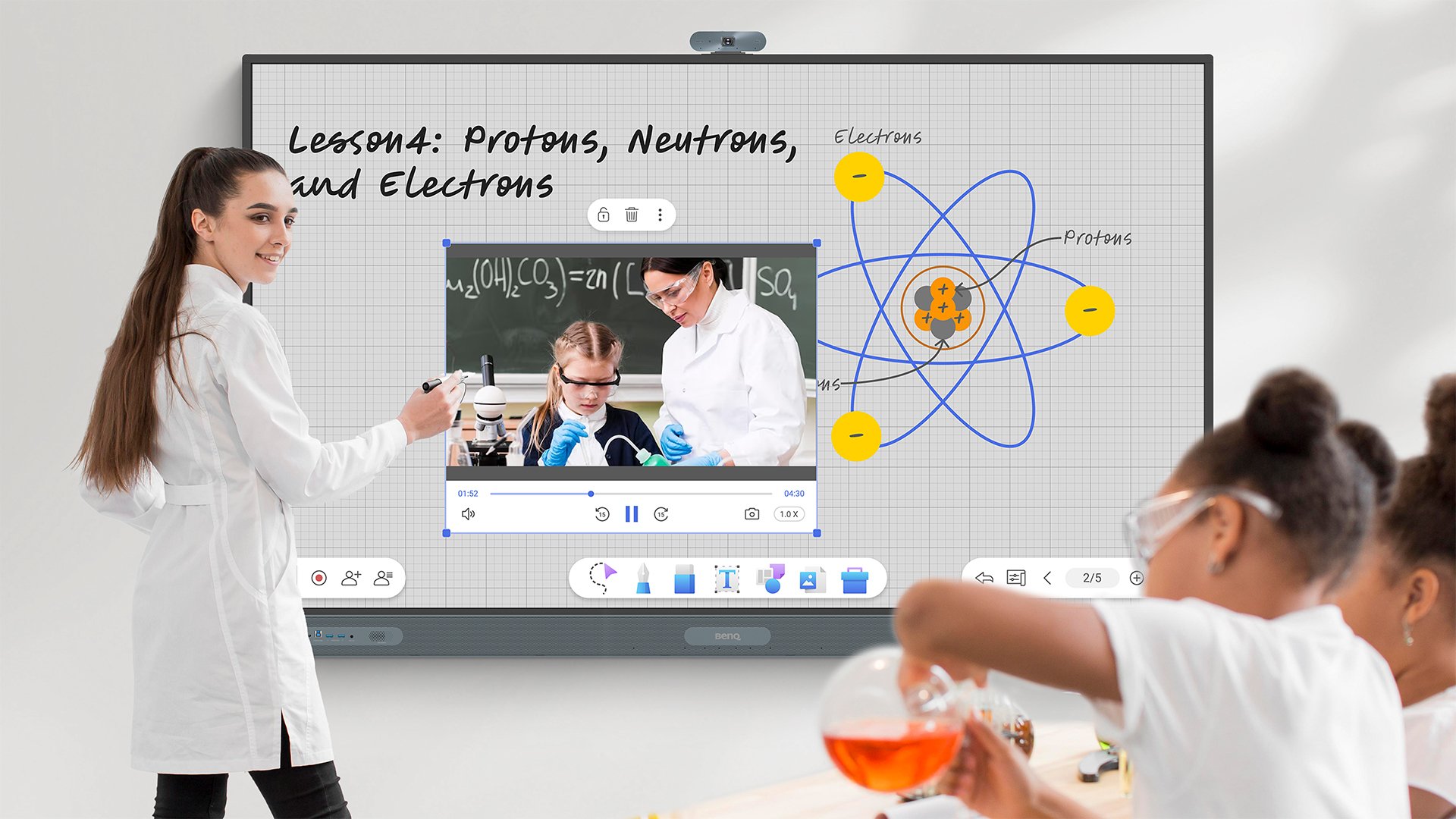
استخدم السبورة البيضاء بطريقتك

تجعل سبورة EZWrite البيضاء تجربة التدريس أفضل ببساطة. اكتب وارسم ولوّن على مساحة لا تنفد أبدًا. أضف لمسة مميزة إلى دروسك باستخدام الروابط والصور ومقاطع الفيديو. واستفد من القوالب والأدوات، التقليدية والمدعومة بالذكاء الاصطناعي، لإنشاء دروس أكثر تفاعلاً وغنىً في أي وقت.

Whiteboard your way with BenQ Board

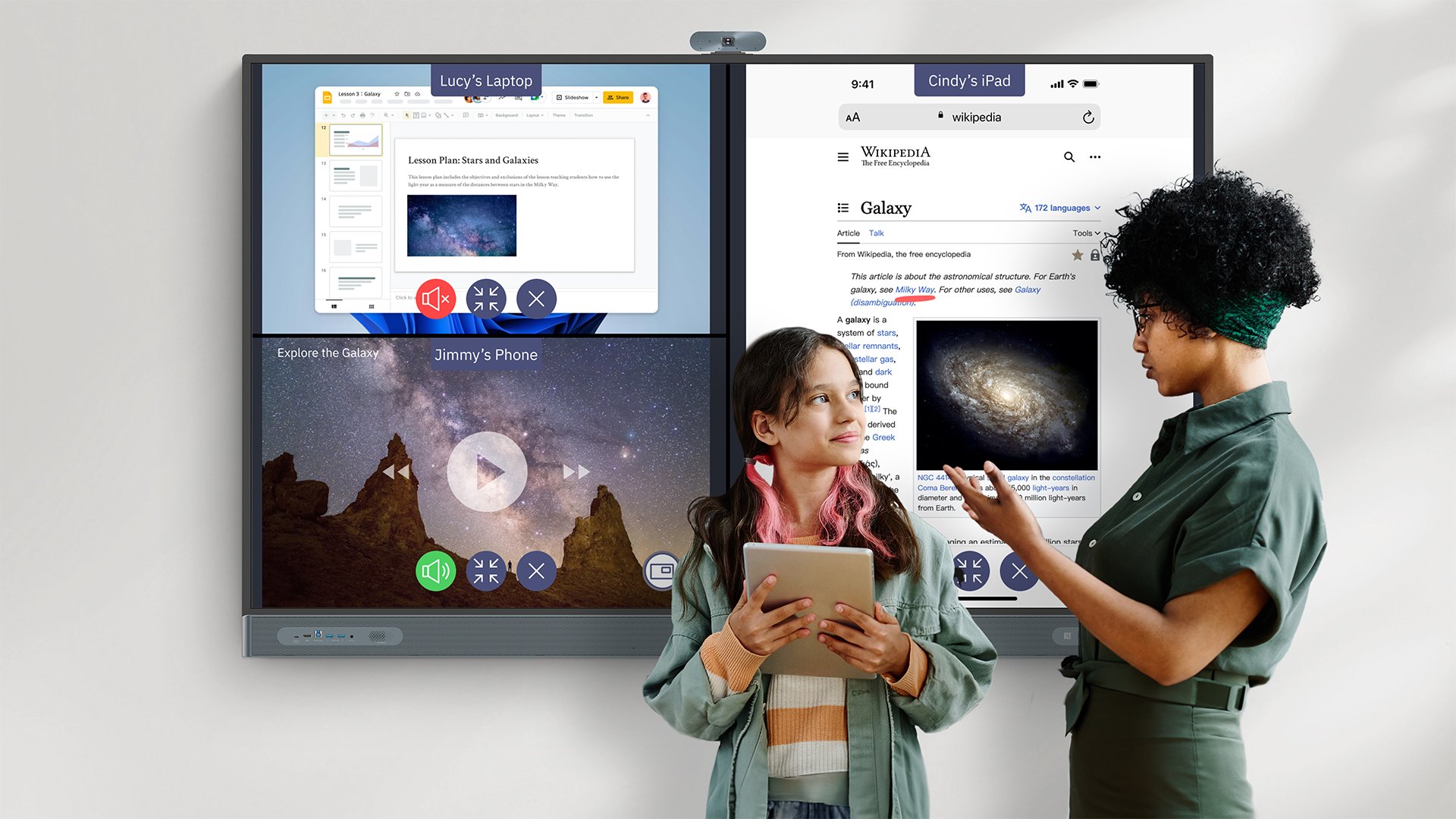
Share your way

InstaShare lets you wirelessly share your screen to your board. You can easily navigate, annotate over content, and open up your session to the rest of your class. Session controls and AI filtering are also available to help you keep things in order.

Screen share your way with BenQ Board
The icon of BenQ Board support

دعم أفضل

قد يكون استخدام التقنيات الجديدة أمرًا مربكًا، لذلك نحن هنا لإرشادك في كل خطوة على الطريق. نقدّم تدريبًا مخصصًا للمعلمين وموظفي تكنولوجيا المعلومات، ونوفر مواد تعليمية شاملة عبر الإنترنت، كما نقدم دعمًا لاستكشاف الأخطاء وإصلاحها كلما احتجت إليه.

  • BenQ Education hands-on training

    Hands-on training

  • BenQ Academy guides and videos

    Guides and videos

  • BenQ Education technical support

    Technical support

The icon of BenQ Board management

إدارة أفضل

يمكن لموظفي تكنولوجيا المعلومات لديك الاطمئنان. لقد سهّلنا إدارة شاشات BenQ التفاعلية.

تهيئة سهلة دون عناء

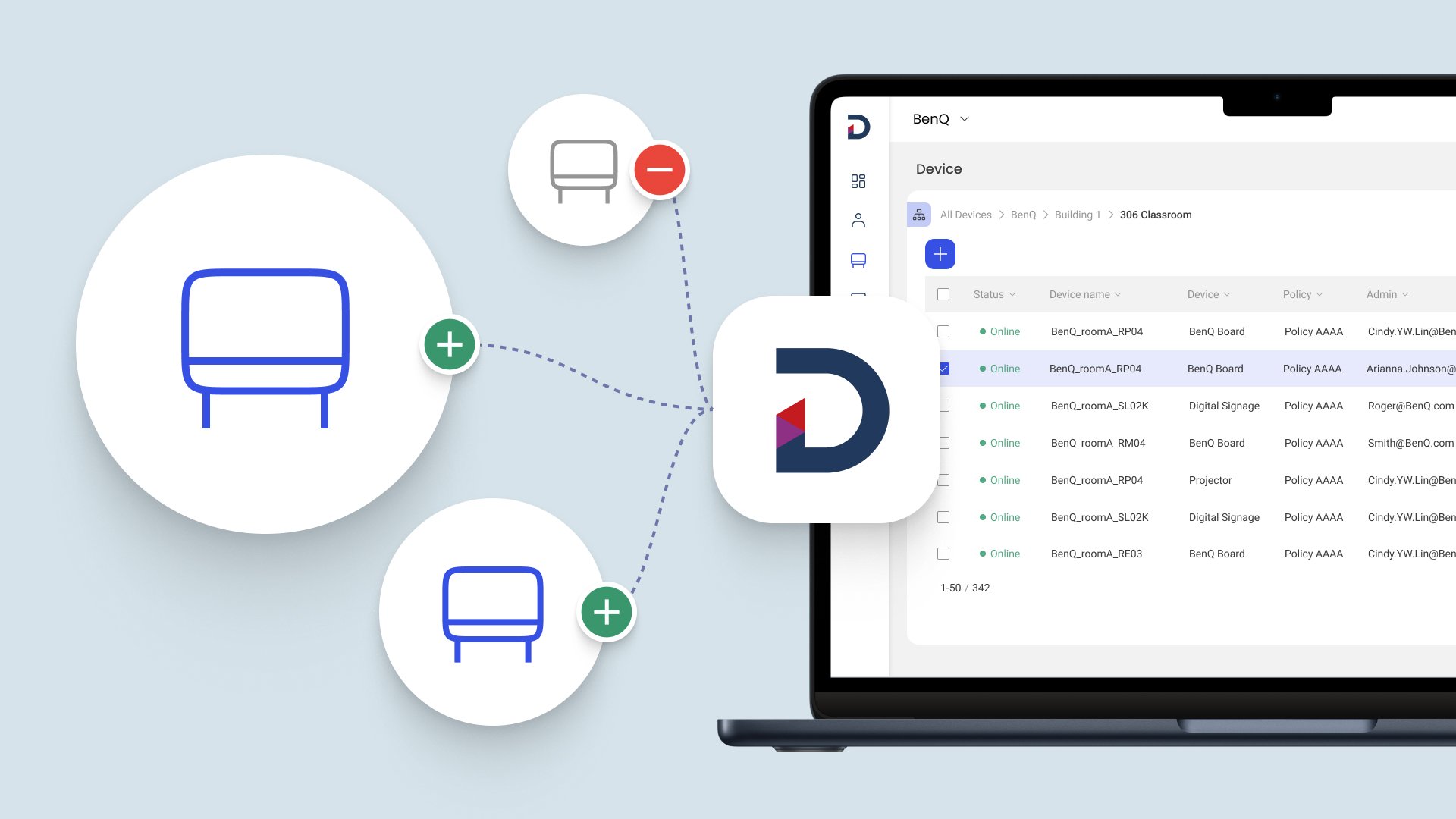
تعمل منصتنا لإدارة الأجهزة على تقليل الوقت والجهد اللازمين لتسجيل الشاشات التفاعلية الجديدة وإعدادها بشكل كبير.

Easy onboarding with BenQ Board
  • Scan the barcode to onboard

    Scan to add

    Quickly provision multiple new boards by simply scanning the barcode on the box or display.

  • Tap an NFC card to bind AMS and DMS

    Set. Plug. Tap.

    Configure your settings just once then apply them to all your other boards using USB and NFC.

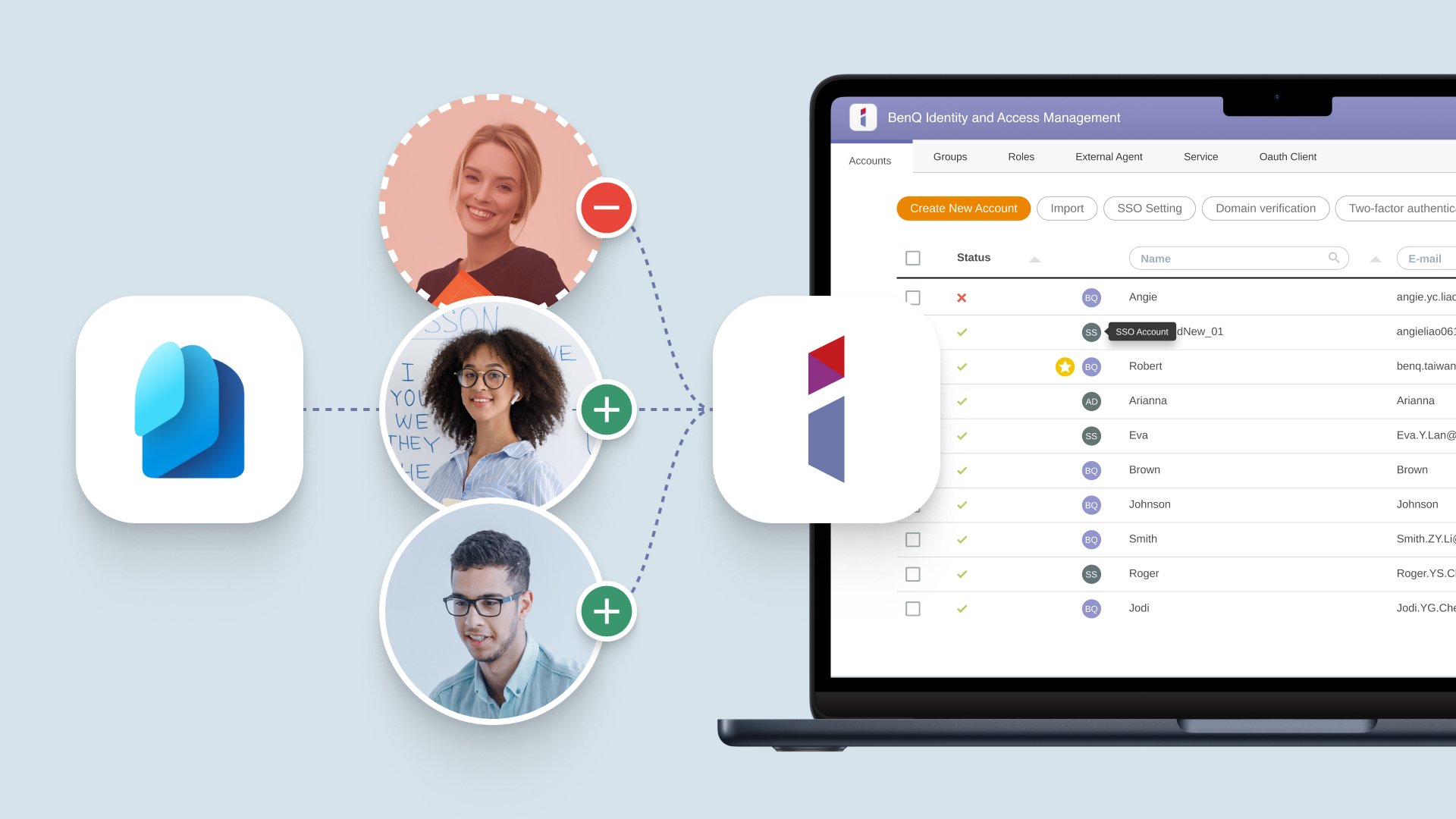
مزامنة قائمة المستخدمين في الوقت الفعلي

أضف المستخدمين أو احذفهم بسرعة من جميع أجهزة BenQ الخاصة بك، من خلال مزامنة قوائم المستخدمين الحالية مع نظام إدارة الهوية والوصول من BenQ.

BenQ Boards sync with ClassLink, Microsoft Entra ID, Google Workspace, and LDAP servers

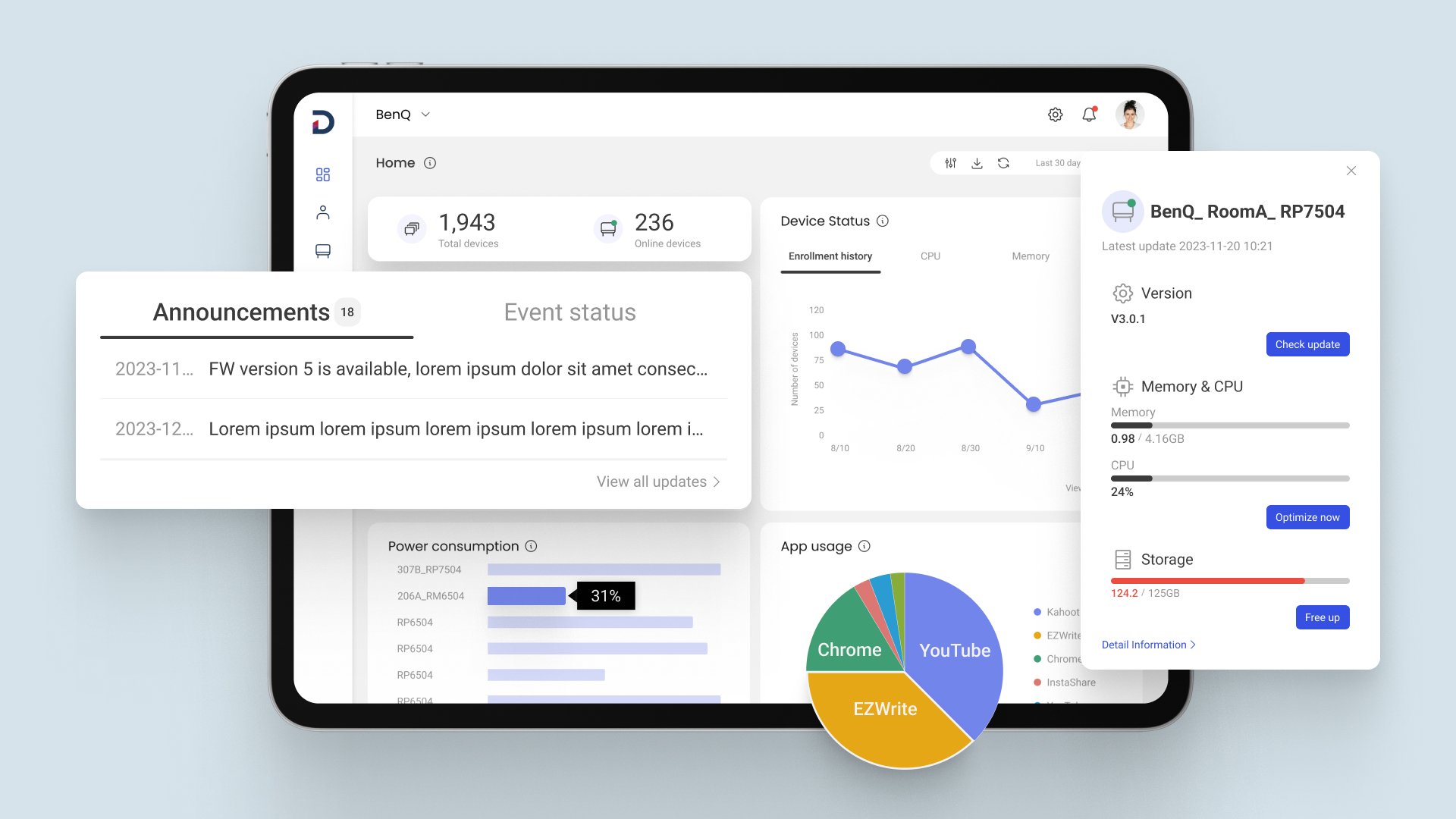
المراقبة والتحديثات عن بُعد

تحقّق من حالة شاشاتك التفاعلية، وجدول التحديثات، وحتى إعداد السياسات، كل ذلك من وحدة تحكم واحدة سهلة الاستخدام.

Get detailed device analytics from the DMS dashboard
  • Update firmware and apps

    Keep boards up to date

    Push firmware and app updates to ensure the optimal performance of your boards and software.

  • Enforce device policies and automate tasks

    Enforce device policies

    Create device policies to easily apply settings and automate device management tasks.

  • Use analytics to optimize device usage

    Optimize your usage

    Ensure the efficient use of your boards and software through app and device usage reviews.

The icon of security

أمان أفضل

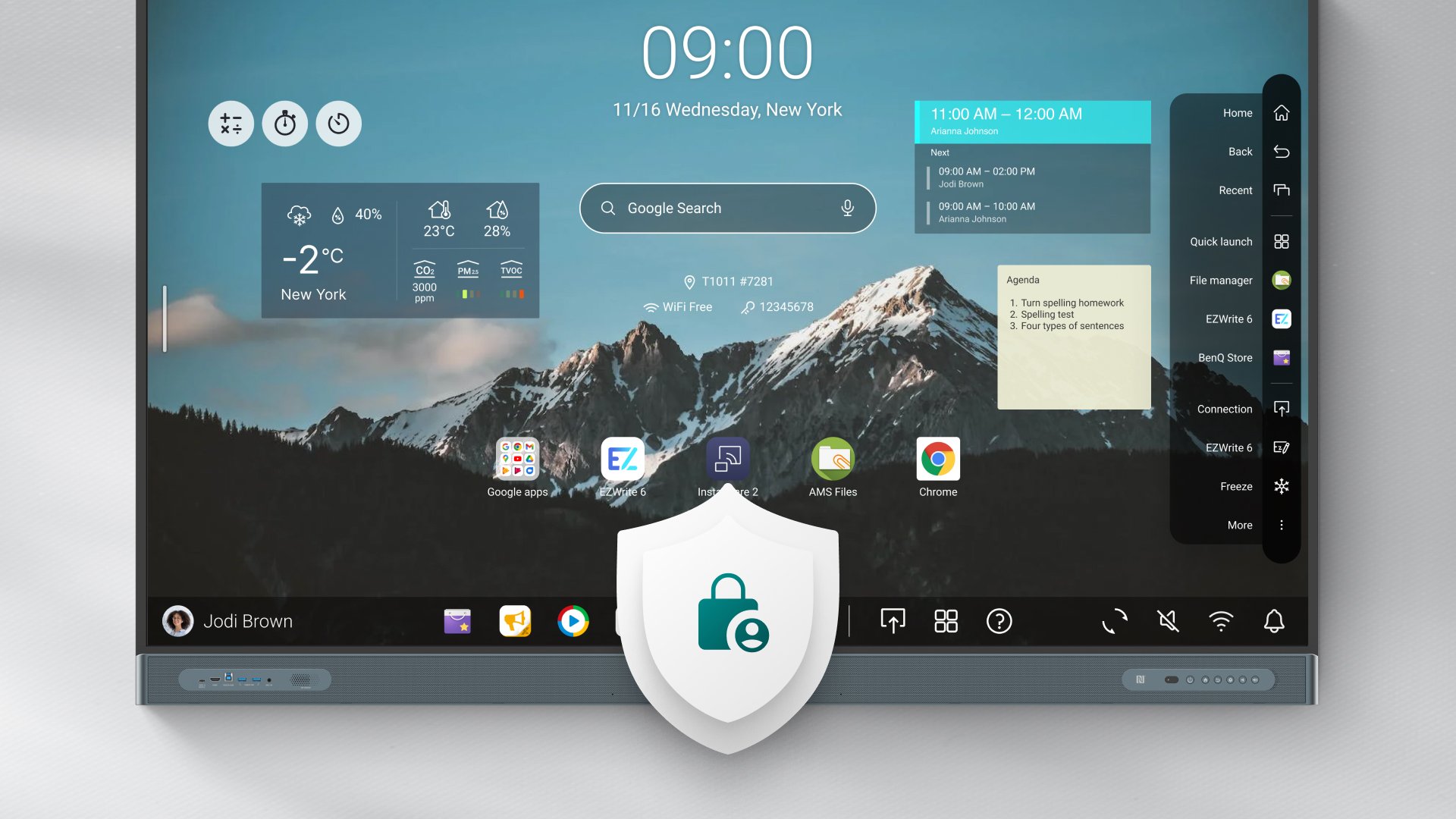
نعلم مدى أهمية بيانات مدرستك، ولذلك نساعدك على حمايتها والحفاظ عليها بأمان.

BenQ Boards offer better security
  • أيقونة خصوصية البيانات

    خصوصية البيانات

    نحترم حقك في الخصوصية ونلتزم بأعلى المعايير العالمية الصارمة.

  • The icon of system security

    أمان النظام

    نوفر لك وسائل لحماية أجهزتك وشبكاتك من التهديدات.

  • The icon of strict authorization

    تفويض صارم

    نوفر وصولًا آمنًا إلى شاشاتك التفاعلية وحسابات المستخدمين وملفاتك.

  • The icon of restrited access

    وصول مقيّد

    قلّل المخاطر من خلال تحديد الأشخاص المسموح لهم بتعديل إعدادات الشاشة التفاعلية.

  • The icon of app security

    أمان التطبيقات

    يساعد Google Play Protect على فحص التطبيقات التي قد تكون ضارة.

  • The icon of app blocking

    حظر التطبيقات

    امنع عمليات التثبيت غير المصرّح بها من خلال حظر التطبيقات أو الوصول إلى متجر Google Play.

The icon of free

بدون رسوم اشتراك

لا نفرض عليك أي رسوم إضافية. جميع حلولنا للسبورة البيضاء ومشاركة الشاشة وحلول تكنولوجيا المعلومات متاحة للاستخدام مجانًا، لتسهيل عملية التدريس والإدارة عليك.

  • BenQ software EZWrite logo

    EZWrite

    Whiteboarding

  • BenQ software Instashare logo

    Instashare

    Screen sharing

  • BenQ software DMS logo

    DMS

    Device management

  • BenQ software IAM logo

    IAM

    Access management

  • BenQ software AMS logo

    AMS

    Account personalization

The icon of energy saving

توفير الطاقة

تتميز شاشات بينكيو التفاعلية بميزات موفّرة للطاقة تساعدك على تقليل التكاليف بشكل كبير وخفض بصمتك الكربونية الرقمية.

BenQ Boards are designed for energy efficiency BenQ Boards are designed for energy efficiency
  • أوضاع توفير الطاقة

    تعمل أوضاع توفير الطاقة وEco الحاصلة على اعتماد ENERGY STAR® على تنظيم استهلاك الطاقة بكفاءة، دون التأثير على أداء الشاشة التفاعلية.

  • Energy waste prevention

    Set power schedules or put boards to sleep to reduce the amount of energy your boards consume when they are not actively in use.

  • Energy monitoring

    Generate your boards’ power consumption reports to identify excessive power use and plan your energy-saving strategy accordingly.

The icon of ClassroomCare

ClassroomCare®

Unlike other interactive displays for education, the BenQ Board has a comprehensive set of ClassroomCare® features designed to protect student and teacher health.

  • BenQ Board germ-resistant screens are safe to touch

    Safe to touch

    BenQ Board screens and peripherals have an antimicrobial coating that helps prevent the spread of germs in class.

  • BenQ Board Eyesafe Certified 2.0 screens protect against blue light

    Easy on the eyes

    Prevent eye strain and other related eye issues with our anti-glare, flicker-free, Eyesafe® Certified 2.0 screens.

  • BenQ Board air quality solutions let students breathe easy

    Breathe easy

    Maintain good air quality in your classrooms with the help of the BenQ Board’s built-in air quality sensors and air ionizer.

The icon of spec

Better Specs

The BenQ Board’s combined specifications completely outclass the specs of other interactive displays

  • EDLA-certified BenQ Boards have an octa-core processor

    A force for teaching

    Its powerful system on a chip paired with an Android 13 OS guarantees consistently superior long-term performance.

  • BenQ Boards have Ultra precision IR technology

    Incredible touch response

    The BenQ Board Pro’s Ultra Precision IR technology with a <5ms response time provides the most natural writing experience.

  • BenQ Boards offer a powerful audiovisual experience

    Best in sight and sound

    Experience immersive audio and video during lessons with our 4K UHD screens and outstanding set of speakers and subwoofers.

Success stories

Bloomsbury Education
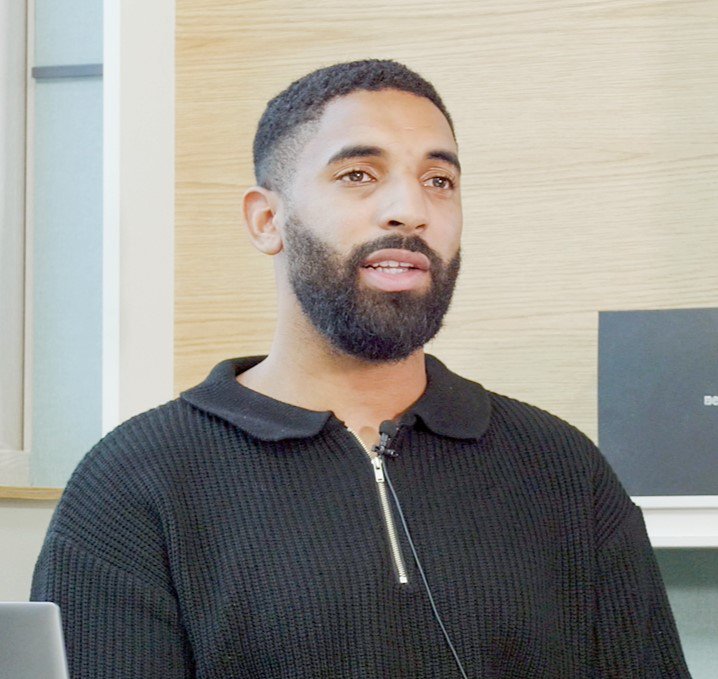
“The BenQ Board is an extremely helpful tool and innovative product, which has helped me in every single lecture and lesson.”

معرفة المزيد

Watch video

Hamsung and Gunsan Sports Clubs
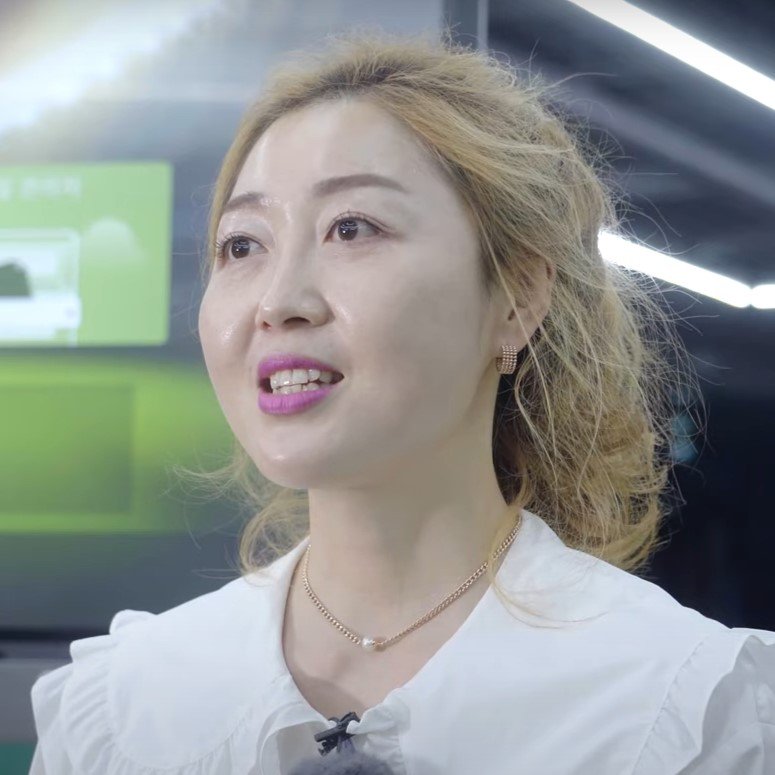
“The most effective way to teach football is by merging actual practice with technology. The BenQ Board was the perfect medium for it.”

معرفة المزيد

Watch video

Assumption College Samutprakarn
“When we discovered the BenQ Board, we knew we had to have it for all 102 of our classrooms.”

معرفة المزيد

Watch video

Kankakee School District
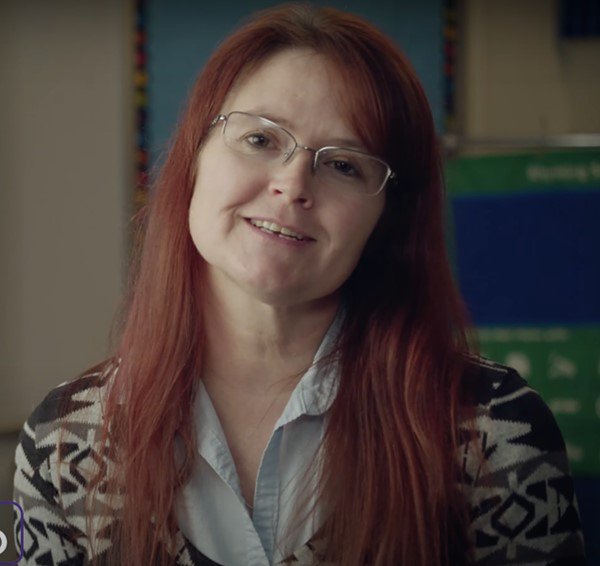
"BenQ Boards help us by allowing our teachers to be more flexible in their instruction."

معرفة المزيد

Watch video

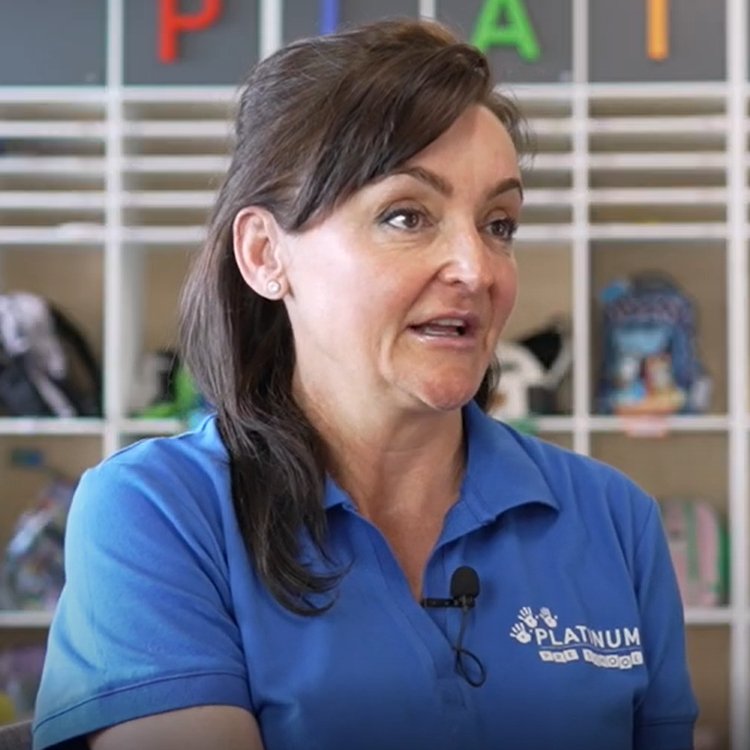
platinum-pre-school-director
Platinum Pre School
“One of the best things about BenQ Boards is that we can develop activities where they’re going to be interactive with each other.”

معرفة المزيد

Watch video

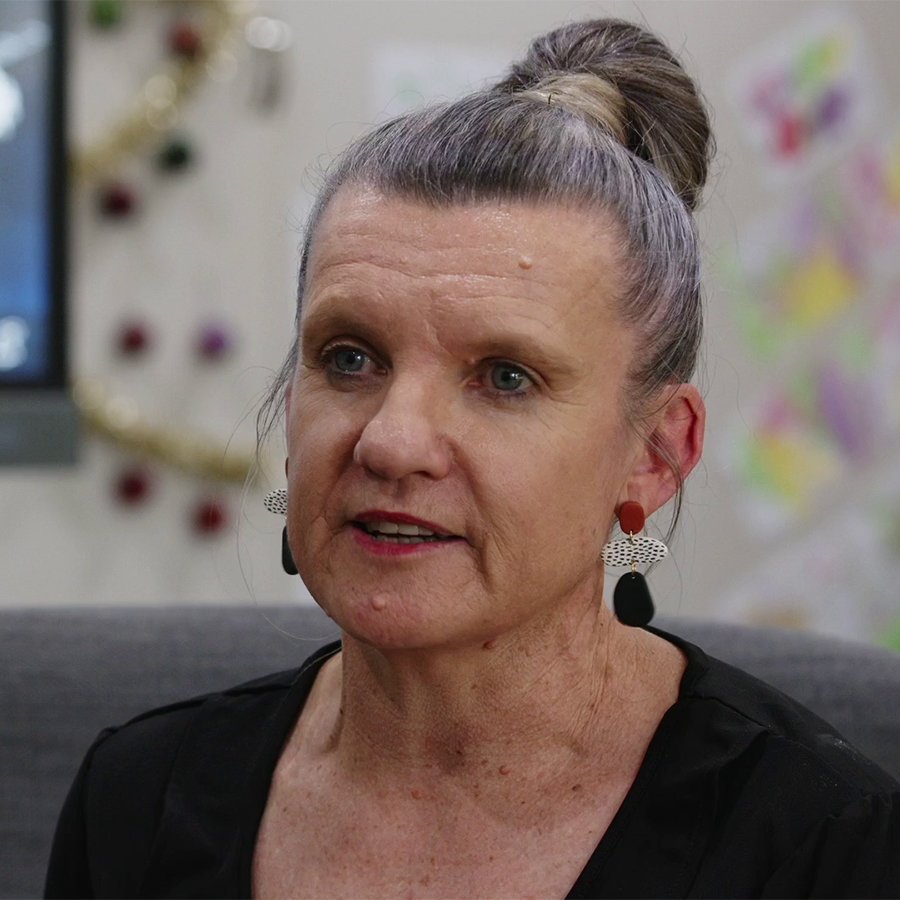
Play & Learn Child Care Centre
“Technology empowers children to learn and grow. They want to engage with the interactive whiteboard. It's absolutely priceless.”

معرفة المزيد

Watch video

BenQ Board

BenQ Boards

لوحة EDLA بينكيو بورد ماستر | RP04
لوحة EDLA بينكيو بورد ماستر | RM04
سبورة بينكيو الأساسية | RE04
BenQ Board Pro | RP04
لوحة EDLA بينكيو بورد ماستر | RP04
BenQ Board Pro | RP04

اتصل بقسم المبيعات

4K UHD: 65", 75", 86"
Screen
Android 15 (EDLA)
Operating System
A78 x 4 + A55 x 4 | 8GB | 128GB
Chipset | Memory | Storage
2x 20W + 16W subwoofer | 8-microphone array
Audio
Ultra Precision IR (up to 50 points)
Touch
NFC | Wi-Fi 6 | Bluetooth 5.2
Wireless Connectivity
Access controls, Directory sychronization, Device management
Management
Germ-resistant, Eyesafe® 2.0 (RPF50® ), Air quality
ClassroomCare®
BenQ Board Master | RM04
لوحة EDLA بينكيو بورد ماستر | RM04
BenQ Board Master | RM04

اتصل بقسم المبيعات

4K UHD: 65", 75", 86"
Screen
Android 14 (EDLA)
Operating System
A73 x 4 + A53 x 4 | 8GB | 128GB
Chipset | Memory | Storage
2x 20W speakers | 8-microphone array
Audio
High Precision IR (up to 40 points)
Touch
NFC | Wi-Fi 6 | Bluetooth 5.2
Wireless Connectivity
Access controls, Directory sychronization, Device management
Management
Germ-resistant, Eyesafe® 2.0 (RPF35® )
ClassroomCare®
BenQ Board Essential | RE04
سبورة بينكيو الأساسية | RE04
BenQ Board Essential | RE04

اتصل بقسم المبيعات

4K UHD: 65", 75", 86"
Screen
Android 14 (EDLA)
Operating System
A73 x 4 + A53 x 4 | 8GB | 128GB
Chipset | Memory | Storage
2x 20W speakers
Audio
Precision IR (up to 40 points)
Touch
Wi-Fi 6 | Bluetooth 5.2
Wireless Connectivity
Access controls, Directory sychronization, Device management
Management
Germ-resistant
ClassroomCare®

الأسئلة الشائعة

  • ما هي كلاس روم كير؟

    ج: توفر بينكيو كلاس روم كير سولوشنز حلول طبقات حماية إضافية تساعد المعلمين في تدريس طلابهم بكل ثقة وطمأنينة في حين يتعلم الطلاب في نظام تفاعلي آمن

  • أي الشهادات قد حصلت عليها شاشات بينكيو المقاومة للجراثيم؟

    أقرت تي يو في راينلاند طلاء بينكبو غير السام المضاد للميكروبات لكونه فعالًا بنسبة 99.9٪ ضد البكتيريا الشائعة والأمراض الأخرى المسببة للجراثيم.

  • هل ستستمر بينكيو في تحديث شاشات العرض التفاعلية التي تعمل بنظام أندرويد 8؟

    ج: تعمل شاشات بينكيو بنسخة أندرويد 8 مخصصة تتضمن خاصيات مريحة وسهلة الاستخدام مثل أدوات الواجهة ، والإشارات المرجعية، وغيرها من التطبيقات المفيدة.

  • ما هي دقة شاشات بينكيو التفاعلية؟

    ج: تأتي جميع شاشات بينكيو التفاعلية بدقة 4K UHD.

المنتجات ذات الصلة

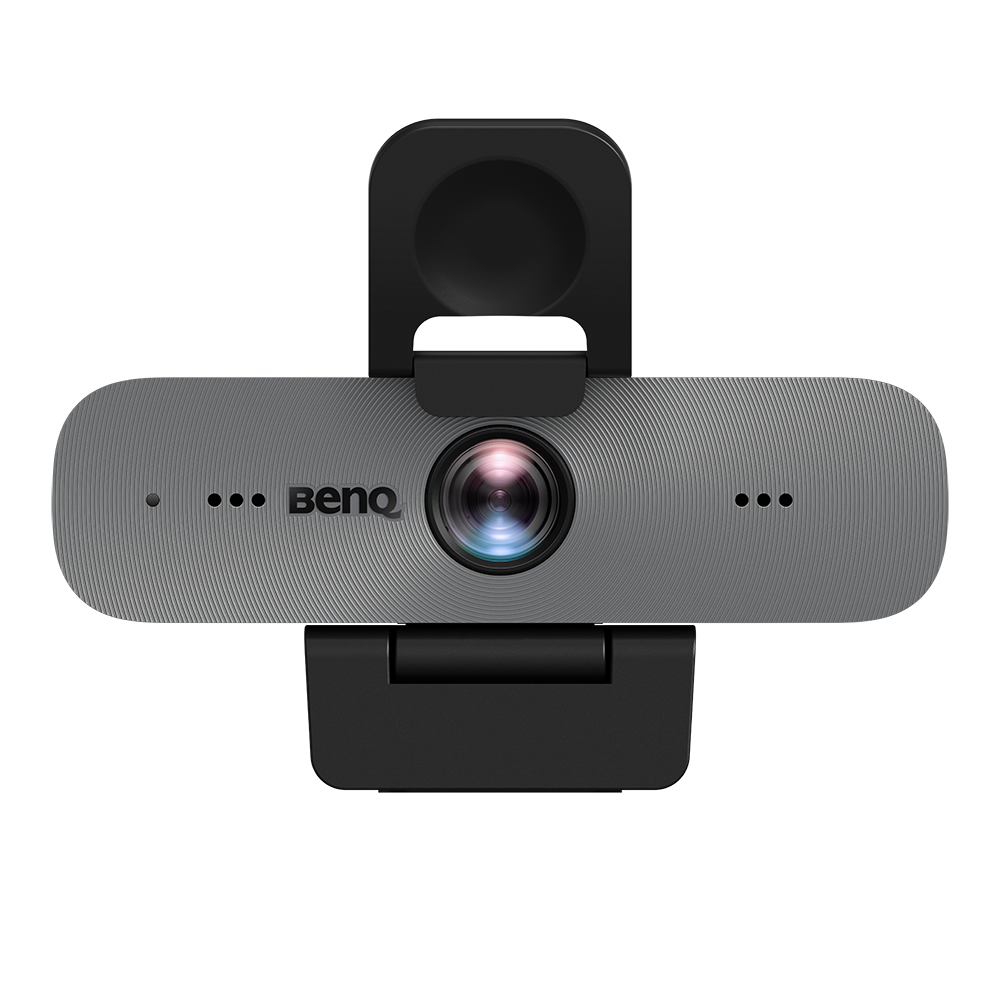
كاميرا ويب مدمجة بدقة Full HD | DVY31
يمكنك تقديم دروس عبر الإنترنت والانضمام إلى اجتماعات هيئة التدريس من أي مكان باستخدام كاميرا ويب خفيفة الوزن ومتكاملة تتميز بجودة صوت وفيديو ممتازة. يتميز DVY31 بمجال رؤية واسع يبلغ 92 درجة، ودقة عالية الوضوح بدقة 1080 بكسل ويتم ضبطه تلقائيًا حسب ظروف الإضاءة.

معرفة المزيد

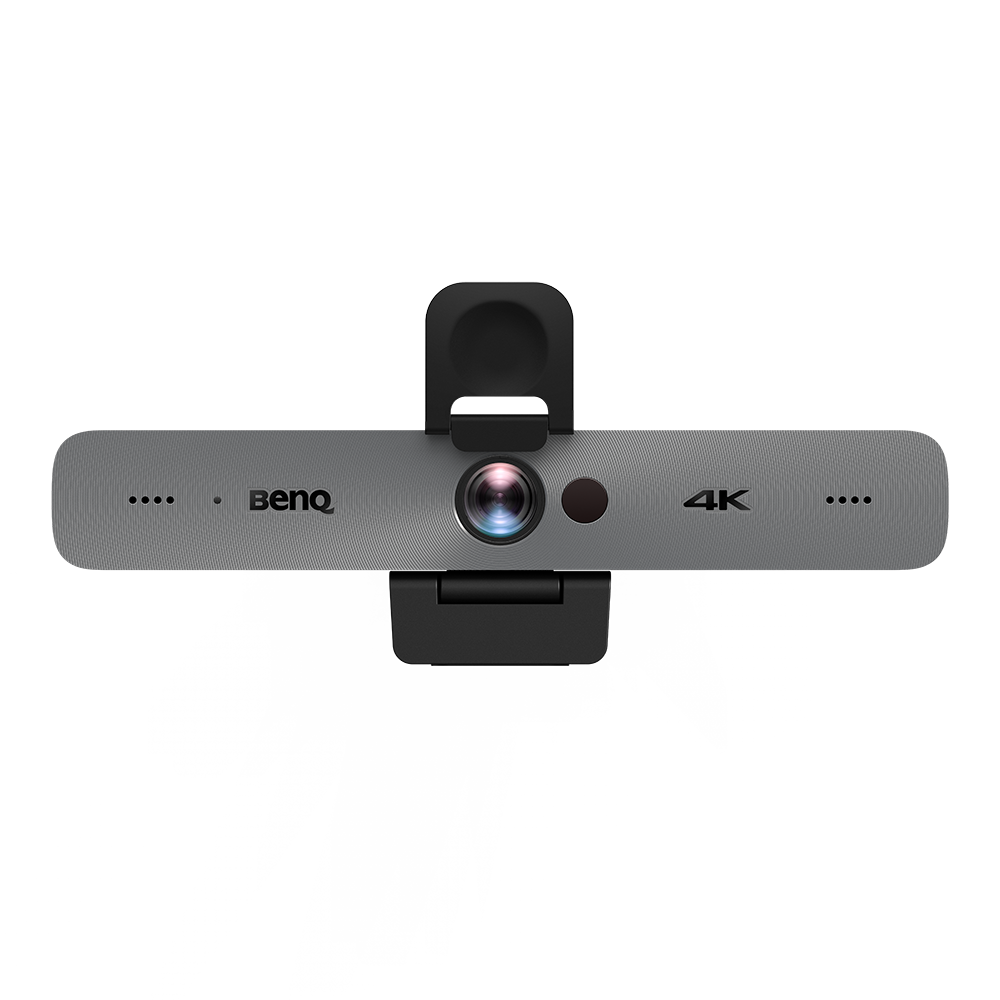
كاميرا مؤتمرات ذكية 4K | DVY32
كن مرئيًا ومسموعًا كما لو كنت في نفس الغرفة مع كاميرا قوية مصممة لتحقيق الأداء الأمثل في أي بيئة تعليمية. يتميز DVY32 بمجال رؤية واسع يبلغ 120 درجة، وتأطير تلقائي مدعوم بالذكاء الاصطناعي وتكبير رقمي 5x.

معرفة المزيد

OPS slot-in PC | TEY21-i7
Increase your display’s computing power by plugging in the TEY21 slot-in PC, which comes pre-loaded with Windows 10.

معرفة المزيد

Talk to an expert
Please enter your valid work email address

أرسل لنا استفسارك أدناه ووسنجيب عنه قريبًا.

Please verify that you are not a robot.

تلتزم BenQ بحماية خصوصيتك واحترامها، وسنستخدم معلوماتك الشخصية فقط لإدارة حسابك ولتوفير المنتجات والخدمات التي طلبتها منا. من وقت لآخر، نود الاتصال بك بشأن منتجاتنا وخدماتنا، بالإضافة إلى المحتويات الأخرى التي قد تهمك، ولكن ذلك بناءً على موافقتك فقط، ويمكنك إلغاء الاشتراك في هذه الاتصالات في أي وقت. قد يتم نقل بياناتك الشخصية إلى شركة تابعة لمجموعة BenQ في بلد ثالث - إذا فعلنا ذلك، فسيكون للأغراض المذكورة أعلاه فقط، وسنقوم بتنفيذ جميع التدابير اللازمة لحماية خصوصيتك وأمن بياناتك. يمكنك الاستفسار عن معلوماتك الشخصية أو تصحيحها أو حذفها في أي وقت. إذا كنت ترغب في القيام بذلك، أو لديك أي سؤال حول حقوق الخصوصية الخاصة بك، يرجى الاتصال بنا. لمزيد من المعلومات حول ممارسات الخصوصية لدينا، يرجى مراجعة سياسة الخصوصية الخاصة بنا.