beCreatus DP1310 l USB-C Triple 4K Display Hybrid Dock
Work, Play, Power your way

By Series
4K Gaming Projectors Home Cinema Series TV Projector Series Portable Projectors Golf Simulator ProjectorsBy Feature
Home Entertainment Best 4K Projectors Best Gaming Projectors Best Projectors for Sports GV Series Portable Ceiling Projectors House Mapping ProjectorsBy Trending Word
4K UHD (3840×2160) Short Throw 2D, Vertical/Horizontal Keystone LED Laser With Android TV With Low Input LagExplore Commercial Projector
Professional Installation Simulation Projection Small Business Corporation K12 & Higher EducationBy Feature
Photographer Monitors Designer Monitors Best 4K Monitors Best Monitors for MacBook Pro & Mac Best Monitors for Versatile MacBook Users Best Monitors for ProgrammingRemote Work & Learning
Explore treVolo Speaker
Dialogue Speaker for Learning Electrostatic Bluetooth Speaker Carry Case & Stand

Projectors

Monitors
Lighting
Remote Work & Learning
Interactive Displays | Signage
Store
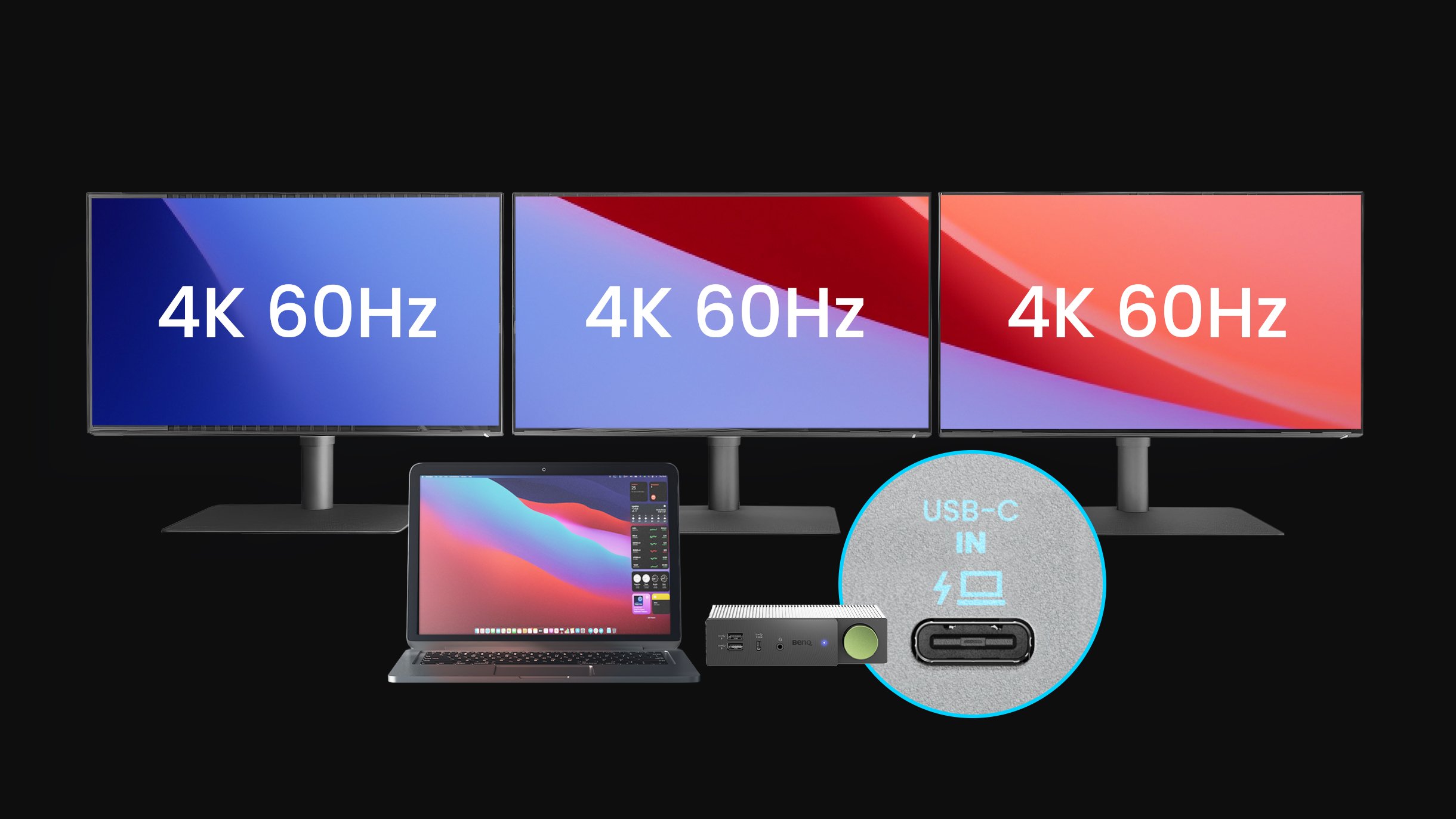
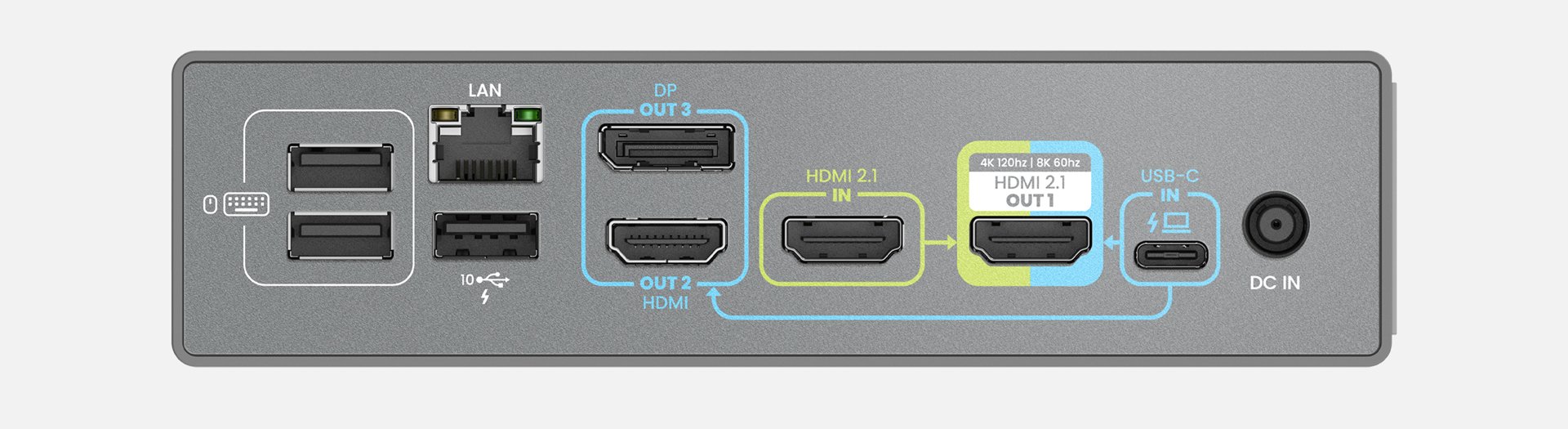
Introducing the industry-leading USB-C & HDMI 2.1 dual source integration design, beCreatus DP1310 lets you switch between work and entertainment with just one click.
**Source connected to HDMI 2.1 IN cannot share the same set of keyboard and mouse with the host connected to USB-C IN.(KVM function not supported) **Laptop’s USB-C port must support DisplayPort Alt Mode and USB-PD.
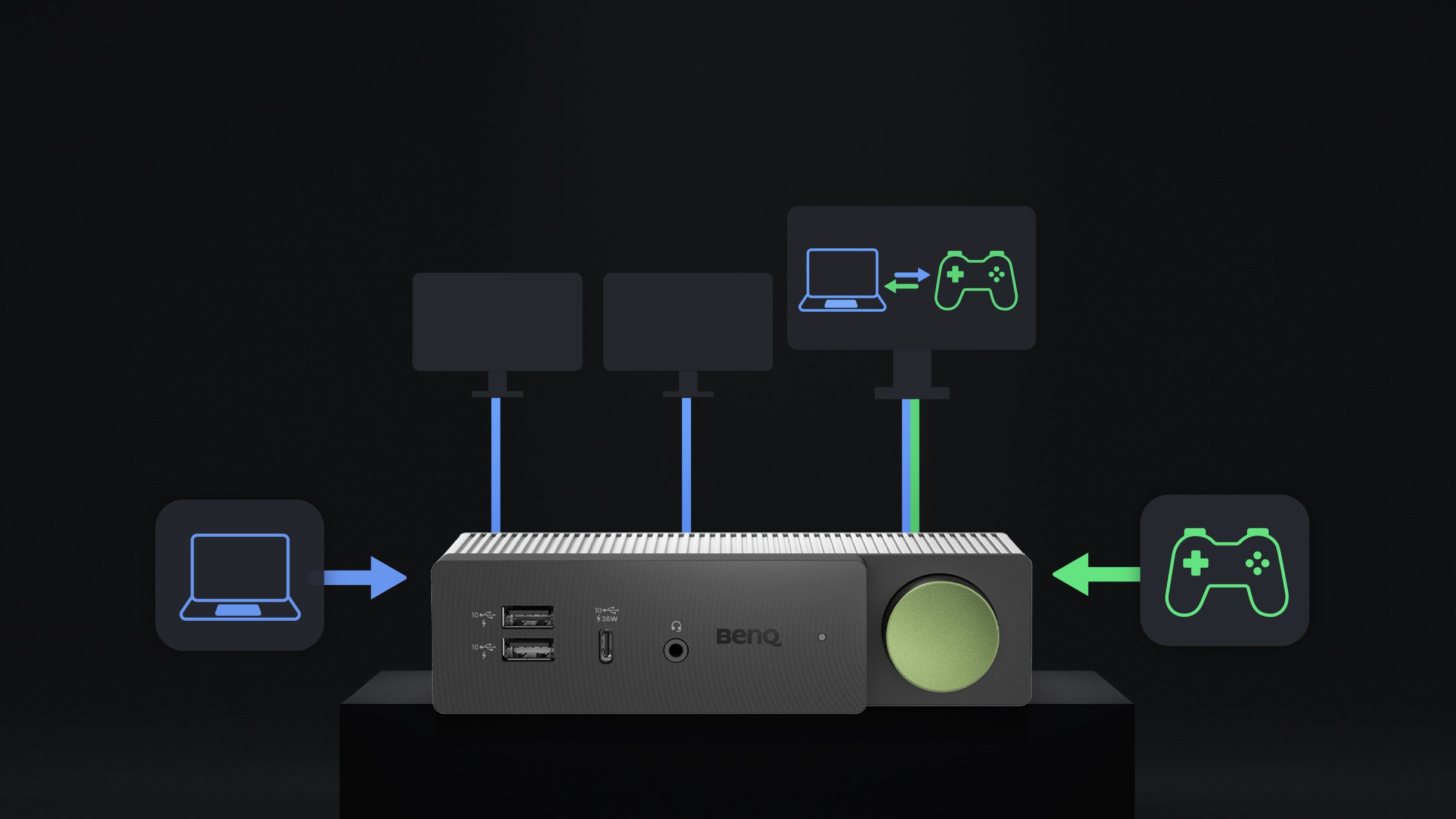
Unbeatable gaming experience with HDMI 2.1 IN
5 ports for maximum efficiency
10Gbps Data Transfer

beCreatus DP1310 comes with 4 front and 9 back ports. This includes 2 USB-C and 3 USB-A ports. The USB-C ports have 100W charging capabilities perfect for fast charging your MacBook® laptops.
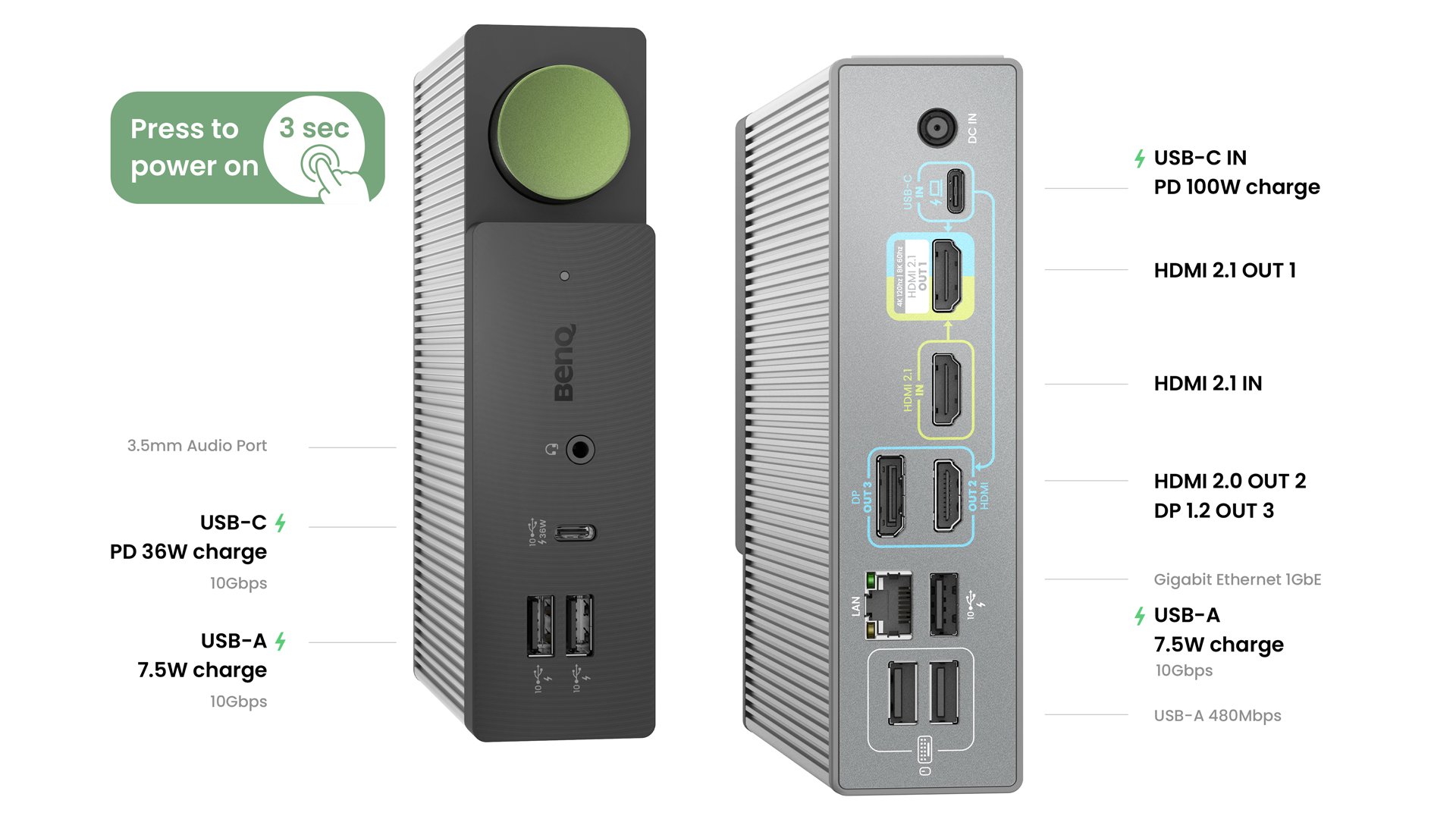
Fast Charging
USB-C PD100W x 1 / USB-C PD36W x1 / USB-A 7.5W x3
Data Transfer
Speed up to 10Gbps : USB-A x 3, USB-C x 1
More Connection
Experience the ultimate connectivity with the back LAN port and the front headphone jack.
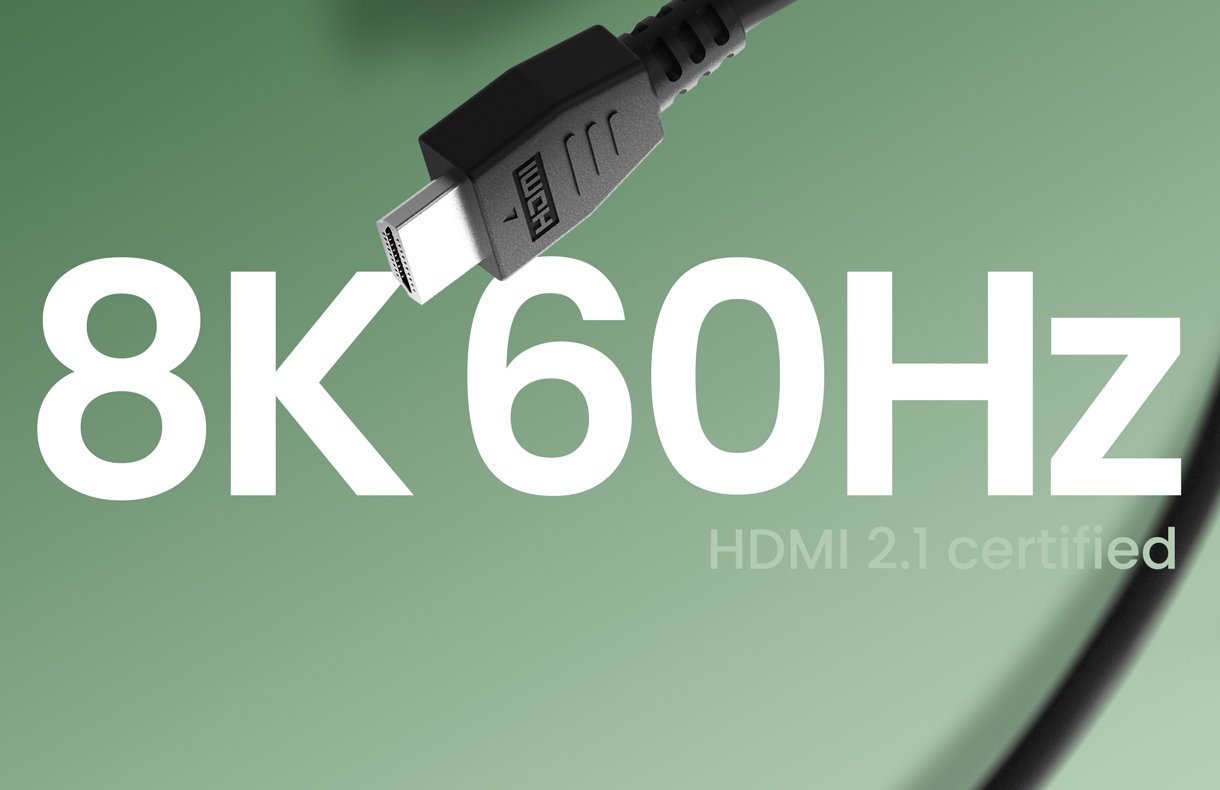
beCreatus DP1310 comes with an HDMI 2.1 cable, which allows you to embrace: Dolby Atmos HDR 8K@60Hz
Universal Compatibility, Extraordinary Quality
beCreatus DP1310 comes with an HDMI 2.1 cable, which allows you to embrace: Dolby Atmos HDR 8K@60Hz
MacBook Pro
Intel base M1, M1 Pro, M1 Max M2, M2 Pro, M2 Max M3, M3 Pro, M3 Max
MacBook Air
Intel base M1, M2
ASUS
ProArt Zenbook Vivobook ROG Zephyrus
Dell
XPS Precision Latitude Inspiron
HP
ZBook Envy VICTUS OMEN
Lenovo
ThinkPad ThinkBook Legion Chromebook
(1) Laptop’s USB-C port must support USB 3.2 Gen2 (10Gbps) with Power Delivery & DisplayPort Alt Mode or Thunderbolt 3/4. (2) It is recommended to use the DP1310 together with the laptop after 2020. (3) Laptop operating system requirement: Windows: 10 and above; macOS: 11.5 and above; Linux: Ubuntu 14.04 and above; Android: 5.0 and above; Chrome OS: R55 Build and above.
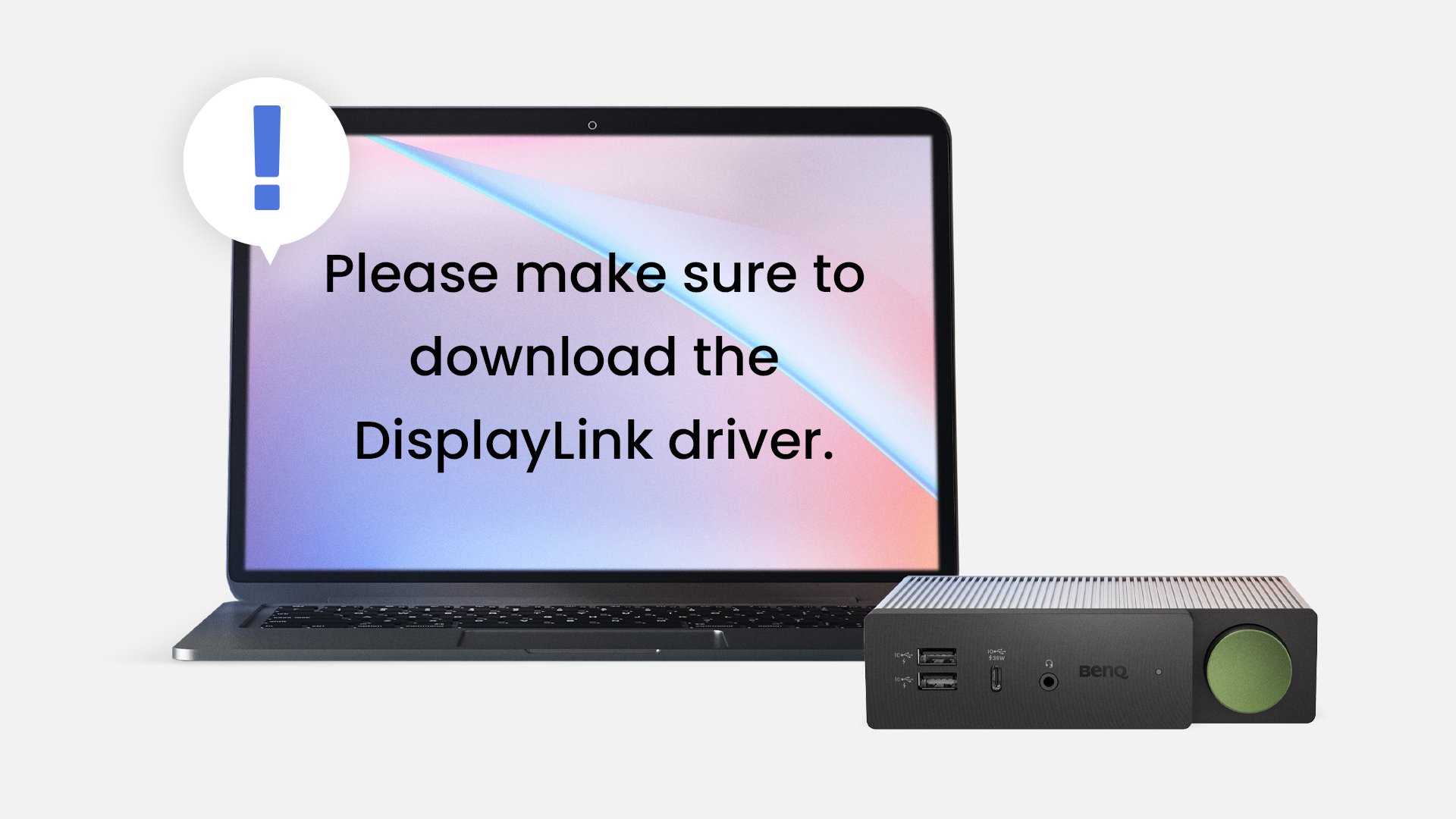
beCreatus DP1310 integrates the latest DisplayLink image technology, ensuring seamless system compatibility between laptops and docking stations. With a simple connection, business laptops, MacBook series, and others can enjoy high-quality extended visuals.
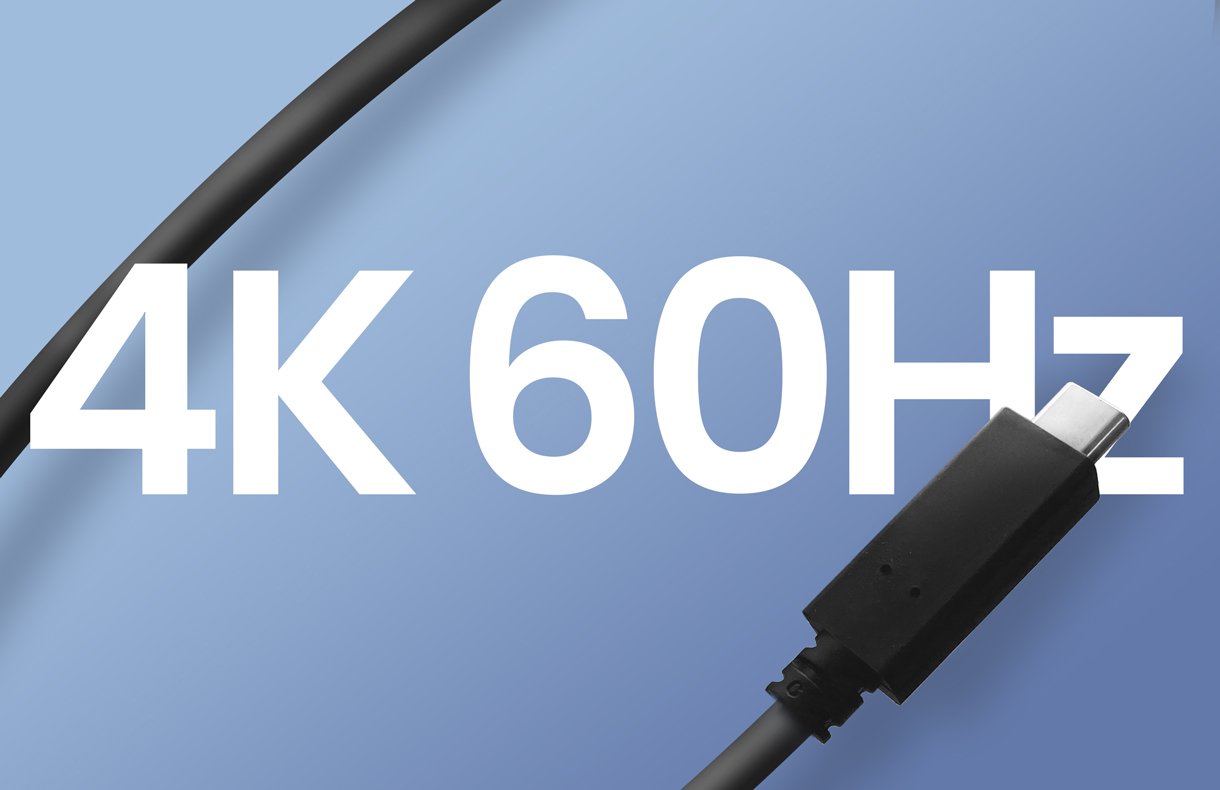
Gain a distinct edge in your game with beCreatus DP1310, which offers a super smooth 4K 60hz refresh rate via the USB-C port, and stunning 8K 60hz visuals via HDMI 2.1. Whether you're working or playing, beCreatus DP1310 supports up to three extended displays with just one click to switch between game and work.
"A quick switch “boss button” lets you unleash your inner gamer at a moment's notice."
Staff Writer@Laptop Mag
"I've truly never encountered a device quite like this one before."
Gaming Streamer, Content Creator
"The BenQ unit is really convenient."
Dual input devices (iMac & Surface Go) with triple monitors. - Music Producer
"I personally wouldn't just describe it as 'good', it's actually really good."
Dual input devices (Desktop & M1 MacBook) with dual monitors. - Programming Instructor
The beCreatus DP1310 fits any setup with its vertical and horizontal placement options. Its unique design offers both functionality and style. Easily tuck it away for a minimal look or elegantly place it on your desk.
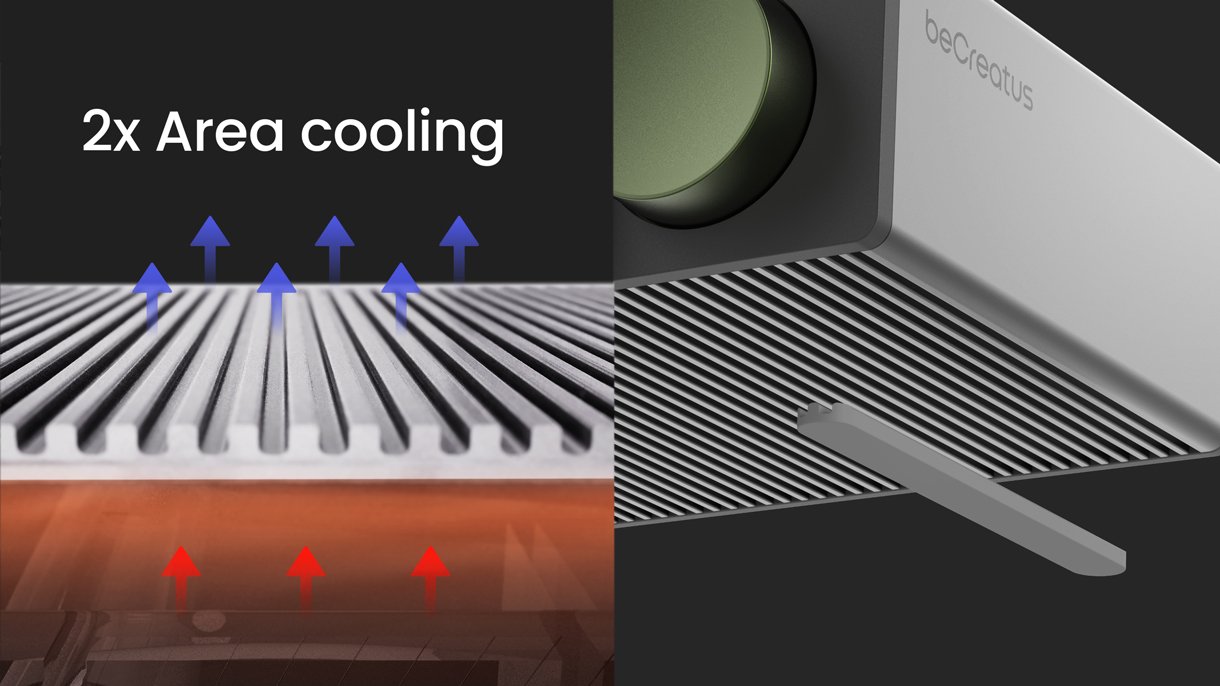
Aluminium alloy shell with a unique grill design double the cooling efficiency and sturdy protection, ensuring that you and your devices stay cool during long work or gaming sessions.
In addition to DP1310, it comes with an HDMI 2.1 cable, and a USB-C cable. Check out what's inside the box!
BenQ beCreatus DP1310
Adapter & Power Cable
BenQ USB-C
BenQ HDMI 2.1
Quick Start Guide
User Guide
Marketing Card
Warranty Card
BenQ USB-C 3.2 100W 4K 1m Cable
Get high-speed data transmission at 20Gbps, and lightning-fast charging with 100W PD 3.0 and QC 4.0 for iOS and Android. Enjoy USB-C to USB-C compatibility, and stunning 4K 60Hz display quality.
HDMI 2.1 8K Certified 1.8m Cable
Experience the ultimate gaming and entertainment with our HDMI 2.1 cable featuring 4K 120Hz and 8K 60Hz resolution, dynamic HDR, Dolby Atmos, and full 48Gbps bandwidth. Perfect for PlayStation 5, Xbox Series X/S, and more.
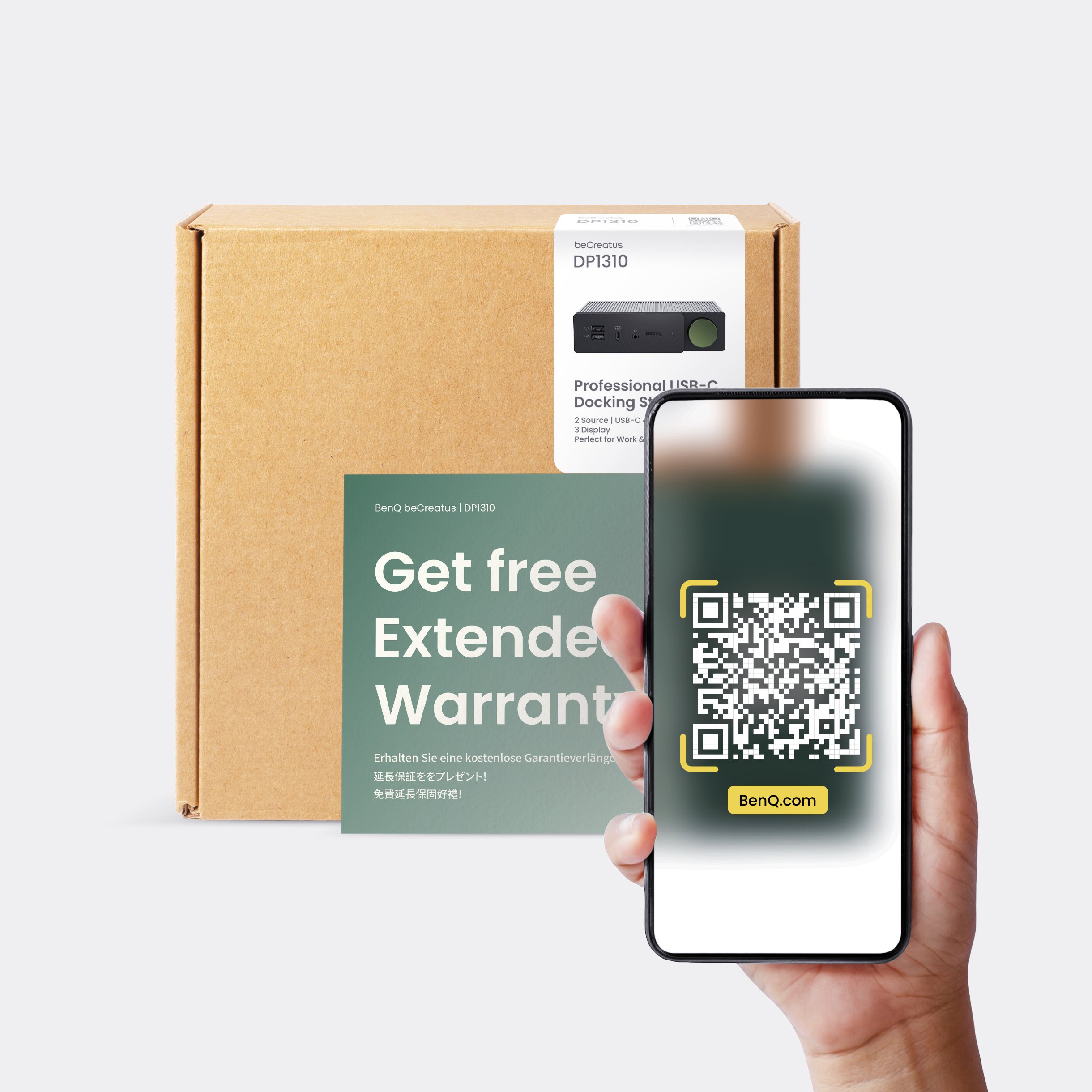
Work and play with reliable protection thanks to our standard one-year warranty. Receive more protection by scanning the QR code included in the box to secure an additional six-month warranty extension!
Protect Your Time with A One-Year Warranty
Work and play with reliable protection thanks to our standard one-year warranty. Receive more protection by scanning the QR code included in the box to secure an additional six-month warranty extension!
FAQ
Download
FAQs
Browse all related FAQsAre MacBook and DP1310 compatible with each other?
Yes.
DP1310 offers excellent operating system compatibility. Thus, it supports at least 3 HD of multi displays and a smooth frame rate across Windows, macOS, ChromeOS, Ubuntu, or Android platforms. It also applies to MacBooks, which also use M1 or M2 chips.
Does DP1310 support KVM functionality for dual monitor setups?
The USB-C IN port and HDMI 2.1 IN port do not have a KVM (keyboard, video, and mouse) function. If you have a work environment with one monitor receiving video from one laptop and one desktop or two laptops and wish to use shared peripherals such as a mouse and keyboard, we recommend using a peripheral (keyboard and mouse) to switch between computers.