Bagaimana Cara Mengukur Response Time?

  • BenQ
  • 2020-08-21

Untuk mendapatkan pengalaman bermain game yang bagus di monitor, Anda memerlukan waktu respons yang cepat. Bagaimana Anda bisa tahu? Cari spesifikasi GTG dan MPRT. Monitor gaming yang sangat bagus akan memiliki 1ms atau mendekati keduanya. Inilah alasannya.

BenQ's gaming monitors make sure the response times are fast to ensure a good gaming experience.

Response time melambangkan salah satu dari spesifikasi vital dari semua teknologi monitor dan tampilan. Bekerja beriringan dengan pengelihatan manusia, response time menentukan terutama menentukan seberapa koheren suatu gambar akan tampak, apakah gambar tersebut akan memiliki jejak seperti kabur, berbayang, atau "mengikuti", dan bagaimana interaksi responsif akan terasa. Poin terakhir akan menjadi hal vital bagi para gamer. Response time yang buruk akan bertumpuk menjadi input lag dan akan sangat susah untuk menikmati permainan

Produsen seperti BenQ mengukur waktu respons monitor menggunakan dua metode utama. Pendekatan yang lebih populer dan objektif adalah GTG. Metode yang lebih bernuansa dikenal sebagai MPRT. Kami akan melihat keduanya dan mencoba membantu Anda mengetahuinya. Jika Anda menginginkan TL; DR, Anda benar-benar harus mencari monitor dengan di bawah 4ms di kedua tes. Semakin dekat Anda ke 1ms, semakin baik. Monitor 0ms adalah sesuatu yang terus disebutkan, tetapi dengan pemahaman fisika saat ini secara efektif tidak mungkin. Kecuali kita belajar bagaimana melebihi kecepatan cahaya, pasti ada beberapa lag. 

Grey to Grey: Here to Stay

You’ve been seeing GtG response times for two decades now. Grey to grey measurements offer the most accurate and closest to hardware level indication of monitor response time. They tell us how long it takes a pixel to change from one grey value to another grey value. This method is popular because pixels are actually transistors or processing elements with multiple layers. The basic layer controls greyscale and is closest to the monitor’s processing core and power delivery, so to speak. So grey to grey will be the fastest response, which of course looks good in marketing materials, but is also the most honest and simplest to measure – and thus the most accurate.

Why not red to green or blue to red? Because colors are handled by upper levels of pixel transistors and the ways of producing them vary greatly among monitors, even within the same brand or the same series. Some monitors handle color in groups of pixels, others add quantum dot layers to enhance colors. All of those throw off response times. A monitor may have 3ms red to green but 5ms green to green, depending on which values of red and green we’re talking about. That would make reporting a comprehensible response time nearly impossible, unless you want companies to give you a PDF longer than War and Peace.

Recommended Product

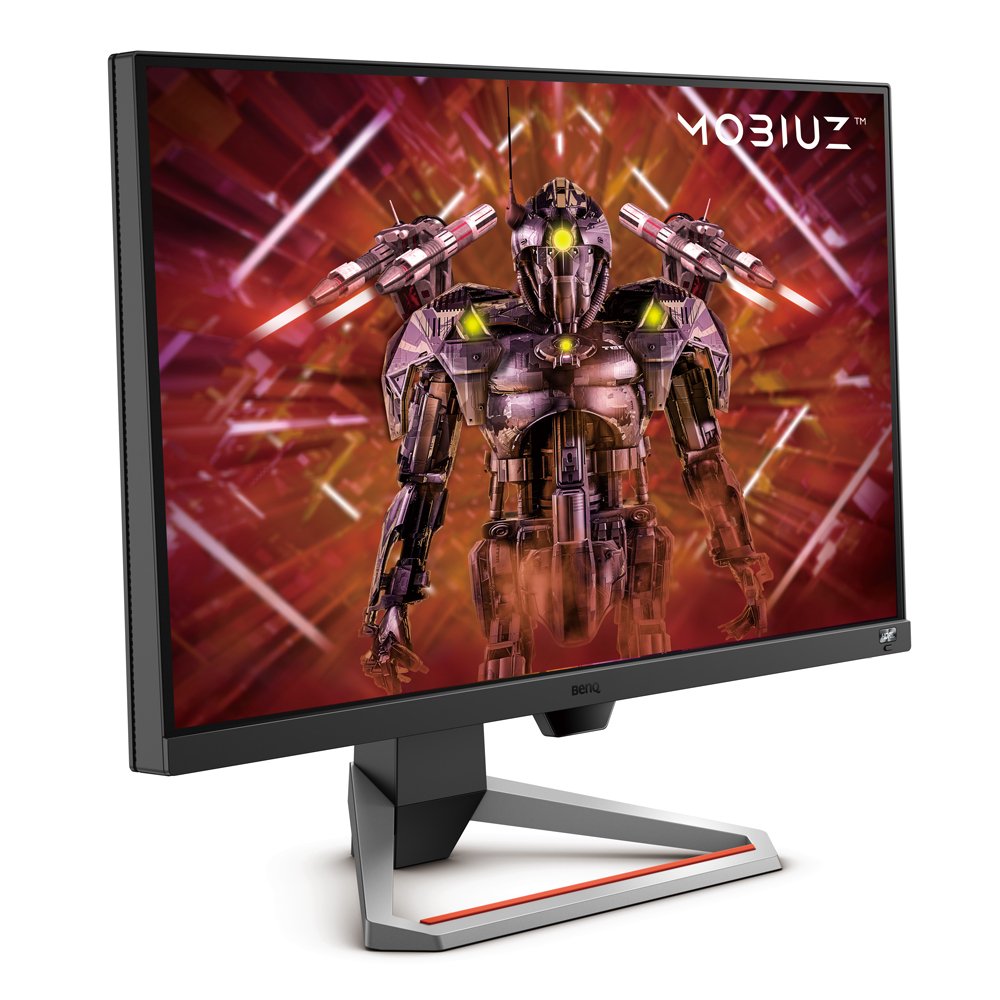
MOBIUZ EX2710 1ms IPS 144Hz Gaming Monitor

  • 27 inch 16:9 IPS FHD HDR
  • 1ms MPRT and FreeSync Premium
  • HDRi and true sound by treVolo

Conversely, greyscale changes are uniform, so if it’s 1ms from grey X to grey Y, it’ll also be 1ms from grey Y to grey Z. Importantly, GtG reporting doesn’t count any post-processing or enhancements and isn’t readily subject to framerate. It’s a measure of the monitor’s response time on a very basic level, hence the utility attached to GtG reporting. If we’re being completely honest, GtG offers the most reliable specification pertaining to response time. Good gaming monitors routinely go below 4ms GtG, and many approach 1ms.

MPRT: In the Eye of the Gamer

MPRT stands for moving picture response time or motion picture response time. The test measures how long a pixel remains apparent or visible on the screen. The longer a pixel stays visible, the more blur or trail a moving image creates. The famous flying saucer test you may have seen showcases this. As the craft moves across the screen, pixels turn on and off to pass it from the left of the display to the right and back again.

A fast monitor with good processing capabilities and power delivery handles pixel activation and deactivation quickly, making the saucer appear as if it’s moving very neatly on screen, with no residue left behind.

Note we said appear. Unlike GtG, MPRT is very subjective. Sensitivity to blur and ghosting differs tremendously among individual people, just like with light sensitivity or motion sickness. An MPRT figure of 5ms means the average pixel on the monitor remains active for 5ms each time it’s turned on. For some, that may be superfast. Others may notice some blurring.

Also, MPRT is almost entirely dependent on framerate, whereas GtG has far less to do with framerate. A 1ms GtG pixel works essentially the same on a 30Hz TV and a 144Hz gaming monitor. But with MPRT, technically the minimum time for pixel duration is determined by refresh rate. So a 144Hz monitor has a minimum MPRT of 6.9ms (1/144th of a second). Then how can the same monitor offer 1ms MPRT? Because MPRT is so subjective and malleable, it’s also possible to improve it with good technology.

Just like framerate or refresh rate, with effective enhancements the MPRT performance of a monitor goes well beyond basic physics. Black frame insertion, clear motion, overclocking, motion enhancement, framerate control…these are all ways to boost motion on a monitor and eliminate blur and ghosting.

When done right, it’s very possible to achieve low MPRT. That’s what separates regular monitors from really good gaming monitors. Remember that while subjective, MPRT is overall better than GtG when trying to anticipate ghosting and blur. GtG gives us a definite number for overall response time, but lacks subtlety, which is what MPRT is for. Subtlety, sadly, often comes at the cost of subjective experiences. 

So Which One?

If a manufacturer only provides GtG, that’s good enough. You should be at under 4ms for a good gaming experience. Ideally, look at monitors that offer MPRT measurements as well. A 1ms MPRT monitor from a good brand tells you that a lot of engineering has gone into motion control and image regulation on that model, so somebody there really cares about optimizing panels for gaming. It’s rare for non-gaming monitors to advertise MPRT. Its very presence in the specs says you’re dealing with gaming-minded designers, so that’s most assuredly a good sign. 

Apakah Artikel ini Membantu?

Iya Tidak

Recommended Products

  • Simpan {{currency}}{{item.saveAmount| numberThousandsCommas | numberDecimalPoint}}
    Simpan {{item.savePercent| numberThousandsCommas | numberDecimalPoint}}%

    {{item.productWordingTag}}

    {{item.title}}

    • {{point}}

    {{currency}}{{item.finalPrice| numberThousandsCommas | numberDecimalPoint}} Simpan {{currency}}{{item.saveAmount | numberThousandsCommas | numberDecimalPoint}} Simpan {{item.savePercent | numberThousandsCommas | numberDecimalPoint}}%

    new device price{{currency}}{{item.regularPrice| numberThousandsCommas | numberDecimalPoint}}