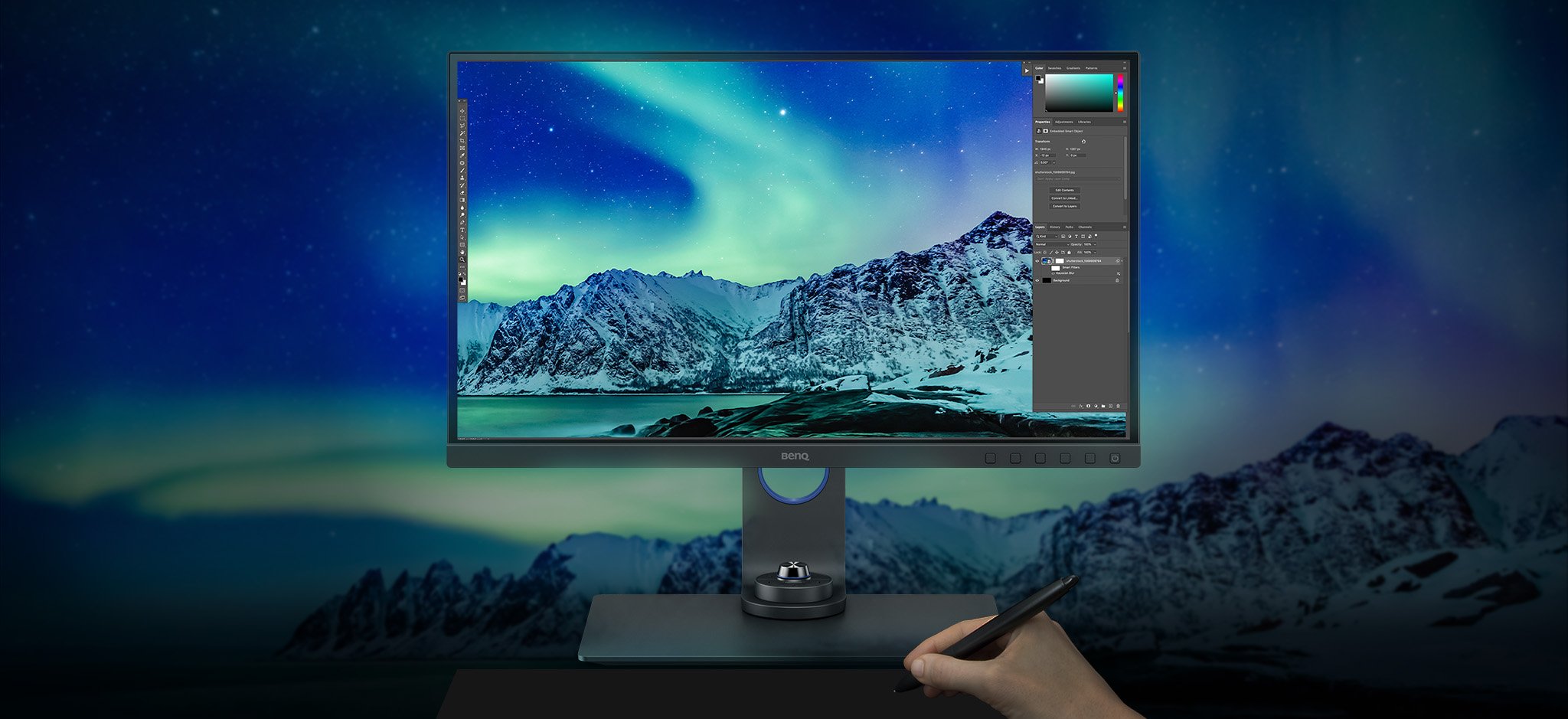
BenQ Photographer Monitors
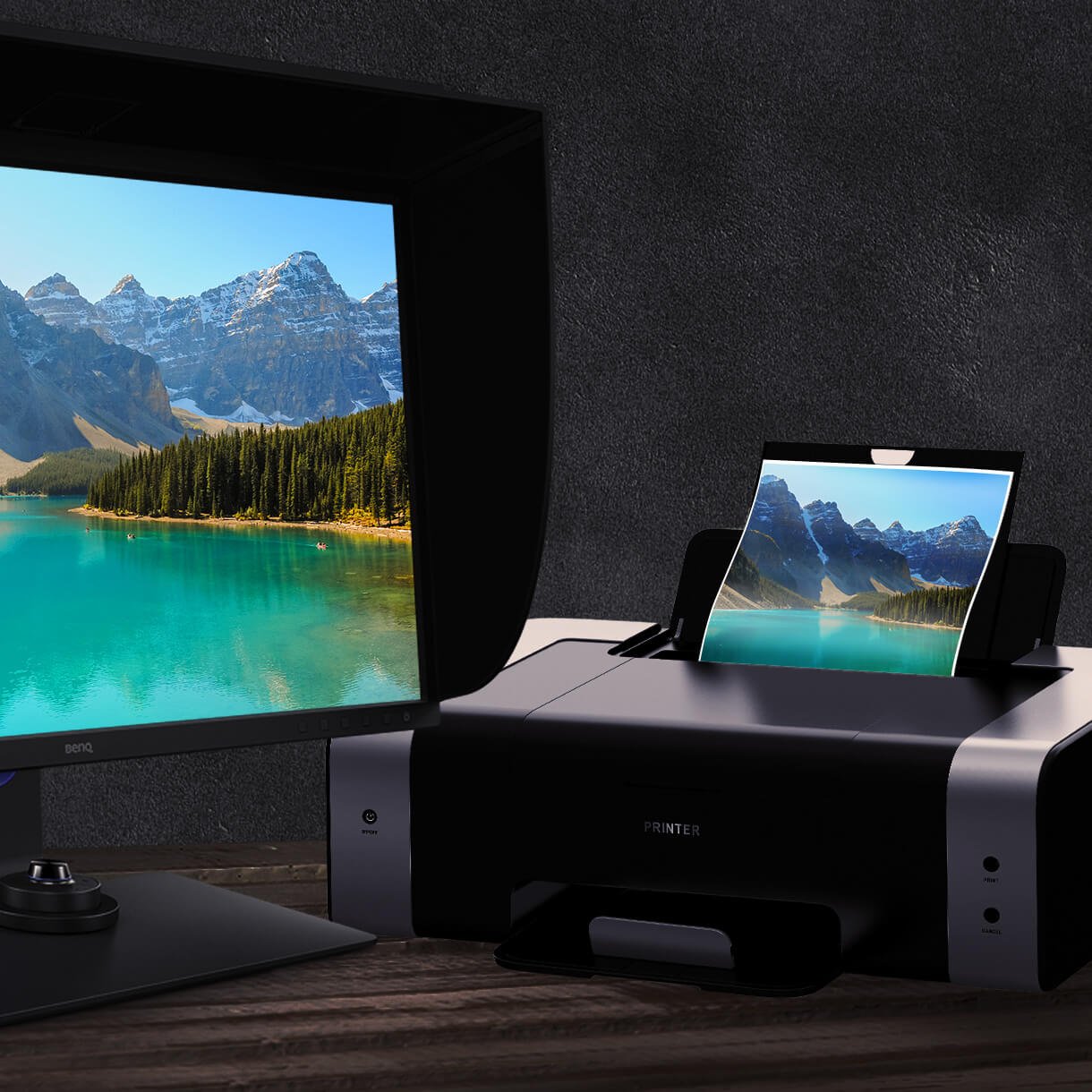
Capture the Moment from Screen to Print

By Series
4K Gaming Projectors Home Cinema Series TV Projector Series Portable Projectors Golf Simulator ProjectorsBy Feature
Home Entertainment Best 4K Projectors Best Gaming Projectors Best Projectors for Sports GV Series Portable Ceiling Projectors House Mapping ProjectorsBy Trending Word
4K UHD (3840×2160) Short Throw 2D, Vertical/Horizontal Keystone LED Laser With Android TV With Low Input LagExplore Commercial Projector
Professional Installation Simulation Projection Small Business Corporation K12 & Higher EducationBy Feature
Photographer Monitors Designer Monitors Best 4K Monitors Best Monitors for MacBook Pro & Mac Best Monitors for Versatile MacBook Users Best Monitors for ProgrammingRemote Work & Learning
Explore treVolo Speaker
Dialogue Speaker for Learning Electrostatic Bluetooth Speaker Carry Case & Stand

Projectors

Monitors
Lighting
Remote Work & Learning
Interactive Displays | Signage
Store
Capture the Moment from Screen to Print

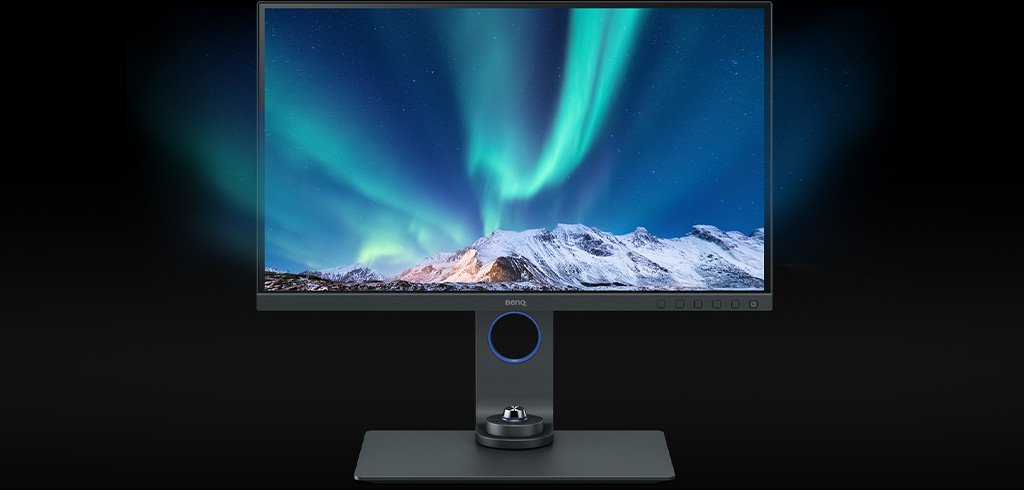
BenQ empowers creative professionals with AQCOLOR technology to help inspire ideas and make projects come to life.
USB-C carries images, videos, and other data seamlessly plus charges your mobile devices at the same time all with one cable.
Your USB-C, Thunderbolt3/4 devices are compatible with USB-C on BenQ displays, ensuring consistent and seamless work efficiency.

BenQ PhotoVue Monitors
Compare all PhotoVue Monitors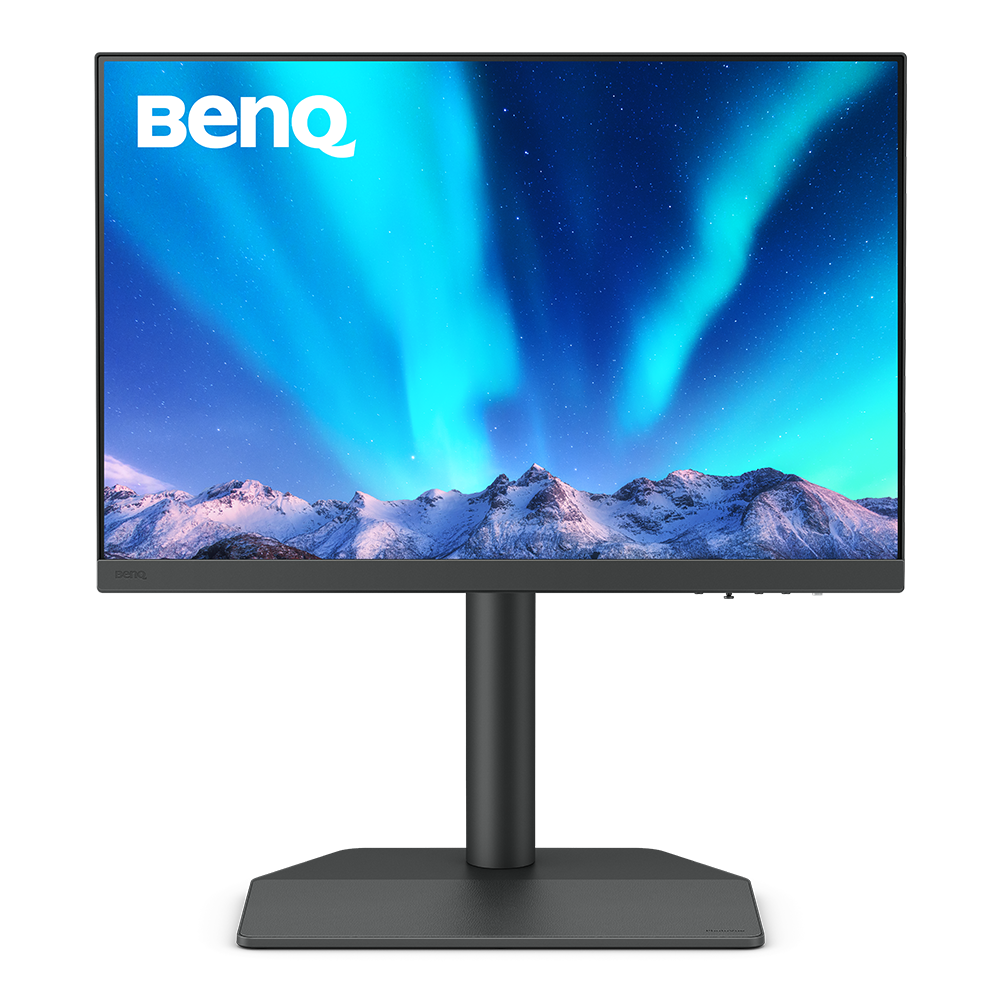
23.8"~25"
{{currency}}{{ n[1]| numberThousandsCommas | numberDecimalPoint }} -
Learn moreUp to
WQXGA (2560x1600)
Resolution
Up to
99% Adobe RGB
Color Gamut
Up to
Delta E ≤ 1.5
Color Accuracy
Hardware Calibration
Color Calibration
Color Certification
Up to
HDR10
High Dynamic Range
Up to
Nano Matte Panel
Reducing Screen Glare and Reflections
Paper Color Sync,Palette Master Ultimate
Assistant Tool
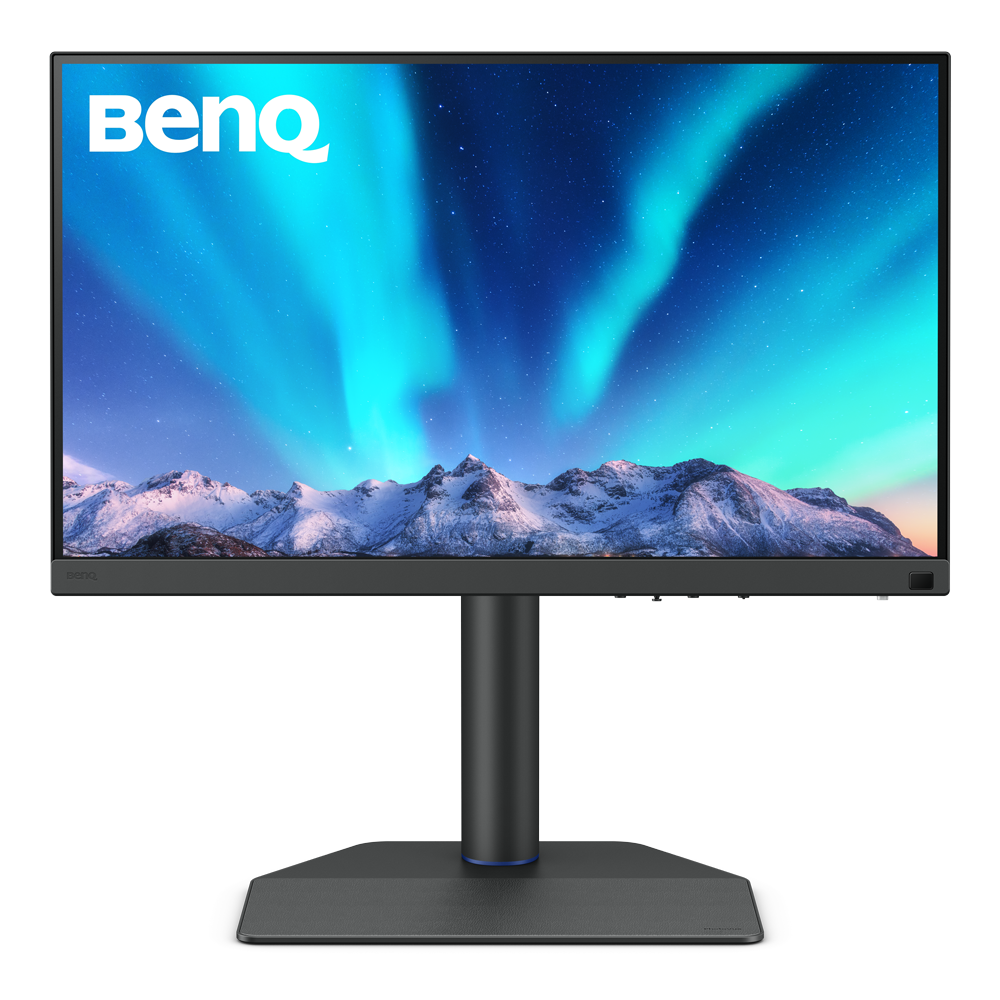
27"~28"
From {{currency}}{{ n[1]| numberThousandsCommas | numberDecimalPoint }} -
Learn moreUp to
4K (3840x2160)
Resolution
Up to
99% Adobe RGB
Color Gamut
Up to
Delta E ≤ 1.5
Color Accuracy
Hardware Calibration
Color Calibration
Color Certification
Up to
HDR10,HLG
High Dynamic Range
Up to
Nano Matte Panel
Reducing Screen Glare and Reflections
Assistant Tool
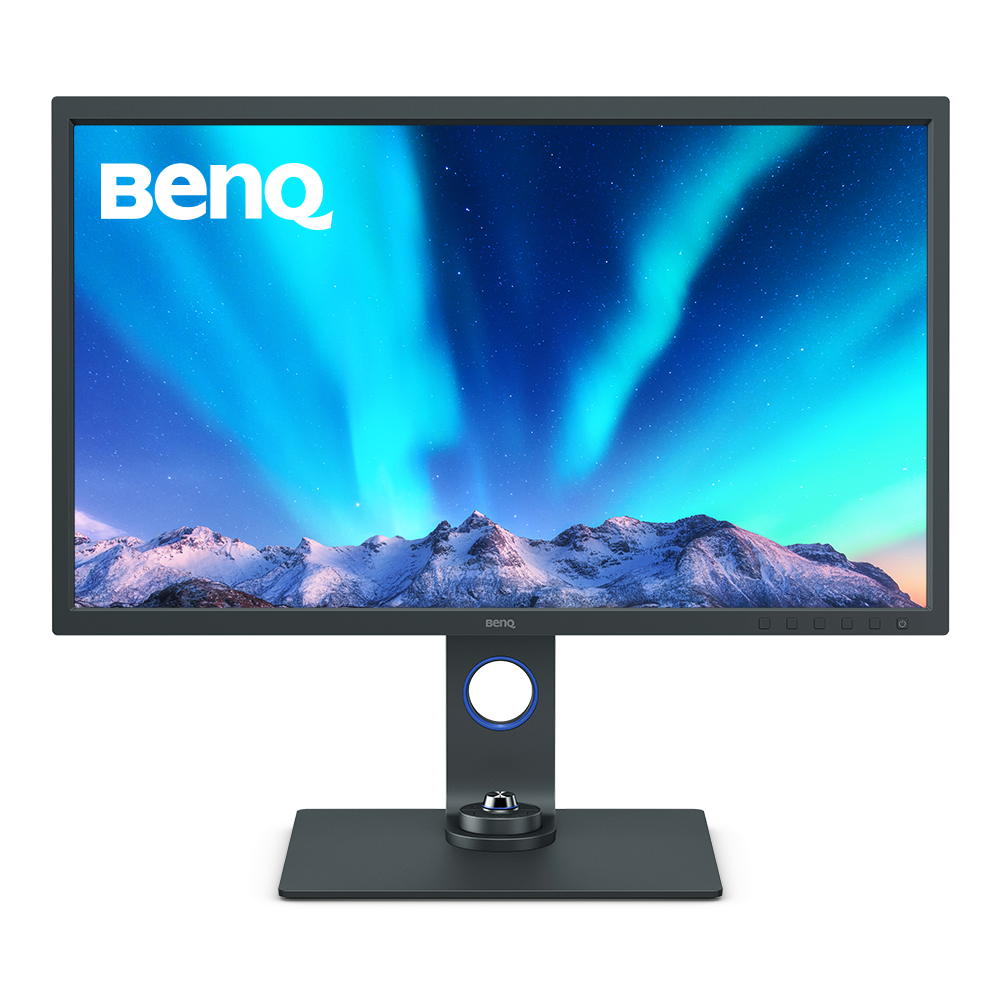
31"~32"
{{currency}}{{ n[1]| numberThousandsCommas | numberDecimalPoint }} -
Learn more4K (3840x2160)
Resolution
Up to
99% Adobe RGB
Color Gamut
Delta E ≤ 2
Color Accuracy
Hardware Calibration
Color Calibration
Color Certification
HDR10,HLG
High Dynamic Range
Nano Matte Pro Panel
Reducing Screen Glare and Reflections
Assistant Tool
Color Gamut
Color gamut is defined as the range of colors which a particular device can produce or record , with some commonly used standards such as Rec.2020, P3, DCI-P3, AdobeRGB, sRGB, and NTSC.
Color Accuracy
Delta E is often used to evaluate perceived color differences. A delta of less than 1.00 means that there is no perceivable difference for color experts when two colors are compared side by side.
Color Certification
Certifications that test, evaluate, or verify the monitor's ability to accurately reproduce Pantone colors and lifelike skin tones that match and include all consumers,or whether a display has met the criteria for video post-production editing and reviewing purposes.
Nano Matte Panel
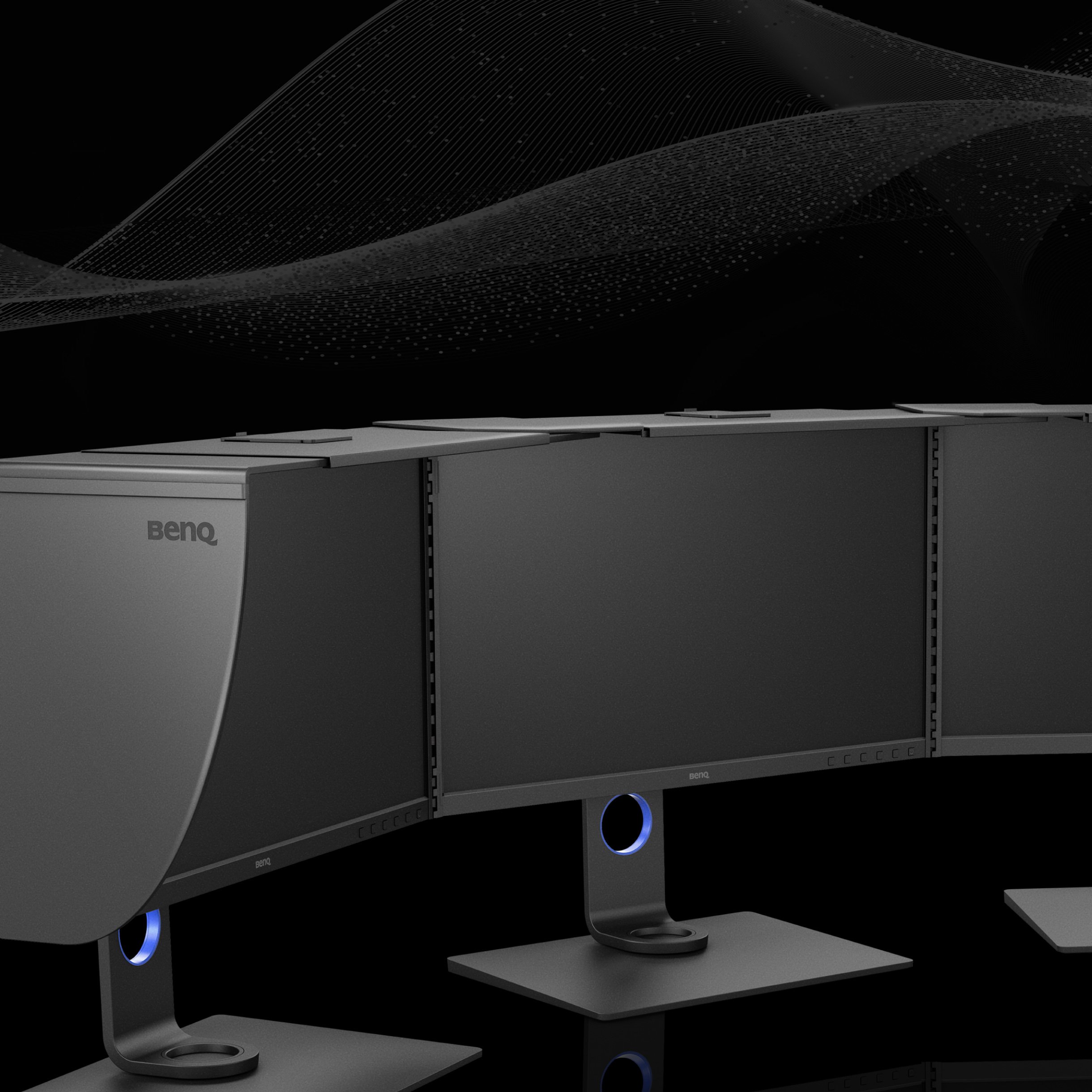
BenQ Nano Matte Panel is an anti-reflection display panel for outstanding anti-glare and anti-reflection performance, guaranteeing professional outputs for photographers and video editors.
Assistant Tool
BenQ Assistant Tool enables photographers and designers to facilitate their workflow while doing color management, screen-to-print adjustment and color gamuts switching in color critical projects.
Color Gamut
Color gamut is defined as the range of colors which a particular device can produce or record , with some commonly used standards such as Rec.2020, DCI-P3, AdobeRGB, sRGB, and NTSC.
Color Accuracy
Delta E is often used to evaluate perceived color differences. A delta of less than 1.00 means that there is no perceivable difference for color experts when two colors are compared side by side.
Color Certification
Certifications that test, evaluate, or verify the monitor's ability to accurately reproduce Pantone colors and lifelike skin tones that match and include all consumers,or whether a display has met the criteria for video post-production editing and reviewing purposes.
HDR
High Dynamic Range (HDR) is a technology that produces images with a large perceptible difference between bright and dark regions for realistically bright or dark pictures without subtle detail loss.
Nano Matte Panel
BenQ Nano Matte Panel is an anti-reflection display panel for outstanding anti-glare and anti-reflection performance, guaranteeing professional outputs for photographers and video editors.
Assistant Tool
BenQ Assistant Tool enables photographers and designers to facilitate their workflow while doing color management, screen-to-print adjustment and color gamuts switching in color critical projects.
Color Gamut
Color gamut is defined as the range of colors which a particular device can produce or record , with some commonly used standards such as Rec.2020, DCI-P3, AdobeRGB, sRGB, and NTSC.
Color Accuracy
Delta E is often used to evaluate perceived color differences. A delta of less than 1.00 means that there is no perceivable difference for color experts when two colors are compared side by side.
Color Certification
Certifications that test, evaluate, or verify the monitor's ability to accurately reproduce Pantone colors and lifelike skin tones that match and include all consumers,or whether a display has met the criteria for video post-production editing and reviewing purposes.
HDR
High Dynamic Range (HDR) is a technology that produces images with a large perceptible difference between bright and dark regions for realistically bright or dark pictures without subtle detail loss.
Nano Matte Pro Panel
Compared to Nano Matte Panels, the Pro version uses multiple thin layers to achieve a reflection rate of less than 1%. This advanced structure, with anti-glare and anti-reflective properties, creates a paper-like feel and minimizes reflections by refracting ambient light.
Assistant Tool
BenQ Assistant Tool enables photographers and designers to facilitate their workflow while doing color management, screen-to-print adjustment and color gamuts switching in color critical projects.

How do We Define ‘Accurate’ Color?
What is accurate color?
Who needs color management?
Why are colors reproduced differently between devices?
Support Center
Contact Us