
localNavigation.type = g6-product-buy-page

GV50

New

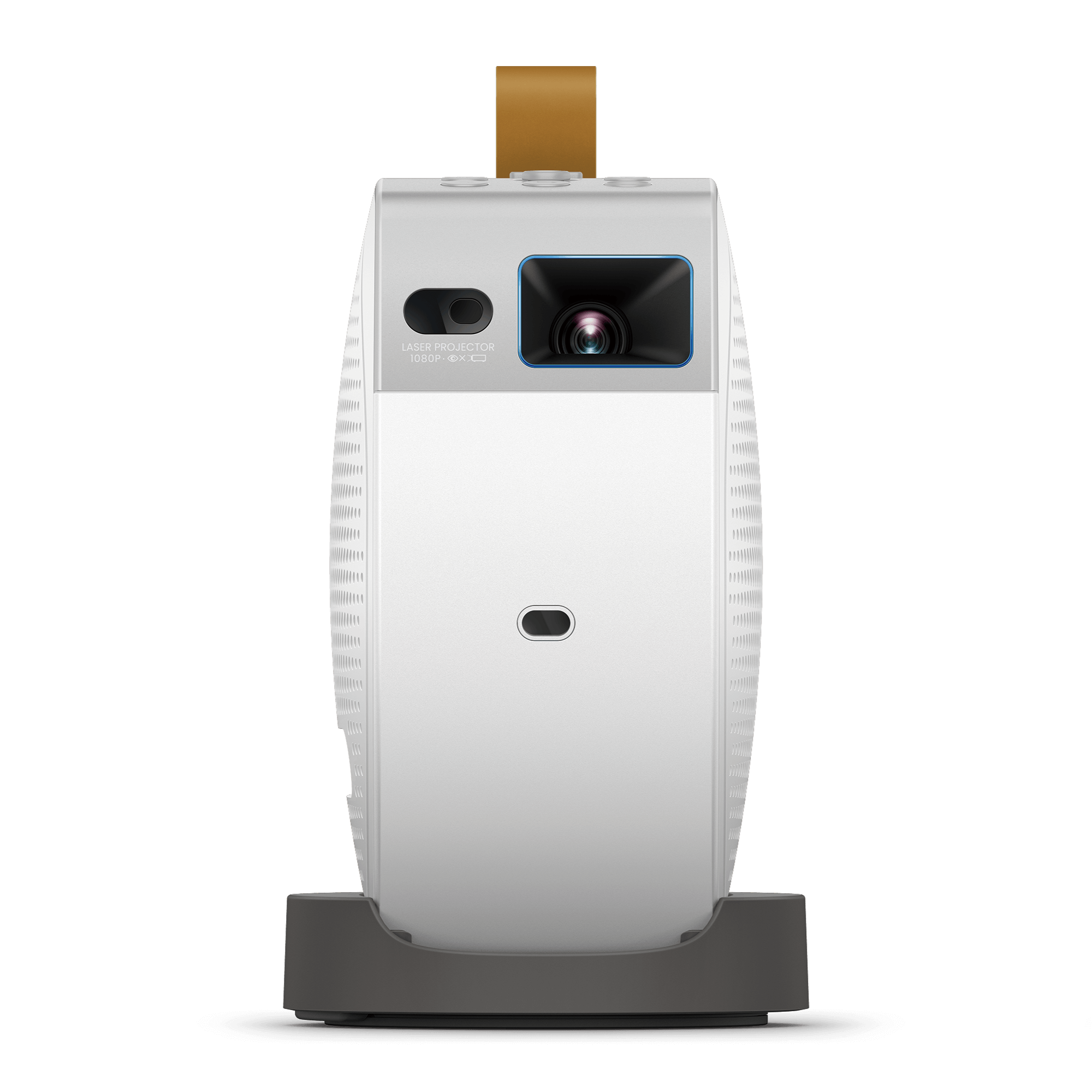
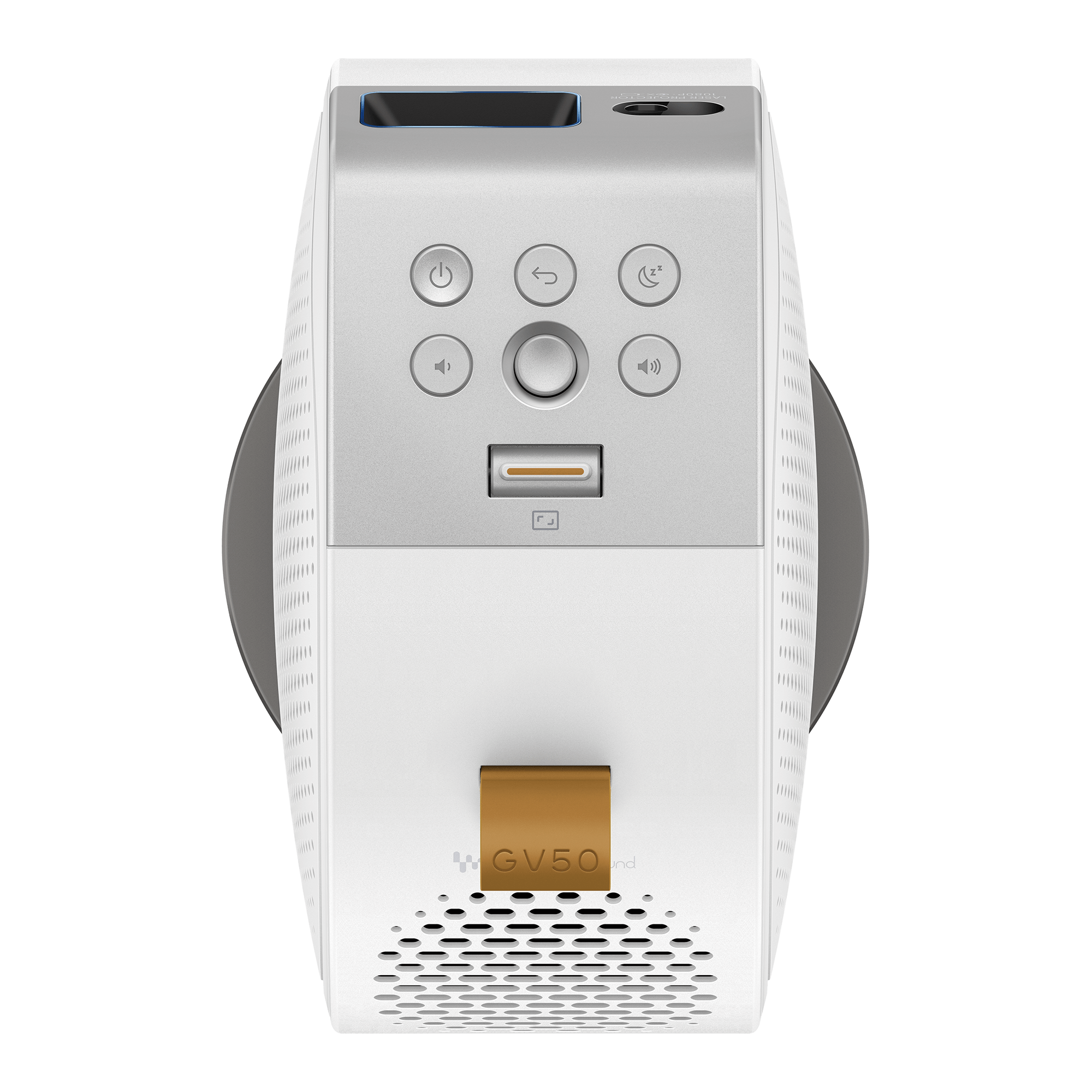
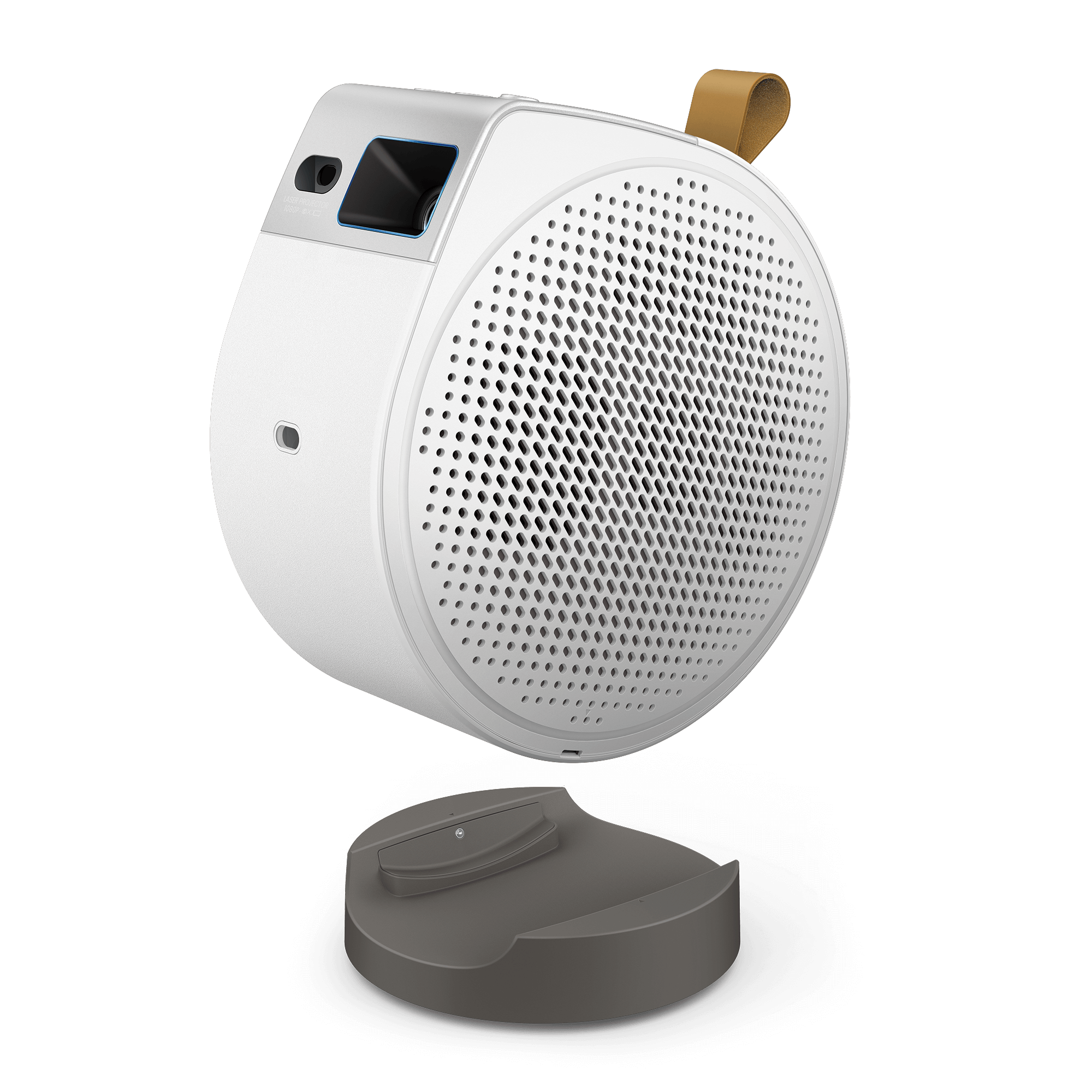
GV50 | 1080p 500lm Laser Portable Projector for Bedside Ceiling Projection with Google TV

BenQ GP100A 1080p 1000lm LED Portable Projector with Powerful Bass for Streaming & Gaming

GV50

New

GV50 | 1080p 500lm Laser Portable Projector for Bedside Ceiling Projection with Google TV

  • Enjoy instant Netflix access with built-in Google TV
  • Ultra-flexible base with digital zoom, image rotation, and auto setup for any viewing angle. Experience vibrant Rec.709 92% laser color and powerful 18W 2.1CH speaker with enhanced bass.
  • Available soon in the Philippines!
What’s in the box

{{item.option[0].name}}

x1

Re-newed price

{{currency+' '}}{{finalPrice.final | numberThousandsCommas | numberDecimalPoint}}

(Save {{currency+' '}}{{priceSave | numberThousandsCommas | numberDecimalPoint}})

new device price

{{currency+' '}}{{regularPrice.final | numberThousandsCommas | numberDecimalPoint}}

{{stockStatusDescriptionPreOrder + ' ' + preOrderDatei18n + ' ' + stockStatusDescriptionPreOrderSuffix}}

Special deals available

{{item.eventDescription}}

{{item.eventLinkText}}

{{configurableOption.title}}

{{item.name}}

{{item.stockStatus !== 'IN_STOCK' ? 'Out of stock' : ''}}

{{item.stockStatus !== 'IN_STOCK' ? 'Out of stock' : ''}}

{{currency+' '}}{{item.finalPrice | numberThousandsCommas | numberDecimalPoint}}

{{currency+' '}}{{ item.regularPrice | numberThousandsCommas | numberDecimalPoint}}

{{item.title}}

None

+ {{currency}} {{0 | numberThousandsCommas | numberDecimalPoint}}

{{option.name}}

{{option.stockStatus !== 'IN_STOCK'? 'Out of stock' : ''}}

+ {{currency+' '}}{{option.finalPrice| numberThousandsCommas | numberDecimalPoint}}

{{currency+' '}}{{ option.regularPrice | numberThousandsCommas | numberDecimalPoint}}

{{item.title}}

None

+ {{currency}} {{0 | numberThousandsCommas | numberDecimalPoint}}

{{option.name}}

{{option.stockStatus !== 'IN_STOCK'? 'Out of stock' : ''}}

+ {{currency+' '}}{{option.finalPrice| numberThousandsCommas | numberDecimalPoint}}

{{currency+' '}}{{ option.regularPrice | numberThousandsCommas | numberDecimalPoint}}

{{item.title}}

None

+ {{currency}} {{0 | numberThousandsCommas | numberDecimalPoint}}

{{option.name}}

{{option.stockStatus !== 'IN_STOCK'? 'Out of stock' : ''}}

+ {{currency+' '}}{{option.finalPrice| numberThousandsCommas | numberDecimalPoint}}

{{currency+' '}}{{ option.regularPrice | numberThousandsCommas | numberDecimalPoint}}

{{item.title}}

None

+ {{currency}} {{0 | numberThousandsCommas | numberDecimalPoint}}

{{option.name}}

{{option.stockStatus !== 'IN_STOCK'? 'Out of stock' : ''}}

+ {{currency+' '}}{{option.finalPrice| numberThousandsCommas | numberDecimalPoint}}

{{currency+' '}}{{ option.regularPrice | numberThousandsCommas | numberDecimalPoint}}

Frequently Bought Together

Learn more
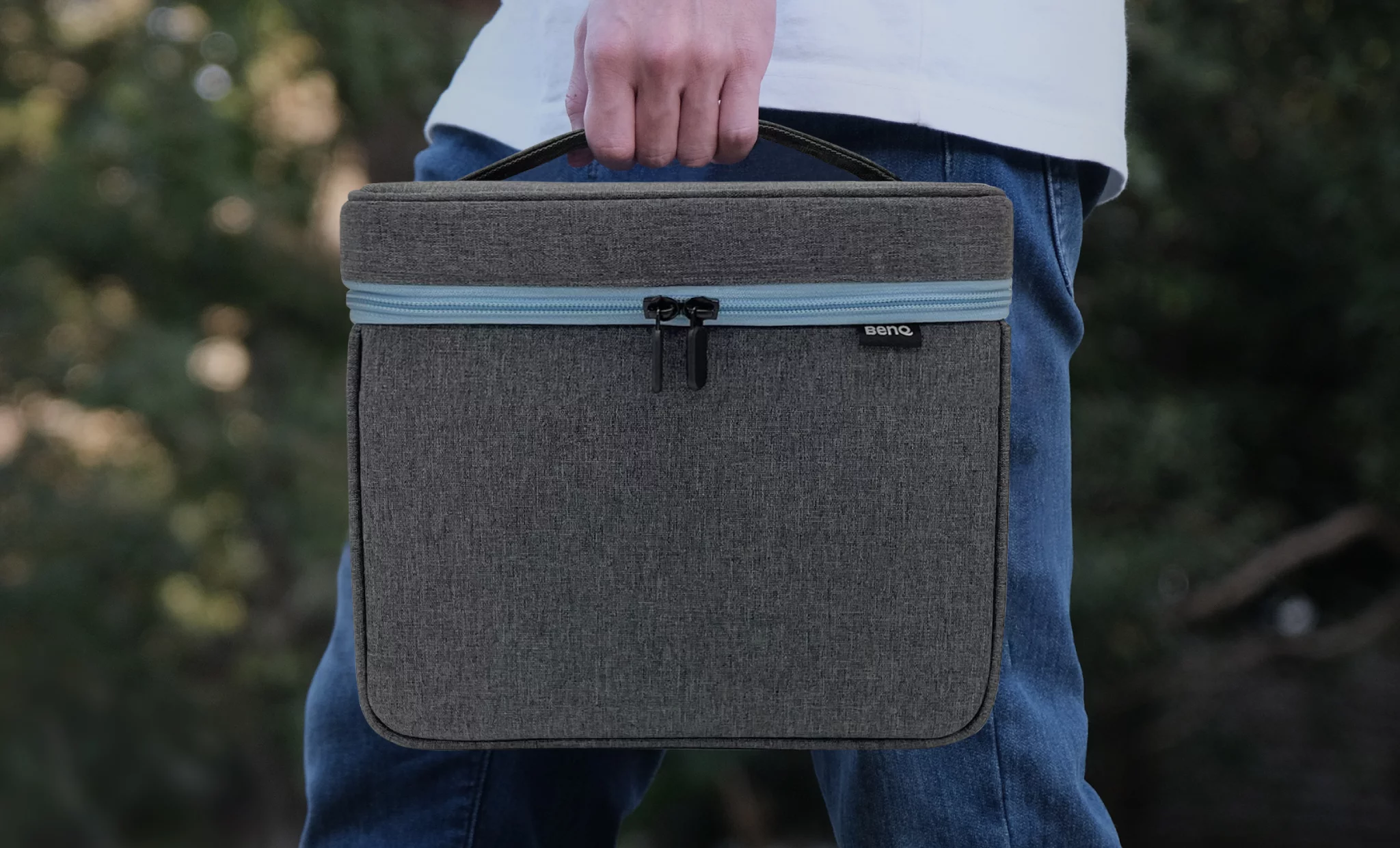
  • Gray nylon and blue zipper perfectly complement the GP100A and X300G projector and its accessories
  • Heavy-duty nylon and the soft interior surface provide optimal protection during transportation
  • Dimensions (L x W x H): 267 x 235 x 230 mm; 10.51 x 9.25 x 9.06 in.

None

+ {{currency}} {{0 | numberThousandsCommas | numberDecimalPoint}}

{{item.promotionInformation ? item.promotionInformation : ''}}

{{item.name}}

{{item.stockStatus !== 'IN_STOCK' ? 'Out of stock' : ''}}

+ {{currency+' '}}{{item.finalPrice | numberThousandsCommas | numberDecimalPoint}}

{{currency+' '}}{{item.regularPrice | numberThousandsCommas | numberDecimalPoint}}

{{item.discountText}}

{{shoppingInfoData.paymentTitle}}

Learn more
{{shoppingInfoData.paymentDescription}}

{{shoppingInfoData.shippingTitle}}

Learn more
{{shoppingInfoData.shippingDescription}}

{{shoppingInfoData.warrantyTitle}}

Learn more
{{shoppingInfoData.warrantyDescription}}

{{shoppingInfoData.returnAndRefundTitle}}

Learn more
{{shoppingInfoData.returnAndRefundDescription}}
{{commerceConnectorSectionTitle}}

{{pincodeCheckerDescription}}

{{pincodeCheckerFailMessage}}

Available at {{pinCodeText}}

change

pin code *

checking...

{{pincodeCheckerSuccessMessagePrefix}} {{pincodeCheckerSuccessMessage}} {{pincodeCheckerSuccessMessageSuffix}}

Pincode is temporarily unavailable for delivery

{{overviewPageTitle}}

{{stockStatusDescriptionDisable}}

{{stockStatusDescriptionPreOrder + ' ' + preOrderDatei18n + ' ' + stockStatusDescriptionPreOrderSuffix}}

{{stockStatusDescriptionOutOfStockAndNotifyMe}}

{{stockStatusDescriptionDiscontinued}}

Total

{{currency+' '}}{{totalDetail.totalPrice | numberThousandsCommas | numberDecimalPoint}}

detail
Purchase Detail

{{mainSku}}

{{currency+' '}}{{totalDetail.main.finalPrice | numberThousandsCommas | numberDecimalPoint}}

{{currency+' '}}{{totalDetail.main.regularPrice | numberThousandsCommas | numberDecimalPoint}}

{{item.name}}

{{'+ ' +currency+' '}}{{item.finalPrice | numberThousandsCommas | numberDecimalPoint}}

{{currency+' '}}{{item.regularPrice | numberThousandsCommas | numberDecimalPoint}}

Total

{{currency+' '}}{{totalDetail.totalPrice | numberThousandsCommas | numberDecimalPoint}}

The requested quantity is not available.

{{title}}

We will notify you when we have more.

*
Required.
*
Required.
*
Required. Invalid email format.
Required.

We will send you an email once the product become available.Your email will not be shared with anyone else.

Sorry, our store is currently down for maintenance.We should be back shortly. Thank you for your patience!

FAQ

Have a question?

Download

Find the latest user manual

FAQs

Browse all related FAQs
  • How to enjoy a better Nintendo Switch gaming experience with the portable projector?

    The input lag of the portable projector is 22.7ms (1080P@60Hz) under Game Mode*, and we suggest placing the projector right in front of the screen without any keystone setting (make sure the keystone value is 0). Please click and follow the instructions below, or read on to learn more about this topic.

    Learn More
  • How do I ensure a smooth wireless casting experience with the projector?

    This depends on the bandwidth provided by the Wi-Fi router as well as how many competing wireless devices are in immediate range. If stuttering occurs during projection, please check if the Wi-Fi is working properly without any issues.

    Learn More
  • Can I use the projector without a screen?

    Yes, you can project on a flat, white wall with the projector.

    Learn More
  • Can I launch apps on the projector using Google Assistant?

    Yes. All apps downloaded from the Google Play store can be activated by using Google Assistant.

    Learn More
  • If I enable the keystone function in the projector, will the input lag be impacted?

    Yes, since image processing is required for the keystone function, input lag will be slightly longer but not affecting the smoothness in games when the keystone is enabled. Latency will hardly be noticeable with keystone function enabled, as lag time merely increase no more than 1 frame (4ms~16ms).

    Learn More
  • Can I connect the projector to any game console?

    1. Yes, you can connect the projector to a Switch, PS4/PS5, and Xbox console using an HDMI cable.
    2. Yes, you can connect a Nintendo Switch (Switch Lite is not supported) directly to the projector via a USB-C cable.

    Learn More
  • How do I connect a Fire Stick or Roku stick to the projector?

    Plug the Fire TV / Roku Stick device into the projector's outside HDMI port, plug one end of the USB cable into your Fire TV / Roku Stick, and more. Please click and follow the instructions below, or read on to learn more about this topic.

    Learn More
  • Can I use AirPods with the projector?

    Yes, you can use AirPods with the projector. Please click and follow the instructions below.

    Learn More
  • Can the projector use other cables?

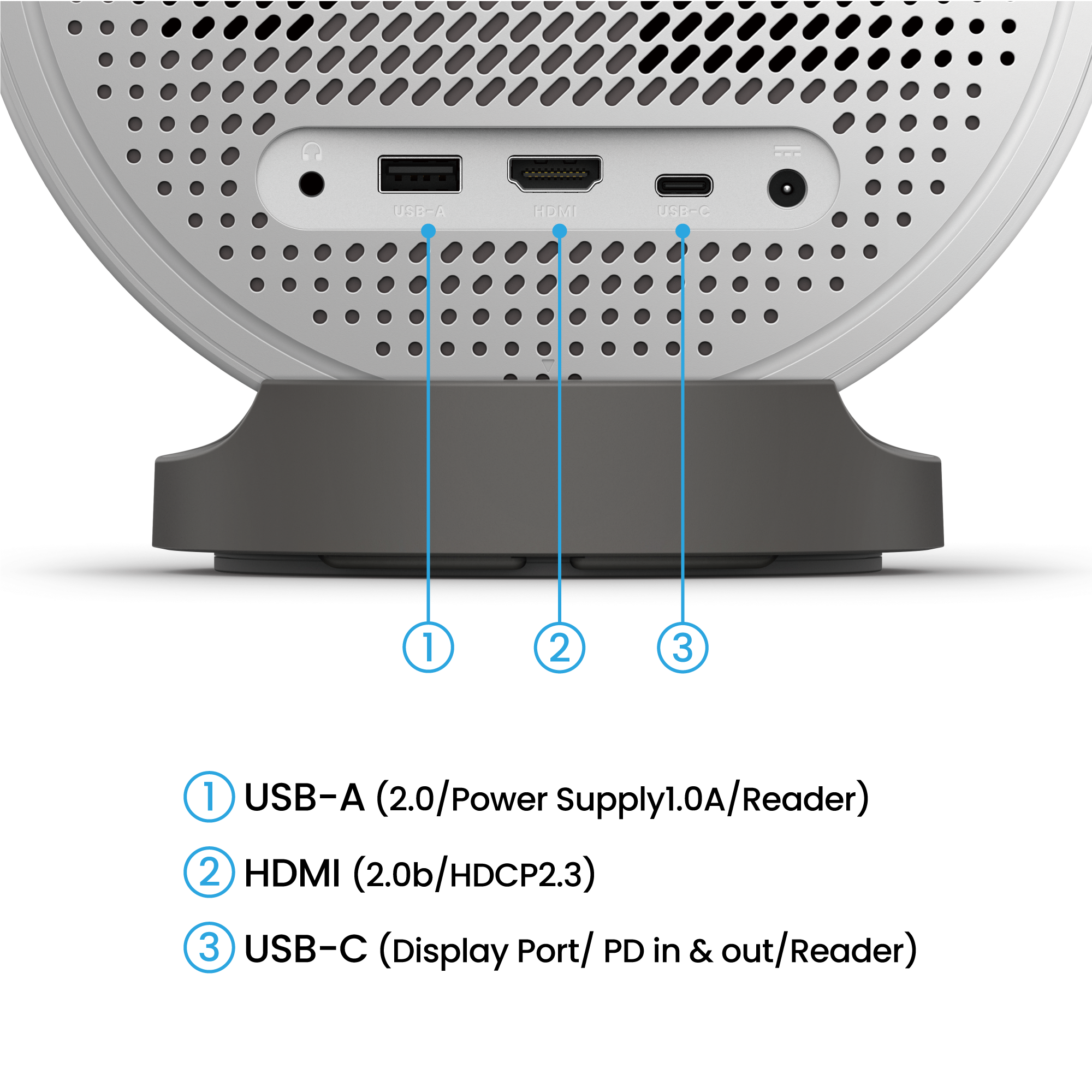
    Yes, you can connect to the projector using an HDMI or USB-C (for mobile devices or laptops which support DisplayPort) cable.

    Learn More
  • Can I use voice control on the projector through Google Assistant?

    Yes. Google Assistant can be used to access apps in areas where its available. The projector comes with a Bluetooth remote control. Make sure the remote control is connected to the projector via Bluetooth, and then hold the mic button on the remote control to start a voice search.

    Learn More