BenQ Home Cinema Projector
W2710i|Smart Home Theater True 4K Projector with Perfect HDR & DCI-P3

By Trending Word
4K UHD (3840×2160) Short Throw 2D, Vertical/Horizontal Keystone LED Laser With Android TV With Low Input LagExplore Commercial Projector
Professional Installation Exhibition & Simulation Small Business & Corporation Education Golf Simulator

In pursuit of perfect picture quality, pioneering BenQ HDR-PRO technology overcomes brightness constraints to provide authentic HDR performance.
See the Cinematic Details
In pursuit of perfect picture quality, pioneering BenQ HDR-PRO technology overcomes brightness constraints to provide authentic HDR performance.
Dividing images into 1,000+ zones, Local Contrast Enhancer analyzes each segment’s brightness and adjusts gamma independently for greater dark and bright detail definition and enriched 4K image depth.
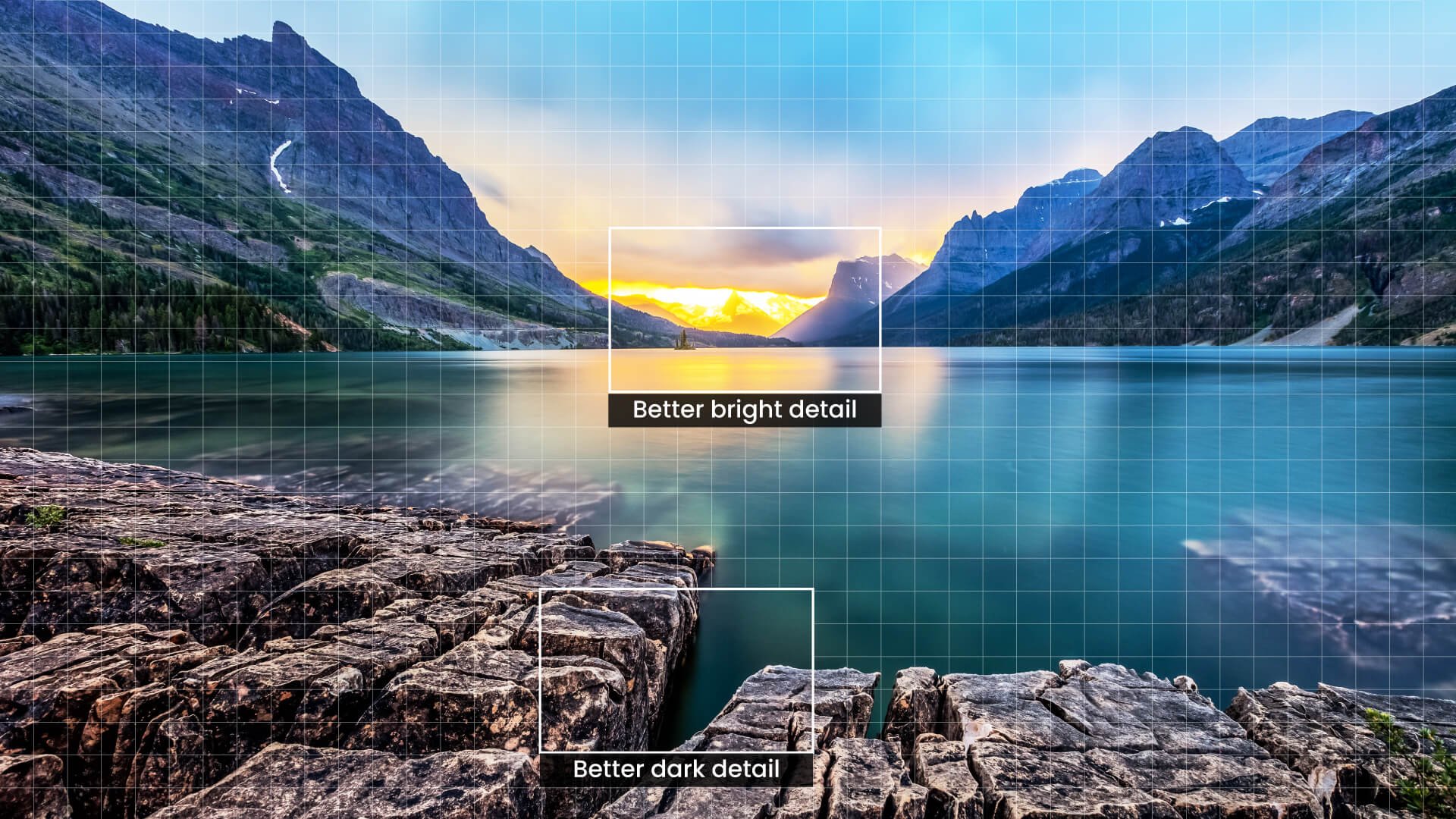
Better dark detail
Better bright detail
Through the use of Active Iris and Dynamic BlackTM technology, BenQ cinema-optimized Enhanced Tone Mapping increases contrast to preserve details in dark areas of projected images.
ON

OFF

New HDR10+ technology adds dynamic metadata to HDR10 source files, which is used to adjust and optimize each frame of the HDR video to enhance details in both bright and dark areas of HDR10+ content.
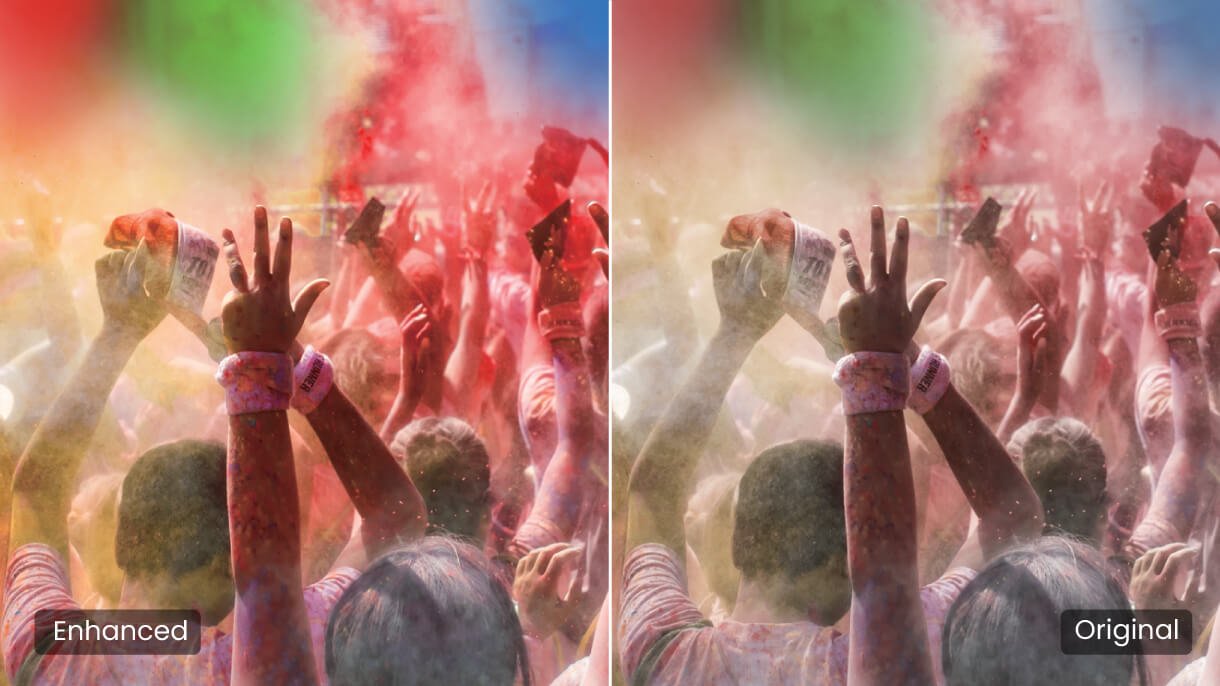
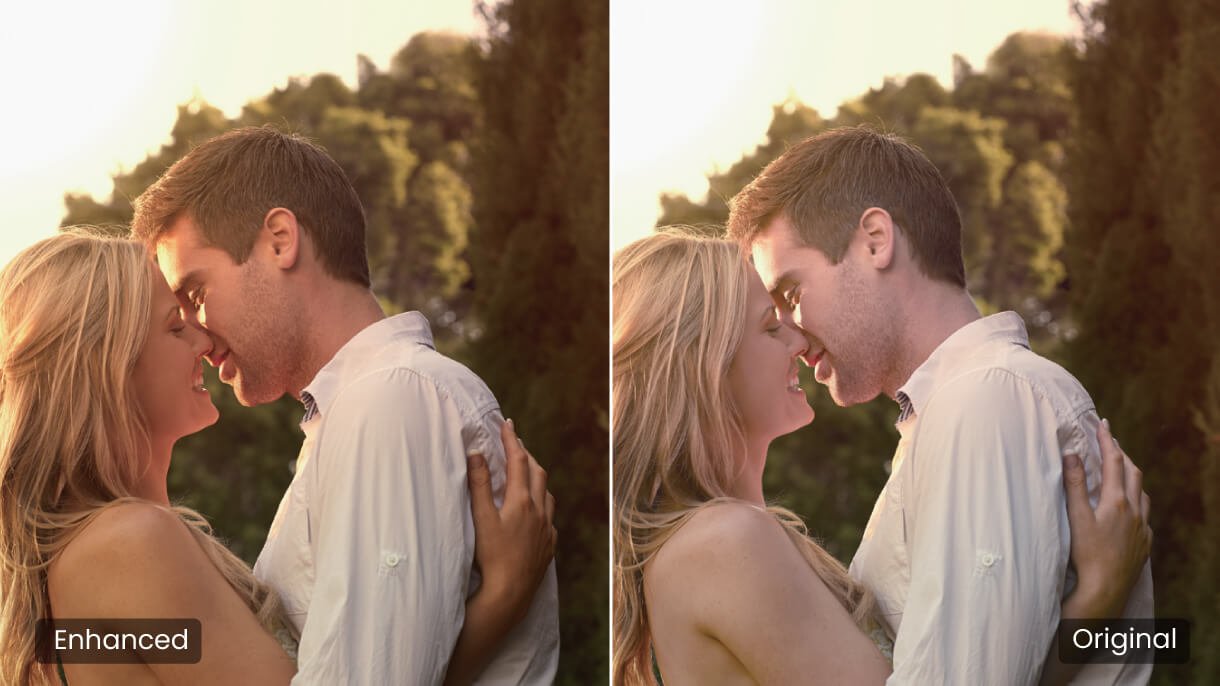
Only true colors evoke feelings of sorrow, joy, romance, and thrills. With CinematicColor super-wide 95% DCI-P3 and 100% Rec.709 color space, BenQ home theater 4K projectors deliver precise colors to preserve the director’s vision perfectly.
Colors as Directors Envisioned
Only true colors evoke feelings of sorrow, joy, romance, and thrills. With CinematicColor super-wide 95% DCI-P3 and 100% Rec.709 color space, BenQ home theater 4K projectors deliver precise colors to preserve the director’s vision perfectly.
For ultimate color accuracy, BenQ high-end cinema 4K projectors provide advanced color temperature tuning with 11 top levels of white balance controls between high to low brightness, enabling content fanatics to adjust the most accurate mid-tone colors.
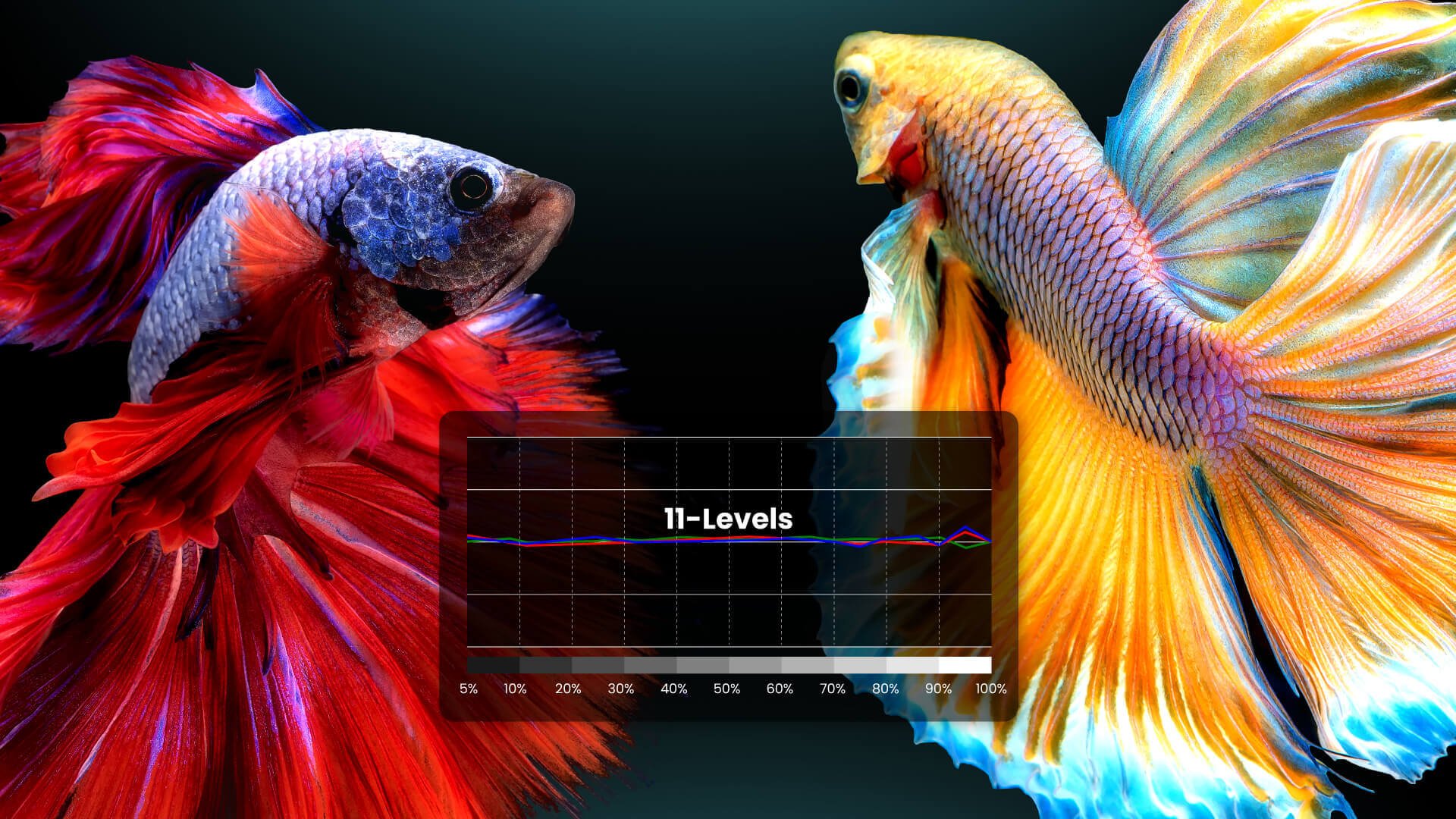
Out-of-Box Color Accuracy
Individual factory calibration reports assure 100% Rec.709 Delta E<3 and total grayscale tracking within Delta E<2 with optimized Rec.709 color table for true Hollywood colors.
ISFccc® Certified
Acclaimed ISFccc® calibration customizes image and color performance for any space, along with preset day/night light balance modes.
For a fully personalized cinematic atmosphere, the W2710i 4K projector provides optimized movie modes tailored for home cinema and filmlike motion as directors intended.
Filmmaker Mode
Filmmaker Mode preserves motion cadence, cinematic color, dynamic range, and brightness that directors intended for the big screen. BenQ smart home projectors support the filmmakers’ desire for home viewers to relive majestic scenes and tender moments the way they were meant to be seen.
24P Playback Support
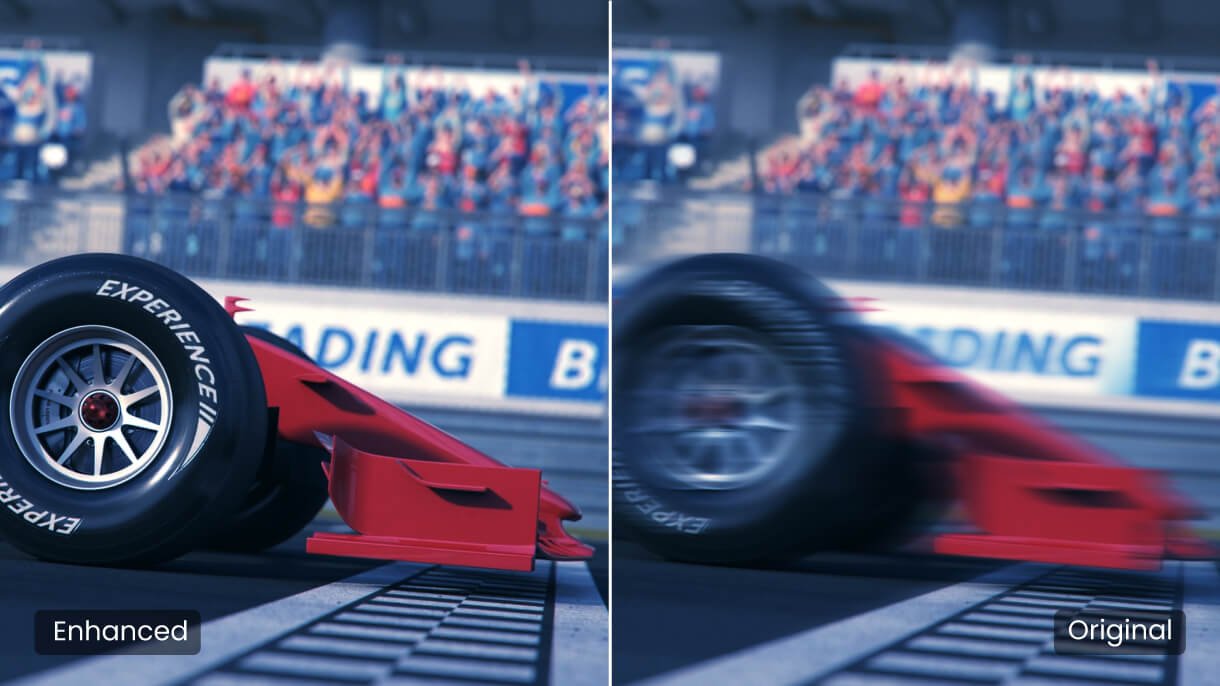
Most movies are shot at 24 frames per second (fps). In order to display movies exactly as directors intended, W2710i supports 24P playback of high-definition sources at 24 fps without judder in HDR mode to preserve the purity of the original image.
4K UHD with 8.3M distinct pixels offers 4X resolution of Full HD 1080p for crisp detail clarity without pixel blur, using next-gen 0.47” single-DMD technology for a sleek, compact profile.
True 4K Perfection
4K UHD with 8.3M distinct pixels offers 4X resolution of Full HD 1080p for crisp detail clarity without pixel blur, using next-gen 0.47” single-DMD technology for a sleek, compact profile.
W2710i 4K projector’s treVolo 5Wx2 chambered speakers employ acoustic and psychoacoustic sciences for deep bass and soaring highs, also providing exclusive EQ algorithms used by Hollywood studios for pure clarity and sensual sound quality.

Turns any room into a world-class home theater with video-enhancing technologies sure to please even the most critical movie enthusiasts.

Hotkey access Netflix/ Prime Video/ Disney+/ YouTube
HDR10+/ HDR10/ HLG supported
700,000+ TV shows and movies from Google Play
Google Voice search & Google Assistant enabled
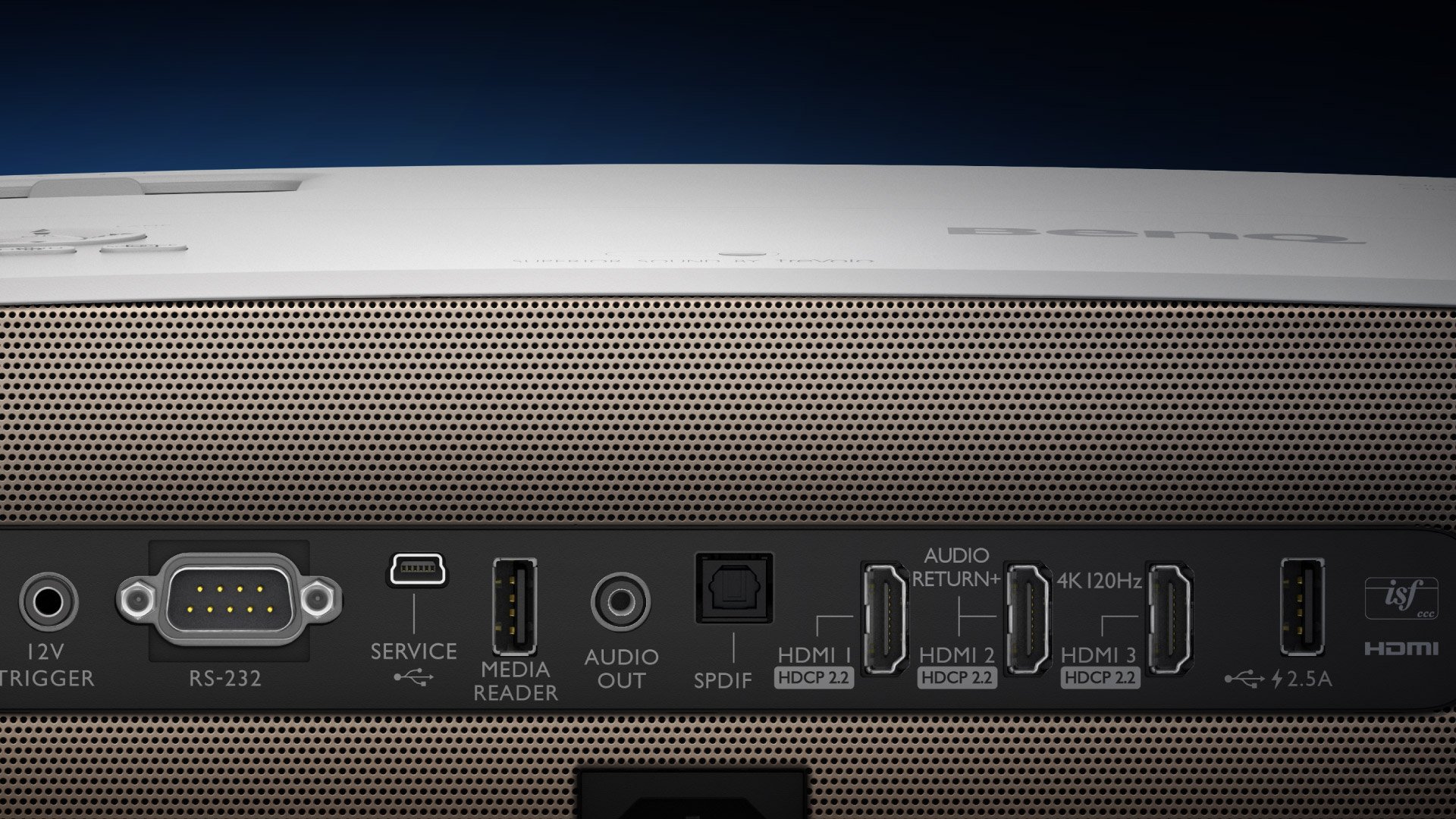
The W2710i 4K projector connects you to all kinds of entertainment with universal ports, including three HDMI 2.0b (HDCP 2.2)*, SPDIF, and eARC for 7.1 channel and Dolby Atmos audio pass through, transmitting original full-resolution audio signals to your sound system via one HDMI cable.
Game Console
Handheld Game Console
Streaming Device
Blu-ray Player
Amplifier
Soundbar/ Speaker
USB Reader
FAQ
Download
FAQs
Browse all related FAQsWhy does the 4K DLP Technology produce a slight high frequency noise?
In order to create smooth 4K resolution images, True 4K DLP Technology utilizes high speed pixel displacement and the superimposition of pixels to produce the 8.3 million pixels seen by the viewer. An end result of this process is a degree of vibration that may results in a slight or unnoticeable high-frequency noise.
How to upgrade the new firmware for better input lag of the projector?
Prepare a USB flash driver and format the USB to FAT32, download the new firmware from the BenQ website, and more. Please click and follow the instructions below, or read on to learn more about this topic.
What type of 4K HDR signal is compatible with the projector?
The compatible resolution is 3840 x 2160 in pixels at 24/25/30/50/60 (Hz). Please click and follow the instructions below, or read on to learn more about this topic.
What devices does the projector support wireless projection for?
The projector supports wireless projection with smartphones (iOS & Android) and laptops (Windows, Chrome & MacOS). Please click and follow the instructions below, or read on to learn more about this topic.
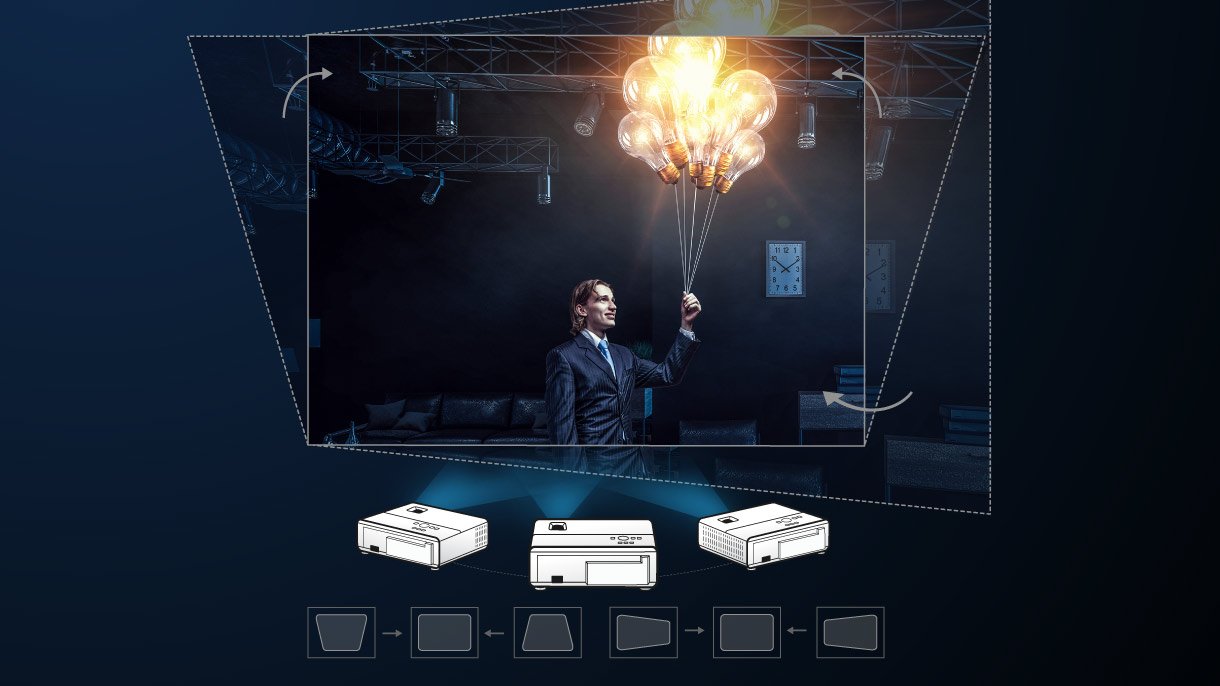
If I enable the keystone function in the projector, will the input lag be impacted?
Yes, since image processing is required for the keystone function, input lag will be slightly longer but not affecting the smoothness in games when the keystone is enabled. Latency will hardly be noticeable with keystone function enabled, as lag time merely increase no more than 1 frame (4ms~16ms).
How do I connect a Fire Stick or Roku stick to the projector?
Plug the Fire TV / Roku Stick device into the projector's outside HDMI port, plug one end of the USB cable into your Fire TV / Roku Stick, and more. Please click and follow the instructions below, or read on to learn more about this topic.
What’s the current Android TV operating system? How should I update to the next version once it is available?
The current Android TV operating system is 9.0 and can be updated automatically when connected to the Internet once the new version is available.
Can I use AirPlay / Google Cast to cast YouTube videos to the projector?
Yes. Just connect your iOS / Android device to the same Wi-Fi as the projector, then go to YouTube app on your device and you will see a casting icon, which you can press to start casting via Airplay / Google Cast.
Can I use the projector to play games?
Definitely. The projector is a good choice for console or casual gaming. For hardcore gamers in pursuit of ultra-low latency, BenQ’s wide range of products should meet your needs. Please click and follow the instructions below, or read on to learn more about this topic.
What if the views are swapped when I use 3D glasses with the projector?
Go to the DISPLAY: 3D > 3D Sync Invert setting in the OSD settings menu to switch 3D Sync Invert to ON and the view should return to normal.