localNavigation.type = g6-product-overview-page

PD2506Q

{{currency}}{{finalPrice.final | numberThousandsCommas | numberDecimalPoint}}

{{currency}}{{regularPrice.final | numberThousandsCommas | numberDecimalPoint}}

Buy

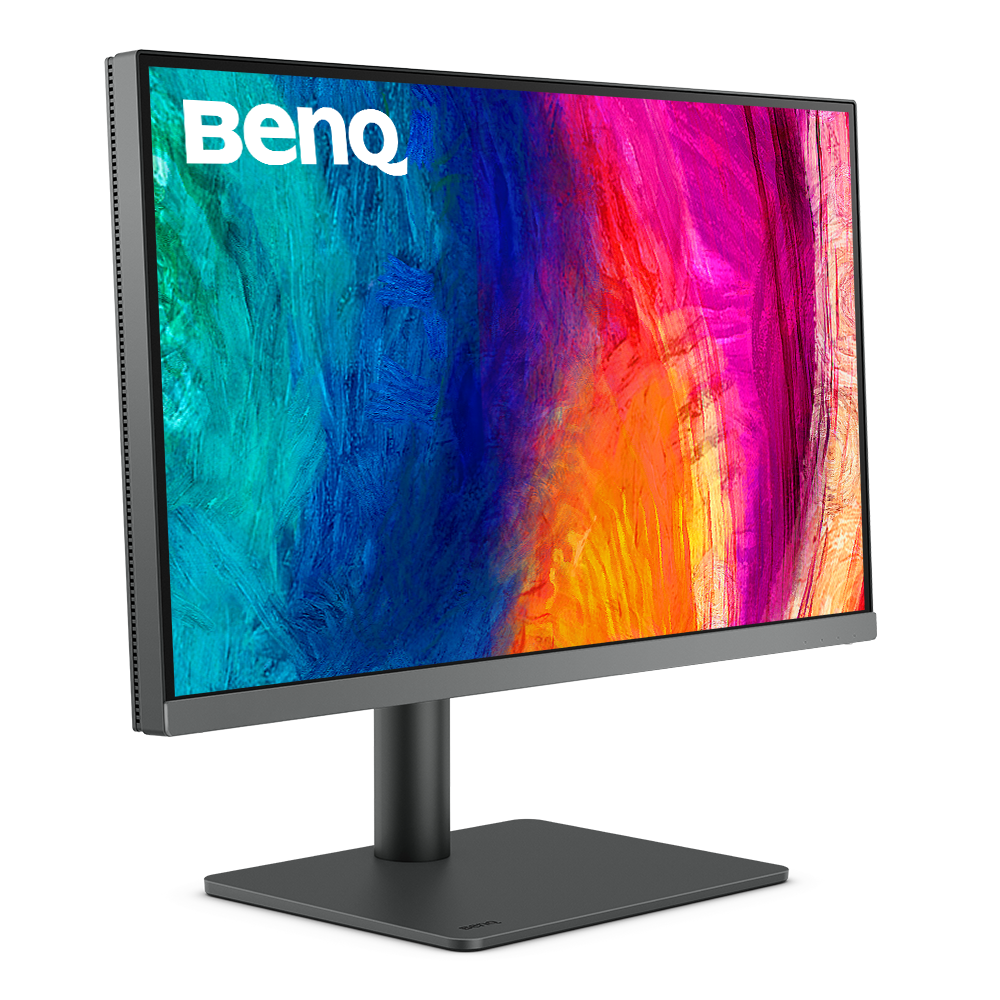
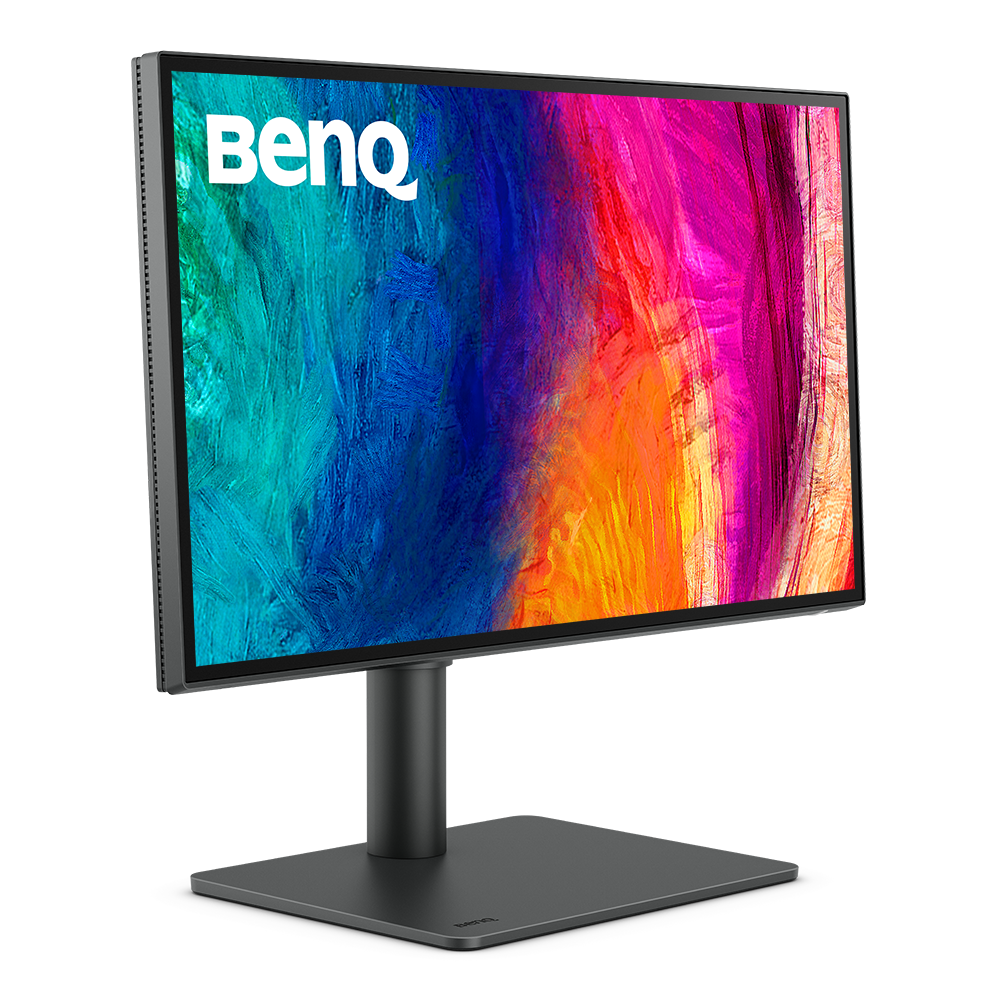
BenQ Creative Pro PD2506Q|25" 2K Designer Monitor

A Wider and Truer Color to Make Inspirations Come Alive

BenQ Creative Pro PD2506Q|25" 2K Designer Monitor

A Wider and Truer Color to Make Inspirations Come Alive

aqcolor

Corner-to-Corner Color Precision, From Panel to Production

  • Uniformity Control

    Full Screen Calibration via Micro-Zone Correction

  • Color Tolerance Management

    High-Precision Instrument Alignment

  • Industry Standards Compliance

    From Rec.709, DCI-P3 to Adobe RGB and Beyond

Corner-to-Corner Uniformity

Uneven color and dim corners aren’t just annoying, they distort your work. BenQ tackles what others overlook. Through full screen calibration, we ensure consistent brightness and color across the entire screen. So whether you're editing center frame or checking the edges, you can create with total confidence.

Non-Uniformity

Color Non-Uniformity

BenQ Color Uniformity

BenQ Color Uniformity

Industry Leading Color Performance

Incredible Color Space Coverage

PD2506Q covers 95% P3, 100% sRGB, and 100% Rec.709 color spaces and has amazing Delta E ≤ 3 color reproduction to ensure superb accuracy and absolute color confidence.

Industry Leading Color Performance

Attentive Color Modes for Creators

BenQ exclusive M-book mode provides active color syncing, creating an additional layer of color precision assurance.

One Click Syncs Mac Device Colors

The monitor ships from the factory with default color settings that perfectly match Mac and MacBook Pro laptop colors. Exclusive M-Book mode provides active color syncing, creating an additional layer of color precision assurance. Mac and MacBook are trademarks of Apple Inc.

BenQ ICCsync not only directly installs pre-calibrated ICC profiles onto your Mac. Free from all exhausting settings, with BenQ Display Pilot, one step does all.

Color Consistency at Your Fingertips

The ICCsync feature in Display Pilot 2 software automatically matches and synchronizes ICC profiles on the monitor when changing color modes and also between your Mac and BenQ monitor. All of this is done instantly.

One Click Syncs Mac Device Colors

The monitor ships from the factory with default color settings that perfectly match Mac and MacBook Pro laptop colors. Exclusive M-Book mode provides active color syncing, creating an additional layer of color precision assurance. Mac and MacBook are trademarks of Apple Inc.

Color Consistency at Your Fingertips

The ICCsync feature in Display Pilot 2 software automatically matches and synchronizes ICC profiles on the monitor when changing color modes and also between your Mac and BenQ monitor. All of this is done instantly.

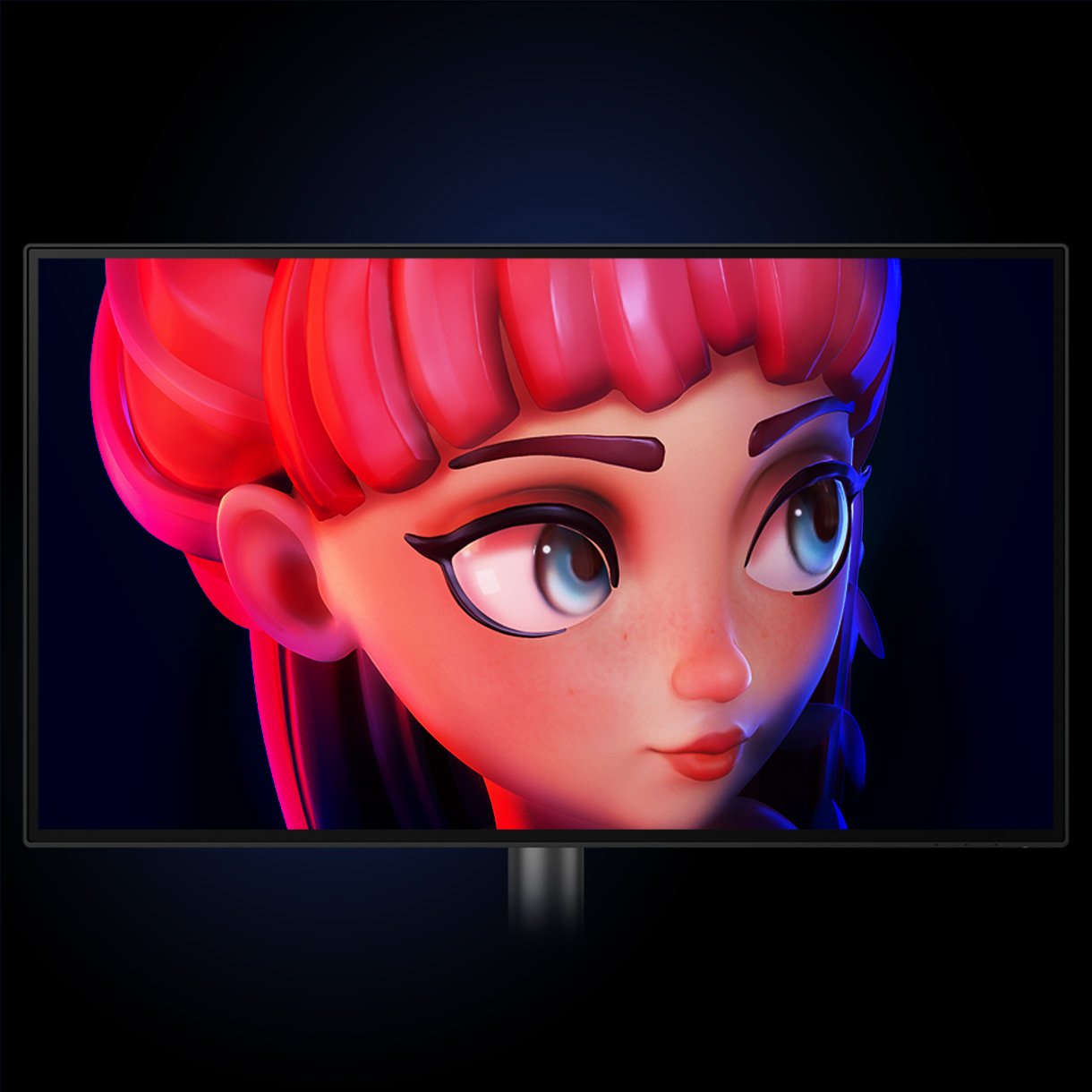
BenQ DesignVue Monitors Animation Mode Enhances the clarity of dark areas without overexposing bright regions.

Animation Mode

Enhance the clarity of dark areas without overexposing bright regions.

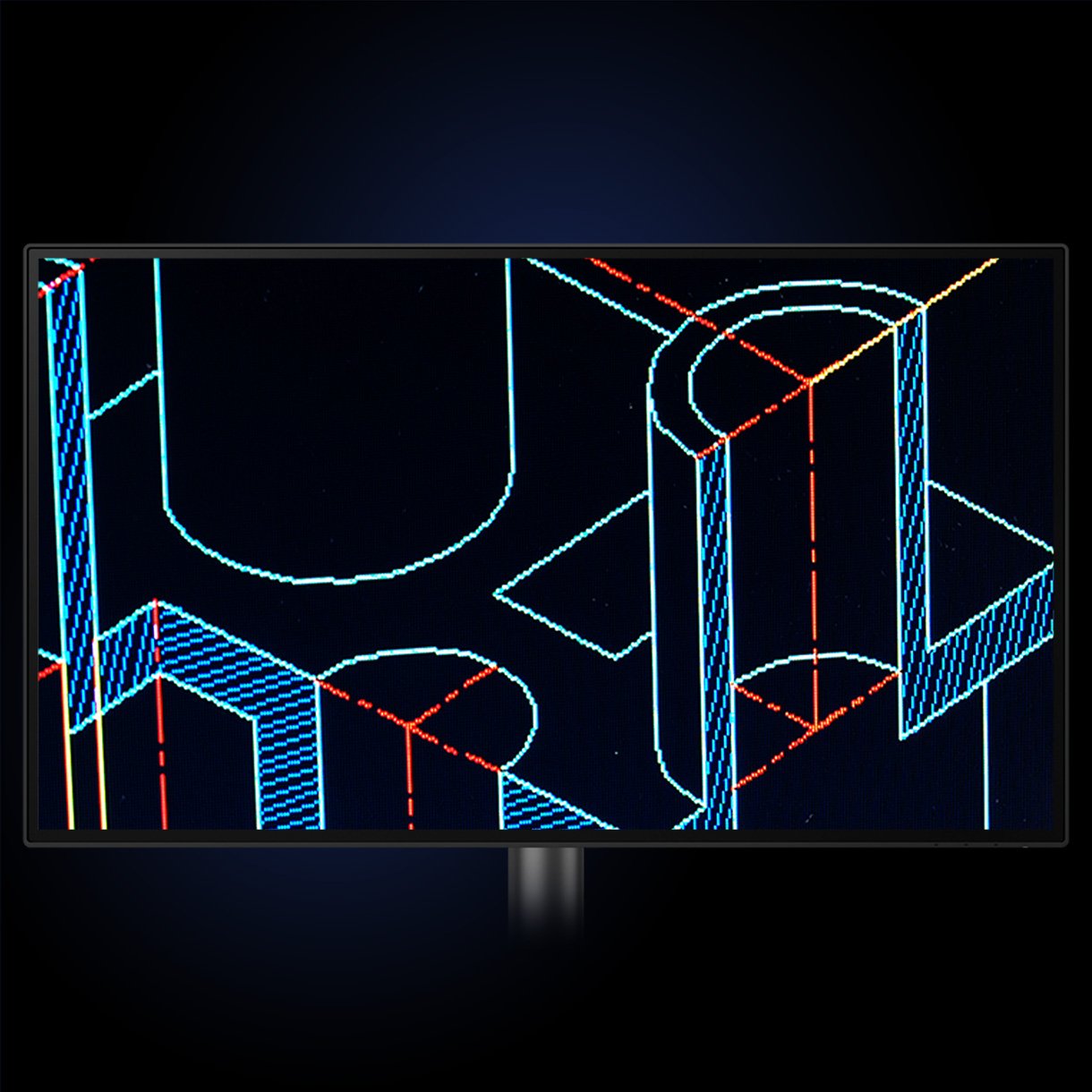
BenQ DesignVue CAD/CAM mode lets you enjoy superior contrast of lines and shapes in technical illustrations.

CAD/CAM Mode

Enjoy superior contrast of lines and shapes in technical illustrations.

BenQ DesignVue Darkroom Mode adjusts image brightness and contrast for work in dark environments.

Darkroom Mode

Adjust image brightness and contrast for work in dark environments.

Animation Mode

Enhance the clarity of dark areas without overexposing bright regions.

CAD/CAM Mode

Enjoy superior contrast of lines and shapes in technical illustrations.

Darkroom Mode

Adjust image brightness and contrast for work in dark environments.

BenQ PD2506Q with ePaper Mode simulates e-book display to read and edit digital publications in comfort.

ePaper Mode

Simulates e-book display to read and edit digital publications in comfort.

BenQ DesignVue Monitors DualView Showcases designs in two modes side-by-side for improved workflow and enhanced productivity.

DualView

Showcase designs in two modes side-by-side for improved workflow and enhanced productivity.

ePaper Mode

Simulates e-book display to read and edit digital publications in comfort.

DualView

Showcase designs in two modes side-by-side for improved workflow and enhanced productivity.

Your Handy Display Assistant

Experience simplified workflows with BenQ Display Pilot 2, which provides a customizable interface for organizing functions such as ICCsync, Application Mode, and Software Dimming, making design work more convenient and flexible.

Your Handy Display Assistant

Experience simplified workflows with BenQ Display Pilot 2, which provides a customizable interface for organizing functions such as ICCsync, Application Mode, and Software Dimming, making design work more convenient and flexible.

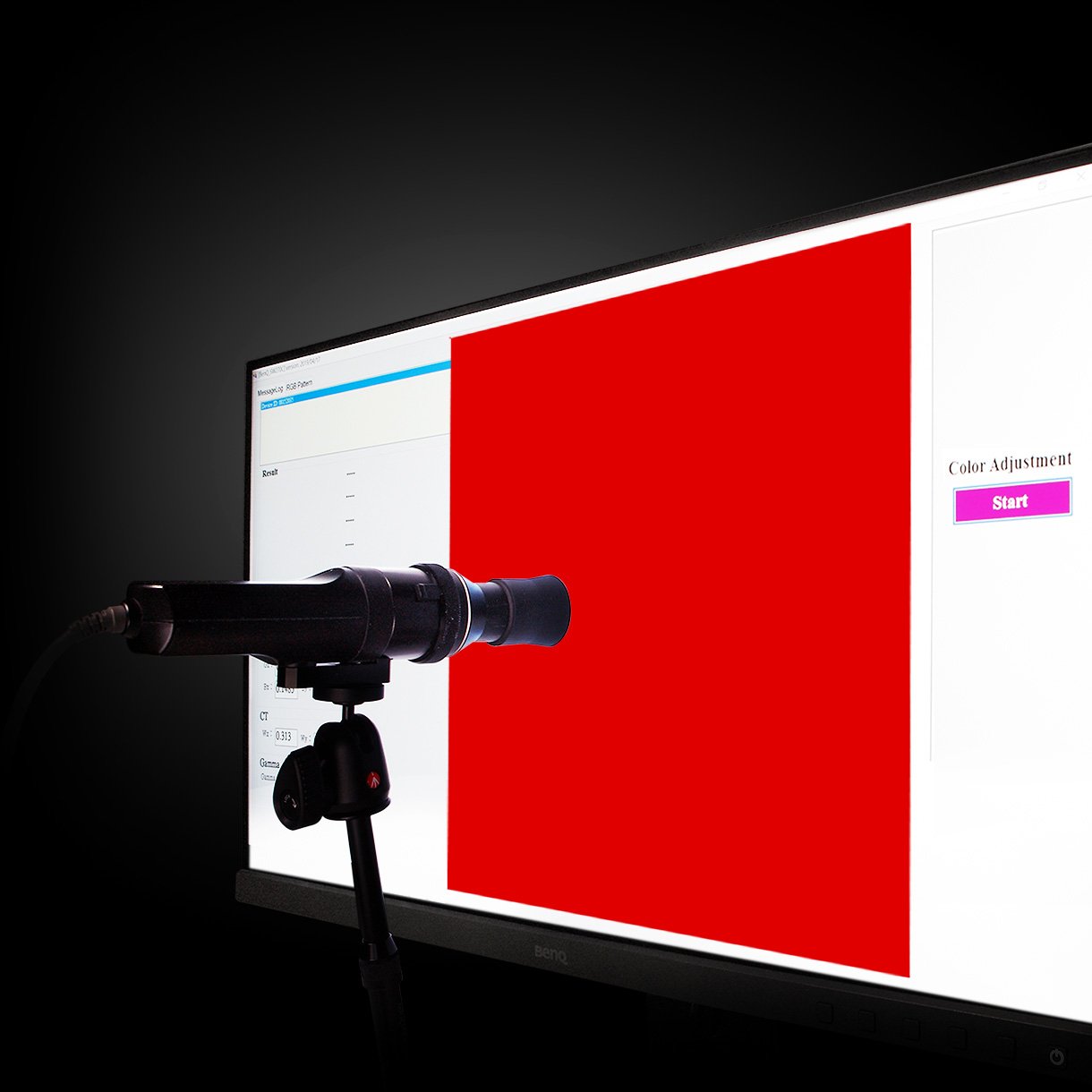
BenQ DesignVue Monitors with factory calibration, designers make full use of color accuracy on a monitor.

Accuracy Guarantee

Factory Calibrated for Color Accuracy

BenQ DesignVue monitors feature meticulous factory calibration, so designers make full use of total display color accuracy from the get go.

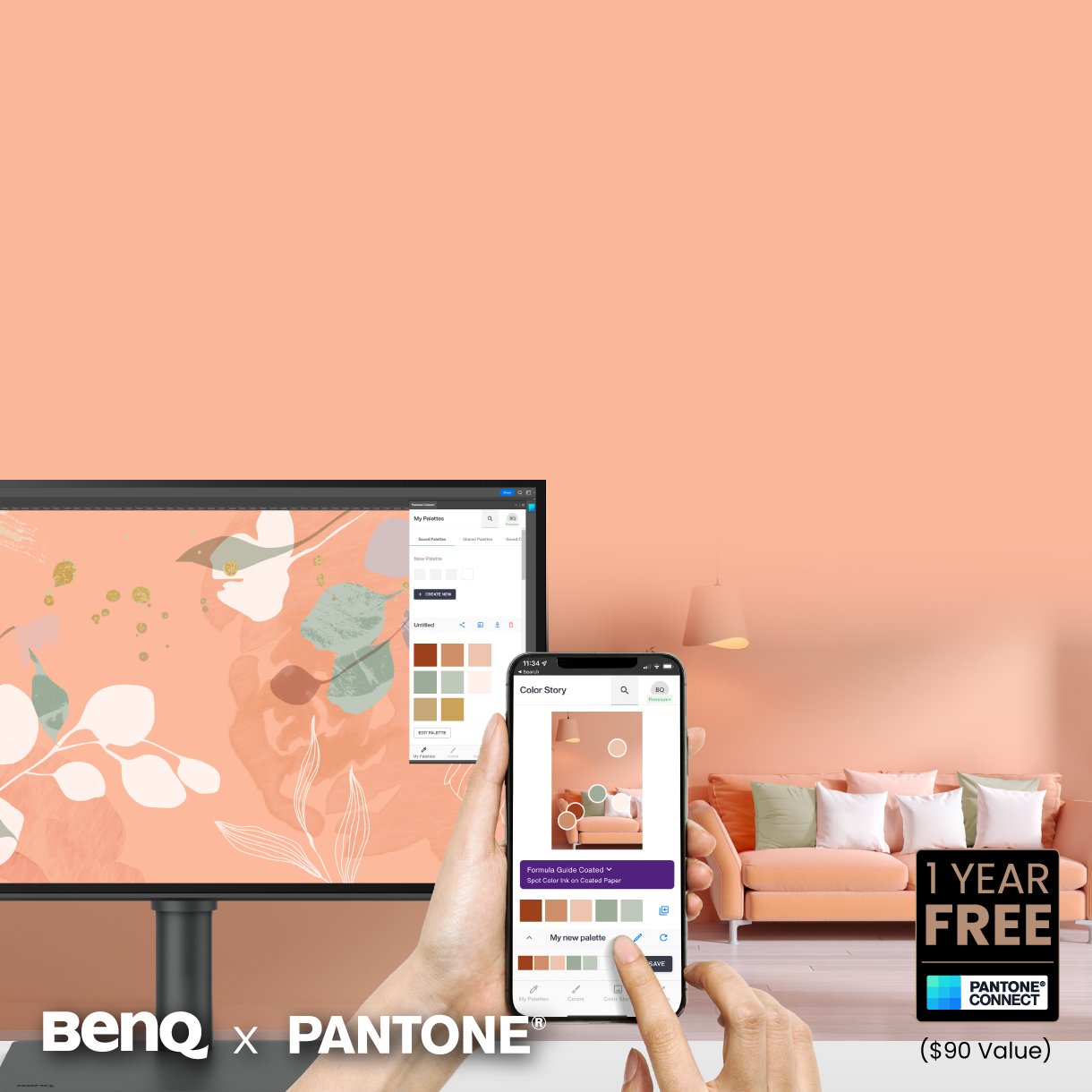
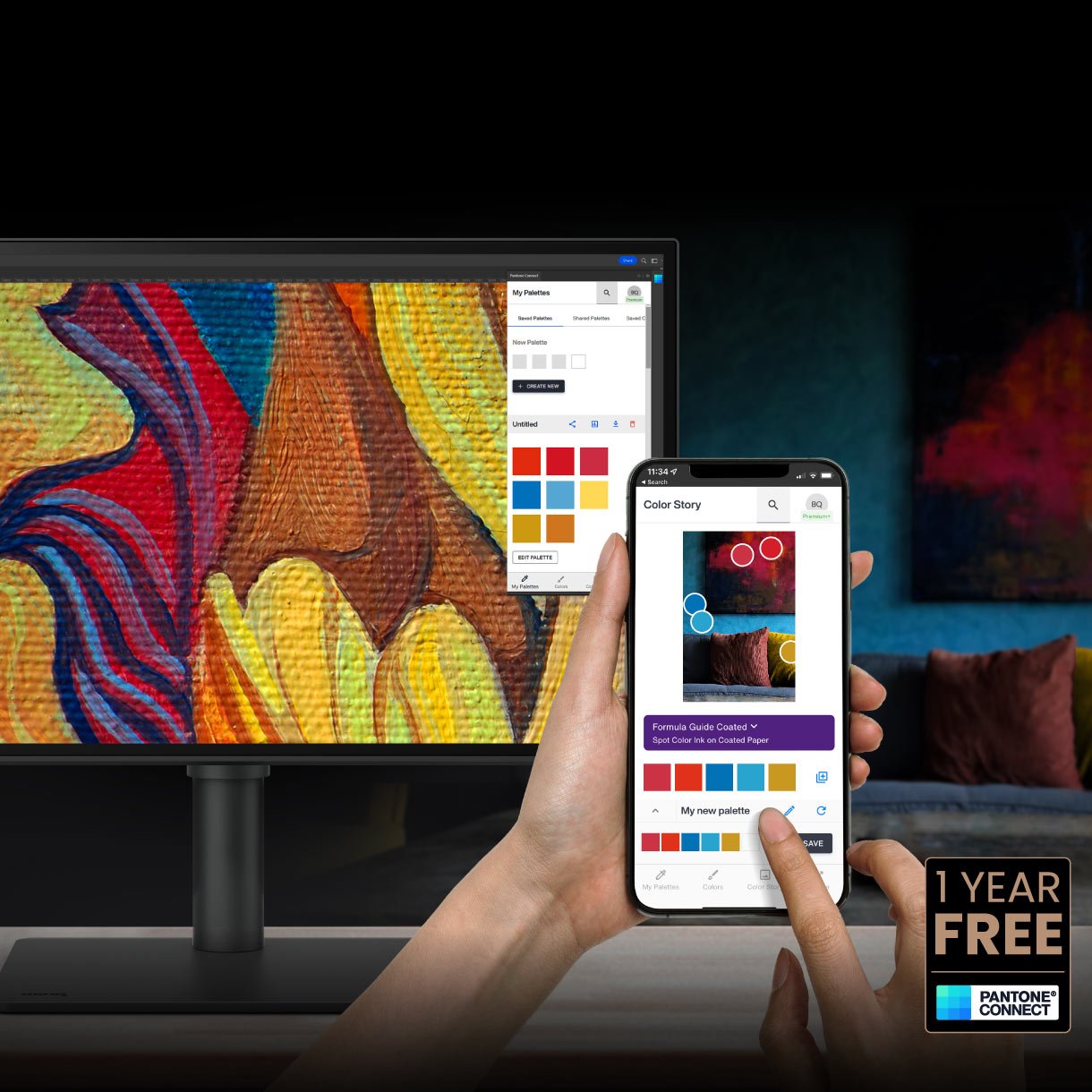
Go digital with BenQ, the first brand to work with Pantone on a mobile app. As an existing owner or a new purchaser of BenQ professional monitors, you get one year of free Pantone Connect Premium for digitally mobile color consistency and accuracy.

Accuracy Guarantee

Pantone Connect Premium

Go digital with BenQ, the first brand to work with Pantone on a mobile app. As an existing owner or a new purchaser of BenQ professional monitors, you get one year of free Pantone Connect Premium for digitally mobile color consistency and accuracy.

Accuracy Guarantee

Factory Calibrated for Color Accuracy

BenQ DesignVue monitors feature meticulous factory calibration, so designers make full use of total display color accuracy from the get go.

Accuracy Guarantee

Pantone Connect Premium

Go digital with BenQ, the first brand to work with Pantone on a mobile app. As an existing owner or a new purchaser of BenQ professional monitors, you get one year of free Pantone Connect Premium for digitally mobile color consistency and accuracy.

BenQ PD2506Q also features Pantone and Pantone SkinTone validation, appealing to professionals who need a display that achieves utmost authenticity when showing real-world colors.

Accuracy Guarantee

Out-of-the-Box GUARANTEE

PD2506Q also features Pantone and Pantone SkinTone validation, appealing to professionals who need a display that achieves utmost authenticity when showing real-world colors.

BenQ PD2506Q earns Calman Verified. Creative professionals demand excellence, and BenQ delivers.

Accuracy Guarantee

Out-of-the-Box GUARANTEE

PD2506Q is fully CalMan Verified. Creative professionals demand excellence, and BenQ delivers.

Accuracy Guarantee

Out-of-the-Box GUARANTEE

PD2506Q also features Pantone and Pantone SkinTone validation, appealing to professionals who need a display that achieves utmost authenticity when showing real-world colors.

Accuracy Guarantee

Out-of-the-Box GUARANTEE

PD2506Q is fully CalMan Verified. Creative professionals demand excellence, and BenQ delivers.

Displaying Details

BenQ Uniformity Technology

Delivering corner-to-corner authentic colors and consistent luminescence. The display is divided into hundreds of sub-regions and rigorously fine-tuned for precision. This innovative tech assures ultra-dependable image fidelity.

Without

BenQ Uniformity Techniology delivers corner-to-corner authentic color and consistent luminescence. The display is divided into hundreds of sub-regions and meticulously fine-tuned for precision. This innovative tech assures dependable image fidelity.

With

BenQ Uniformity Techniology delivers corner-to-corner authentic color and consistent luminescence. The display is divided into hundreds of sub-regions and meticulously fine-tuned for precision. This innovative tech assures dependable image fidelity.

Dream Desk Setups for Unleashing Creativity

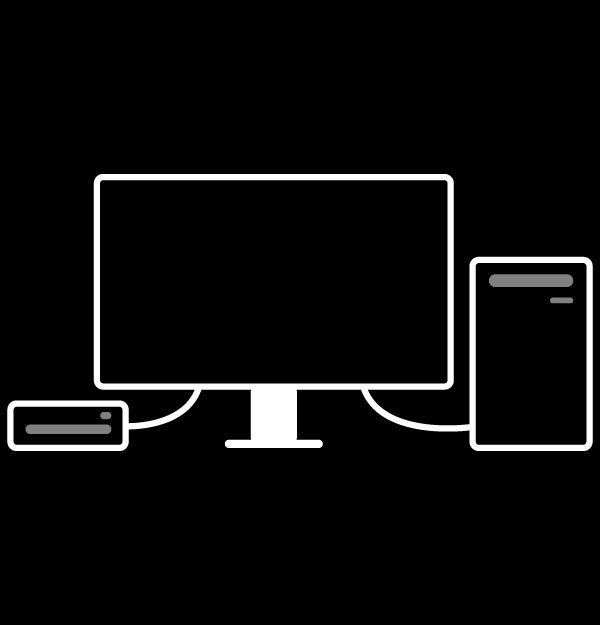
  • BenQ new KVM Switch auto-pairs with input signals. Click once to save space and boost efficiency.

    KVM Switch

    KVM switch design auto-pairs with input signals. Click once to switch systems to boost efficiency.

  • BenQ PD2506Q USB-C port provides lightning-fast video/audio/data transmission and 60W power delivery.

    USB-C

    The USB-C port provides lightning-fast video/audio/data transmission and 65W power delivery.

    Your Thunderbolt 3/4 devices are compatible with USB-C on BenQ displays, ensuring consistent and seamless work efficiency.

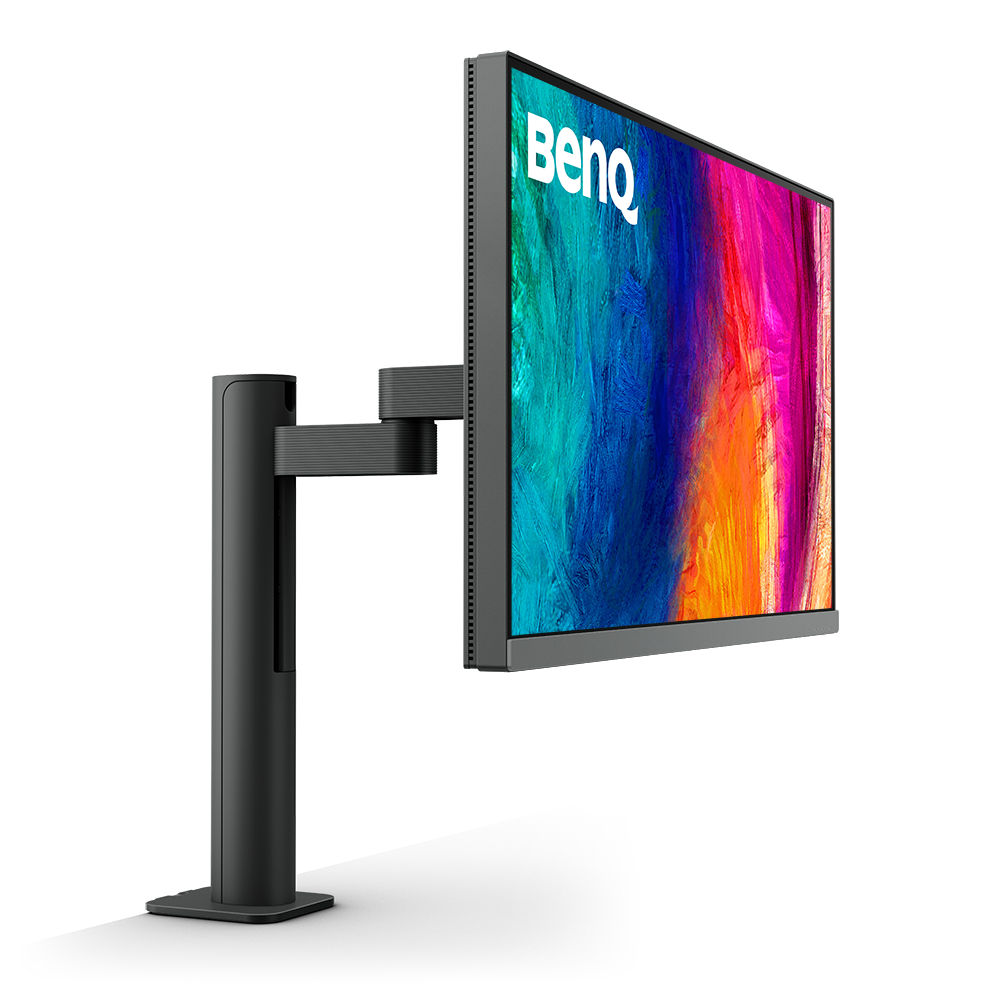
  • BenQ PD2506Q Ergonomic Design creates in comfort with your monitor in the ideal position.

    Ergonomic Design

    Create in comfort with your monitor in the ideal position.

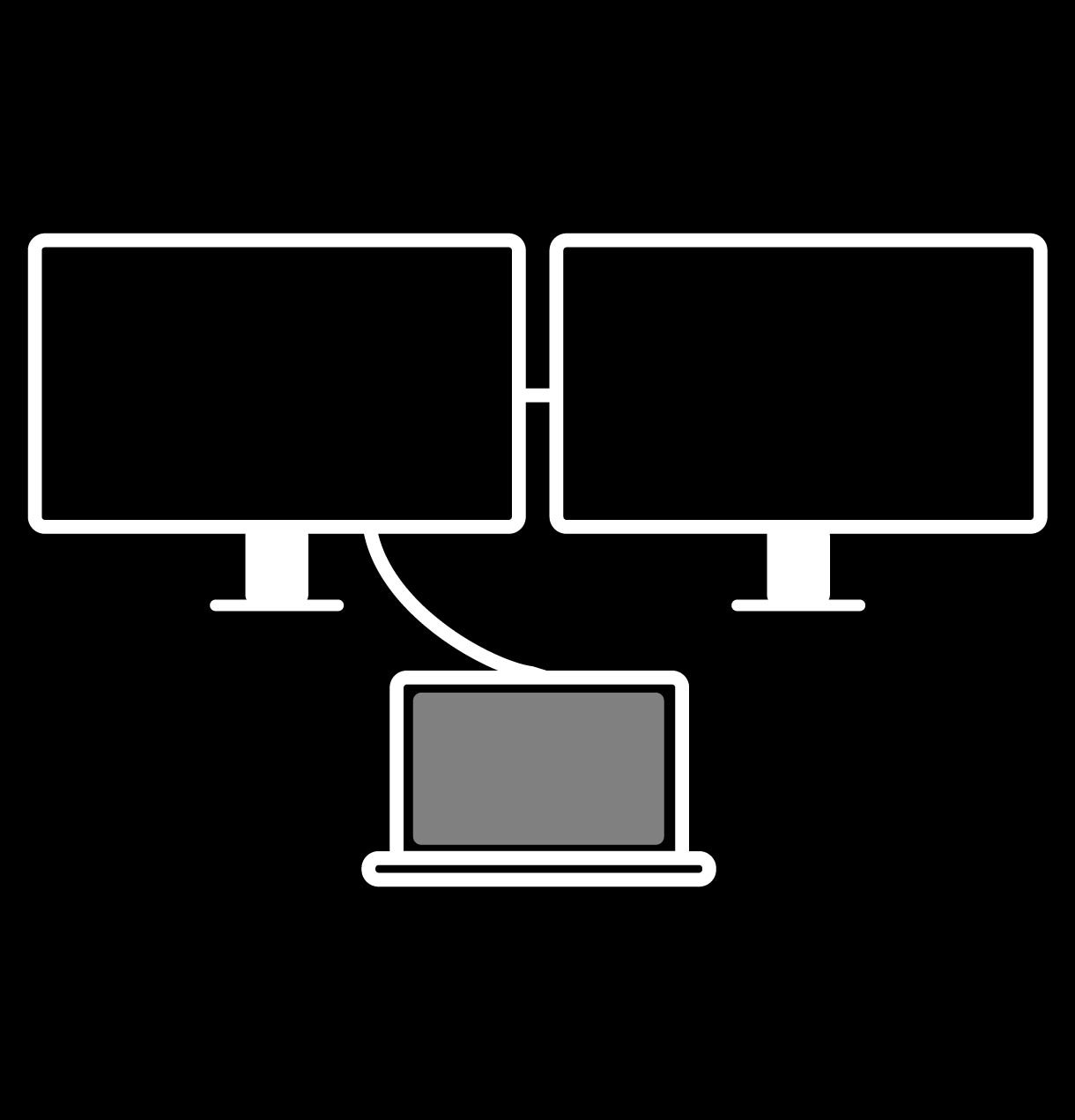
  • BenQ PD2506Q supports Multi-Stream Transport Technology allows you to extend screens across multiple displays using the DisplayPort output.

    DisplayPort MST

    Multi-Stream Transport Technology allows you to extend screens across multiple displays using the DisplayPort output.

    Mac® devices do not support DisplayPort MST.

BenQ's industry-leading eye-care technologies reduce eye fatigue while ensuring greater user comfort during long periods of use.

Matching Colors Across Displays Has Never Been Easier

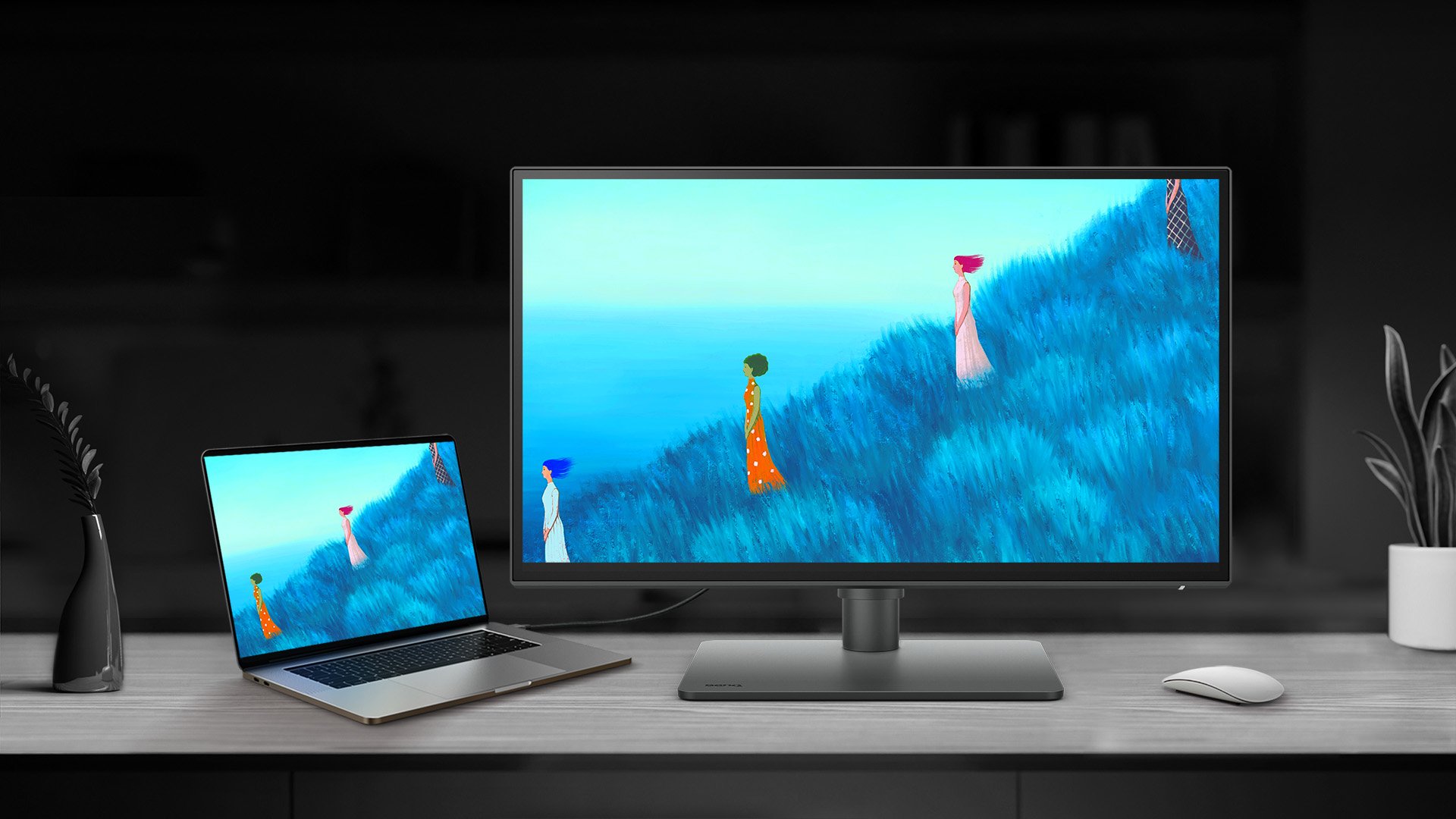
Made simple. Display ColorTalk provides an intuitive interface for creative professionals to effortlessly match the colors of two displays, whether it’s a MacBook display with a single monitor or across two monitors.

Matching Colors Across Displays Has Never Been Easier

Made simple. Display ColorTalk provides an intuitive interface for creative professionals to effortlessly match the colors of two displays, whether it’s a MacBook display with a single monitor or across two monitors.

HDR Technology

HDR400 offers better results more when you work on designs with better brightness, color uniformity and black level.

HDR Technology

HDR400 offers better results more when you work on designs with better brightness, color uniformity and black level.

BenQ's industry-leading eye care technologies reduce eye fatigue while ensuring greater user comfort during long periods of use.

Create with Fresh Eyes

BenQ's industry-leading eye care technologies reduce eye fatigue while ensuring greater user comfort during long periods of use.

Create with Fresh Eyes

BenQ's industry-leading eye care technologies reduce eye fatigue while ensuring greater user comfort during long periods of use.

  • Global safety authority TÜV Rheinland certifies BenQ PD2506Q Flicker-Free, and Low Blue Light as truly friendly to the human eye.

    TÜV Rheinland Certification

    TÜV Rheinland certifies Flicker-Free, and Low Blue Light as truly friendly to the human eye.

  • BenQ PD2506Q with low blue light technology filters harmful blue light to protect eyes of all ages.

    Low Blue Light

    Low blue light technology filters harmful blue light to protect your eyes and increase comfort.

  • BenQ PD2506Q with Flicker-Free™ eliminates screen flickers found in traditional LCD monitors during extended viewing.

    Flicker-Free™

    Flicker-Free™ eliminates screen flicker found in traditional monitors for vastly improved comfort during extended usage.

Key to Consistent, Drift-Free Studio Color

Trusted Colors for Every Deliverable

Professional monitors designed for precision and reliability across all creative workflows

Trusted Colors for Every Deliverable

Professional monitors designed for precision and reliability across all creative workflows

BenQ ESG sustainable product infographic

BenQ sustainable monitor showing carbon footprint reduction journey and eco design innovation

Recommended Software

Ensure Color Accuracy and Consistency

  • Palette Master Ultimate

    Palette Master Ultimate

    More accurate and faster calibration with a calibrator

  • Display ColorTalk

    Display ColorTalk

    Matching colors across displays without a calibrator

Boost Your Creative Productivity

  • Display Pilot 2

    Display Pilot 2

    Take control of your display settings efficiently

  • Display QuicKit

    Display QuicKit

    Easily update your monitor’s firmware to stay up-to-date
BenQ Ambassador

BenQ Ambassador

Related Products

      • PD2506Q

      • PD2706U

      • PD2706UA

      • PD2706QN

    • Screen Size

      • 25 inch

      • 27 inch

      • 27 inch

      • 27 inch

    • Color Gamut

      • 100% sRGB, 100% Rec.709, 95% P3

      • 100% sRGB, 100% Rec.709, 95% P3

      • 100% sRGB, 100% Rec.709, 95% P3

      • 100% sRGB, 100% Rec.709, 95% P3

    • Resolution (max.)

      • 2560x1440

      • 3840x2160

      • 3840x2160

      • 2560x1440

    • Delta E(avg)

      • ≤3

      • ≤3

      • ≤3

      • ≤2

    • HDR

      • HDR10, VESA DisplayHDR 400

      • HDR10, VESA DisplayHDR 400

      • HDR10, VESA DisplayHDR 400

      • HDR10

    • Daisy Chain Technology

      • DP out (MST)

      • N/A

      • N/A

      • USB C out (MST)

Explore Other Professional Monitors

FAQ

Have a question?

Download

Find the latest user manual