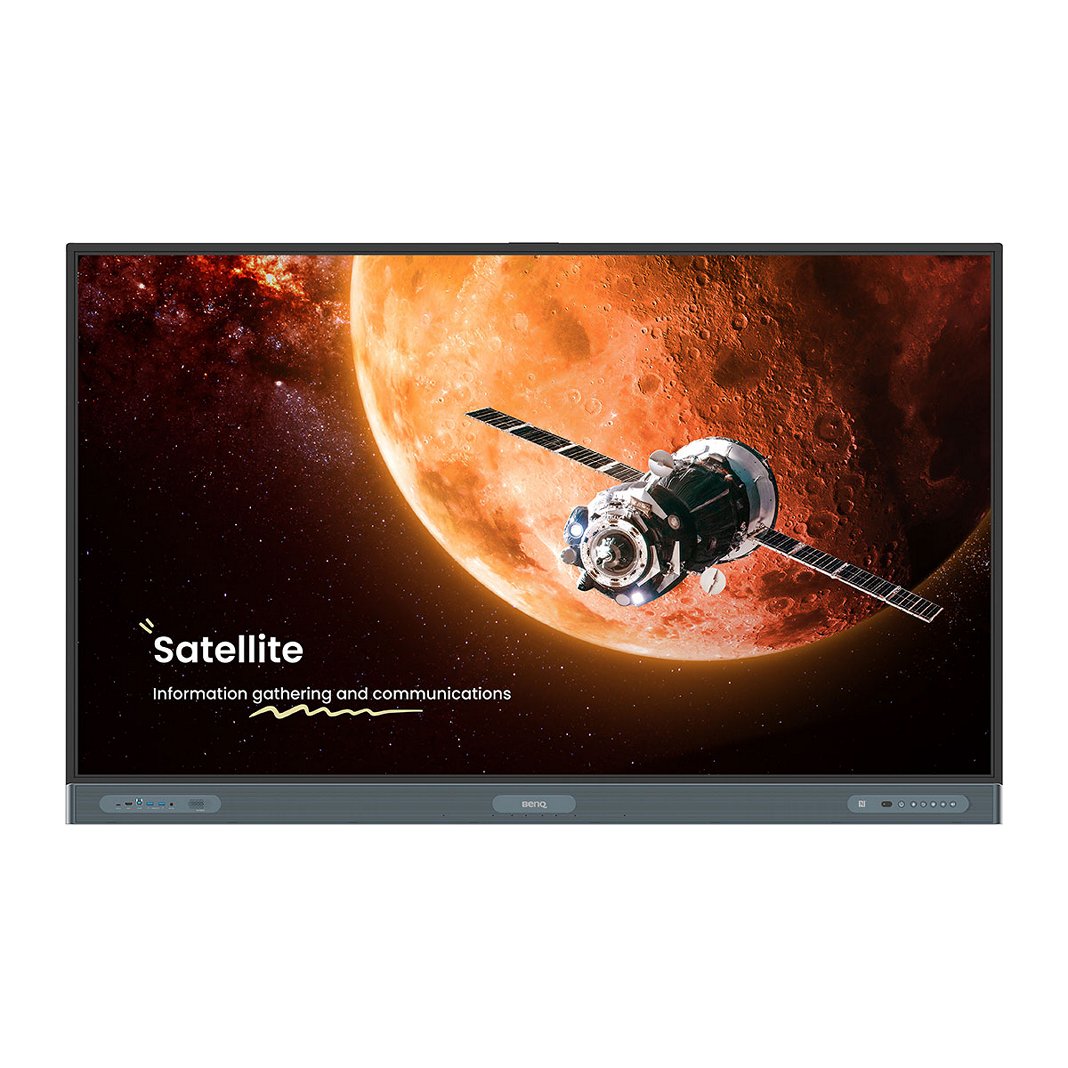
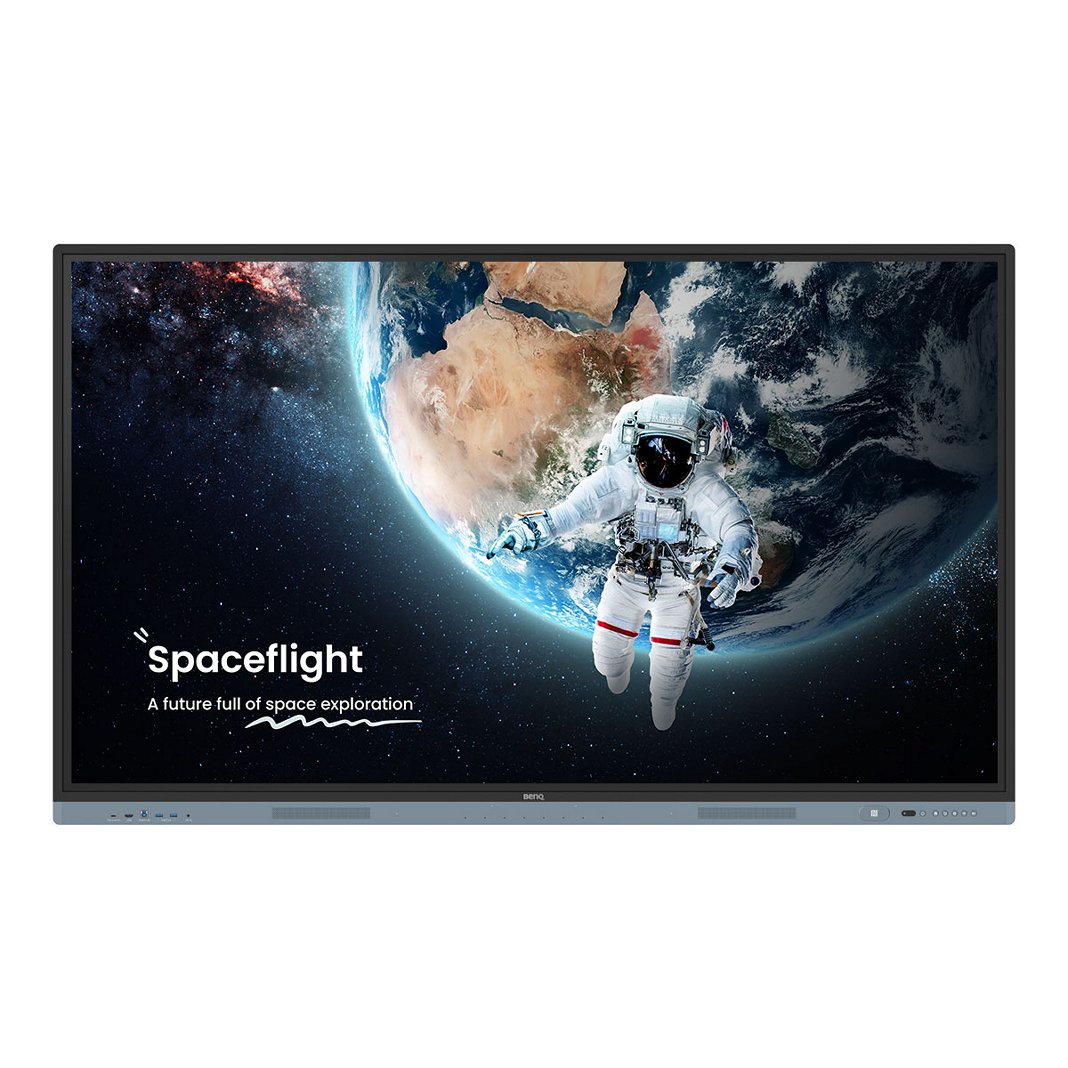
EZWrite 6 whiteboard software session on interactive BenQ Board display, laptop, and tablet
BenQ EZWrite 6 interactive whiteboard software logo AWS Qualified Software Logo Google Workspace for Education Logo

EZWrite 6

Digital whiteboard for education

Support teachers every step of the way, from lesson preparation and in-class interactions to learning beyond the classroom.

EZWrite 6

Digital whiteboard for education

Support teachers every step of the way, from lesson preparation and in-class interactions to learning beyond the classroom.

  • Simplify lesson preparation

    Simplify lesson preparation

  • Enhance the classroom experience 

    Enhance the classroom experience 

  • Support students beyond the classroom 

    Support students beyond the classroom 
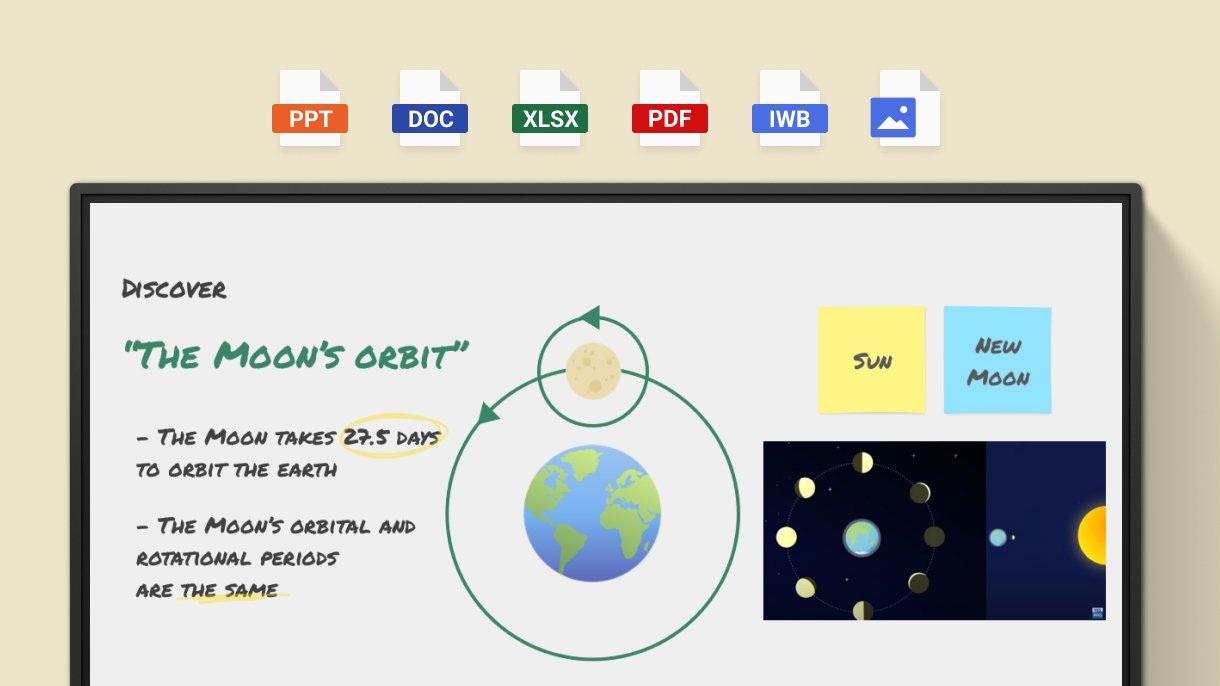
The entire teaching tool kit built into your BenQ interactive display

Easy lesson prep

Create lessons anywhere

Prepare lessons anywhere using your preferred platforms. EZWrite works across laptops and mobile devices, supporting Windows, macOS, Android, and browsers.

Create lessons anywhere

Let AI help

Input a topic and let AI Lessons generate lesson ideas and outlines instantly. it’s like having a teaching assistant to collaborate with and ease the preparation workload.

Let AI help

Support multiple formats

Liven up your lesson plans with 3D images and videos. Easily incorporate content with support for diverse file formats, including Office files, PDF, MP4, and more.

Support multiple formats

Connect to the cloud

Securely connect to your cloud storage from a BenQ board. Head to class, log in to your display, and access lessons, presentations, and student work with ease.  

Connect to the cloud

An efficient, interactive, and fun classroom

Versatile board space

  • Scalable canvas

    Scalable canvas

    Expand the whiteboard for more workspace or use scroll mode to keep writing and sketches organized on a continuous canvas.

  • Split screen

    Split screen

    Search while teaching. Open Chrome from a split screen, search, then drag and drop any items onto the whiteboard.

  • Floating Tool

    Floating Tool

    Extend EZWrite features across the display experience. Annotate on apps, videos, browsers, or HDMI inputs, capture screenshots, and bring them to the whiteboard.

Every lesson legible, audible, enjoyable, and multilingual

  • Handwriting recognition

    Handwriting recognition

    Converts handwritten notes to readable, editable text.

  • Text to speech

    Text to speech

    Reads your text notes in a clear, natural voice.

  • Auto translation

    Auto translation

    Supports over 50 languages to facilitate multicultural classrooms and foreign language courses. 

Simple, playful tools to spark participation

  • Floating Notes

    Floating Notes

    Quick tools for annotating over split-screen and multi-window content.

  • Team Post

    Team Post

    Split the board into sections for team activities. 

  • Math tools

    Math tools

    Quick access to calculators, converters, and geometry tools.

  • Revealer & Spotlight

    Revealer & Spotlight

    Hide and reveal answers on cue. Focus student attention on key points.

  • Activity tools

    Activity tools

    Merge play and learning with timers, scoreboards, spinners, and random draws.

  • EZCopy

    EZCopy

    Duplicate objects to save time and create counting games.

Learning continues beyond the classroom

Complete lesson capture

Full-lesson recording, including audio, on-screen activity, and annotations, so students can review the full lesson with clear context.

Complete lesson capture

Make lessons accessible

Save lessons as editable whiteboard files and share them for post-class review. Export EZWrite boards as PDFs or images for easy distribution and reference.

Make lessons accessible

Learn together, anywhere

With the cloud whiteboard feature, in-class and remote learners can participate and annotate simultaneously on the same whiteboard from laptops, tablets, or your BenQ interactive display.

Learn together, anywhere

Success stories

CGK International School
Darby Brooks, Elementary School Principal & IB PYP Coordinator
“One advantage of the BenQ Boards for IB [is how it allows] students to interact… and help them start their inquiry.”

Learn more

Watch video

Parahyangan Catholic University
Andreas Kurniawan Djukardi, Executive Director
“The synergy of these two BenQ products allows us to create smart classrooms at Parahyangan Catholic University.”

Learn more

Watch video

SMA Santa Maria Surabaya
Yeremia Alda, Junior High School Teacher
“The BenQ Board truly enhances the teaching and learning experience.”

Learn more

Watch video

platinum-pre-school-director
Platinum Pre School
Jo O’Brien, Director and Co-founder
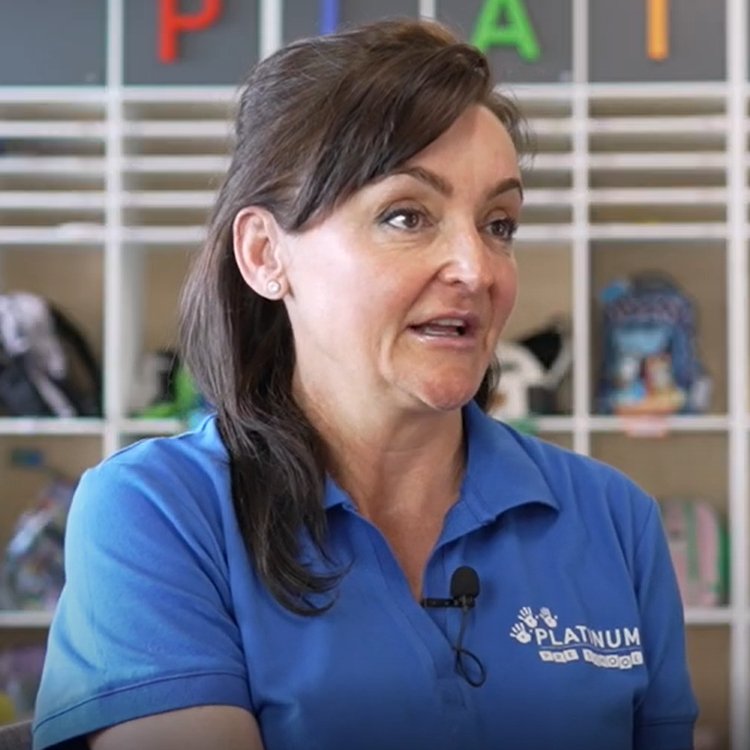
“One of the best things about BenQ Boards is that we can develop activities where they’re going to be interactive with each other.”

Learn more

Watch video

FAQs

  • What is EZWrite?

    EZWrite is an interactive whiteboard software designed to enhance classroom and remote learning experiences. It encourages whole-class participation and collaboration by providing a digital canvas for teachers and students to work together.

  • Can I use EZWrite on my computer?

    Yes. EZWrite is available on multiple platforms, including: Windows, macOS, Chromebook, iPad, most web browsers, and the BenQ Board.

  • What file formats are supported by EZWrite?

    EZWrite has its own file format, but you can also use EZWrite to open and edit IWB and SMART Notebook files.

  • Can I use different EZWrite versions (Windows, macOS, web, etc.) to join the same cloud whiteboard?

    Yes. Any version of EZWrite is fully compatible and can join the same cloud whiteboard.

  • Can I import Microsoft Office files to EZWrite?

    Yes. You can import PowerPoint, Word, and Excel files, as well as PDFs, to EZWrite.

  • Can I add audio and video files on the whiteboard?

    Yes. You can import supported audio and video files. You can even add YouTube videos directly on the whiteboard.

Related products

Learn more

EDLA BenQ Board Pro | RP04
BenQ Board Pro RP04 is a powerful Google EDLA-certified smart board, offering the top-tier protection for your eyes, classroom air quality, and guards against germs.

Learn More

EDLA BenQ Board Master | RM04 Series (RM6504, RM7504, RM8604)
EDLA BenQ Board Master | RM04
BenQ Board Master RM04 is an innovative Google EDLA-certified smart board featuring low blue light, flicker-free technology, and defense against germs.

Learn More

BenQ Board Essential | RE04
BenQ Board Essential RE04 is a Google EDLA-certified smart board, providing essential teaching tools at your fingertips, offering reliable performance and cost-effective value.

Learn More

Talk to an expert
Please enter your valid work email address

Thanks for reaching out. We'll be in touch shortly.

Please verify that you are not a robot.

BenQ is committed to protecting and respecting your privacy, and we’ll only use your personal information to administer your account and to provide the products and services you requested from us. From time to time, we would like to contact you about our products and services, as well as other content that may be of interest to you but only based on your consent and you can unsubscribe from these communications at any time. Your personal data might be transferred to a BenQ group company in a third country – if we do so, it will be solely for the purposes above, and we will implement all necessary measures to safeguard your privacy and data security. You may inquire about, correct, or delete your personal information at any time. For more information on our privacy practices, please review our Privacy Policy.