-
Teachers and kids love using smart boards because they’re so easy to use
-
Bring Interactive learning to the classroom
-
Never worry about buggy apps or updates with the smart board’s integrated software
-
Keep a safer classroom with new antibacterial smart board features
-
Easily access your files through a cloud-enabled smart board
-
Conclusion

- 2022-03-25
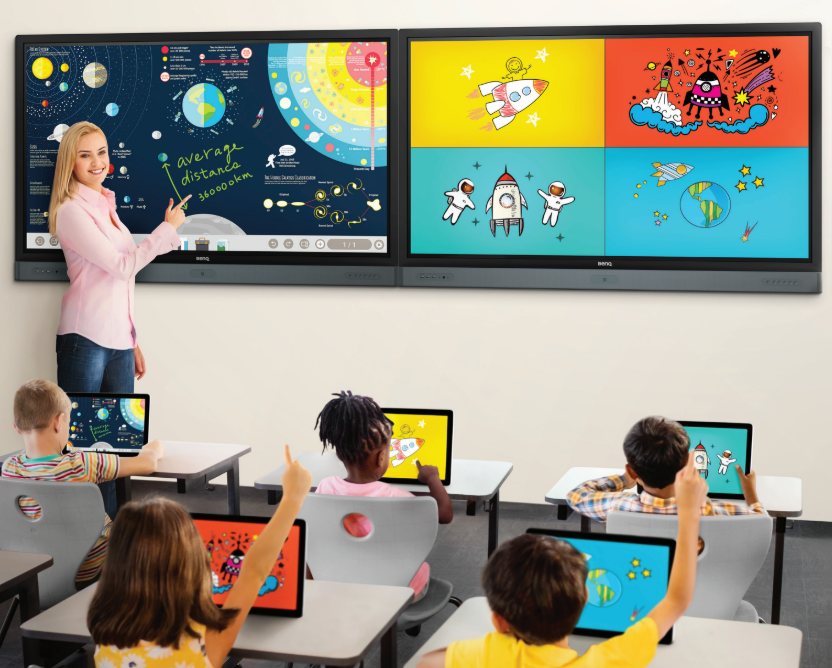
Smart boards are changing the way we teach and the way students learn. Smart boards are easy to use, come with built-in software, and are cloud-enabled, making teaching easier and smarter.
To become truly 21st-century educational institutions, schools need to undergo a digital transformation and take advantage of new teaching tools like interactive smart boards. But the challenge is choosing the one that meets student and teacher needs like ease of use, interactive learning, integrated software, safety, and cloud access. Here are five ways that an interactive smart board can accelerate digital transformation in your school.
Teachers and kids love using smart boards because they’re so easy to use
One challenge school IT staff face is actually getting teachers and students to use smart boards. New technology can be intimidating and some smart boards require hours of training. Meanwhile, teachers may be worried about getting stuck during lessons or appearing incompetent in front of students.
Thankfully, BenQ smart boards are built to be easy to use. The smart board has intuitive features like dual pens that let teachers write in two different colors, and other features that close the gap between technology and ease of use. Features like the built-in Floating Tool lets teachers write on top of any app, video, website, document, or image. It’s compatible with any operating system — Windows, Mac, or Chrome — so teachers can take notes over anything displayed on the screen and then save them to the cloud.
One school that benefited from BenQ’s intuitive smart boards is